


25 Content Tasks to Automate with Content Automation
Discover 25 content automation areas to scale content production and distribution without sacrificing quality.

Most marketing teams are stuck in a weird spot. You need more content to win across multiple channels, but the second you try to scale, quality starts slipping & everything feels repetitive.
The fix is content automation with guardrails.
Use the right content automation tools to handle the busywork, then keep humans on brand voice, quality control, and the creative process.
Below are 25 tasks you can automate today to speed up the content creation process without dumbing it down.
What is Content Automation?
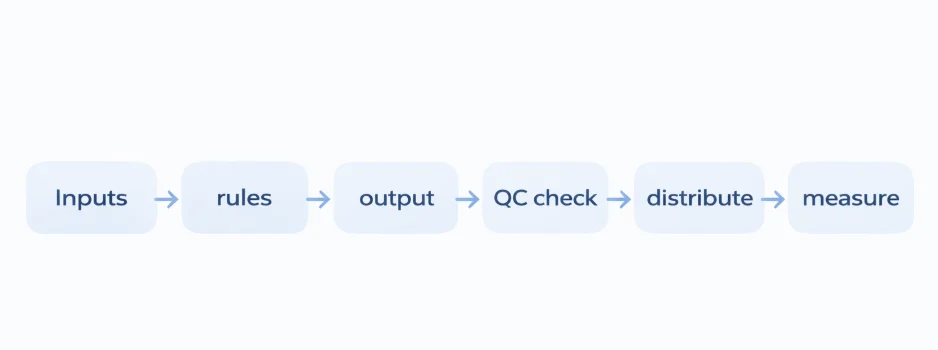
Content automation means using software to handle the repetitive parts of the content creation process, so your team can focus on the work that actually requires taste and judgment.
With the right tools, you can automate repetitive tasks like formatting, creating content templates, producing multiple versions, prepping digital assets, and distributing content across multiple platforms.
Think of it as turning manual content creation into a simple loop you can improve over time.
Inputs → rules → output → QC check → distribute → measure
How Content Automation Works?
Think of content automation like a repeatable recipe.
You set the inputs and rules once, and your content automation tools handle the repetitive tasks every time, while humans keep control of content quality, brand voice, and final approval.
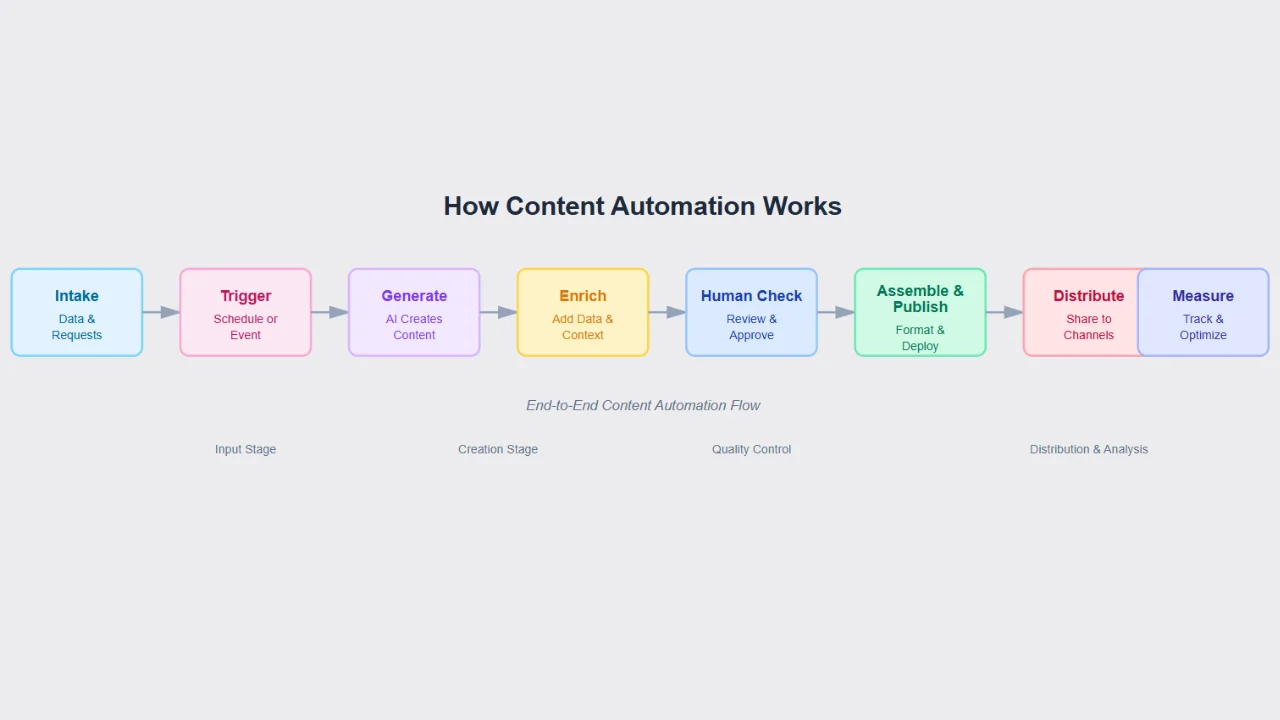
The Simple Flow (End To End)
1. Intake
Collect the essentials: brief, target audience notes, brand guidelines, approved stats, product details, links, and any existing content you want to reuse.
2. Trigger
Kick off a workflow manually or on a schedule, whether you’re creating blog posts, social media posts, or a campaign across multiple channels.
3. Generate
Produce first drafts and building blocks: section copy, captions, FAQs, comparison tables, meta tags, and alt text using ai powered automated content generation.
4. Enrich
Add what makes content perform: keyword research, competitor analysis, relevant content angles, internal link suggestions, and simple scaffolds for visual content automation.
5. Quality Gate (Human)
Run a quick review process: claims are accurate, dates are current, links work, tone is on brand, and the layout is easy to scan.
6. Assemble & Publish
Move approved parts into your content management systems, add design elements, attach schema if needed, then publish or use content scheduling to queue it.
7. Distribute
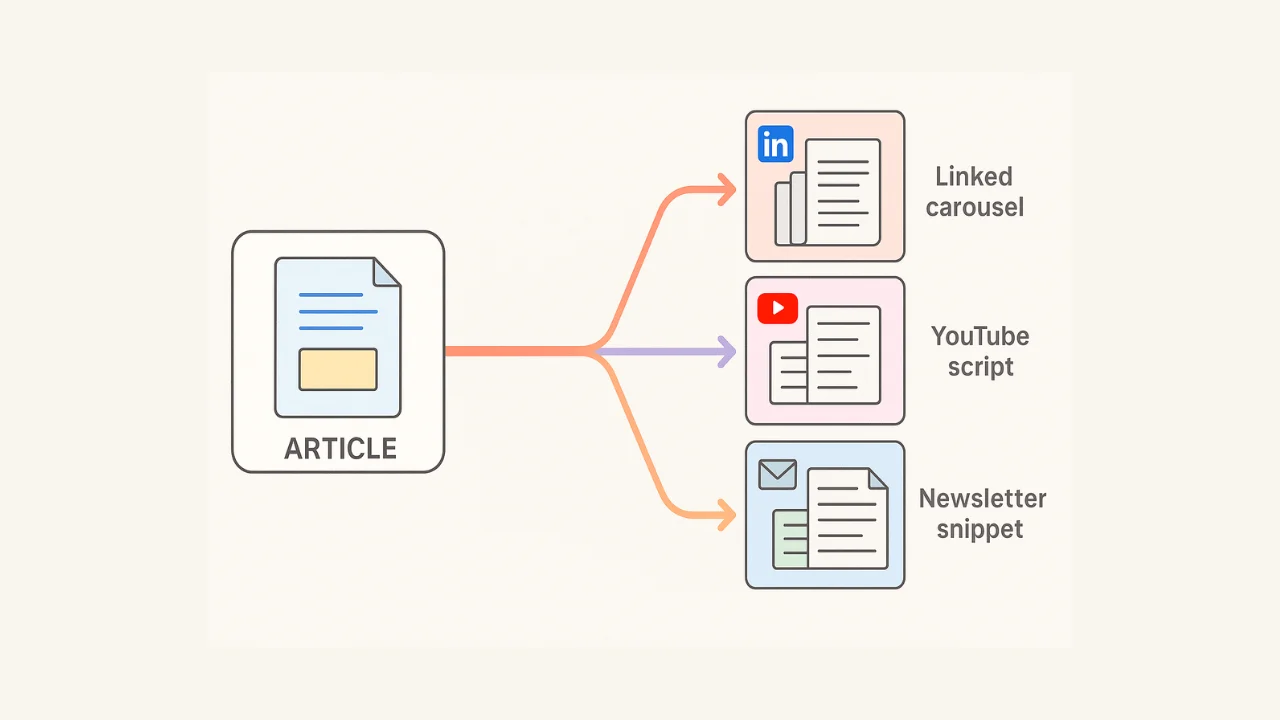
Create multiple versions for multiple platforms without rebuilding everything: social posts, newsletter snippets, YouTube descriptions, UTM links, and LinkedIn Carousels for social media channels.
8. Measure & Refresh
Use analytics tools and performance tracking to review what worked, then refresh based on performance data so the content lifecycle stays relevant and keeps earning organic traffic.
Once this loop is in place, you stop “making content” from scratch and start running a system that gets faster and smarter with every publish.
The Real Benefits Of Content Automation
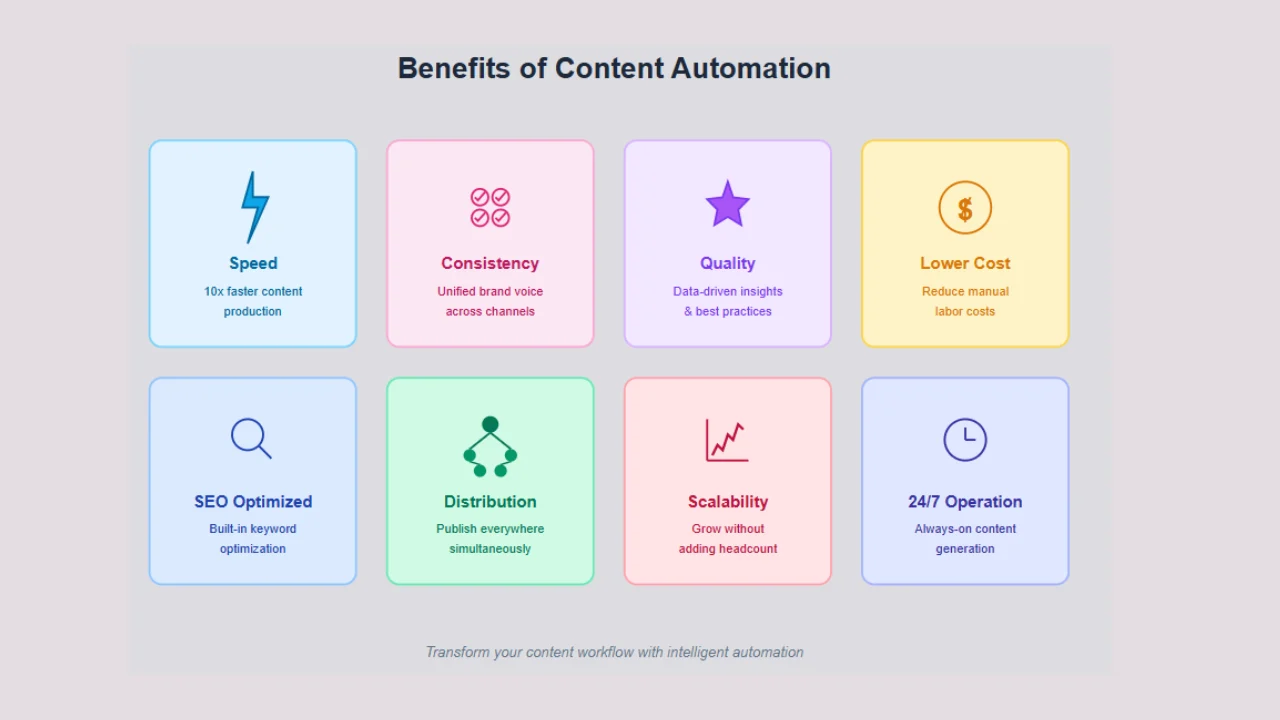
Remind you that content automation does NOT replace your team.
It just removes those boring, slow, repetitive tasks that drag down the creative process, so marketing teams can spend more time on story, proof, and point of view, and less time babysitting workflows.
Here’s what strong content automation unlocks when you use the right content automation tools and automation tools:
1. Speed through the content creation process
Drafts, FAQs, tables, captions, and other marketing materials can be generated in minutes instead of hours, which reduces manual content creation without sacrificing output volume.
2. Consistency across multiple platforms
Your blog posts and social media posts follow a repeatable structure, so publishing posts across multiple channels feels predictable instead of chaotic.
Think answer-first sections, clean H2/H3 flow, checklists, and a dependable FAQ pattern.
3. High quality content at scale
Built-in quality control checks (claim highlights, link checks, style rules) catch issues before publishing, which protects content quality even when content production ramps up.
4. More content formats per idea
One blog post can become a video script, LinkedIn Carousels, a newsletter snippet, and even a Quora or Reddit-style answer, giving your existing content more reach without rewriting everything.
5. Better SEO hygiene for search engines
Automated suggestions for internal links, metadata, schema, and SEO friendly content help improve crawlability and SERP eligibility, and support keyword rankings over time.
6. Channel reach without burnout
Social media automation tools make it easier to distribute content across social media platforms and multiple channels with UTM links, so you are not stuck copy-pasting into five tabs.
7. Lower cost per asset
Less manual formatting and rework means more time for keyword research, competitor analysis, and producing relevant content that actually matches your target audience.
8. Faster refresh cycles
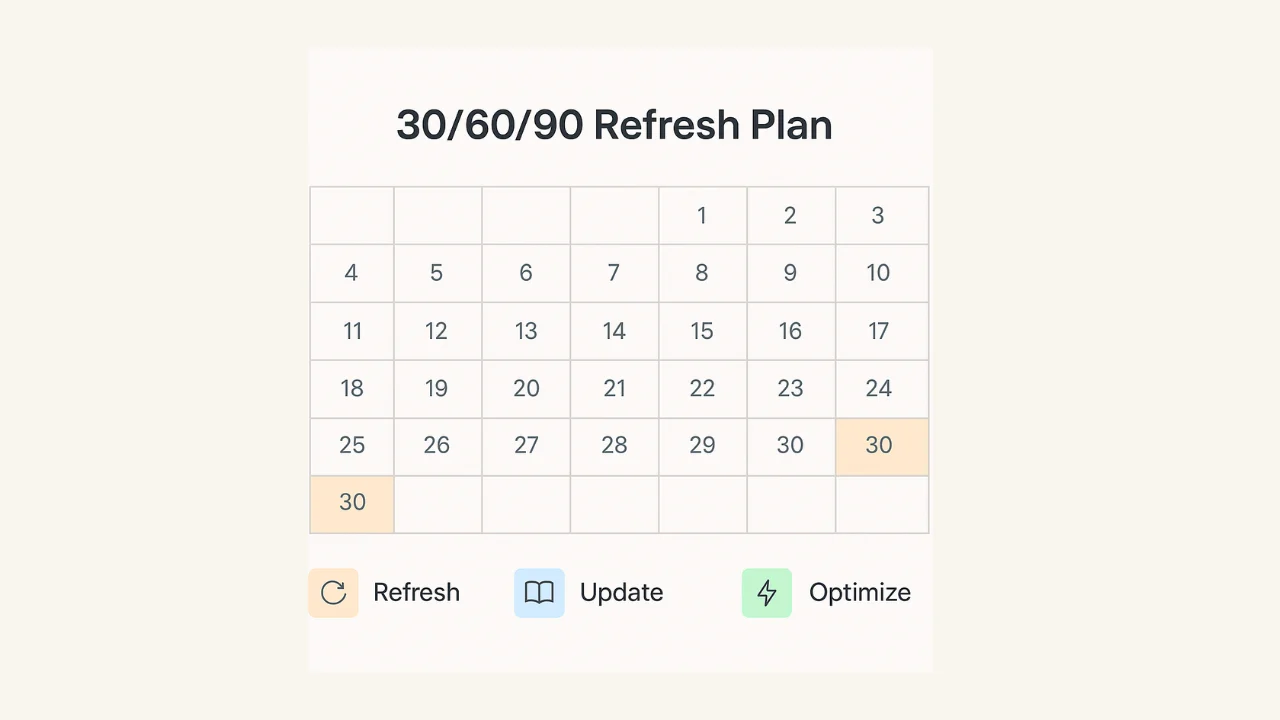
30/60/90 reminders keep evergreen content current, protect organic traffic, and reduce risk when search engines shift what they reward in search results.
9. Compliance and accuracy
A central “source of truth” for customer data, approved claims, names, and stats reduces rewrites and keeps teams aligned across existing systems.
10. Clearer handoffs for marketing teams
Writers write, editors edit, ops ships.
Content automation efforts reduce bottlenecks and make workflow integration smoother across the content lifecycle.
11. Measurable operations
Performance tracking becomes part of the process, with analytics tools logging time saved, publishing velocity, coverage, user engagement, and assisted conversions using performance data.
When content automation capabilities are implemented well, you do not just generate content.
You build a system that helps your content marketing efforts scale across multiple platforms while keeping quality high and decisions data informed.
25 Content Tasks You Can Automate Today Without Losing Quality
Start small. Pick a few high-impact wins, keep a quick human review step, and watch two numbers: time saved and quality pass rate. When those look solid, layer on more.
Let’s start with research & planning.
A. Research & Planning
1) Topic mining from first-party data
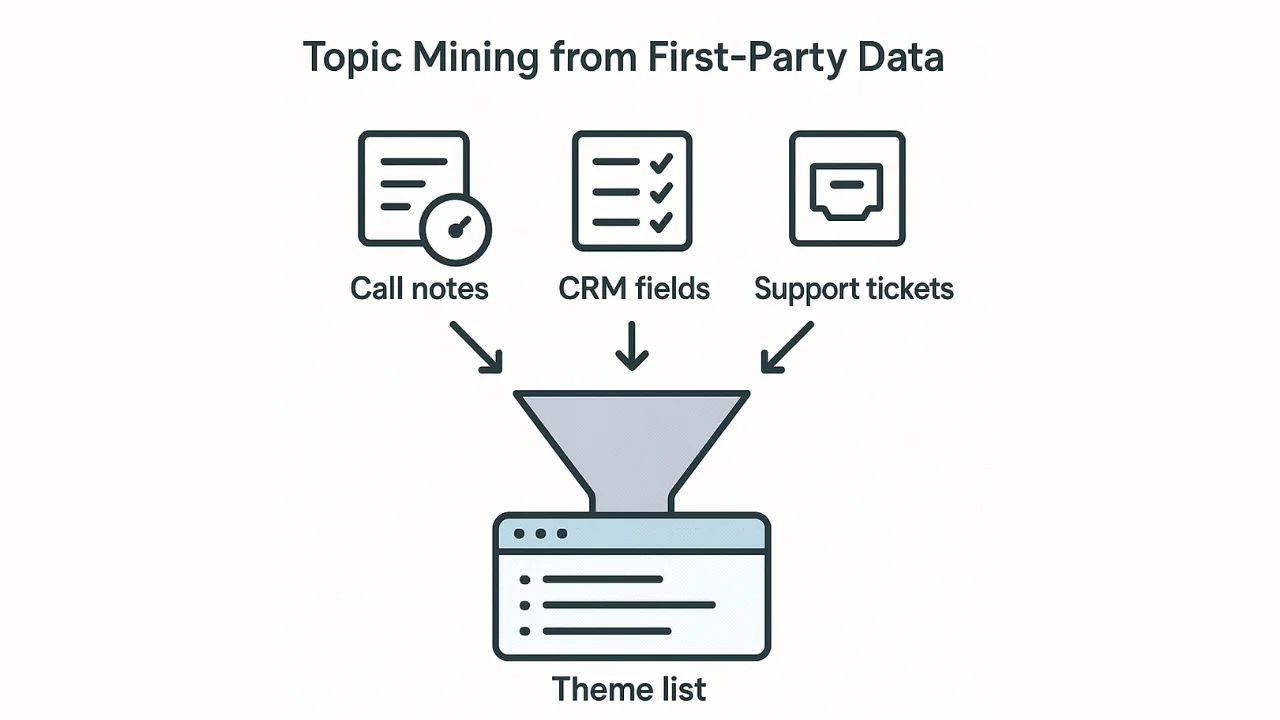
This is one of the highest-leverage content automation moves you can make.
Use customer data from sales call notes, support tickets, and CRM fields to spot the questions and pain points that keep showing up. Those patterns are ready-made content ideas because they come straight from your target audience, not from a brainstorm.
Use the output to build a quarterly editorial roadmap and tighten your content strategy across search engines and social media platforms. You’ll get topics for blog posts, social media posts, and even content templates that your marketing teams can reuse.
Scan the top themes and cut anything off-ICP or overly specific, so you’re only producing relevant content that fits your positioning.
2) SERP & subreddit reconnaissance
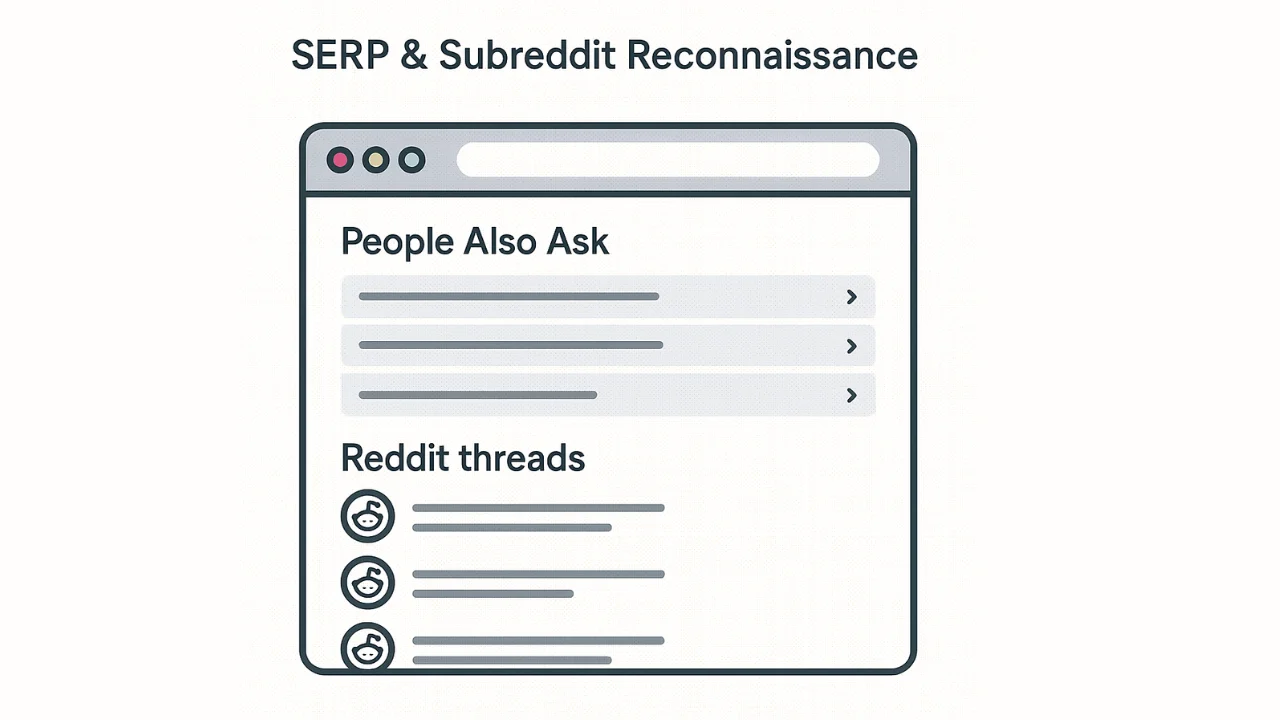
Use content automation tools to pull “People Also Ask” questions from search engines, plus Reddit and Quora thread titles and the top comment summaries.
This is fast keyword research with real language, and it helps marketing teams generate content ideas that match intent across multiple channels.
Use what you find to shape section headers, FAQs, and relevant content angles for blog posts and social media posts.
Drop low-signal threads, keep what maps to your target audience, and save the best patterns as content templates for your content creation process.
3) Competitive outline diff
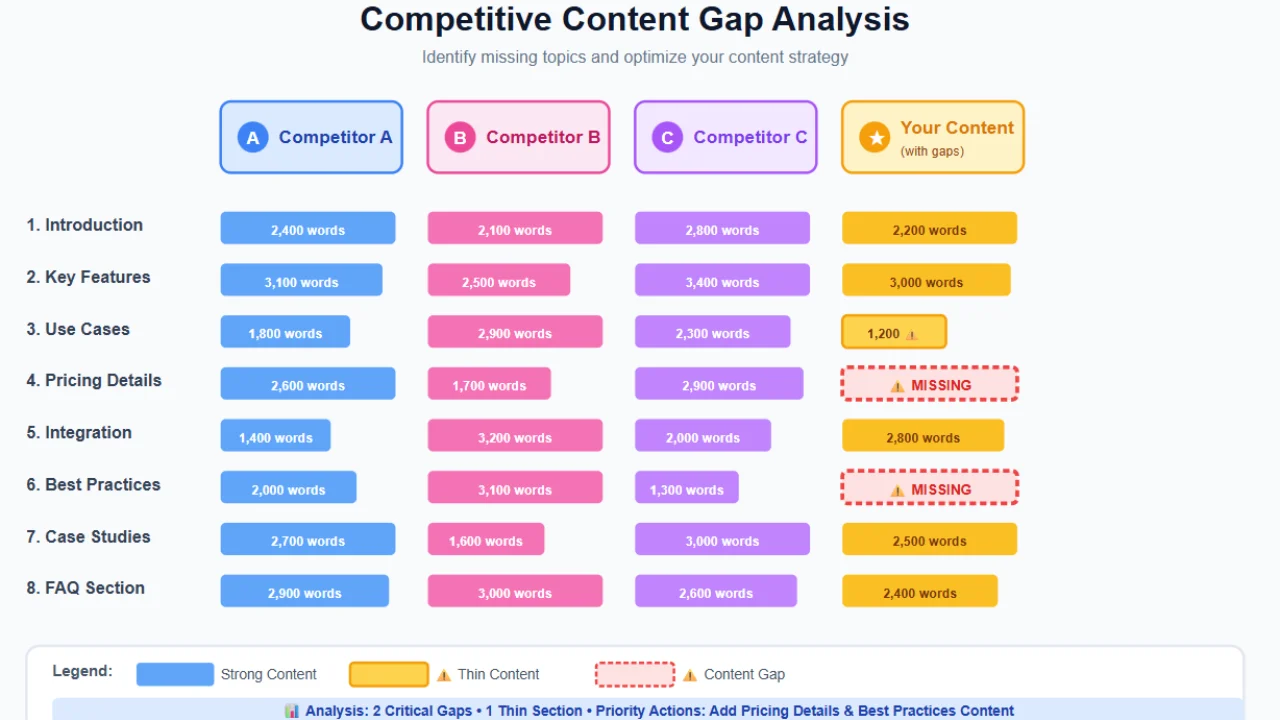
This is where content automation turns competitor analysis into a quick advantage.
Use automation tools to compare 3 to 5 competing blog posts, then generate a simple “gap outline” that shows what they cover, what they skip, and what you can own with more relevant content.
It keeps your content strategy focused on opportunities that can actually move keyword rankings on search engines.
Approve the angle, then add the parts software cannot invent, like your POV, customer data, and unique proof points, so the final piece stays high quality content instead of blending into the SERP.
4) Brief skeletons
Use content automation tools to generate a structured brief before anyone starts writing.
Think: H2/H3 outline, answer-first intro, the key points to cover, data to cite, and the visuals or design elements you’ll need.
It keeps the content creation process tight, reduces manual content creation, and makes it easier for marketing teams to produce high quality content consistently.
Do a quick sign-off on the outline and content templates first, so the draft stays on strategy and doesn’t drift.
5) Pull quotes & stats pack
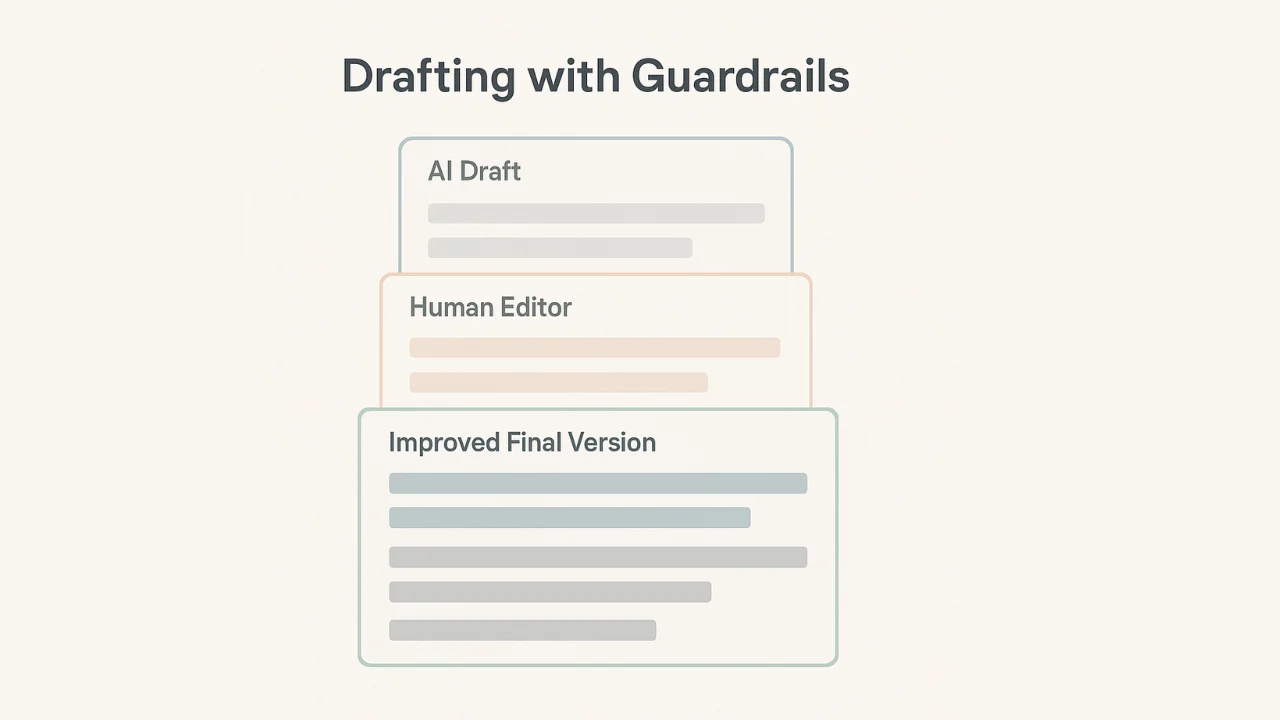
Before you write a single paragraph, build your proof.
Create a small stats and quotes pack with 8 to 12 credible data points, each with a source, date, and link. It makes drafting faster, makes your claims tighter, and gives your blog posts something search engines can trust.
Do a quick freshness sweep. If a stat is old, vague, or hard to verify, toss it. Better to have eight solid sources than twelve questionable ones.
B. Drafting & Editing
6) Answer-first intros
Most people bury the point. Don’t. Use automated content generation to draft a 2 to 4 sentence opening that answers the question in plain English, sets expectations, and earns the next scroll.
This is especially useful for SEO friendly content, because search engines and impatient readers both reward clarity.
Tighten any soft claims, add one concrete detail, and only include a product mention if it genuinely helps the reader.
7) Section drafts from briefs
Once the brief is approved, stop staring at a blank page.
Use content automation tools to draft 150 to 250 words per H2 directly from the brief, so the structure stays tight and the content creation process moves fast without slipping off strategy.
Add the things automation can’t pull from thin air, like real examples, screenshots, customer data, and case details from your existing systems.
That’s what keeps content quality high and makes the final piece feel grounded.
8) Style & tone enforcement
Your workflow should catch “off-brand” before it ships.
Run an on-brand rewrite pass that standardizes sentence length, formatting, and banned words, and keeps your brand voice consistent across blog content and social media posts.
Spot-check one paragraph per section. If that paragraph sounds like you, the rest usually does too.
9) Facts & claims highlighting
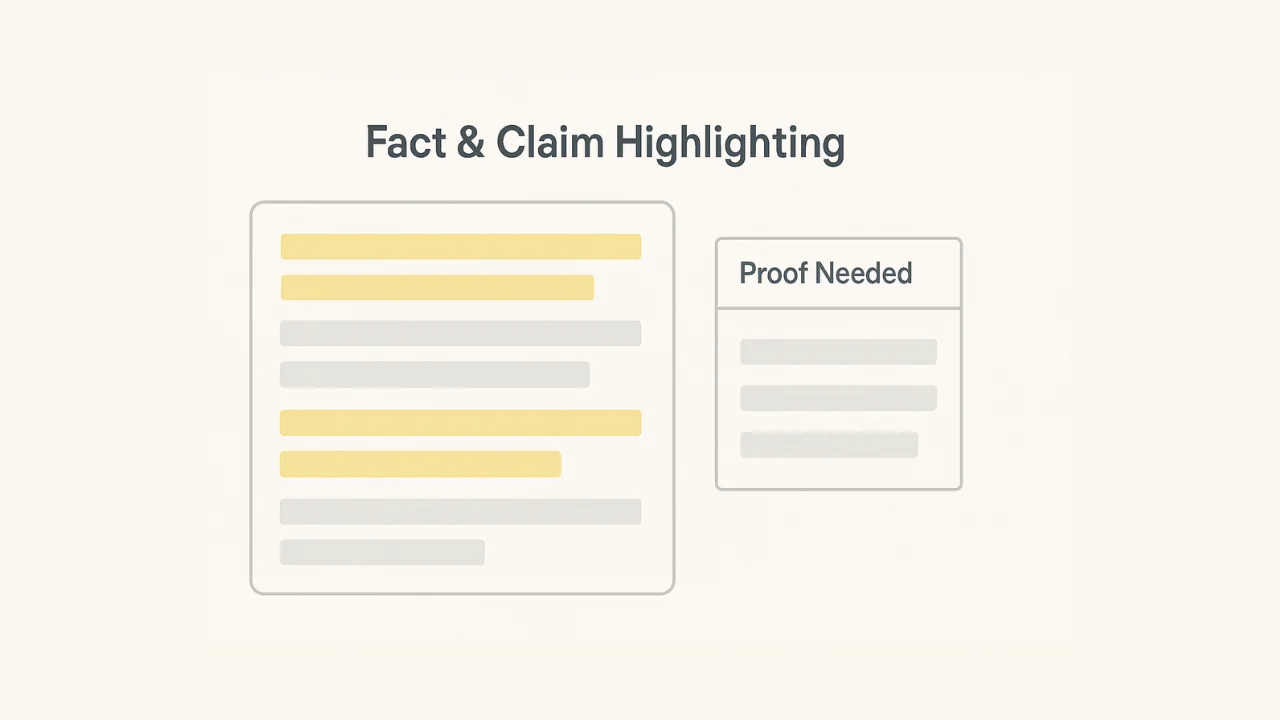
This one protects content quality fast.
Use content automation tools to flag every sentence with numbers, rankings, or strong claims, then drop them into a simple “proof needed” table.
It keeps your SEO friendly content clean for search engines and stops shaky statements from slipping into blog posts or social media posts.
Either attach a credible source or delete the claim. No source, no sentence.
10) Readability passes
Run a quick readability sweep before anything ships.
Shorten sentences over 20 words, convert dense lists into bullets, and push the draft into active voice so blog content and marketing materials feel easy to skim.
Add nuance back where it matters. Clarity is the goal.
A CMS with a visual editor can further support this by helping editors preview formatting and ensure the content remains easy to scan.
11) CTA variants
Don’t let a great piece die with a weak ending.
Generate five CTA lines mapped to the funnel stage, like subscribe, demo, template download, or trial.
This makes it easier for marketing teams to create personalized content that matches intent across multiple channels.
Pick the one that fits the campaign and the target audience, then keep it consistent across your blog posts, social media posts, and any paid advertising campaigns.
C. SEO & On-Page Structure
12) FAQ extraction
FAQs are not filler when they’re done right.
Pull 5 to 8 FAQ questions from your draft plus SERP questions, then generate short, direct answers that fit your target audience and help with SEO friendly content.
Delete duplicates and keep only the buyer-relevant questions, the ones a real prospect would ask before they click, sign up, or book a demo.
13) Schema scaffolding
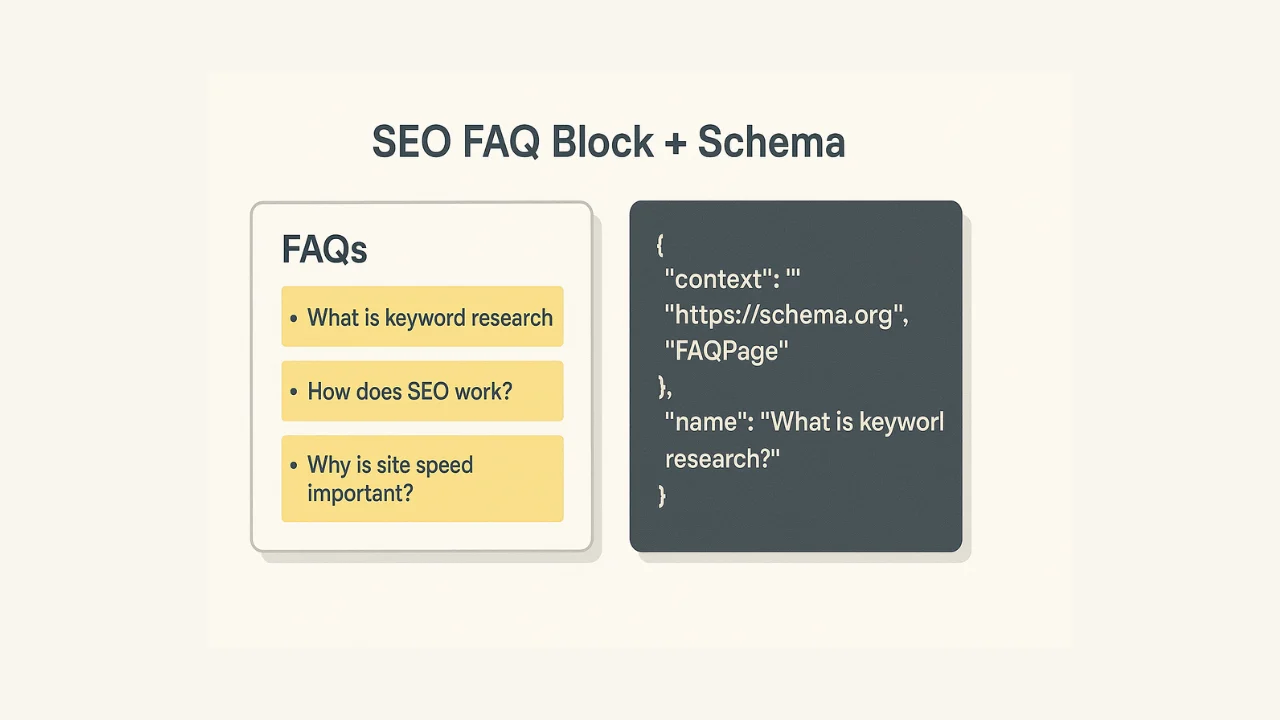
Schema is the behind-the-scenes work that helps search engines understand your page and improves how you show up in search results. Use automation tools to scaffold JSON-LD for common types like Article, FAQPage, HowTo, Product, and VideoObject, so you’re not hand-coding it every time you publish blog content.
Run it through the Rich Results test, fix any errors, and only keep schema that matches what’s actually on the page.
14) Internal link suggestions
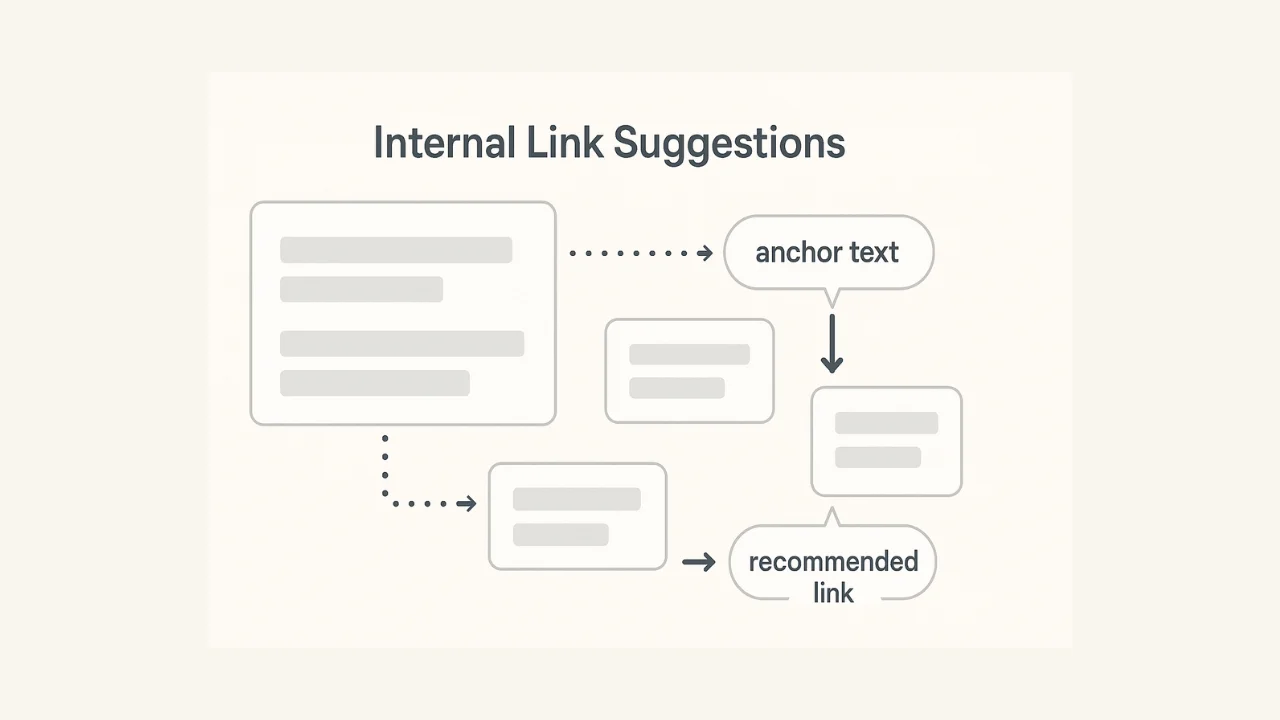
Use automation to recommend 5 to 10 internal links by content cluster, including suggested anchor text, so your blog posts connect to the right pages without manual digging.
Done well, this improves crawl paths for search engines and helps readers find relevant content that moves them deeper into the content lifecycle. It can also help address internal linking opportunities often identified by SEO audit companies.
Approve the anchors and destinations. Make sure the link actually matches the sentence and the page delivers what the anchor promises.
15) Comparison tables
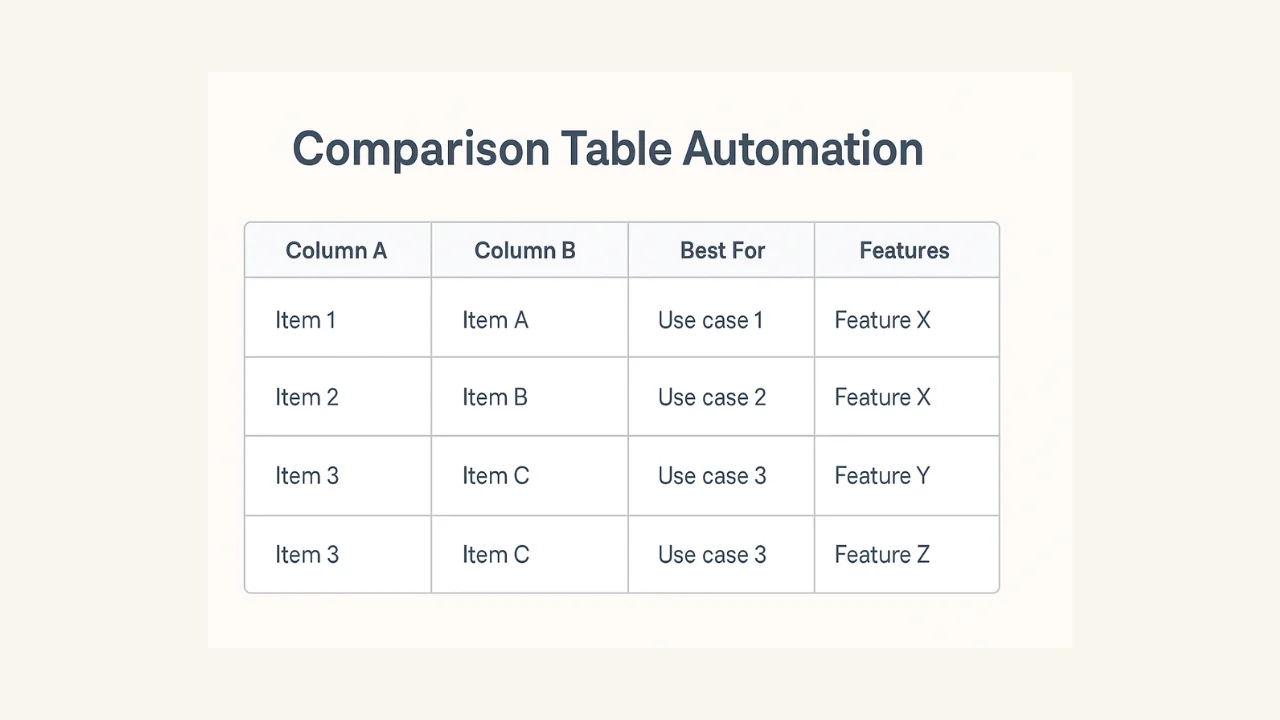
Comparison tables are one of the easiest ways to make blog content scannable and genuinely useful.
Build a consistent table from your product matrix, with columns like “best for,” key features, and what to choose when. It saves manual formatting, improves content quality, and gives search engines clearer structure to understand.
Remember to confirm pricing, naming, and any claims. Tables spread fast, so accuracy matters more here than anywhere else.
16) Meta data sets
Draft three title and meta description pairs for every page, all within character limits, so you can test different angles without rewriting later.
This is an underrated way to improve keyword rankings and organic traffic, because small changes in metadata can lift clicks from search results.
Pick the one that matches the page, speaks to the target audience, and avoids clickbait. If the page can’t back it up, don’t promise it.
D. Design, Visuals & Multimedia
17) Image alt text & filenames
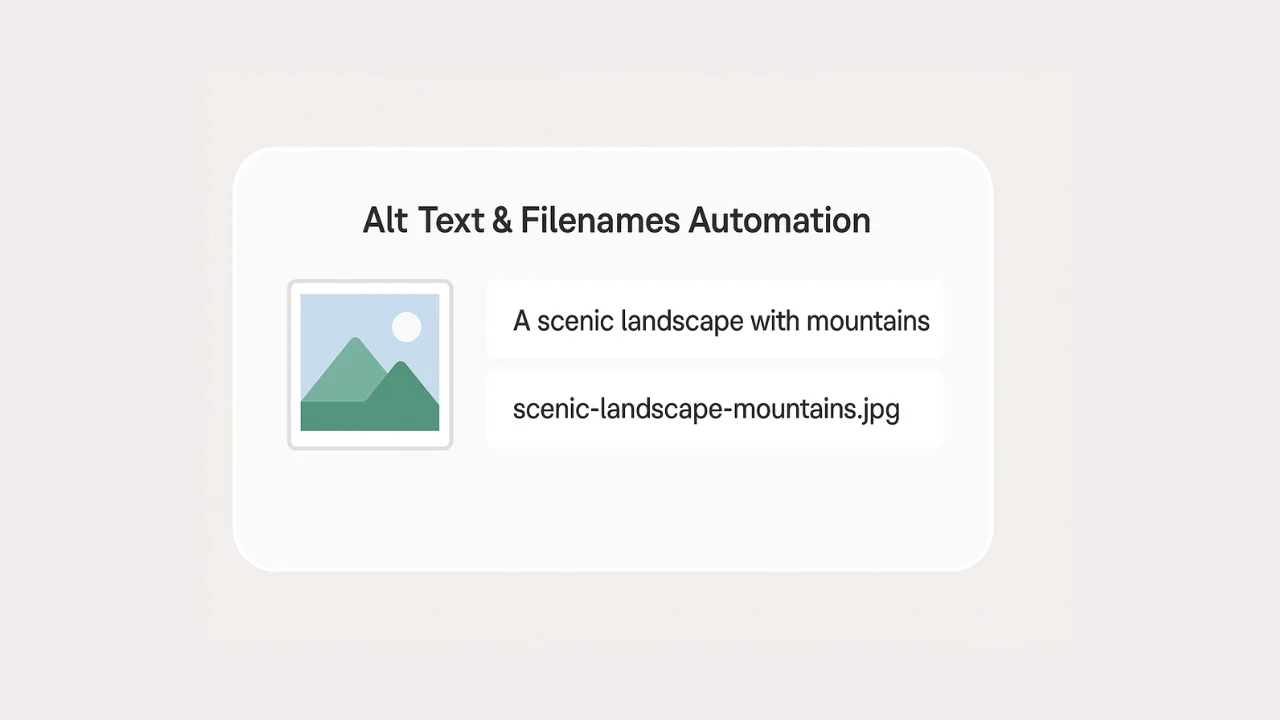
Alt text is accessibility first, and a quiet SEO win second. Generate descriptive alt text and clean, semantic filenames from the caption or surrounding copy so your visual content stays organized and easier for search engines to understand.
Make sure the alt text describes what’s actually in the image in plain language. No keyword stuffing, no vague “image of,” and nothing that sacrifices accessibility.
18) Diagram/flow from outline
If a section has steps, a framework, or a comparison, it probably wants a visual. Turn those key points into a simple SVG flow or grid layout that’s ready for design elements and brand styling.
This is visual content automation that makes blog content easier to scan and improves user engagement without slowing down the content creation process.
Approve the structure first, then let design apply brand guidelines so the final visual looks intentional.
19) Video outlines & scripts
Turn one solid blog post into a simple 60 to 90 second script, then generate a short list of the blog’s key points to use as hooks, captions, and on-screen beats. This keeps the content creation process moving across multiple platforms without rewriting the same idea from scratch.
Add product shots, real screen flows, and any proof you want to show on camera. That’s what makes video feel specific and keeps content quality high.
E. Distribution & Repurposing
20) LinkedIn carousel & post copy
If you already did the hard work of building a comparison table, don’t leave it trapped in the blog.
Turn it into a LinkedIn carousel: 6 to 8 slides that walk someone from the problem to the decision, plus a few post variants so you can test different hooks without rewriting.
Make the first slide punchy, tighten the CTA, and tag people or brands only when it genuinely adds context.
21) Reddit/Quora seed answers
Write answers the way a real person would: Useful first, vendor-neutral, and specific enough that someone could apply it today.
Then add a soft link to one relevant section of your blog post, not the homepage, so it feels like a helpful reference instead of a drive-by promo.
Match the subreddit rules, keep the tone grounded, and cut anything that reads like a marketing copy. If it doesn’t add value on its own, it won’t earn clicks.
22) Newsletter snippet
Turn a full blog post into a tight newsletter snippet that people can read in under a minute.
The automation move here is generating a 120 to 160 word summary that pulls the key point, one supporting stat, and a single CTA, plus a simple chart or visual callout you can drop into the email without extra design work.
Make sure the CTA matches this week’s campaign and the promise matches the linked section, so it feels cohesive and not stitched together.
23) YouTube description & chapters
Don’t post a video with a blank description and call it “done.” Automate the YouTube description, tags, and time-stamped chapters directly from your script, so the video is easier to skim, easier to navigate, and more likely to show up in search engines.
Confirm keyword targeting and make sure the chapters match the actual flow of the video. If the timestamps are off, people bounce.
24) UTM & URL sheets
If you’re publishing across multiple channels, you need clean links or you’re basically flying blind.
Automate UTM creation for every asset, then drop those URLs into a single sheet so performance tracking stays consistent and your analytics tools can actually tell you what worked.
Make sure the naming conventions match RevOps and your existing systems. One sloppy UTM pattern can wreck your reporting fast.
25) Post-publish refresh plan
Publishing is not the finish line. A lot of content wins or dies in the follow-up.
Set up a 30/60/90 refresh checklist that pulls what changed, what confused people, and what the SERP is rewarding now. Think: new comments worth addressing, FAQs you should add, internal links to improve, and sections to tighten based on performance data.
Assign an owner and a due date. Without that, the plan is just a nice idea sitting in a doc.
Conclusion
Content automation works best when you treat it like a checklist. The point is simple: Let software handle the repetitive tasks, and keep people on the parts that need judgment, taste, and a real point of view.
Pick 5 tasks that are eating your week, add a quick review process, and watch time saved plus quality pass rate.
If the content still reads sharp and stays on brand, automate five more.
That’s how marketing teams scale content production across multiple channels without turning quality into collateral damage.

Promote, repurpose & distribute your content with AI
Write 10x faster, engage your audience, & never struggle with the blank page again.
Start 15-Day Free Trial
Frequently Asked Questions
Author

Promote, repurpose & distribute your content with AI
Start 15-Day Free Trial