What We Shipped in October: Distribution.ai in Claude and ChatGPT, Content Studio and PinterestWhat We Shipped in...
Product Updates
What We Shipped in October: Distribution.ai in Claude and ChatGPT, Content Studio and Pinterest
Last month we said October would be a big one. Here it is. You can now run Distribution.ai from inside the AI assistant you already write in. And for the weeks when you have nothing new to repurpose, the product now brings you ideas backed by research on your market. Here’s what landed. Draft and […]
Last month we said October would be a big one. Here it is.
You can now run Distribution.ai from inside the AI assistant you already write in. And for the weeks when you have nothing new to repurpose, the product now brings you ideas backed by research on your market.
Here’s what landed.
Draft and schedule posts without leaving Claude or ChatGPT
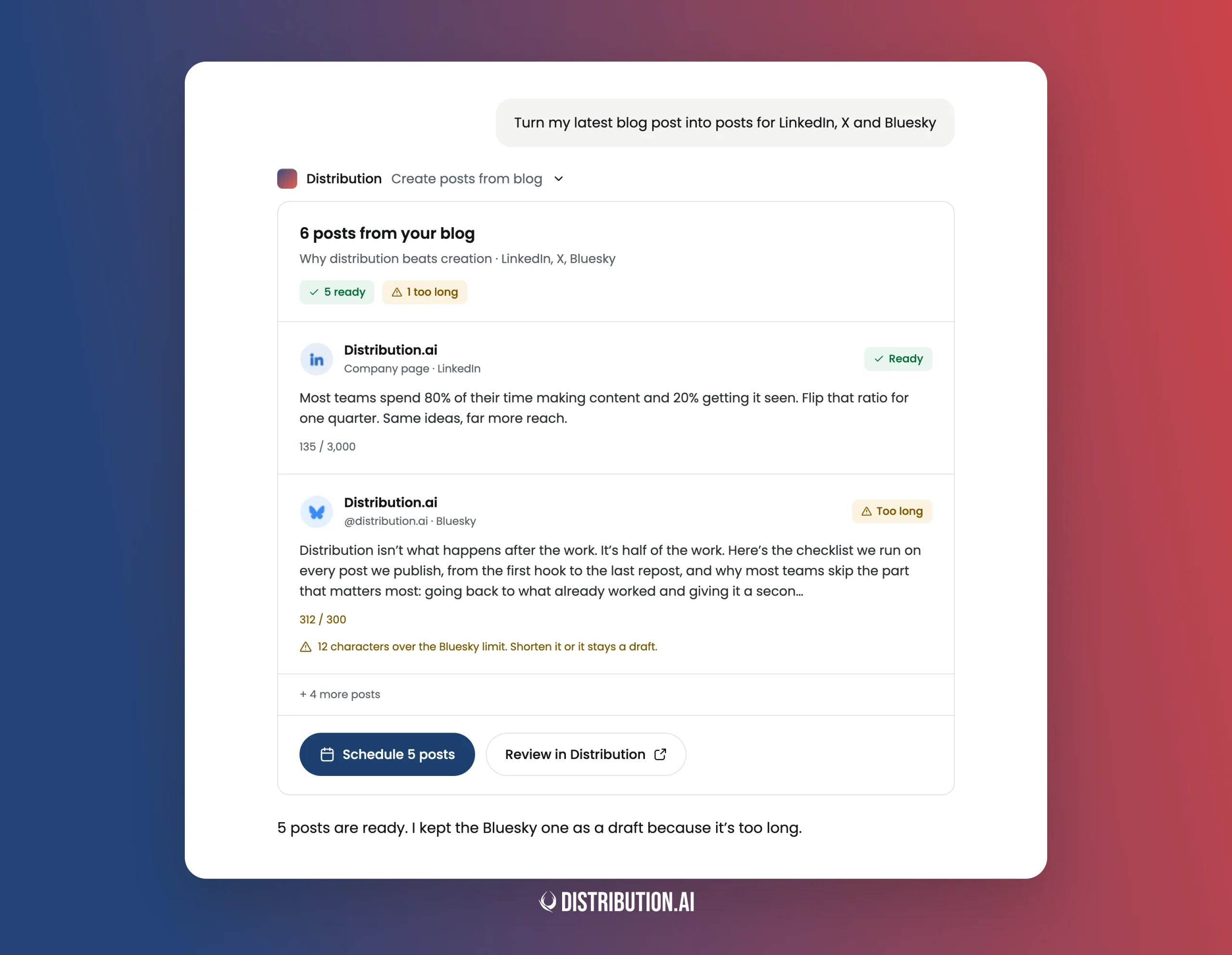
Plenty of you draft in Claude or ChatGPT, then copy the text into Distribution.ai to schedule it. The Distribution.ai connector cuts out the copying.
Add it once, sign in, pick your workspace, and ask in plain words. “Turn this blog post into LinkedIn and X posts with Distribution.ai.” “Make the LinkedIn ones shorter.” “Schedule those over the next two weeks.”
It generates posts from a blog post, podcast episode or YouTube video and checks each channel’s character limit before anything is scheduled. When you ask for a schedule, it fills the open slots in your posting schedule and you confirm first. From the same chat you can stage up to 50 posts you wrote yourself and check what’s going out this week.
You can also update your brand voice without opening the app. Create a new one, edit an existing one, or adjust your style guides right in the conversation.
It schedules to LinkedIn, X, Threads, Facebook, Mastodon and Bluesky. Instagram and Pinterest need an image, so schedule those in the app. Nothing publishes right away. Every post lands on your calendar first, and if your workspace requires approvals, posts wait for sign-off in the app.
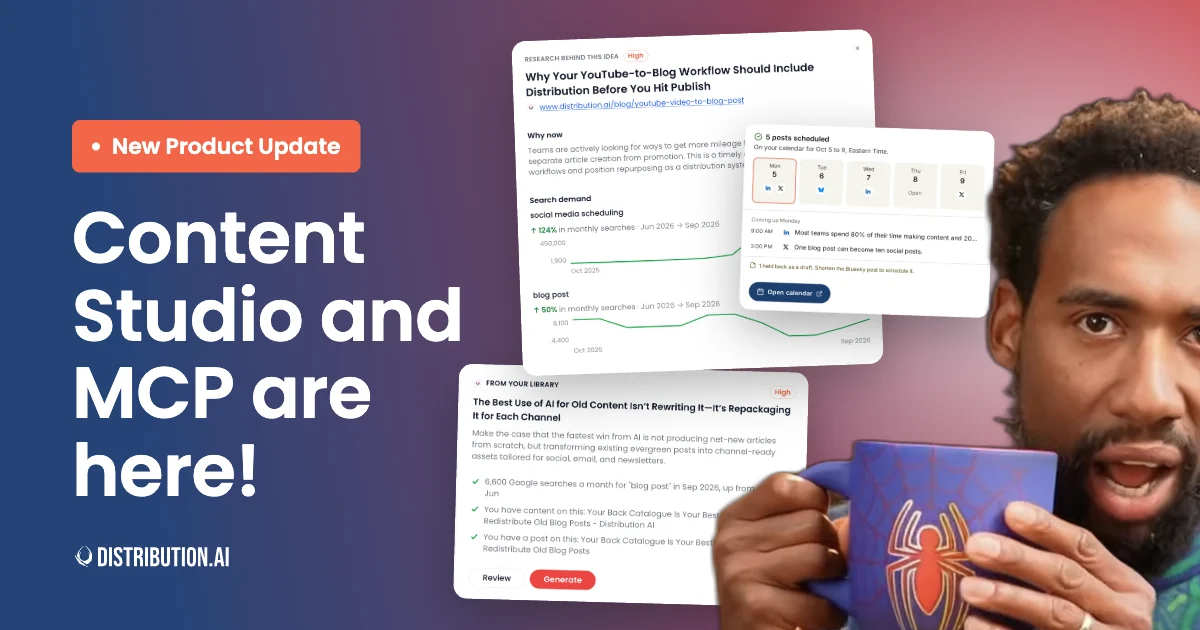
Your library is full of content worth sharing again. The hard part is knowing which piece fits this week: what’s trending in your market, and what your audience is asking in search and AI assistants. Content Studio works that out for you.
Enter your website and Content Studio builds a picture of your business: who you serve, the topics you want to own and the competitors you show up against. You can correct anything it gets wrong. A few minutes later you get a studio of ideas, ranked by priority and backed by research. Some point to older pieces worth promoting again, others to new topics worth covering.
Pick an idea and generate posts, articles and emails for all your channels at once. For a launch or an event, set up a campaign with a goal, and Content Studio builds ideas and content around it.
Ross walks through it in the video below:
Publish pins to Pinterest
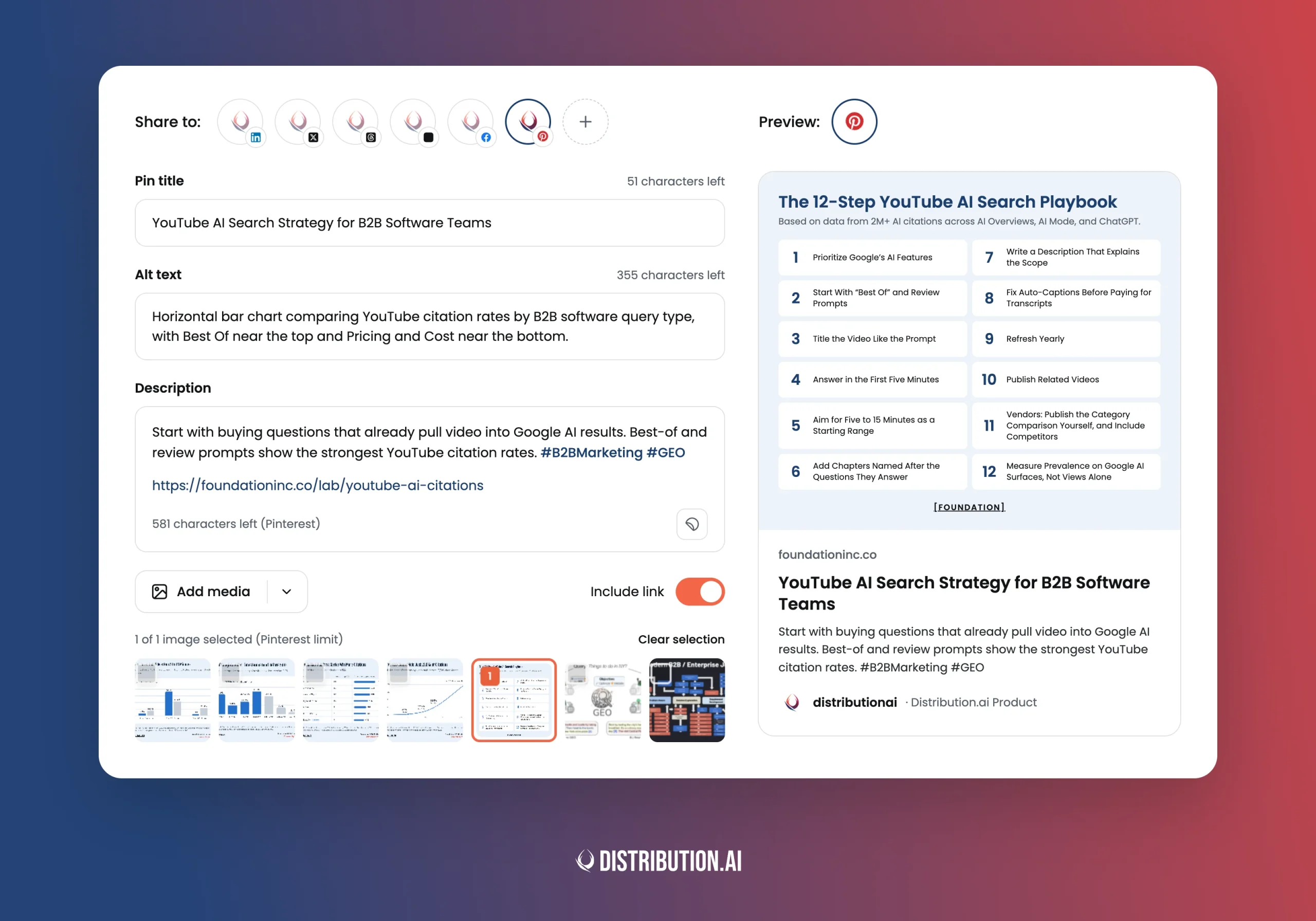
Pinterest is now a channel. Connect your account and publish pins from the same place as your LinkedIn and X posts. With the Distribution.ai Chrome extension, you can send any image from any website to Pinterest in one click. Like every channel, it’s included on every plan at no extra cost.
Approve posts with a swipe
Reviewing and approving posts on your phone used to mean opening each one. Now you swipe a pending post on the mobile calendar to approve, reject or reschedule it, with Undo if you swipe the wrong way. If you reject often, tick “Never ask again” on the confirmation.
The small stuff
A new New Post button lets you start a post from scratch from anywhere in the app. Generated posts now show their status on the results page, in History and in Recent Creations, so you can tell at a glance which posts are drafts, scheduled or published.
Where this is going
September made publishing work for teams, with review and sign-off. October put Distribution.ai inside the AI assistants you already use and gave it a source of ideas and trends listening for when your library runs quiet.
Next up: more channels and more places to distribute your content, plus continued work on the MCP connector and Content Studio.
Join 3000+ subscribers already compounding their reach.
Get Our Distribution Playbooks Before Anyone Else
The only growth newsletter focused on AI-led marketing, strategic content, and demand-driving distribution.
Author
Yuliya Haranok
Founding Account Executive
Yuliya Haranok is a Founding AE at Distribution.ai, the content distribution platform built by the team at Foundation Marketing. Over ten years in tech she's worked on startup launches, B2B product positioning, PR, and go-to-market strategy for software companies across North America & Europe.
That path ran through marketing, sales, and revenue operations, which is a useful set of angles on the same problem. She writes about distribution strategy, launches, and the tactics that hold up after the launch-week traffic disappears.


 By