


9 Best Rella Alternatives in 2026
Looking for the best Rella alternatives in 2026? Compare top tools for scheduling, collaboration, content creation, and social media management.

One strong content idea should fuel days of reach across every channel you manage. For many teams, it gets stuck in approval loops, scattered feedback, missed publishing slots, and extra work just to keep Instagram, LinkedIn, Facebook, Threads, and YouTube moving in sync.
As workflows grow, many marketers begin exploring the best Rella alternatives in 2026 for smoother collaboration, faster scheduling, and a setup built for scale.
Our guide covers the top options for teams, agencies, and brands ready for a stronger social media workflow.
The Best Rella Alternatives At A Glance
The table below compares the top Rella alternatives side by side to see which platform fits your workflow, team setup, publishing needs, and budget best.
| Rella | Pro: $30/member/month or $24/member/month billed annually | Agencies and social media teams focused on client collaboration, approvals and project management | Client-facing planning with approvals, content workflows and unlimited social spaces |
| Distribution.ai | Blog: $19/month; YouTube and Podcast: $29/month; bundle savings up to 30%; 15-day free trial | Marketers, creators and agencies who want repurposing plus distribution | Turns blogs, videos and podcasts into channel-ready social media posts and tracks performance in one workflow |
| Planable | Free trial available; Basic: $33/workspace/month billed annually; Pro: $49/workspace/month billed annually; Analytics add-on: $14/workspace/month; Social Inbox add-on: $9/workspace/month | Social media teams who need strong approvals, visual planning and smoother team collaboration | Approval workflows with visual collaboration and workspace-based planning |
| SocialPilot | Essentials: $30/month for 7 accounts and 1 user; Standard: $50/month for 15 accounts and 3 users; Premium: $100/month for 25 accounts and 6 users; Ultimate: $200/month for 50 accounts and unlimited users; free trial available | Small businesses and agencies managing multiple accounts and clients | Better value for multi-account management, approvals, analytics and client-friendly workflows |
| Metricool | Free plan available; Starter: from $20/month for up to 5 brands; Advanced: from $53/month for up to 15 brands; custom pricing available for larger setups | Teams focused on analytics, reporting and managing multiple brands | Brand-based pricing with strong reporting, scheduling and cross-channel analytics |
| Buffer | Free plan available; Essentials: $5/channel/month; Team: $10/channel/month; free trial on paid plans | Solo marketers and lean teams who want simple scheduling | Low-friction publishing with flexible per-channel pricing |
| Sprout Social | Standard: $199/seat/month; Professional: $299/seat/month; Advanced: $399/seat/month; 30-day free trial | Larger teams who need reporting, social listening and deeper enterprise controls | Advanced analytics, social listening and enterprise-grade reporting |
| Later | Starter: $18.75/month billed yearly for 1 social set and 1 user; Growth: $37.50/month billed yearly for 2 social sets and 2 users; Scale: $82.50/month billed yearly for 6 social sets and 4 users; 14-day free trial | Brands and teams who care about visual planning, approvals and Instagram-led workflows | Visual planner plus built-in approvals, social inbox and brand monitoring on higher tiers |
| StoryChief | Free plan available; Social Media Calendar: €19/month billed yearly for 1 user and 3 social channels; Team Social: €29/seat/month billed yearly; Agency Social: €49/customer/month billed yearly; 7-day trial | Teams who want content collaboration tied to distribution across social and editorial channels | Strong blend of content calendar, approvals, publishing and editorial workflow tools |
| Agorapulse | Standard: $79/user/month; Professional: $119/user/month; Advanced: $149/user/month; custom pricing available; 30-day free trial | Growing teams who need inbox management, reporting and community workflows | Unified social inbox with stronger community management and reporting depth |
Best Rella alternatives in 2026, compared by entry pricing, ideal choice and standout feature.
Why Look for a Rella Alternative
Rella earns attention for its clean collaboration setup, client-friendly workflow, and project-management layer.
Still, some buyers start looking elsewhere once they need deeper functionality across publishing, approvals, mobile use, analytics, or broader social media management.

In this Reddit discussion around cross-posting tools, one agency operator ruled Rella out due to missing functionality, which aligns with a common BOFU switching pattern: teams outgrow a lighter workflow once their channel count, client volume, and operational complexity start to climb.

A review from Creator Economy Tools adds another useful watchout, pointing out advanced analytics may require paid upgrades, which can push growing teams to evaluate alternatives with stronger reporting depth from the start.
How We Evaluated The Best Rella Alternatives
We evaluated the best Rella alternatives using criteria buyers care about most: publishing workflow, collaboration depth, approval flows, analytics, platform coverage, pricing clarity, and overall fit for agencies, creators, small teams, and growing brands.
We reviewed official product pages, current pricing, core features, ideal use cases, and public switching signals, then shortlisted tools based on how well they support real day-to-day social media work. Consider this as a curated list, not a ranking.
The Best Rella Alternatives in 2026
1. Distribution.ai: Best For Turning Existing Content Into More Social Media Posts
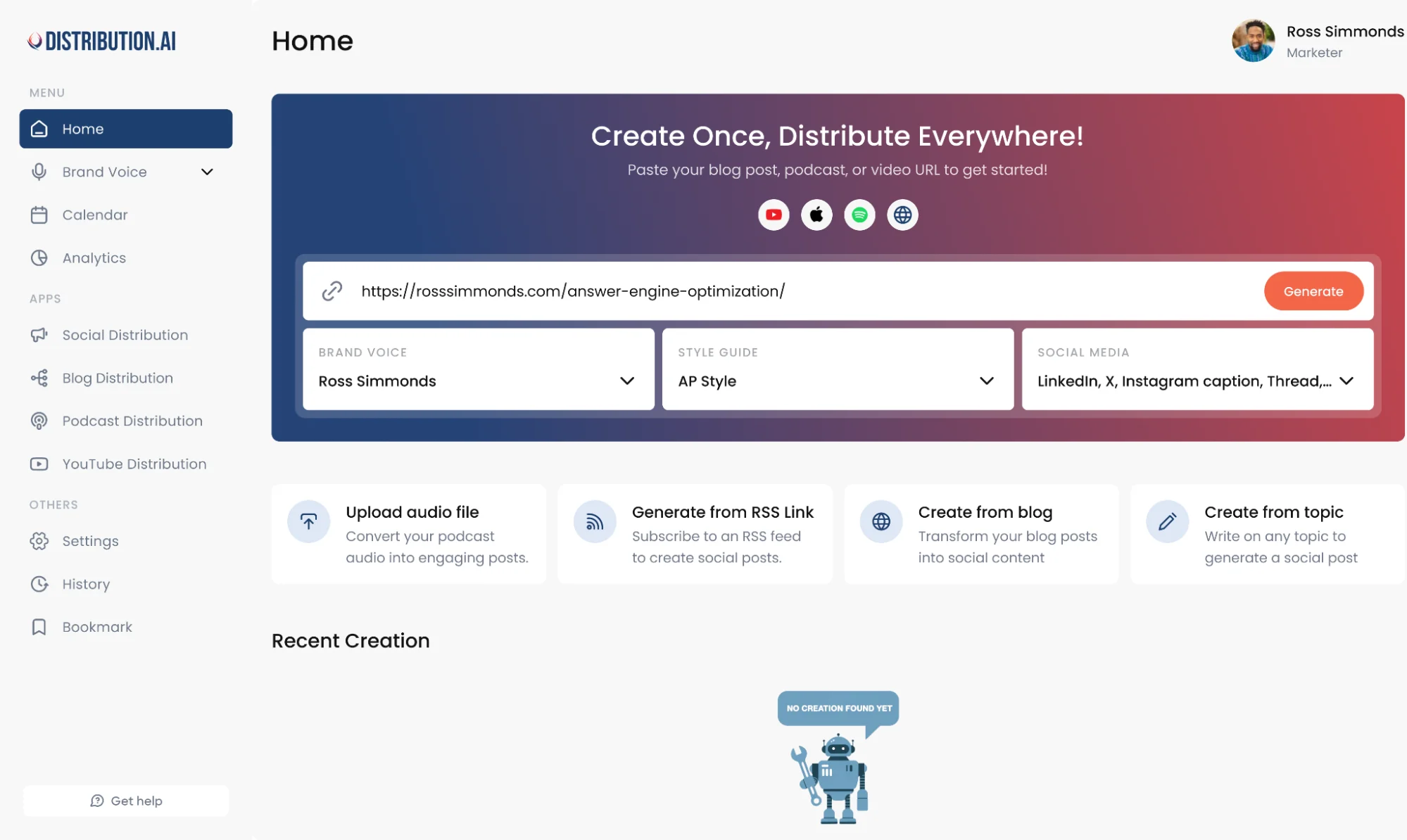
Distribution.ai is built for teams who want to get more from the content they already create. Instead of letting a blog post, podcast episode, or video sit in one format, it helps turn each asset into channel-ready social posts for multiple platforms, then supports scheduling, distribution, and analytics in the same workflow.
It gives growing social media teams a smoother way to keep content moving without piling on extra manual work.
Distribution AI Is Best For
Distribution.ai is best for marketers, creators, agencies, and growing social media teams who want to turn blogs, podcasts, and videos into posts for multiple platforms with less manual effort.
Distribution AI’s Key Features
- AI repurposing for blog, podcast, and video workflows
- Multi-platform scheduling and distribution from one workflow
- Channel-ready post creation with platform-aware formatting
- Analytics and performance tracking after publishing
- Tone and style controls for sharper content generation
Distribution AI’s Pros
- Helps teams create more social content from each source asset
- Cuts down manual rewriting across multiple platforms
- Brings creation, publishing, and reporting into one workflow
- Supports a stronger social media presence as content demands grow
Distribution AI’s Cons
- Less useful for teams with little long-form content to repurpose
- Lower usability for users who only want simple scheduling
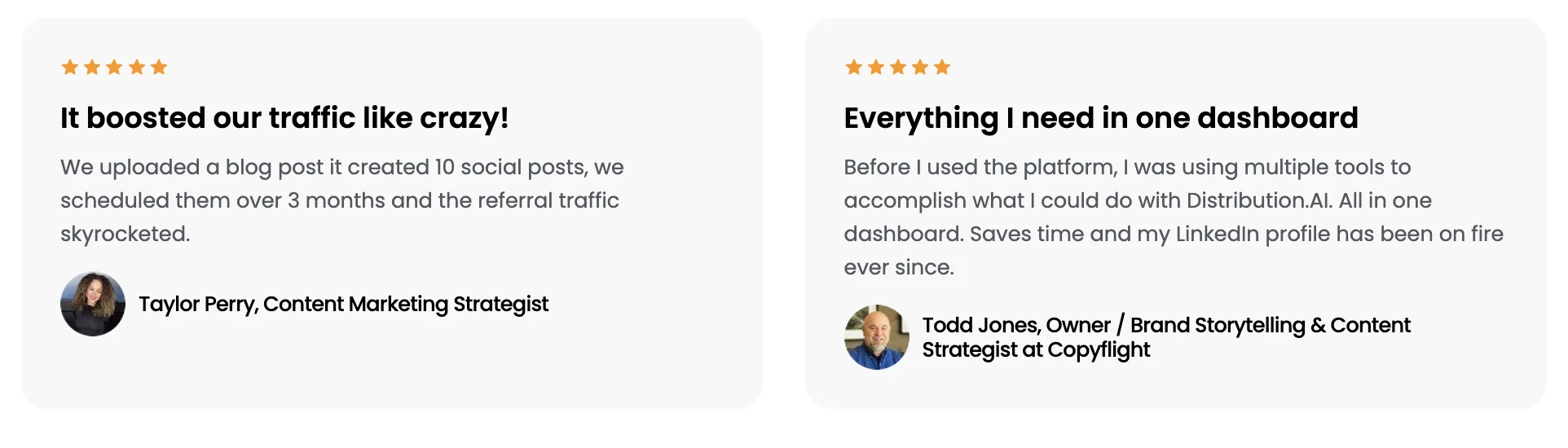
Distribution.ai’s Pricing
- Plans start at $19/month for blog content
- YouTube and Podcast plans start at $29/month
- Pricing is available on a monthly billing basis
- Bundle pricing can save up to 30 percent
- A 15-day free trial is available
2. Planable: Best For Team Collaboration Across Social Media

Planable goes with teams who want tighter collaboration around social content from first draft to final approval. Its core strength sits in visual planning, feedback, approval workflows, and workspace-based collaboration, which makes it a strong pick for agencies and social media teams handling many stakeholders.
For buyers exploring Rella alternatives, Planable stands out when the priority shifts toward smoother reviews, clearer publishing visibility, and stronger coordination across multiple platforms.
Planable Is Best For
Planable is best for agencies, social media teams, and growing brands who need structured approval workflows, easy client collaboration, and a cleaner way to manage publishing across Facebook, Instagram, LinkedIn, TikTok, YouTube, Pinterest, Google Business Profile, X, and Threads.
Planable’s Key Features
- Visual content planning across multiple platforms
- Step-by-step approval workflows for teams and clients
- Unlimited users inside each workspace
- Scheduling support for major social channels including Threads and YouTube
- Optional analytics and social inbox add-ons for broader workflow coverage
Planable’s Pros
- Easy to use, with a clean interface for planning and scheduling content
- Strong collaboration flow for comments, approvals, and client reviews
- Visual calendar makes it simple to organize posts across multiple platforms
- Helpful for teams managing social media content in advance with less back-and-forth
Planable’s Cons
- Story publishing can feel clunky when mobile prompts interrupt the desktop workflow
- Some users flag extra costs once add-ons like analytics or inbox enter the mix
- Broader repurposing and content generation depth is lighter than tools built around turning long-form assets into many posts
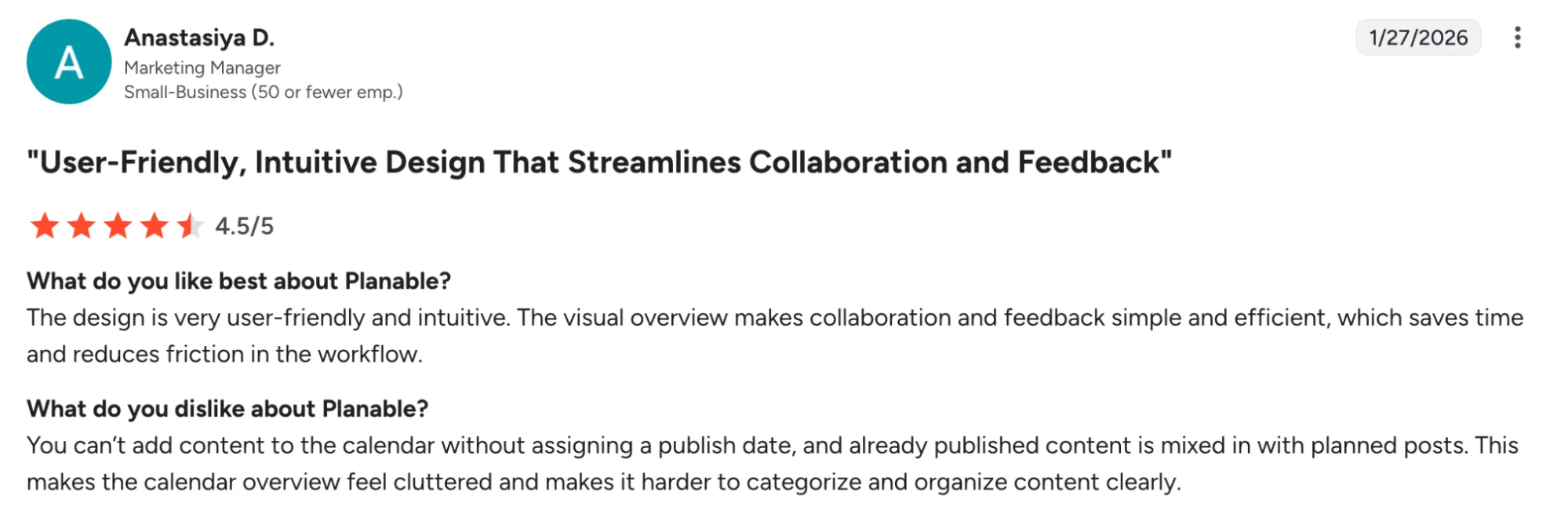
Planable’s Pricing
- Free: available with usage limits
- Basic: $39/workspace/month or $33/workspace/month billed annually
- Pro: $59/workspace/month or $49/workspace/month billed annually
- Enterprise: custom pricing, starting from $200/month on the pricing page
- Analytics Add-On: $14/workspace/month
- Inbox Add-On: $9/workspace/month
3. SocialPilot: Best For Agencies Managing Multiple Clients And Social Accounts

SocialPilot earns its place in this list for one simple reason: it gives growing teams a cleaner path to scale client work, publishing volume, and account coverage without pushing them into enterprise-level spend.
SocialPilot suits agencies and small businesses managing many clients, multiple accounts, approval workflows, and reporting needs.
For buyers exploring Rella alternatives, SocialPilot stands out once account volume, cross-channel publishing, and client-facing execution start taking center stage.
SocialPilot Is Best For
SocialPilot is best for agencies, small businesses, and social media teams managing multiple accounts across Facebook, Instagram, LinkedIn, YouTube, Threads, TikTok, Pinterest, Google Business Profile, and more.
SocialPilot’s Key Features
- Multi platform scheduling across major social networks
- Content approval workflows for teams and clients
- Content library, AI credits, and post customization for each platform
- Detailed analytics, PDF reports, and white-label reporting on higher plans
- Client management tools built for agencies handling many clients
SocialPilot’s Pros
- Easy to use for managing and scheduling posts across multiple accounts
- Strong value for agencies and teams who need broad platform coverage
- Helpful analytics and reporting for day-to-day social media management
- Clean workflow for team access, scheduling, and content planning
SocialPilot’s Cons
- Some users feel essential features sit behind higher plans or upgrades
- Client portal usability could improve for smoother collaboration
- Occasional friction around archive usability and login verification
- Interface polish still leaves room for improvement in a few areas
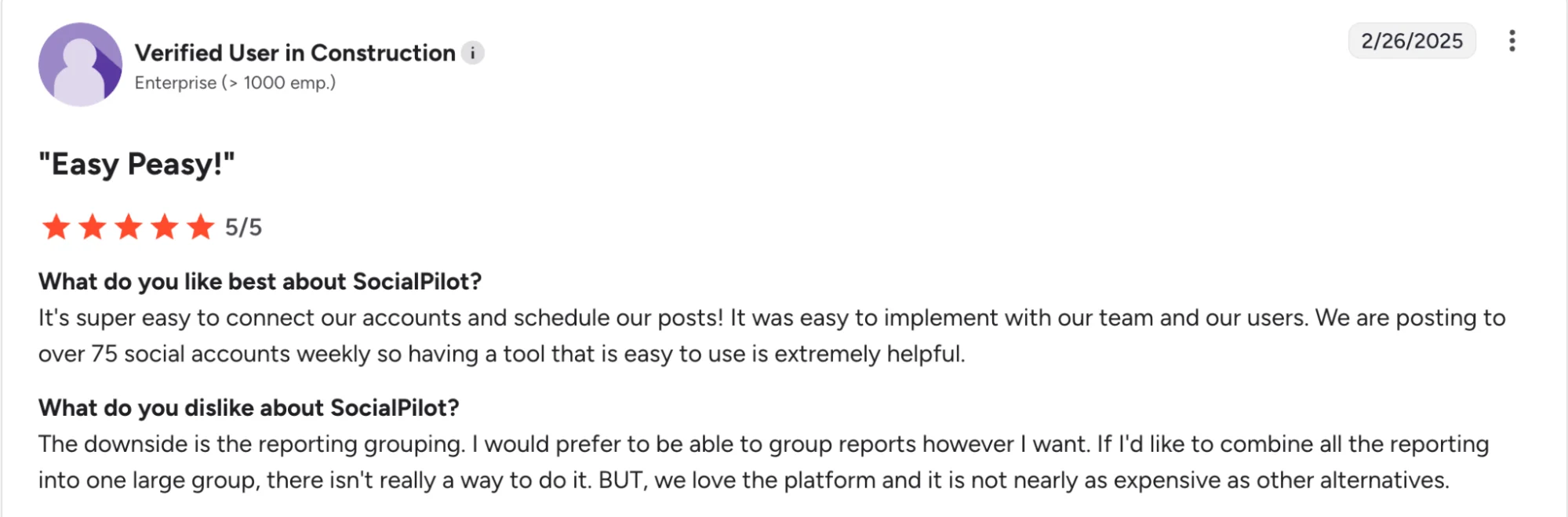
SocialPilot’s Pricing
- Essentials: $30/month or $25.50/month billed annually for 7 social media accounts and 1 user
- Standard: $50/month or $42.50/month billed annually for 15 accounts and 3 users
- Premium: $100/month or $85/month billed annually for 25 accounts and 6 users
- Ultimate: $200/month or $170/month billed annually for 50 accounts and unlimited users
- Free trial: available on all paid plans
4. Metricool: Best For Analytics-First Social Media Management Across Multiple Brands
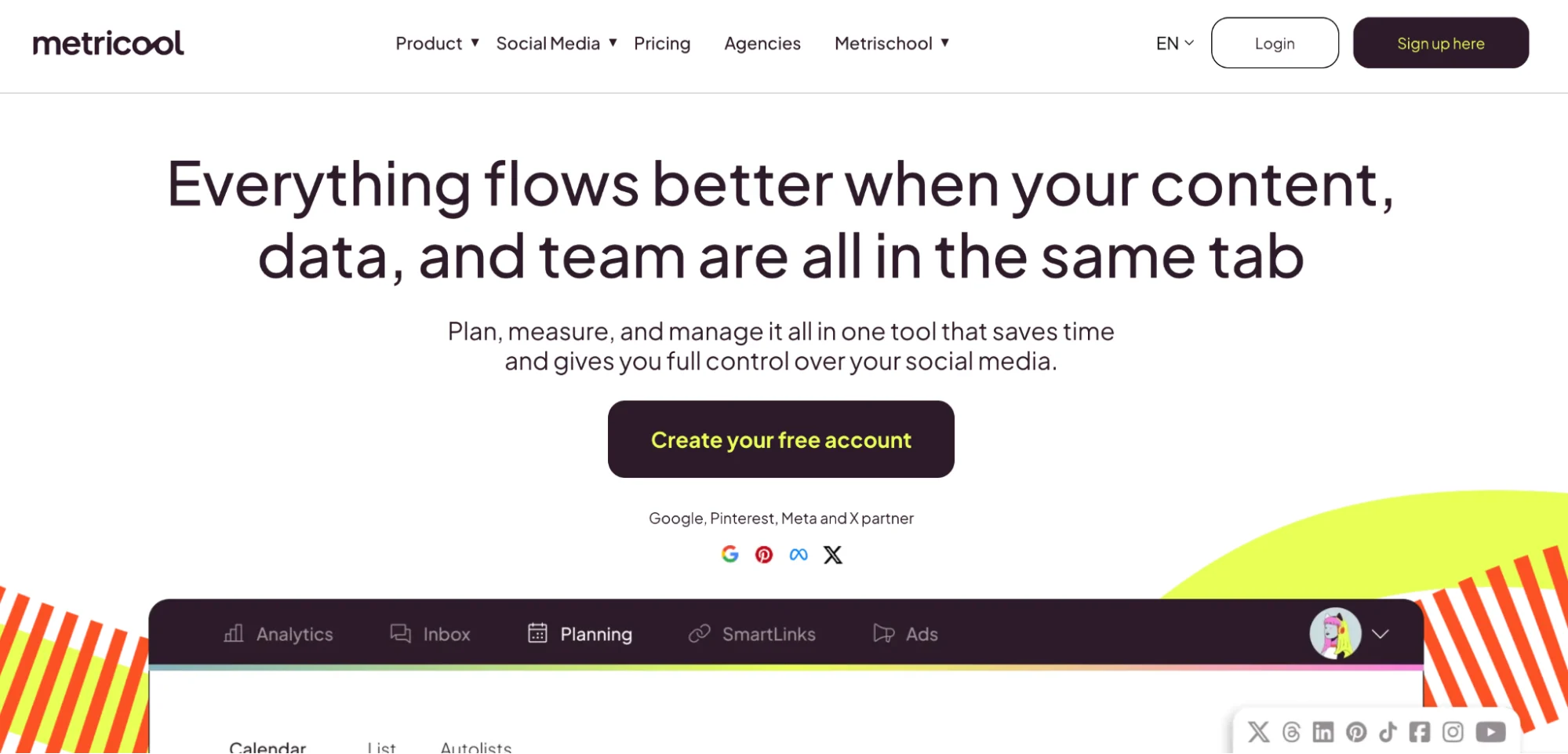
Metricool works well for teams who want stronger visibility into performance, reporting, and publishing across multiple platforms.
This tool combines scheduling, analytics, inbox management, ad tracking, and link-in-bio tools in one platform, which makes it a practical option for agencies, freelancers, small businesses, and social media teams with a heavier reporting focus.
If your shortlist leans toward tools with deeper analytics, clearer brand-level tracking, and stronger support for multiple accounts, Metricool deserves a close look.
Metricool Is Best For
Metricool is best for agencies, freelancers, small businesses, and social media teams who want social media management with stronger analytics, reporting, and multi-brand visibility.
Metricool’s Key Features
- Multi platform scheduling across major social networks and ad channels.
- Analytics and reporting for social media, websites, and online ads.
- Inbox, competitor tracking, and link-in-bio tools inside one platform.
- Brand-based setup, which helps agencies and teams organize client work more cleanly.
- Free plan for lighter workflows, plus paid plans built around growing brand needs.
Metricool’s Pros
- Easy scheduling and planning flow, with a simple interface users tend to like.
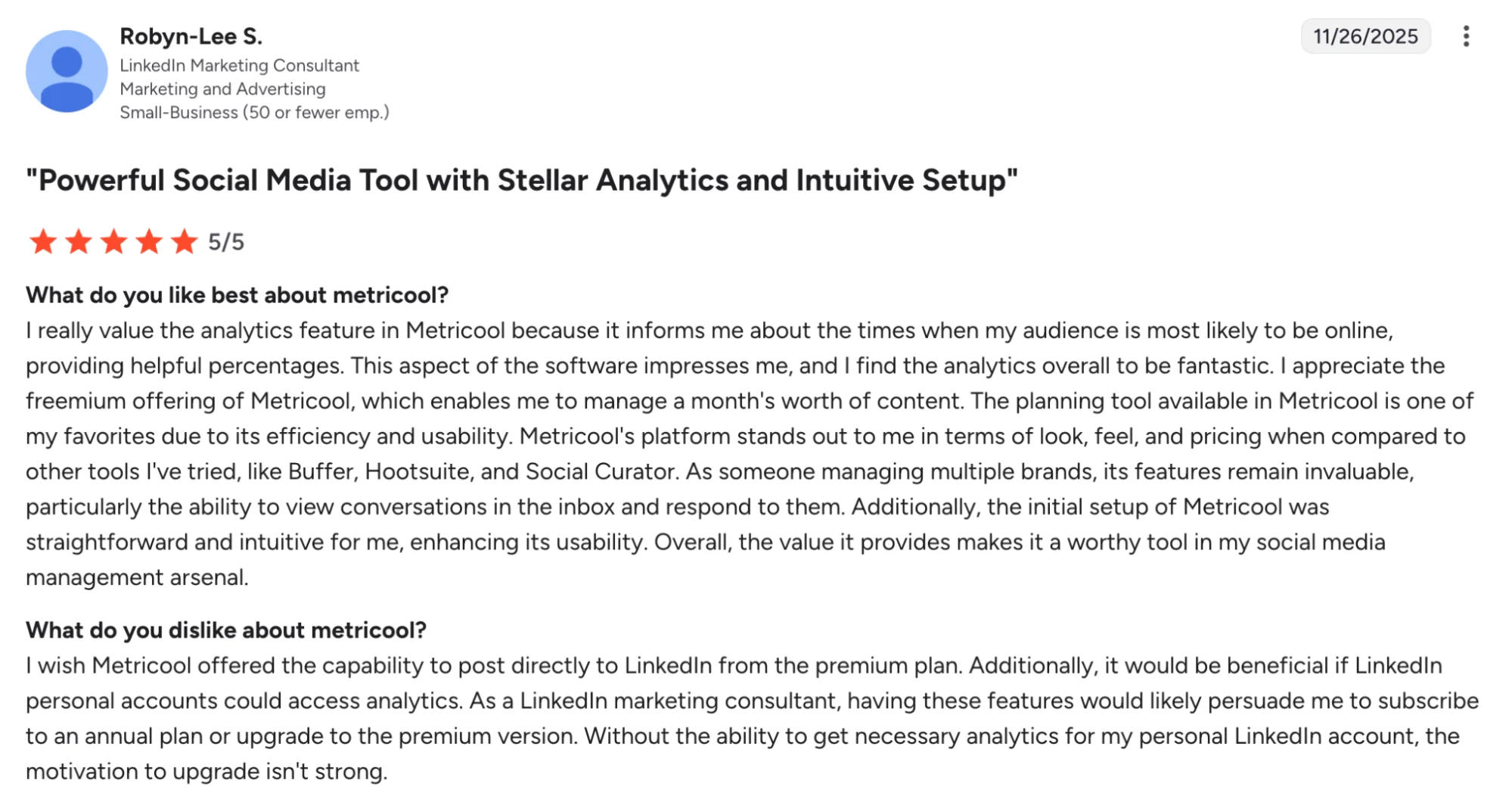
- Strong analytics and reporting, which helps teams track social media presence with less friction.
- Helpful support and a smooth setup experience for many users.
- Good value for users who want scheduling, analytics, and reporting in one app.
Metricool’s Cons
- Some advanced workflow needs may push teams toward higher plans as team size or brand count grows.
- Social listening depth is lighter than platforms built around listening as a core capability.
- Collaboration tools feel lighter than approval-first platforms built for layered team collaboration.
Metricool’s Pricing
- Free plan available
- Starter starts at $18/month on G2 pricing snapshots, while Metricool’s live pricing content also shows premium pricing scales by brand count and billing choice
- Advanced starts at $45/month on G2 pricing snapshots
- Custom pricing is available for larger setups
- Best suited to teams buying for analytics, reporting, and multi-brand visibility first, with scheduling and publishing included
5. Buffer: Best For Simple Scheduling With Low-Cost Entry Pricing
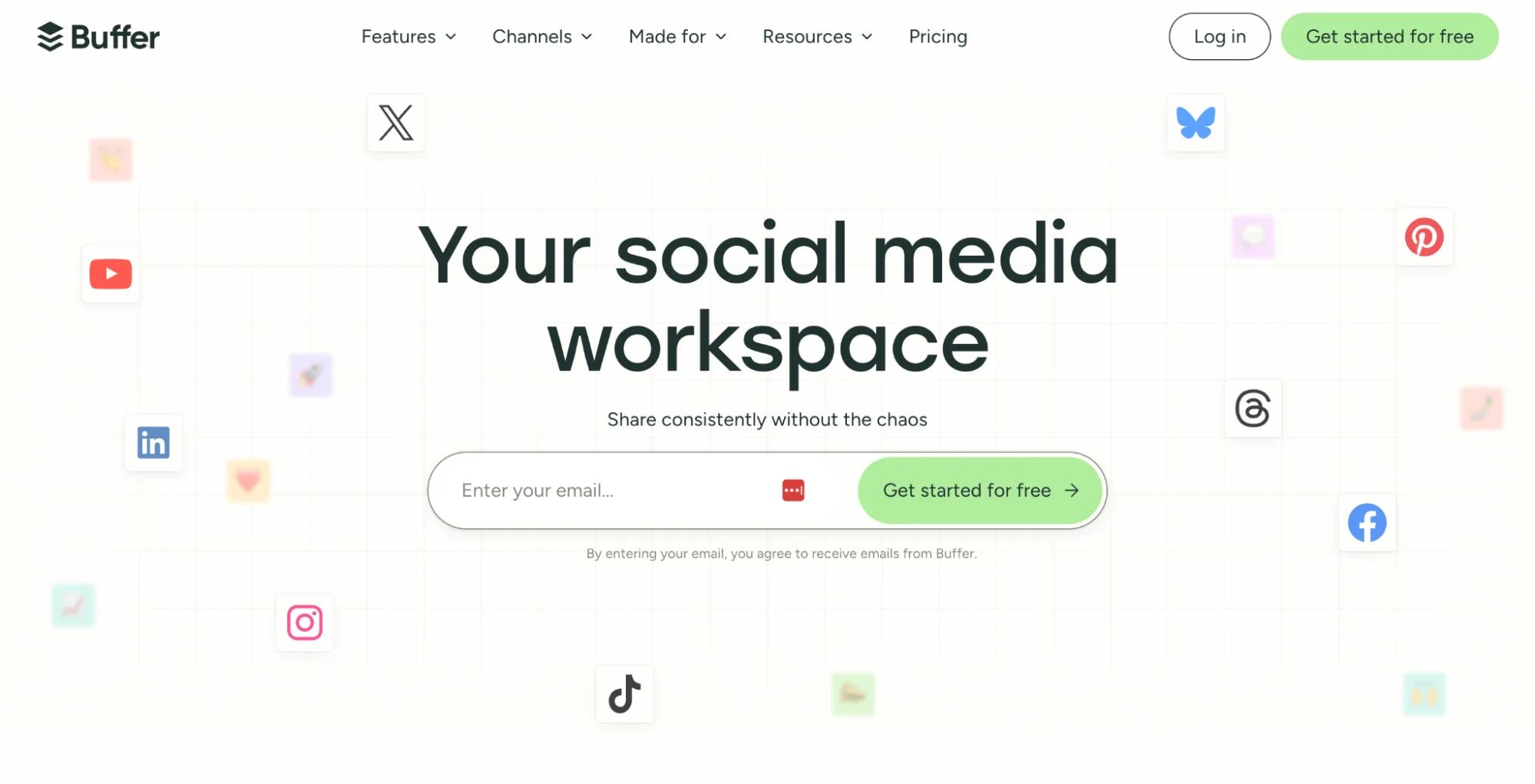
Buffer keeps social publishing clean, quick, and easy to run. It works well for solo marketers, creators, founders, and lean teams who want a steady social media presence without a bulky setup or a crowded interface.
For users comparing Rella alternatives, Buffer is a strong option when your focus is simple scheduling, smooth publishing across multiple platforms, and low entry pricing for a smaller team setup.
Buffer Is Best For
Buffer is best for solo marketers, creators, small businesses, and lean social media teams who want simple scheduling across Facebook, Instagram, LinkedIn, Threads, TikTok, YouTube, Pinterest, Google Business Profile, and other platforms.
Buffer’s Key Features
- Multi-platform scheduling across major social networks
- AI features for content creation, rewriting, and content generation support
- Community inbox for comments across supported channels
- Collaboration tools for drafting, publishing, and team workflows
- Per-channel pricing with discounts as channel count grows
Buffer’s Pros
- Easy to use with a clean interface for scheduling and publishing
- Saves time for users managing multiple accounts and routine posting
- Platform integrations make cross-platform publishing easier to manage
- Free access gives small teams an easy starting point
Buffer’s Cons
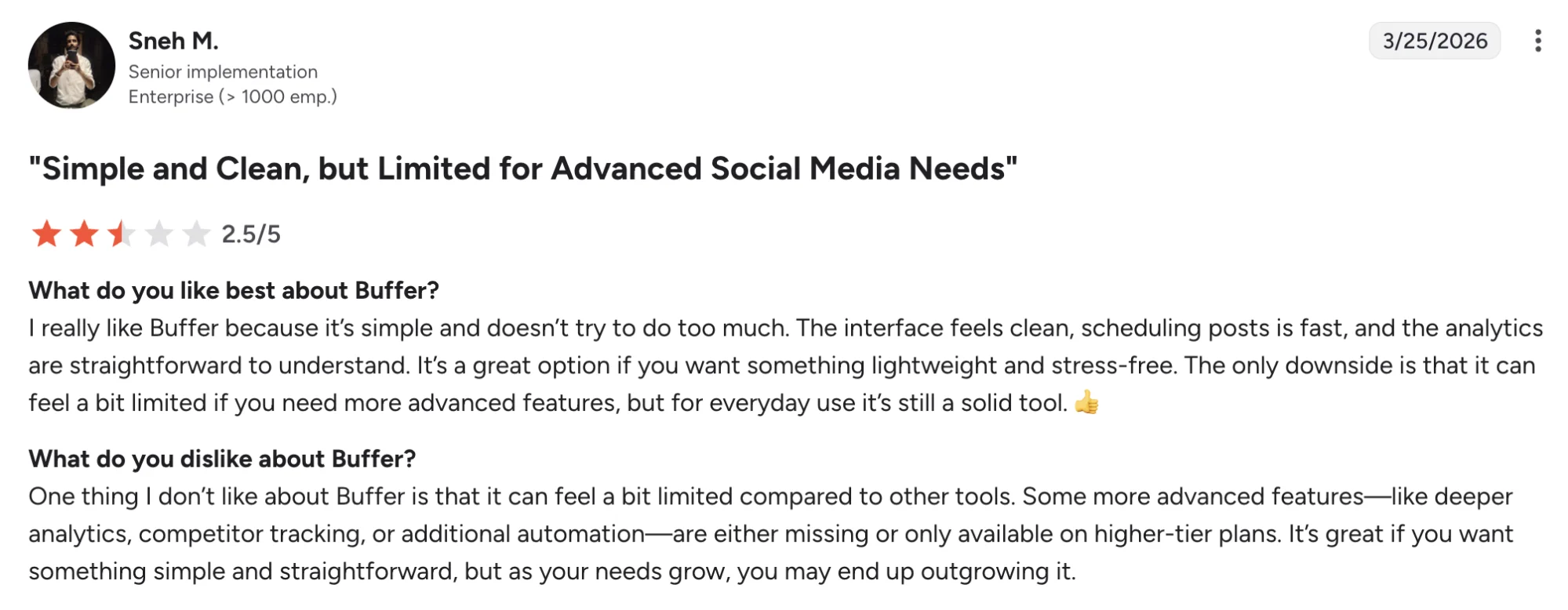
- Analytics depth leaves some users wanting stronger reporting
- Advanced features can get expensive as channel count grows
- Engagement capabilities are lighter for teams with heavier community needs
- A few reviewers point to UI issues in parts of the calendar and app experience
Buffer’s Pricing
- Free plan available
- Paid plans start at $5 per channel/month
- Team pricing starts at $10 per channel/month
- A free trial is available for paid plans
- Best suited to teams buying for simple scheduling and lower-cost publishing
6. Sprout Social: Best For Enterprise Social Media Management With Deeper Reporting And Social Listening
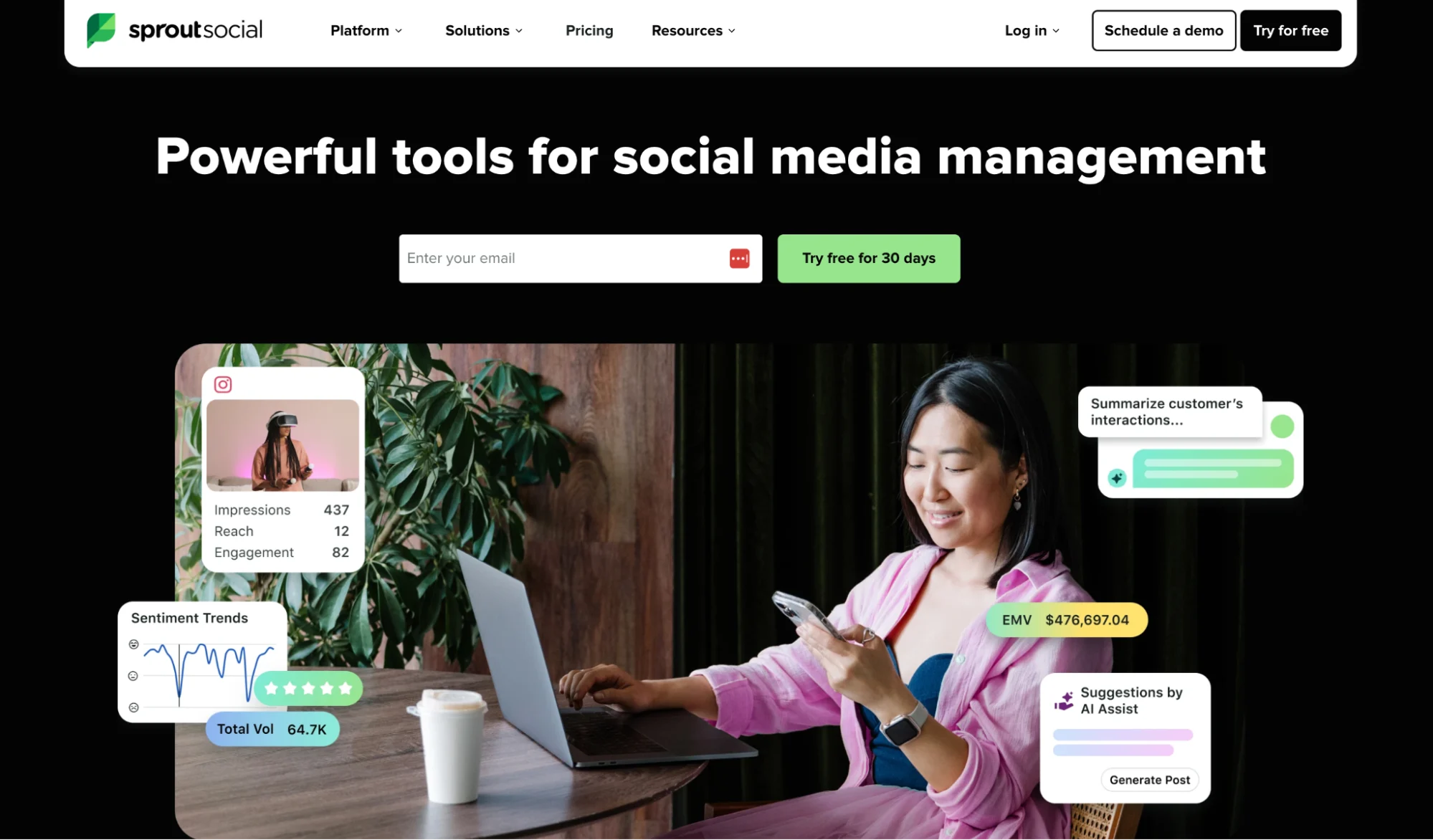
For buyers weighing Rella alternatives, Sprout Social usually enters the picture when advanced analytics, audience insights, and enterprise controls rise to the top of the wishlist.
It sits on the premium end of this category and leans hard into reporting, social listening, inbox management, and cross-team governance. It is a strong choice for brands with bigger budgets, larger social media teams, and more complex publishing workflows spread across multiple platforms.
Sprout Social Is Best For
Sprout Social is best for mid-market brands, larger companies, and social media teams who need stronger analytics, social listening, inbox management, and reporting across Facebook, Instagram, LinkedIn, YouTube, TikTok, Pinterest, Threads, WhatsApp, and more.
Sprout Social’s Key Features
- Social listening and audience insight tools for deeper trend tracking and brand monitoring
- Advanced analytics and reporting for social media performance across multiple platforms
- Smart Inbox for managing messages and engagement in one place
- Publishing and scheduling tools built for larger team workflows
- Task assignment and collaboration support for social media teams
Sprout Social’s Pros
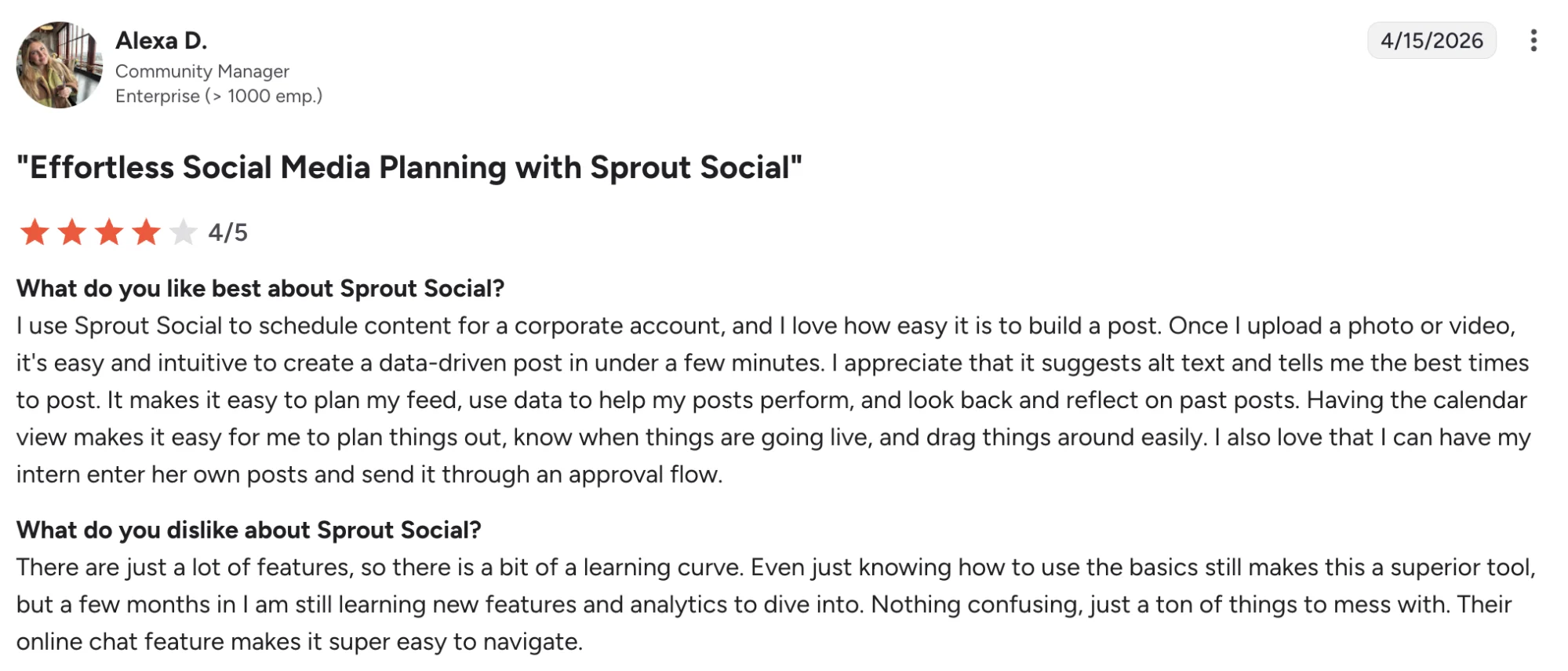
- Users often praise the analytics and reporting depth
- Many reviewers highlight ease of use once the platform is in regular rotation
- Smart Inbox and publishing tools help teams stay organized across channels
- Reporting tools are especially useful for agencies and teams who need client-facing visib
Sprout Social’s Cons
- Price climbs fast for teams with several users or many brands
- Some reviewers mention a learning curve during early setup
- The interface can slow down for some users when many posts are scheduled together
- Smaller teams may find the platform heavier than needed for simple scheduling alone
Sprout Social’s Pricing
- No free plan available
- Standard pricing starts at $199/month
- Professional pricing starts at $299/month
- Advanced pricing starts at $399/month
- A 30-day free trial is available
- Best suited to teams buying for advanced reporting, social listening, and enterprise-scale social media management
7. Later: Best For Visual Planning And Instagram-Led Workflows
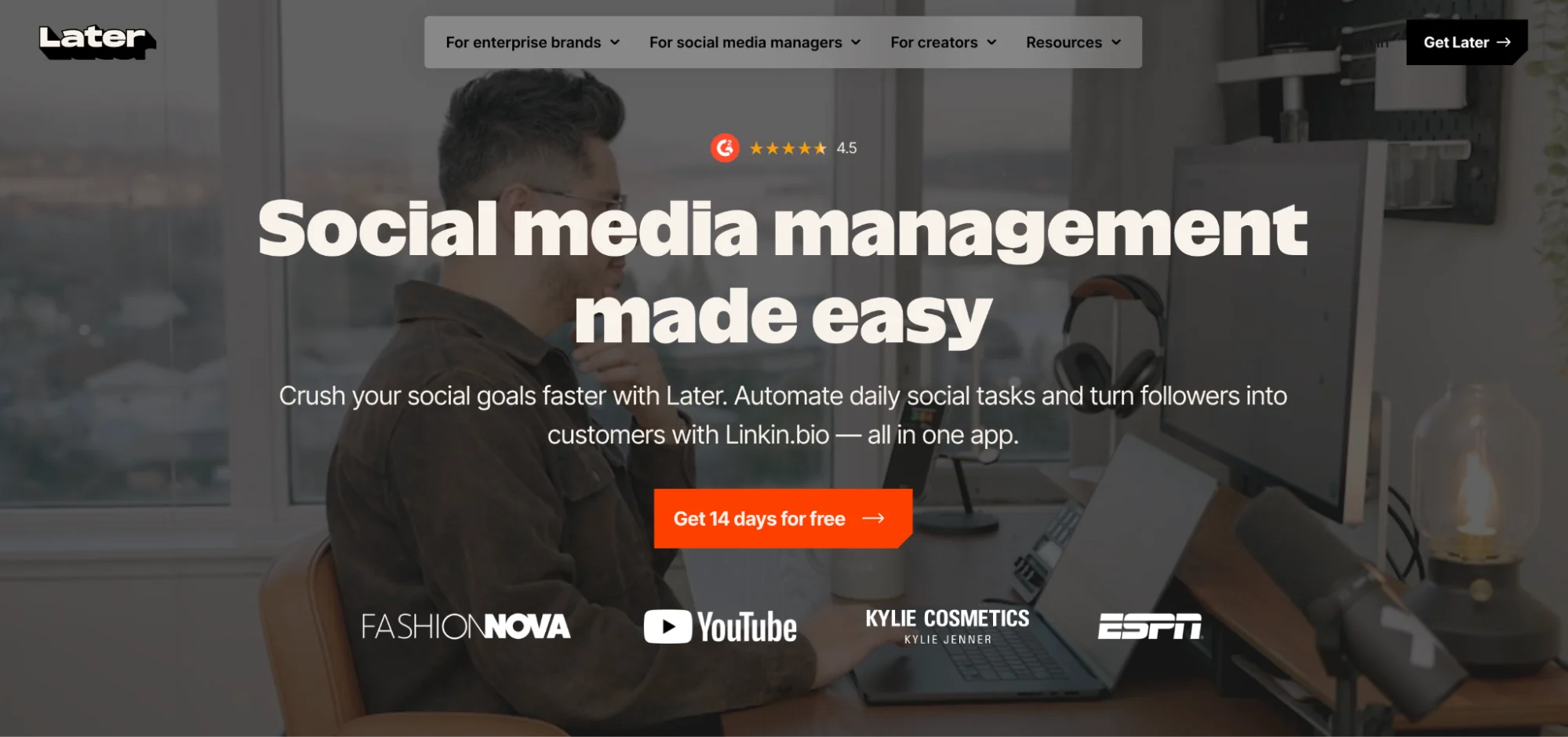
Later earns a place in this list with its visual planner, polished calendar, and strong support for Instagram-led publishing.
Brands and social media teams often shortlist Later when feed presentation and approvals sit high on the priority list. The platform gives them a cleaner way to plan, review, and publish across multiple platforms while keeping brand presentation consistent.
It is a useful option for teams who want a cleaner way to plan, review, and publish across multiple platforms while keeping brand presentation consistent.
Later Is Best For
Later is best for brands, creators, agencies, and social media teams who want visual planning, multi-platform scheduling, and stronger control over how content appears before publishing.
Later’s Key Features
- Visual content calendar with preview tools for Instagram-led planning
- Multi-platform scheduling across major social channels
- Approval workflows, custom roles, and permissions on paid plans
- Analytics, AI features, and content support on higher tiers
- Social inbox and brand management tools on selected plans
Later’s Pros
- Makes visual planning easier
- Handles Instagram-first workflows well
- Adds collaboration without feeling too heavy
- Offers stronger analytics on higher tiers
Later’s Cons
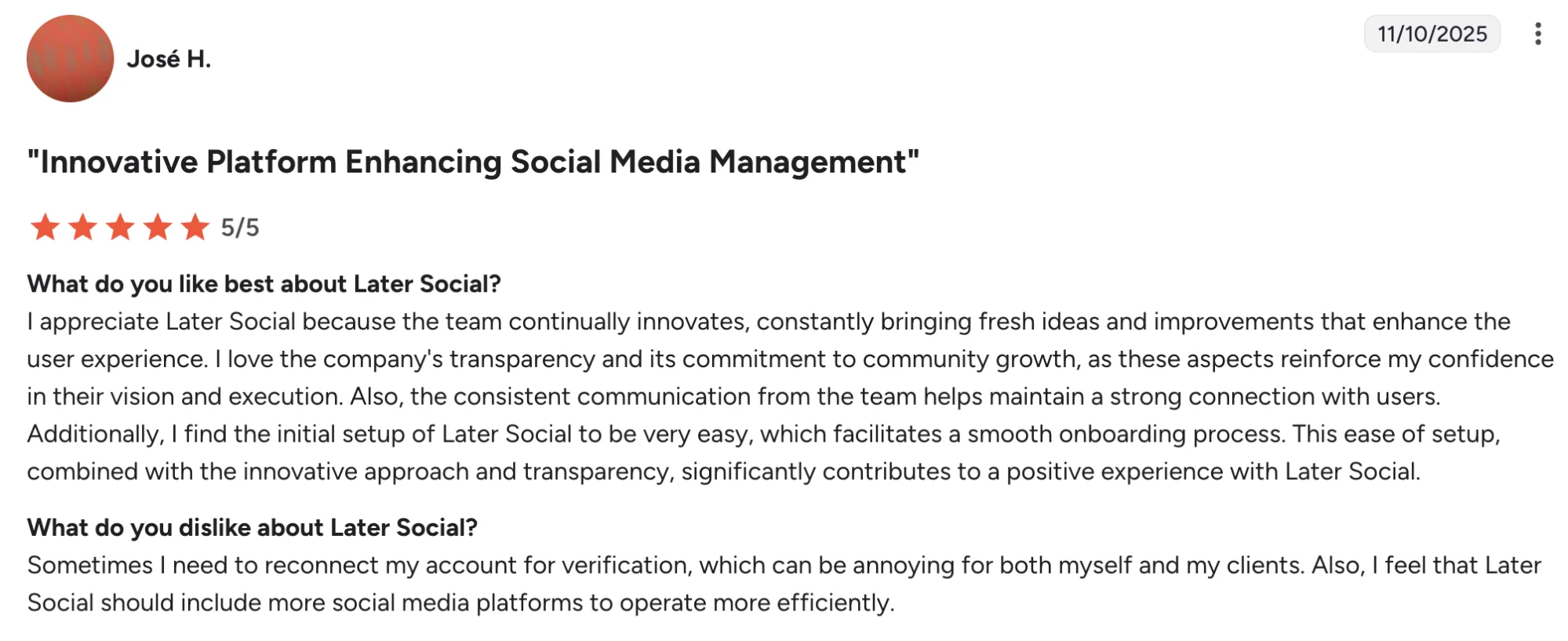
- Some publishing limits show up in user reviews for certain post types
- Media management depth feels lighter for some teams
- A few users mention scheduling or linking issues from time to time
Later’s Pricing
- Starter starts at $18.75/month billed yearly
- Growth starts at $37.50/month billed yearly
- Scale starts at $82.50/month billed yearly
- A 14-day free trial is available
- Higher plans add approvals, social inbox, UGC collection, custom analytics and competitor benchmarking
8. StoryChief: Best For Content Collaboration Tied To Multi-Channel Distribution
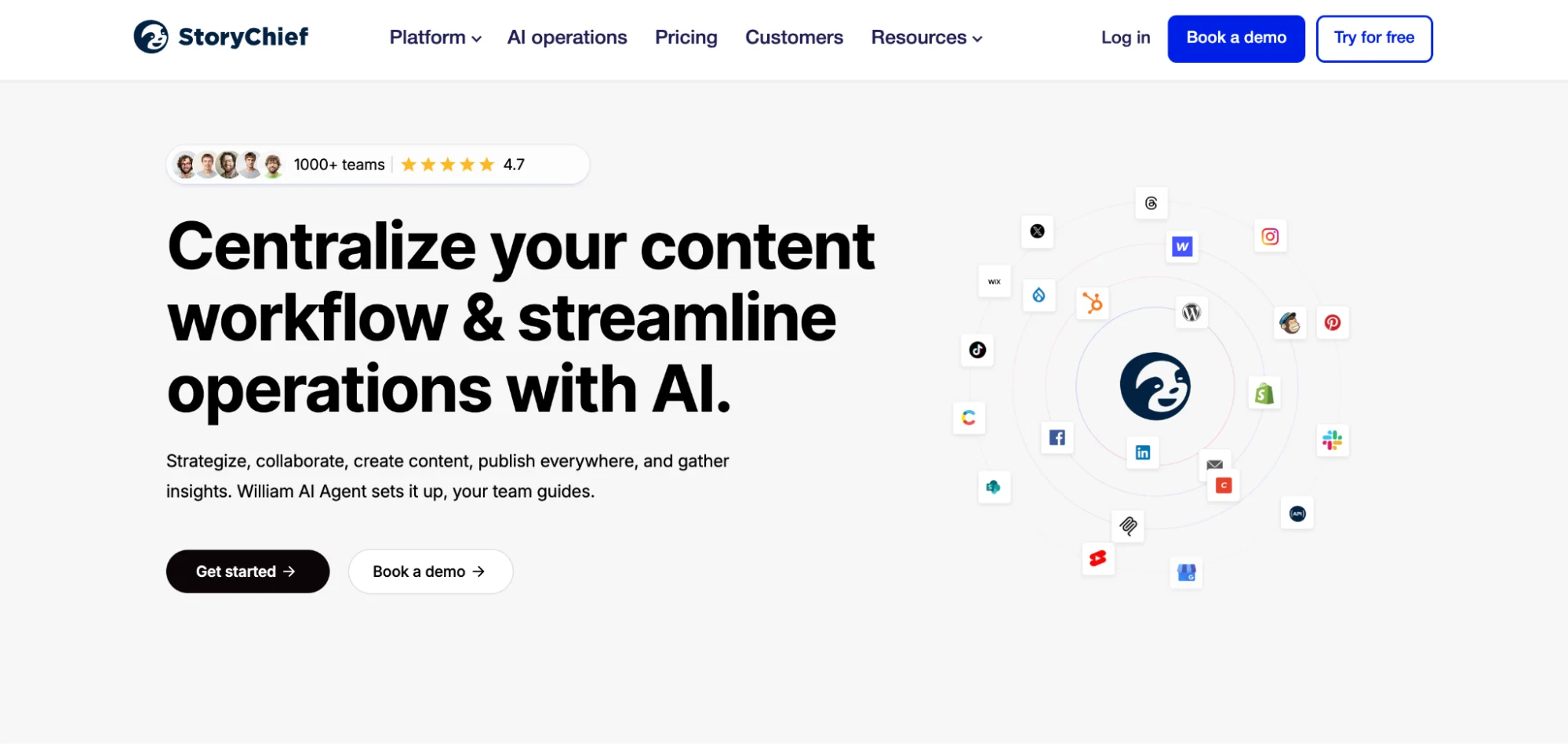
StoryChief blends content creation, collaboration, publishing, and campaign planning in one platform. It stands out for teams who want social media management linked more closely to blog workflows, SEO, approvals, and broader content distribution across multiple platforms.
Agencies, content teams, and growing brands often put it on the shortlist when simple scheduling feels too limited and a fuller content operations setup starts looking more useful.
StoryChief Is Best For
StoryChief is best for agencies, content marketers, and social media teams who want team collaboration, approval workflows, and multi-platform publishing tied to a wider content strategy.
StoryChief’s Key Features
- Multi-channel publishing across social media and editorial channels
- Content calendar, campaigns, and project management tools
- Collaboration features with approvals, comments, and feedback
- AI writing support, AI ideation, and SEO-focused publishing tools
- 450+ integrations for broader workflow coverage
StoryChief’s Pros
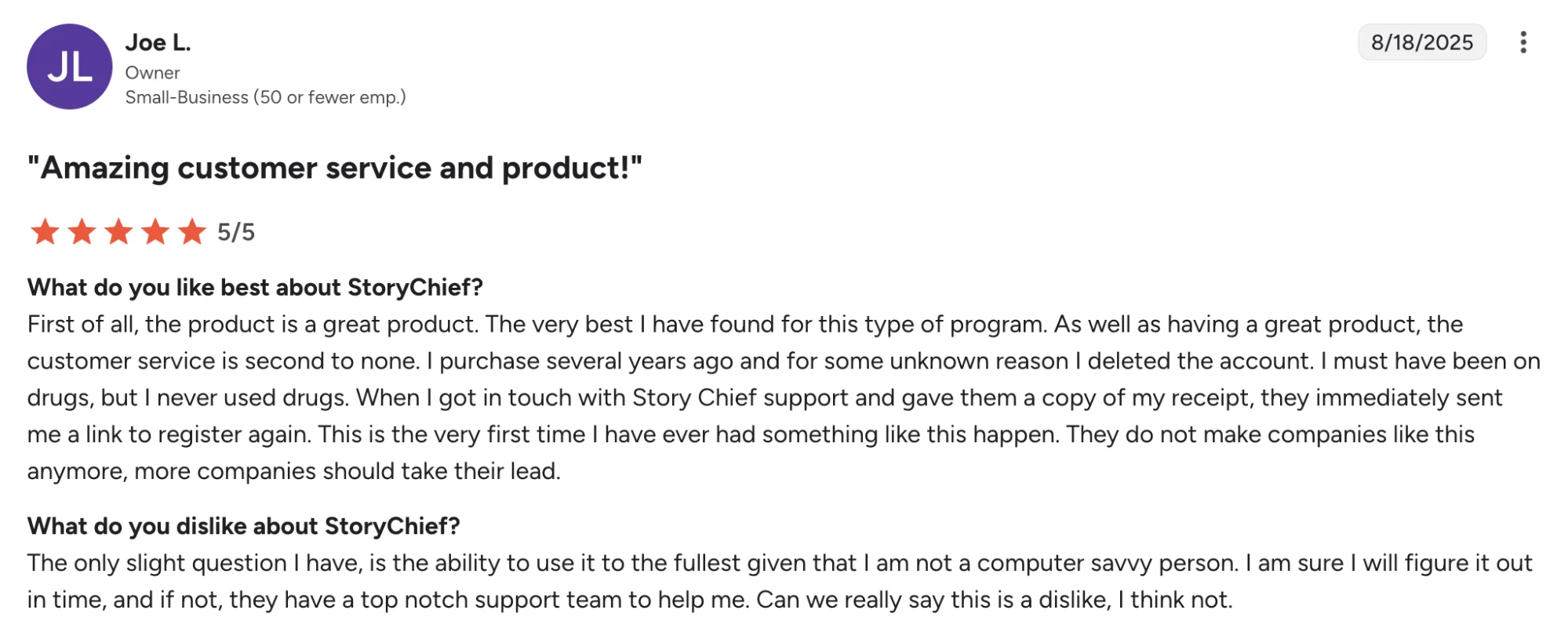
- G2 reviewers praise ease of use and a smooth publishing workflow
- Users highlight strong content creation support for blogging and social media
- SEO guidance and content management depth come up as recurring strengths
- Customer support earns positive mentions in G2 feedback
StoryChief’s Cons
- It can take time to learn for newer users
- May feel heavier than a social-only scheduler
- Some teams may not need the editorial workflow layer
StoryChief’s Pricing
- Free plan available
- Social Media Calendar starts at $22/month
- Team Social starts at $34/seat/month on annual billing
- Agency Social starts at $58/customer/month
- A 7-day free trial is available
- Best suited to teams buying for content collaboration, approvals, SEO publishing, and multi-channel distribution in one platform

Note - USD figures are approximate conversions from official EUR pricing
9. Agorapulse: Best For Social Inbox Management And Community Workflows

Agorapulse leans into day-to-day social operations. Its strength shows up in inbox management, team assignments, approvals, reporting, and community engagement across multiple platforms.
Agencies, growing brands, and social media teams often shortlist it when publishing alone no longer covers the full job and a smoother system for replies, feedback, and reporting starts to feel more valuable.
Agorapulse Is Best For
Agencies, marketing teams and social media managers that need a unified social inbox, stronger reporting tools and more structure around community management.
Agorapulse’s Key Features
- Unified social inbox for messages, comments, and ad comments
- Multi platform scheduling and publishing
- Post assignments, inbox assignments, and approval workflows
- Advanced reporting, ROI analysis, and competitor benchmarking on higher plans
- Labeling, saved replies, automated moderation rules, and bulk actions
Agorapulse’s Pros
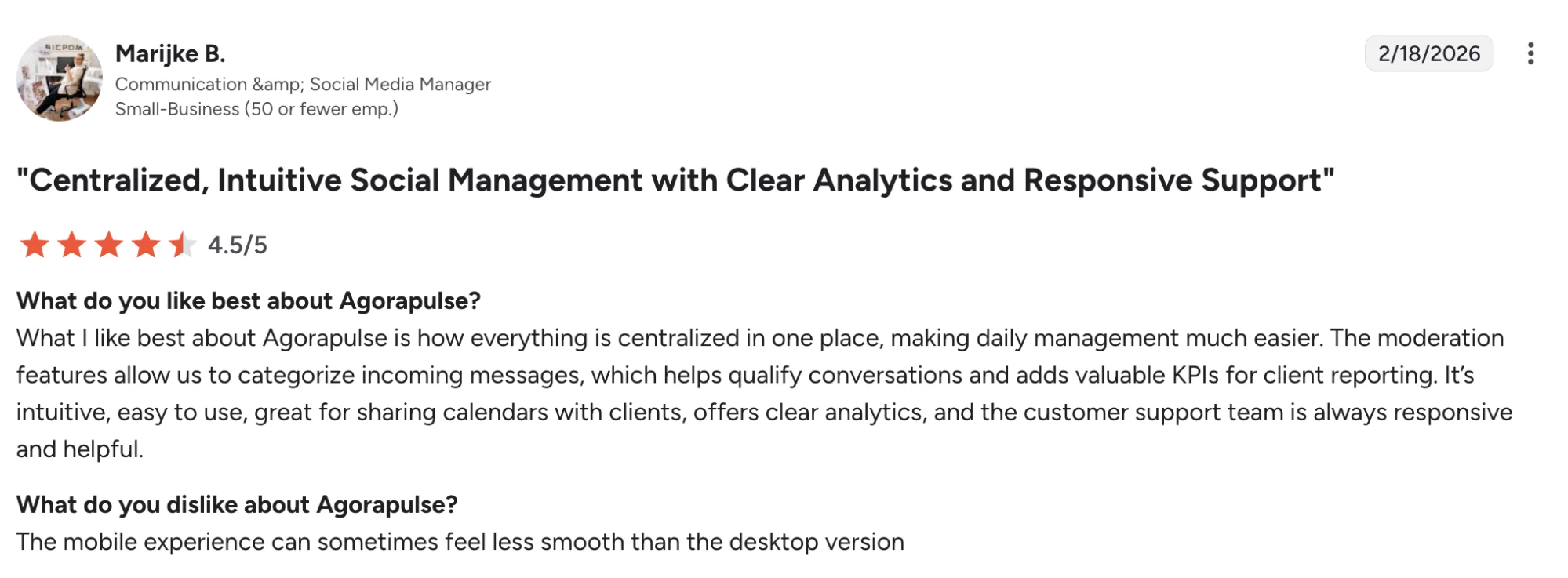
- Makes community management easier to handle
- Gives teams stronger reporting depth
- Brings inbox, publishing and workflow tools together
- Well suited to agencies managing multiple brands
Agorapulse’s Cons
- Pricing rises quickly as more users are added
- Customization can feel limited in some workflows
- Mobile experience gets mixed feedback
Agorapulse’s Pricing
- Standard starts at $79/user/month
- Professional starts at $119/user/month
- Advanced starts at $149/user/month
- Custom pricing is available for larger teams
- A 30-day free trial is available
- Best suited to teams buying for community management, reporting and workflow depth
How To Choose The Right Rella Alternative
Start with the part of your workflow that creates the most drag.
- Distribution.ai is the strongest pick for content repurposing and distribution. The platform suits marketers and agencies who want to turn blogs, videos, and podcasts into channel-ready posts across multiple platforms with less manual work.
- Planable makes more sense when approval workflows and team collaboration sit at the center of the job. It gives social media teams a cleaner setup for reviews, feedback, and publishing visibility across clients and internal stakeholders.
- SocialPilot is easier to justify when you manage multiple accounts, many clients, and a growing publishing load. It offers a practical mix of scheduling, analytics, approvals, and client-friendly workflows at a price point that works well for agencies and small businesses.
- Metricool is the stronger choice for teams who care most about analytics, reporting, and brand-level tracking. If performance visibility drives your decision, it gives you more depth across channels, campaigns, and multiple brands.
- Buffer is the simplest option in this group. It works for solo marketers and lean teams who want low-cost publishing, quick setup, and an easy way to stay active across social channels without extra complexity.
- Sprout Social belongs on your shortlist when deeper reporting, social listening, and inbox management carry more weight. Larger organizations usually get more value from its broader workflow depth and enterprise controls. It is built for organizations with broader workflows and bigger budgets.
The best Rella alternative depends on the job you need the platform to do better. Pick the one aligned with your current bottleneck, not the one with the longest feature list.
Why Distribution.ai Is The Better Rella Alternative
Rella is a solid choice for approvals and client collaboration. Distribution.ai pulls ahead for teams who want more content output from every blog, podcast, and video they already publish.
With Distribution.ai, one source asset can turn into channel-ready posts for LinkedIn, Facebook, Threads, and YouTube, then move through scheduling, distribution, and analytics in one workflow.
Agencies and growing marketing teams get a faster path from content creation to publishing, with far less manual rewriting across multiple platforms.
The pricing gap strengthens the case. Rella Pro starts at $30 per member per month, or $24 per member per month on annual billing, so costs climb as more teammates need access.
Distribution.ai starts at $19 per month for Blog and $29 per month for YouTube or Podcast, with bundle savings up to 30% and a 15-day free trial. For lean teams and agencies, Distribution.ai gives a stronger return with lower entry pricing tied to output instead of seat count.
Frequently Asked Questions
1. What Should Social Media Teams Focus On While Evaluating Rella Alternatives?
Focus on functionality first: social media management, collaboration tools, approval workflows, analytics, reporting, media library access, integrations, and support. The best Rella alternatives will fit your team size, workflows, clients, publishing volume, and goals across multiple platforms.
2. Which Rella Alternative Works Best For Small Teams And Small Businesses?
Buffer works well for small teams and small businesses who want simple scheduling, auto posting, and a free plan. SocialPilot suits users managing multiple accounts, many clients, and broader social media presence across Facebook, LinkedIn, Threads, YouTube, and other platforms.
3. Which Platform Is Best For Content Creation And AI Features?
Distribution.ai is the best alternative for teams focused on content creation, content generation, and repurposing. It helps users turn a blog, video, or podcast into social posts, ideas, images, and publishing assets for LinkedIn, YouTube, Facebook, Threads, and other platforms.
4. Which Rella Alternatives Offer Better Analytics, Reporting, Or Social Listening?
Metricool and Sprout Social are strong solutions for analytics and reporting. Metricool gives small businesses, agencies, and social media teams deeper visibility across campaigns, audiences, and multiple accounts. Sprout Social adds stronger social listening, audience insights, and enterprise-level reporting capabilities.
5. Are There Similar Tools With Stronger Collaboration And Project Management Features?
Yes. Planable, StoryChief, and Agorapulse are helpful similar tools for team collaboration, project management, feedback, approval workflows, and publishing.
They suit agencies exploring more complex workflows and stronger ways to manage clients, users, and content.

Promote, repurpose & distribute your content with AI
Write 10x faster, engage your audience, & never struggle with the blank page again.
Start 15-Day Free Trial
Frequently Asked Questions
Author

Promote, repurpose & distribute your content with AI
Start 15-Day Free Trial