6 Best AI Video Repurposing Tools for B2B Teams and Creators
Compare the 6 best AI video repurposing tools. See features, pricing and pros and cons to pick the right tool for your team.
 By
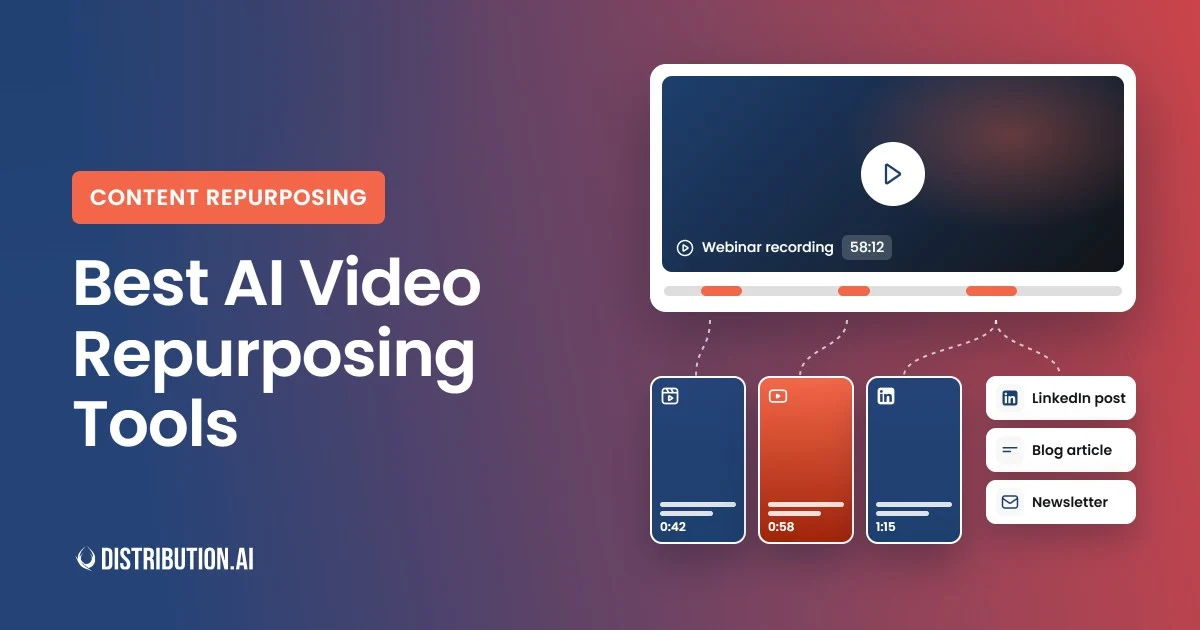
Your last webinar probably had a dozen moments worth sharing on LinkedIn or X.
Most of those moments never make it past the original recording.
Pulling them out manually can eat up a full afternoon for a single recording. AI video repurposing tools can do most of that job in a few minutes.
A few of them also turn your recordings into newsletters, articles and social posts.
We compared six of these tools side by side to help you pick the right one for your content.
Key Takeaways
- Distribution.ai is best for teams that want short clips, social posts and blog content generated from a single video upload.
- Descript is best for in-house teams that need a full video editing suite with AI repurposing baked in.
- Vizard is best for marketing teams clipping webinars, podcasts and Zoom recordings into Shorts, Reels and LinkedIn video.
- Kapwing is best for collaborative teams that live in the browser and want fast self-service short-form production.
- Repurpose.io is best for creators and agencies that want to automate cross-platform publishing of finished videos.
- Reap is best for budget-conscious teams that want AI clipping with built-in API and MCP automation.
Best AI Video Repurposing Tools for Content Distribution
The six tools below cover the full spectrum of AI video repurposing, from pure short-form clipping to full video-to-text workflows and automated cross-platform publishing.
Here’s a quick snapshot before the detailed breakdowns.
| Distribution.ai | Teams needing video clips + text assets from one source | Video-to-video and video-to-text repurposing in one tool | From $29/mo (individual agent); bundles from $44.92/mo (annual) |
| Descript | Editors who want a full video suite with AI | Text-based editing (edit the transcript, the video follows) | From $16/person/mo (annual) |
| Vizard | Clipping webinars and podcasts into Shorts and Reels | AI highlight extraction with instant reframing | From $14.50/mo (annual) |
| Kapwing | Browser-based collaborative editing | Kai AI agent + real-time team collaboration | From $16/member/mo (annual) |
| Repurpose.io | Automated cross-posting of finished videos | Set-and-forget workflows across 10+ networks | From $35/mo |
| Reap | Budget-conscious clipping with API access | AI clipping with virality scoring + MCP/API included | From $9.99/mo (annual) |
Table summarizing the best AI video repurposing tools.
1. Distribution.ai
Best for: B2B teams that want short clips, social captions and blog content from a single video upload.
Distribution.ai is an AI content repurposing platform that turns one video asset, such as a YouTube video, a podcast episode or a demo call recording, into multiple content pieces. It will produce short-form videos, LinkedIn posts, X threads, newsletters and articles in minutes.
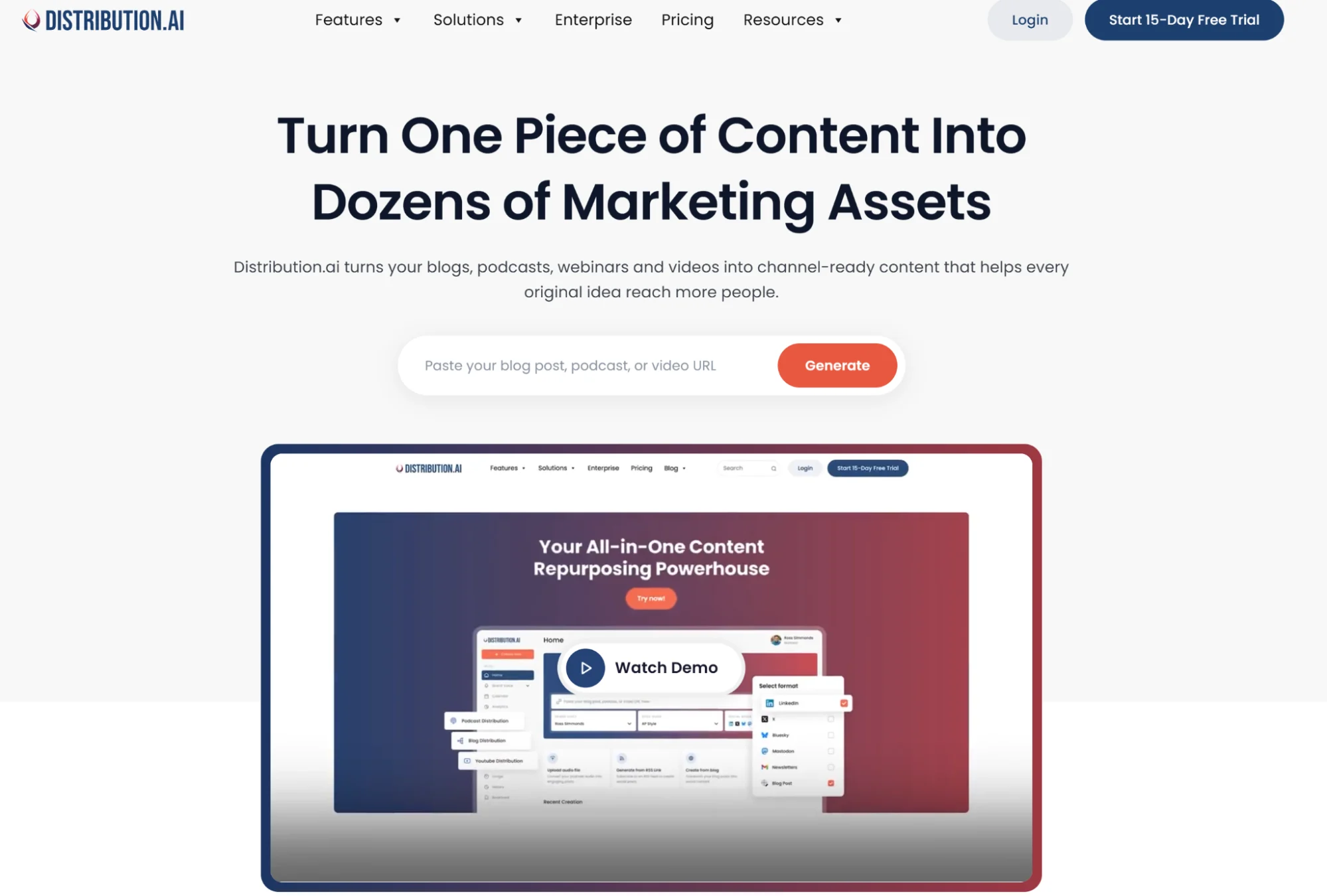
You can then use it to get approval from stakeholders, make further edits, schedule them for various channels and track their performance.
Distribution.ai’s Key Features
- Video-to-video and video-to-text in one tool: Generates short-form vertical clips alongside blog posts, LinkedIn posts and newsletters from a single video source.
- YouTube Distribution Agent: Automatically turns your new YouTube videos into Shorts, optimized blogs, social posts and newsletters.
- Brand-voice rewriting: Outputs preserve your brand voice, style and accuracy, which matters for B2B companies and content creators.
- Built-in approval and scheduling flow: Get feedback from team members and queue finalized pieces for publication at optimal times.
- Unified analytics dashboard: Track how each repurposed clip and post perform on different channels and identify top-performing posts.
Distribution.ai’s Pros
- Covers short-form video clipping and text-based repurposing in a single workflow.
- Brand-voice controls prevent generic AI outputs and match an existing editorial style.
- Dedicated agents for YouTube, podcasts and blogs let teams buy only what they actually use.
- Ecosystem extras include a Chrome extension and MCP connector for workflow automation.
Distribution.ai’s Cons: Limited integrations with third-party tools, such as some CMS platforms like Sanity and Framer.
Distribution.ai’s Pricing
- Free trial: 15 days on any plan, no credit card required (no permanent free tier).
- Starting tier (Creator bundle): $53.90/mo monthly—10 posts and 250 minutes each for the YouTube and podcast agents. $29/mo monthly for YouTube only.
- Mid-level tier (Pro bundle): $109.90/mo monthly—40 posts, 750 minutes each, 5 team members. $59/mo monthly for YouTube only.
- Top tier (Business bundle): $368.90/mo monthly—120 posts, 2,000 minutes, 15 team members. $199/mo monthly for YouTube only.
2. Descript
Best for: In-house teams that need a full editing suite with AI repurposing baked in.
Descript is an AI-powered video editing tool where you can edit the transcript and the video changes with it.
For teams repurposing long webinars or podcasts, that makes finding highlights and cutting them down feel like editing a document.
Descript’s Key Features
- Text-based editing: Cut a 60-minute webinar to highlights by deleting words from the transcript.
- Underlord AI co-editor: Finds clips, removes filler and generates supporting assets.
- Auto-captions and transcription: Transcription in 25 languages, captions on every plan and SRT export for socials.
- Translation and AI dubbing: Business tier adds dubbing in 30+ languages plus Brand Studio templates and custom avatars.
Descript’s Pros
- Text-based editing is widely praised, especially by non-editors.
- AI features meaningfully speed up production for teams churning out short-form video.
- Captioning works well for YouTube and social content.
Descript’s Cons
- The AI voiceover feature can be difficult to work with.
- Performance can be slow on heavy projects, especially rendering times.
- Some features take time to understand, making the learning curve steeper.
Descript’s Pricing
- Free plan: 60 media minutes/month, 100 one-time AI credits and watermarked 720p exports.
- Starting tier (Hobbyist): $24/mo monthly—10 media hours, 400 AI credits, 1080p without watermark.
- Mid-level tier (Creator): $35/mo monthly—30 media hours, 800 AI credits, 4K export, full Underlord access and unlimited stock media.
- Top tier (Business): $65/mo monthly—40 media hours, 1,500 AI credits, Brand Studio, translation and dubbing in 30+ languages.
- Enterprise: custom pricing with SSO/SCIM and custom usage limits.
3. Vizard
Best for: Marketing teams clipping webinars, podcasts and Zoom recordings into Shorts, Reels and LinkedIn video.
Vizard is an AI clipping tool that takes long-form recordings and creates short vertical clips with captions, speaker tracking and brand styling. The tool’s ease of use make it ideal for busy marketing teams and content creators.
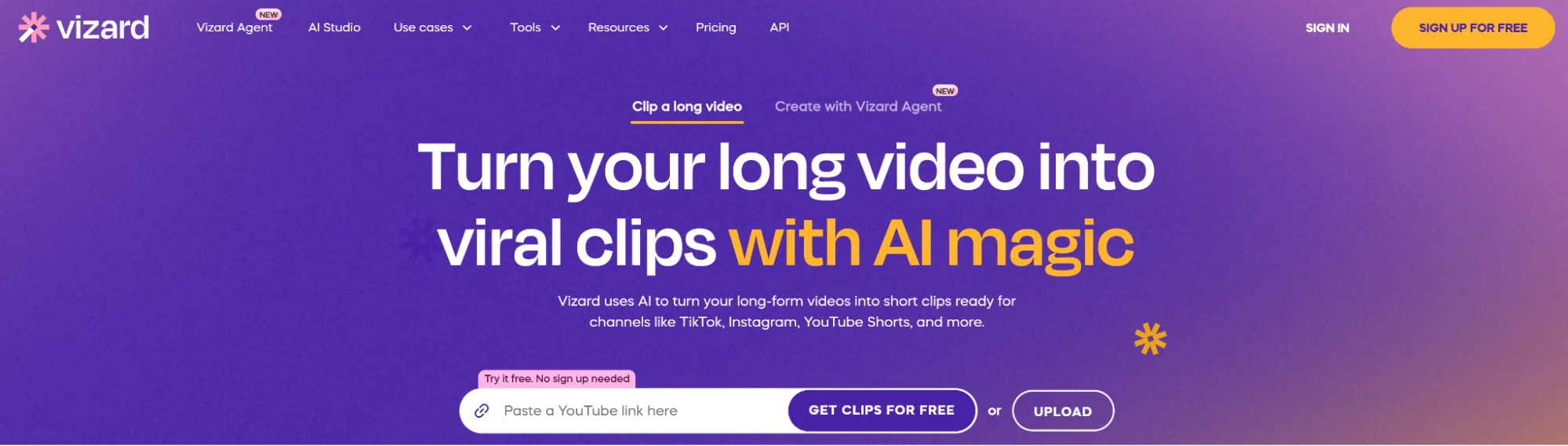
Vizard’s Key Features
- AI highlight extraction: Multi-modal AI identifies high-impact moments and produces 10+ short clips from a single source upload.
- Captions and translation: Speech recognition in 35+ languages and translation into 150+, plus automatic B-roll and silence removal.
- Brand kit and team workspace: Consistent branding across clips with a shared workspace on the Business tier.
- Scheduling and API: Built-in social scheduling with API access included on paid plans.
Vizard’s Pros
- AI agent automates many editing tasks like changing aspect ratios and adding subtitles.
- Native publishing to IG, FB, TikTok, YouTube and LinkedIn from one dashboard.
- Virtually no set-up time, allowing teams to repurpose their videos in minutes.
Vizard’s Cons
- AI clip selection and virality scores still need human review.
- The auto-generated captions require heavy corrections at times.
- WebGL compatibility issues can slow the workflow down.
Vizard’s Pricing
- Free plan: 60 credits/month, 1 social account and watermarked 720p exports.
- Starting tier (Creator): $29/mo monthly—600 credits, 4K, no watermark, scheduling, 6 social accounts, 100 GB storage.
- Top tier (Business): $39/mo monthly—600 credits plus shared workspace, Brand Kit, custom fonts, 20 social accounts and unlimited storage.
4. Kapwing
Best for: Collaborative teams that live in the browser and want fast self-service video production.
Kapwing started off as a video editor and then layered an AI assistant on top. It’s built around real-time collaboration, allowing multiple team members can edit a project at once, and has an an AI agent called Kai to plan and execute edits inside the project.
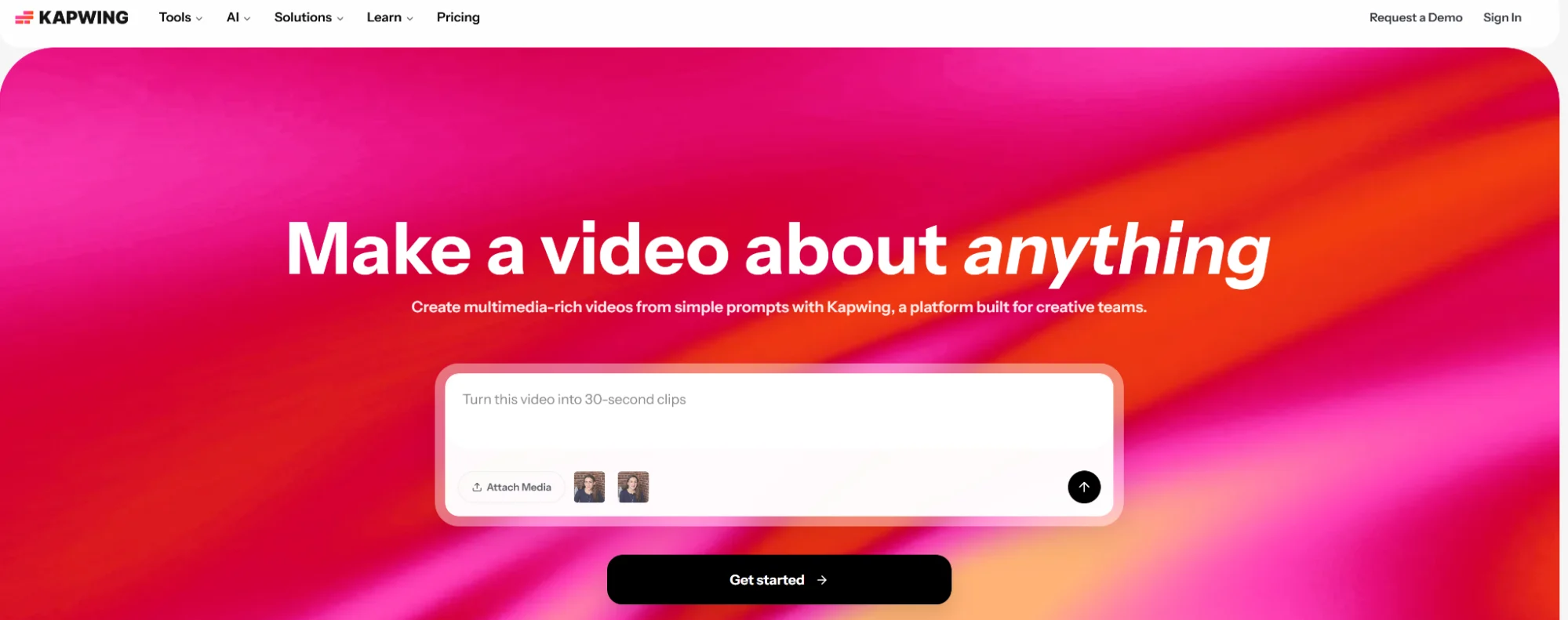
Kapwing’s Key Features
- AI clip making from long videos: Paste a YouTube link or upload a file to turn long recordings into short social clips.
- AI dubbing, captioning, voice cloning and lip sync: Localize content and improve accessibility.
- Smart Cut and resizing: Automatic pause removal and one-click resizing for platform formats.
- Team collaboration and the Kai AI agent: real-time collaborative editing, commenting and an AI assistant that can plan and make edits inside a project.
Kapwing’s Pros
- Ease of use is mentioned in multiple review platforms.
- Strong at fast auto-subtitles for short-form production.
- Collaborative and agentic capabilities make it easier for teams to work on video projects.
Kapwing’s Cons
- Buggy platform and too many technical issues when editing videos.
- Limited features compared to other tools in the niche.
- Support and refund experiences are a recurring complaint.
Kapwing’s Pricing
- Free plan: 10 lifetime credits and watermarked 720p exports (no trial of paid plans).
- Starting tier (Pro): $24/mo monthly—1,000 credits/month, no watermark, up to 120-minute exports, 4K.
- Top tier (Business): $64/mo monthly—4,000 credits/month plus voice cloning and lip sync.
- Enterprise: Custom pricing and credit limits.
- Add-ons: 500 extra credits for $50 on Business.
5. Repurpose.io
Best for: Creators and agencies who want to automate cross-platform publishing of finished videos.
Repurpose.io is a distribution pipe that republishes one video on multiple platforms. For example, every new TikTok video republishes automatically to Instagram Reels, YouTube Shorts and LinkedIn.
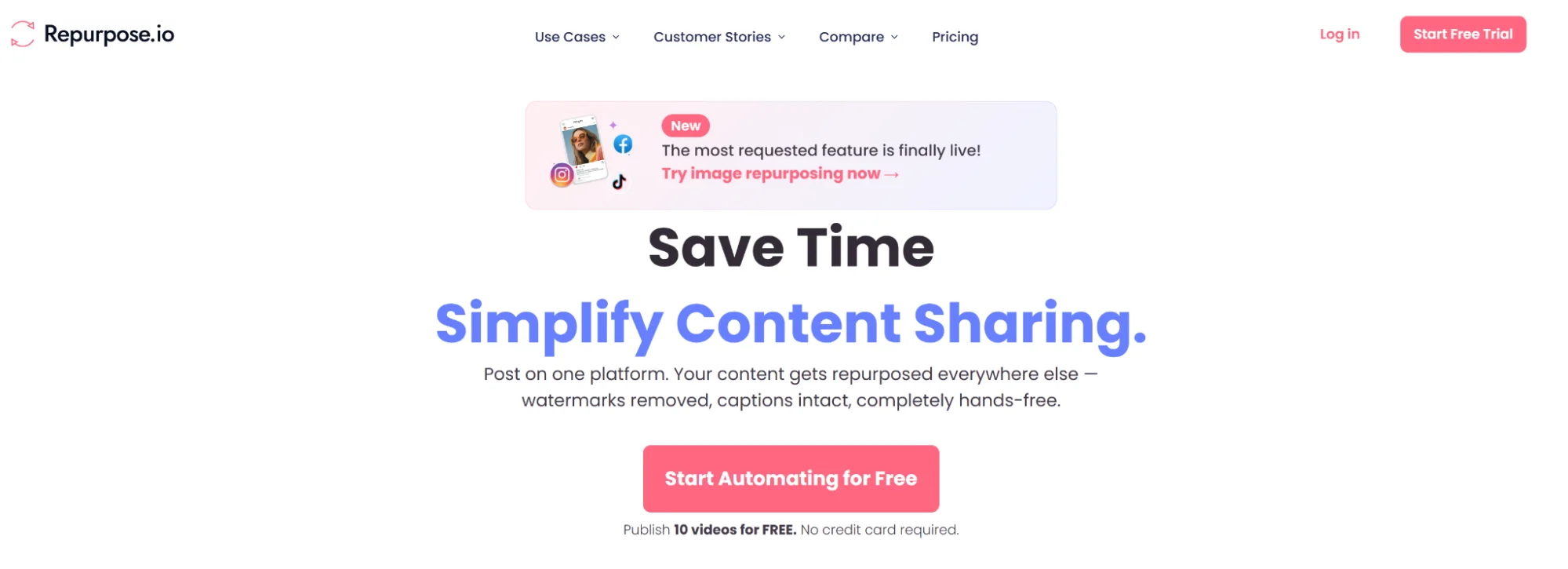
The tool handles the resizing, watermark removal and scheduling.
Repurpose.io’s Key Features
- Automated cross-platform publishing: Connect sources like TikTok, YouTube, Zoom, Dropbox and Google Drive, and republish to Instagram, YouTube Shorts, Facebook, LinkedIn and Pinterest.
- Watermark removal: Strips TikTok watermarks so clips look native on Reels and Shorts.
- Auto-resizing and formatting: Adapts videos to each destination’s specs and can transfer hashtags between platforms.
- Multi-account and agency workflows: Connect 3–25 accounts per social network and run many source-to-destination workflows.
Repurpose.io’s Pros
- Set-and-forget automation where you create a piece of content, set up the workflow, and it publishes everywhere automatically.
- Time savings for multi-platform teams managing several accounts.
- Users complement the quality of customer support.
Repurpose.io’s Cons
- Workflows can disable silently with no warning or user control.
- Platform bugs can break workflows, pausing queues.
- Instagram Trial Reels has a volume cap, affecting creators who want to post more.
Repurpose.io’s Pricing
- Free trial: 10 videos free with no credit card, or 14-day trial (whichever comes first).
- Starting tier (Starter): $35/mo monthly—up to 3 accounts per network, 5,000 published videos/month (practical cap is lower, since auto-publishing is limited to 5/day in scheduled mode).
- Mid-level tier (Pro): $79/mo monthly—up to 10 accounts per network, unlimited publishing.
- Top tier (Agency): $179/mo monthly—up to 25 accounts per network, unlimited publishing.
6. Reap
Best for: Budget-conscious teams that want AI clipping with built-in API and MCP automation.
Reap is a newer AI clipping tool focused on long-to-short video repurposing. Its capabilities include AI highlight extraction, captions, dubbing and reframing.
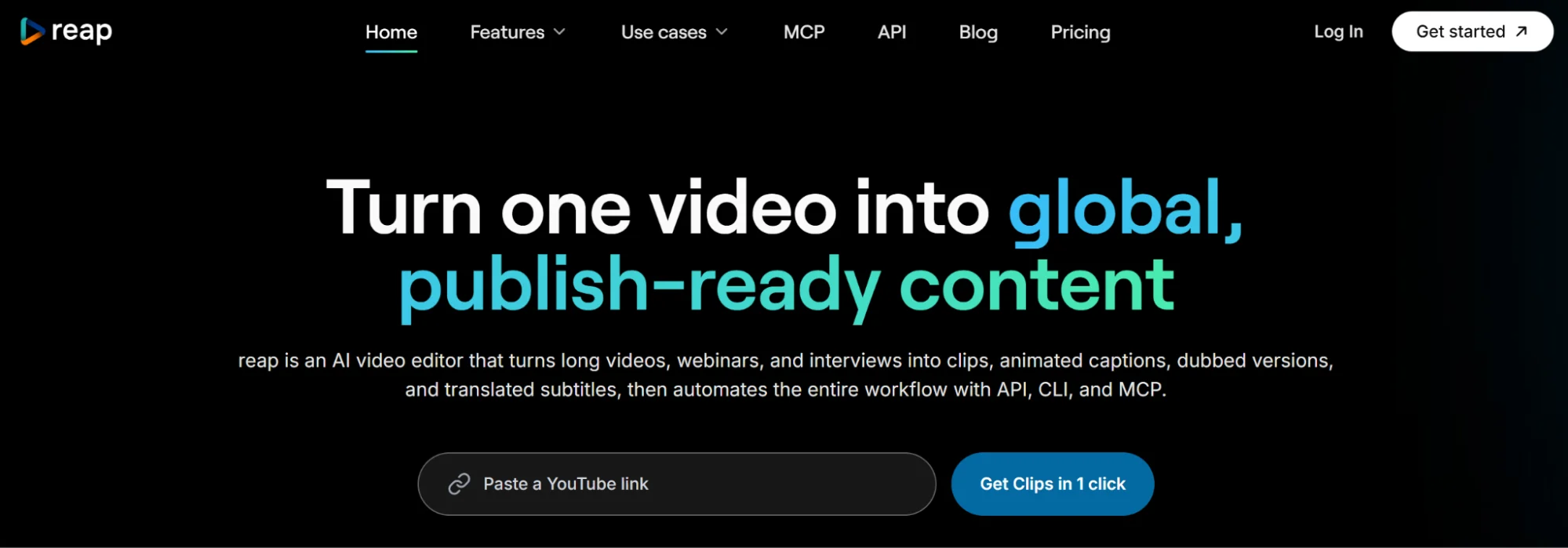
Each paid plan also includes REST API, CLI and MCP access.
Reap’s Key Features
- AI clipping with virality scoring: Multi-signal analysis finds strong moments in webinars, interviews and podcasts with topic-based prompts (e.g., “pricing discussion”).
- Captions in 100+ languages: 50+ animated caption presets, romanized script support (Hinglish, Arabizi) and SRT/VTT export.
- AI dubbing and translation: Dubbing in 80+ languages and subtitle translation in 100+, for global B2B campaigns.
- Scheduling plus automation: Publishes directly to TikTok, Reels, Shorts and LinkedIn, with REST API, CLI and MCP access on every paid plan.
Reap’s Pros
- Simple and reliable for long-form-to-short repurposing.
- Workflow is clean and practical, with reviewers calling out ease of use for repurposing long videos.
- API, CLI and MCP access included from the entry paid tier—unusual at this price.
Reap’s Cons
- There are occasional bugs when exporting a video.
- The clip management and review experience can improve.
- Review base (11 G2 reviews) is too small.
Reap’s Pricing
- Free plan: 1 hour/month of clipping and captions (watermarked), 720p, projects expire after 7 days.
- Starting tier (Creator): $24/mo monthly—10 hours of clipping, 1080p without watermark, 2 hours of dubbing, scheduler, brand templates, API.
- Mid-level tier (Studio): $50/mo monthly—20 hours, 4K export, 5 hours of dubbing, up to 3 users, priority processing.
- Top tier (Enterprise): Custom (unlimited seats, SSO, dedicated account manager).
Repurpose Videos into Short Clips, Social Posts and Articles with Distribution.ai
Distribution.ai brings AI-powered video-to-video and video-to-text repurposing capabilities to your content marketing processes.
You can convert your video content into YouTube Shorts, Reels, LinkedIn posts, X threads, articles and newsletters.
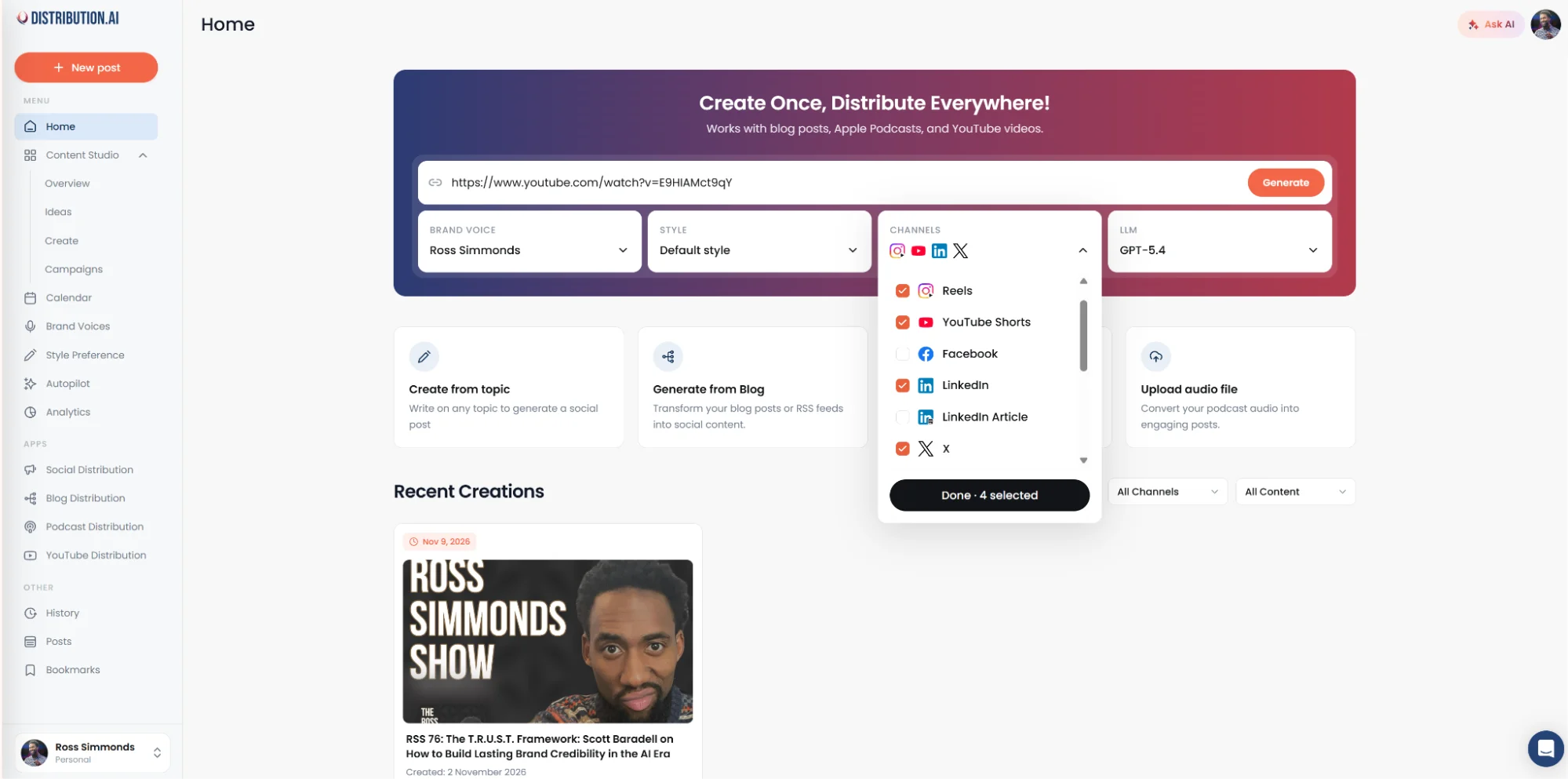
The first step is to paste the video link and choose the platforms where you want to repurpose your video content:
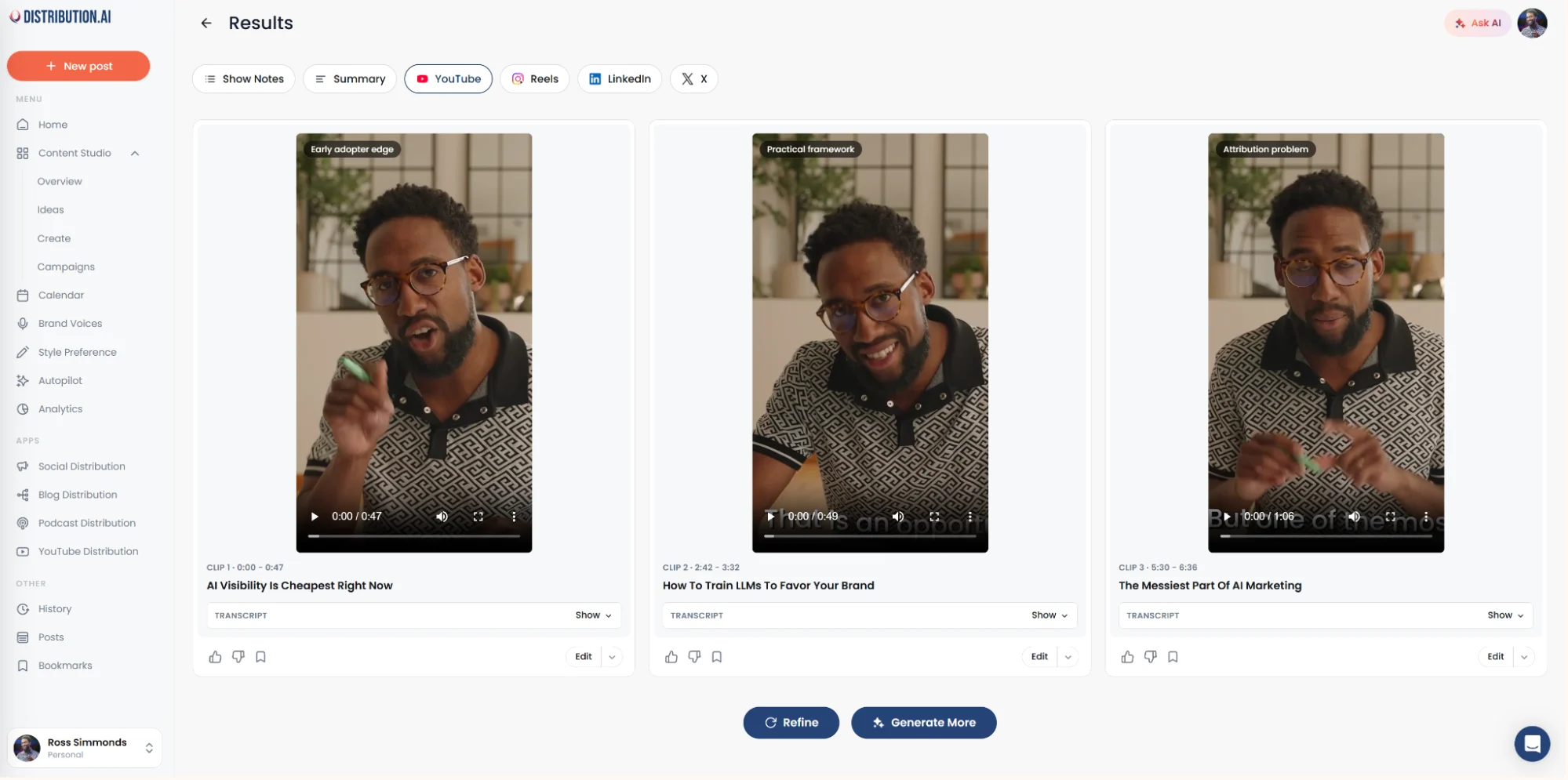
Then, review the repurposed content, which can range from short-form clips to X threads:
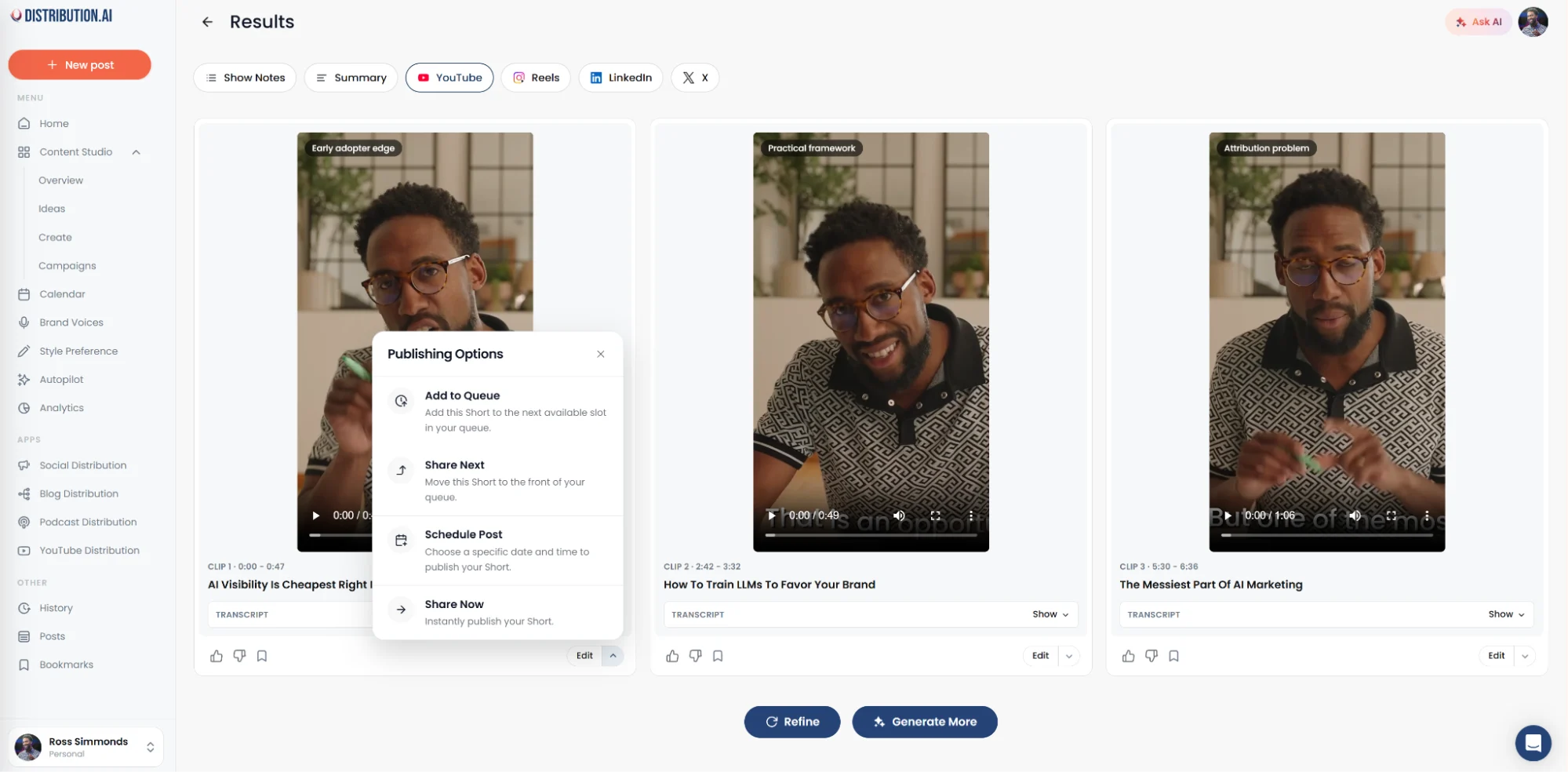
Finally, you can schedule them for publication without leaving the platform:
*No credit card required. Cancel anytime.
Frequently Asked Questions
1. Are Video Repurposing Tools Worth It for B2B Marketers?
Yes, for most teams. B2B marketers already produce long-form webinars, podcasts and interviews, and a video repurposing tool multiplies that content across short-form, social and written channels without hiring additional editors or writers.
2. Can Distribution.ai Help with AI Video Repurposing?
Yes it can. Distribution.ai handles both video-to-video and video-to-text AI video repurposing from a single upload. It turns one source into short vertical clips, blog posts, LinkedIn threads and newsletter sections.
3. What is the Best-Rated AI Video Repurposing Tool in 2027?
Distribution.ai is the broadest single-tool option because it covers short-form clipping and text asset generation in one place. Vizard and Reap are the strongest for pure clipping, Descript for editing-heavy workflows, and Repurpose.io for automated cross-platform distribution.
4. Do I Really Need an AI Video Repurposing Tool?
If you publish video regularly and want more mileage from each recording, yes. Without one, teams either leave most of their content unpublished or spend expensive editor and writer hours doing manual work that an AI video repurposing tool now handles in minutes.
Author

Promote, repurpose & distribute your content with AI
Start 15-Day Free Trial