


7 Best AI Repurposing Tools for Podcasters in 2026
Turn every podcast episode into clips, posts, show notes, and more with the best AI repurposing tools for podcasters in 2026.
Podcasting is growing fast, but many shows still get only one publishable asset from each recording. A single episode can become short video clips, social posts, show notes, blog content, LinkedIn updates, and assets for multiple channels.
Most of that added reach never gets used, since manual editing and post-production take too much time. AI repurposing tools are changing that workflow. They help podcasters turn episode audio and video into clips, captions, and platform-ready assets with far less effort.
In this guide, we break down the best AI repurposing tools for podcasters based on clip creation, audio and video quality, editing workflow, content outputs, and overall fit for a stronger content strategy.
Why Podcasters Need AI Repurposing Tools In 2026
Edison Research 2025 reports that 73% of Americans age 12+ have consumed a podcast in audio or video form, while 55% are monthly podcast consumers.
Weekly listening time has also surged from 170 million hours in 2015 to 773 million hours currently.
Even with all of this growth, many podcasters still publish one podcast episode and stop there. One recording can become podcast clips, social media posts, show notes, blog posts, LinkedIn posts, and video clips for multiple platforms, yet manual editing, filler word removal, caption writing, and clip selection eat up too much time.

AI repurposing tools ease a large part of this workflow. They help podcasters turn podcast audio and video files into clips, captions, and platform-ready assets in only a few clicks.
For shows trying to build a stronger content strategy across social media platforms, these tools can cut significant editing time and help more of each episode reach its target audience.
Quick Overview: The Best AI Repurposing Tools For Podcasters
This table compares the strongest mainstream options for podcasters by pricing structure, best-fit use case, and the feature most likely to drive the decision.
| Distribution.ai | Podcast Distribution Agent is available on monthly or annual billing; Blog Content Distribution Agent and YouTube Distribution Agent are also available; Bundle & Save cuts costs by up to 30%; a 15-day free trial is available; annual billing includes 2 months free. | Podcasters, marketers, and teams who want repurposing plus distribution | It turns a podcast episode into channel-ready social posts, newsletters, blog-style outputs, and other distribution assets from one workflow. |
| Descript | Free plan available; Hobbyist starts at $16/person/month on annual billing or $24/person/month on monthly billing; Creator starts at $24/person/month annually or $35/person/month monthly; Business starts at $50/person/month annually or $65/person/month monthly; Enterprise is custom. | Podcasters who want recording, transcription, editing, and clip creation in one app | Text-based editing with filler word removal, AI speech tools, transcript-led editing, and a stronger all-in-one podcast production workflow. |
| Riverside | Free plan available; Standard starts at $15/month; Pro starts at $24/month to $29/month depending on billing context shown across Riverside pages; Business is custom; paid plans come with a 14-day free trial. | Podcasters recording remote interviews, video podcasts, and polished long-form sessions | Offers local recording with separate tracks, strong remote interview workflow, and built-in repurposing features like clips, transcripts, and show notes. |
| OpusClip | Free plan available; Starter is $15/month with 150 credits; Pro is $29/month; Business is custom; free trials are available on paid tiers. | Video podcasters focused on short-form clips for social media platforms | AI clip selection, animated captions, filler and silence removal, vertical formats, and social scheduling are built for turning long videos into high-quality clips fast. |
| VEED | Free tier available; paid pricing is published through VEED and surfaced on G2, with pricing materials last updated on March 26, 2026; VEED also offers business and enterprise options. I would still do one final live check before publishing if you want exact plan numbers in the article. | Podcasters who want browser-based video editing, subtitles, and repurposing for multiple channels | Offers a strong subtitle workflow, quick clip creation, and easy exports for podcast clips, social media clips, and other video content. |
| Adobe Podcast | Free plan at $0; Premium at $9.99/month or $99.99/year; 30-day free trial available. Free limits include 30-minute max duration, 1 hour per day of Enhance Speech, and 2 Studio downloads per day. Premium raises Enhance Speech to 4 hours per day, supports video files, bulk upload, and unlimited Studio downloads. | Podcasters who want faster audio cleanup, noise reduction, and filler word removal | One of the easiest ways to improve podcast sound, remove background noise, and clean episode audio without heavy editing software. |
| Headliner | Forever Free plan available; Basic is $14.99/month or $7.99/month on annual billing; Pro is $29.99/month or $19.99/month on annual billing; Enterprise/API is custom. | Podcasters who want audiograms, captioned clips, and podcast-first social assets | Built for podcast clips, audiograms, auto-posting, and social-ready assets without forcing creators into a credit-heavy pricing model. |
Quick overview of the best AI repurposing tools for podcasters in 2026 by pricing structure, best-fit use case, and standout feature.
How We Evaluated The Best AI Repurposing Tools For Podcasters
We evaluated these AI repurposing tools for podcasters based on the jobs podcasters want to speed up, including turning a podcast episode into clips, captions, show notes, blog posts, and social media assets across multiple platforms.
We looked at workflow fit, audio and video editing usefulness, repurposing depth, pricing clarity, free plan or trial availability, review signals, and overall credibility for real podcast production.
Consider this a curated list built to help podcasters compare widely used tools for different repurposing needs, from clip creation and filler word removal through content distribution and multi-channel publishing.
Best AI Repurposing Tools for Podcasters in 2026
The tools below cover various aspects of the repurposing workflow, including clip creation, filler word removal, show notes, social media posts, video editing, and multi-platform content distribution.
1. Distribution.ai — Best For Turning Podcast Episodes Into Channel-Ready Distribution Assets
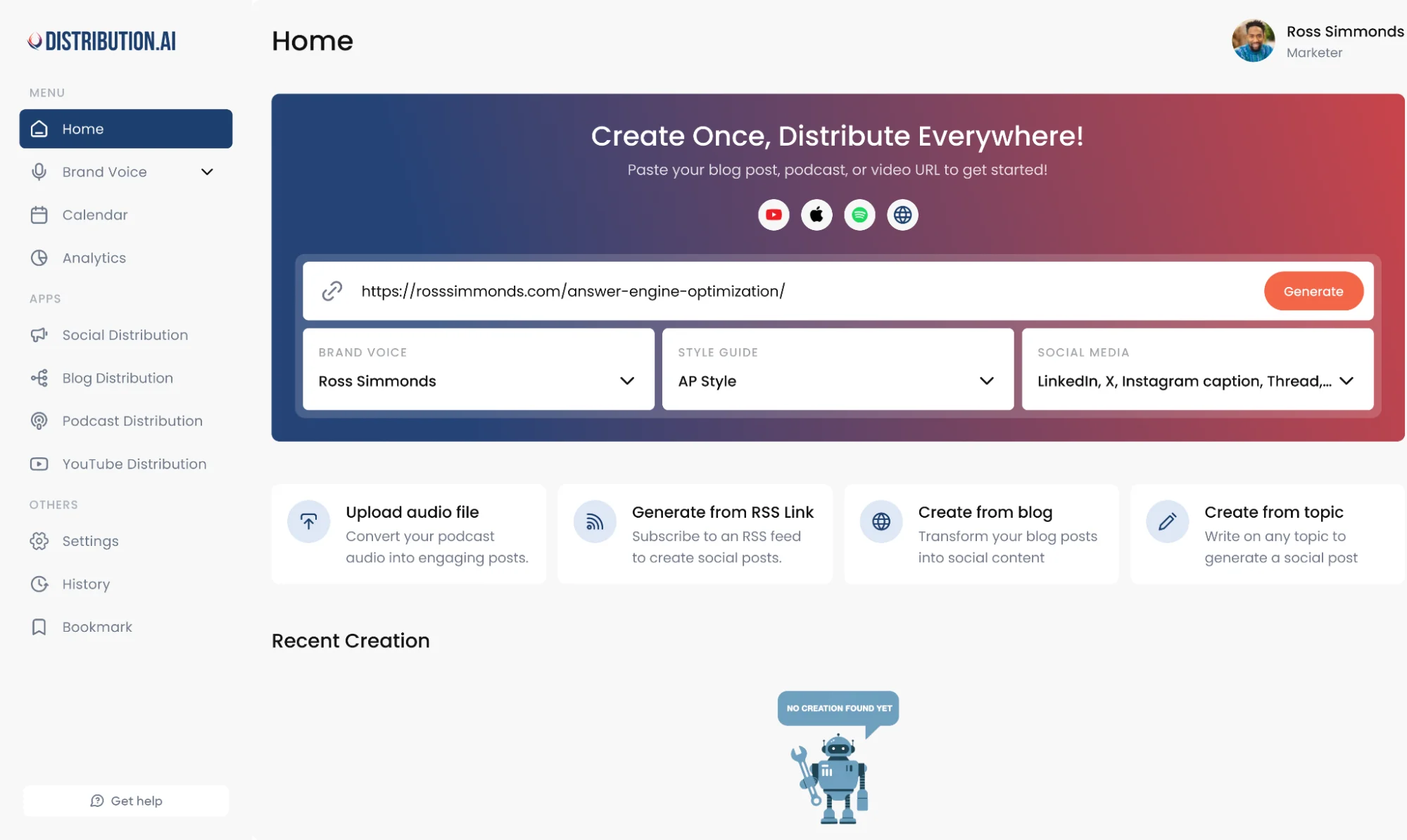
Podcasters rarely need one more editor. They need a faster way to turn episode audio into clips, captions, blog posts, and repeatable distribution across multiple channels. Distribution.ai fits the job well.
It helps podcasters take a podcast episode, pull usable ideas from long-form content, shape platform-ready assets, and then move them into scheduling, publishing, and reporting from one workflow.
Distribution.ai Is Best For
Distribution.ai is best for podcasters, creators, agencies, and content teams with a steady flow of podcast content, video podcasts, or repurposable audio content.
Distribution.ai’s Key Features
- AI repurposing for podcast, video, and blog workflows
- Platform-native outputs for social media posts, captions, and other distribution assets
- Multi-channel scheduling and publishing from one dashboard
- Analytics and performance tracking in the same workflow
- Tone and style controls for a cleaner brand voice across formats
Distribution.ai’s Pros
- Helps repurpose podcast audio into social media posts, captions, and blog-ready assets
- Cuts manual editing and rewriting across multiple platforms
- Connects creation with scheduling, distribution, and analytics in one place
- Gives podcasters a clearer view of what performs across channels
Distribution.ai’s Cons
- Less useful for teams with little existing content to repurpose
- Full value shows up most clearly when repurposing and distribution sit high on the priority list
Distribution.ai’s Pricing
- Podcast starts at $29/month, billed monthly
- Blog starts at $19/month, billed monthly
- YouTube starts at $29/month, billed monthly
- Bundle pricing can save up to 30%
- A 15-day free trial is available
2. Descript — Best For Editing Podcast Audio And Video By Editing Text
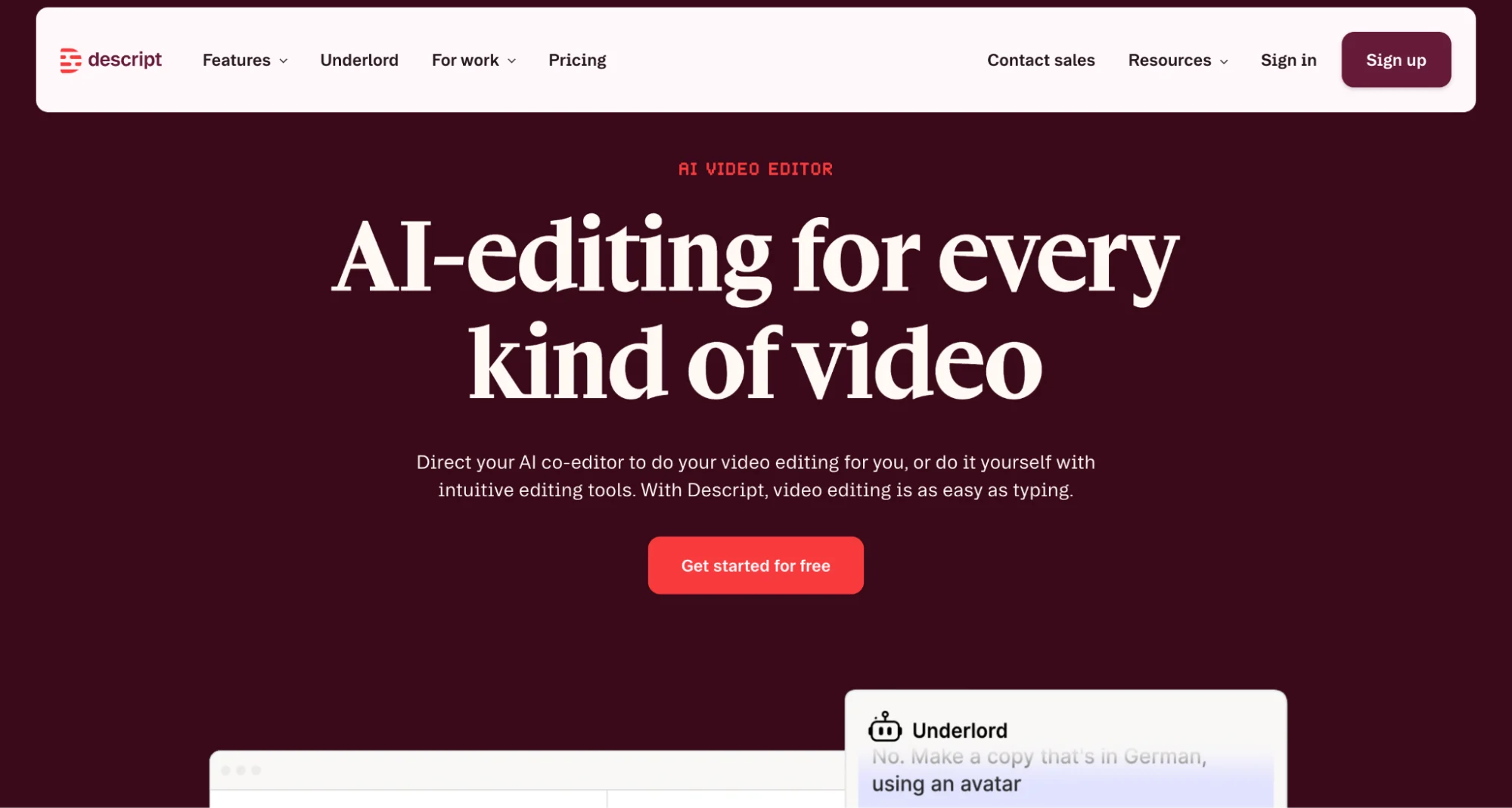
Descript suits podcasters who want recording, transcription, audio editing, video editing, and repurposing inside one app. Its core appeal is simple to grasp.
You edit a podcast episode by editing the transcript, which makes cleanup, clip creation, caption work, and content creation far faster than a traditional timeline-first workflow.
Descript gives podcasters one place to shape episode audio into clips, show notes, and social media assets, especially in workflows built around video podcasts and remote interviews.
Descript Is Best For
Descript is best for podcasters, creators, and small teams who want one platform for podcast production, transcript-based editing, filler word removal, basic editing, clip selection, and repurposing across multiple platforms.
Descript’s Key Features
- Transcript-based audio editing and video editing in one workspace
- Remove Filler Words, Studio Sound, and AI speech tools for faster cleanup
- Remote recording with local 4K video recording through SquadCast inside Descript
- Create Clips for short-form video content and social media platforms
- Stock media library, accurate captions, and export options across several plans
Descript’s Pros
- Editing feels fast and intuitive once you start working from the transcript instead of a traditional timeline.
- Time-saving tools make clip creation, cleanup, and content repurposing much easier for podcast workflows.
- Audio and video projects live in one app, which helps reduce tool-switching across production and repurposing.
- AI features support filler word removal, voice work, clip creation, and podcast sound cleanup without heavy manual editing.
Descript’s Cons
- There is a learning curve for some users, especially early in production and media import workflows.
- The larger feature set can feel busy for podcasters who only want very basic editing.
- Lower plans come with tighter media-hour and AI-credit limits, so growing teams may hit plan ceilings faster.
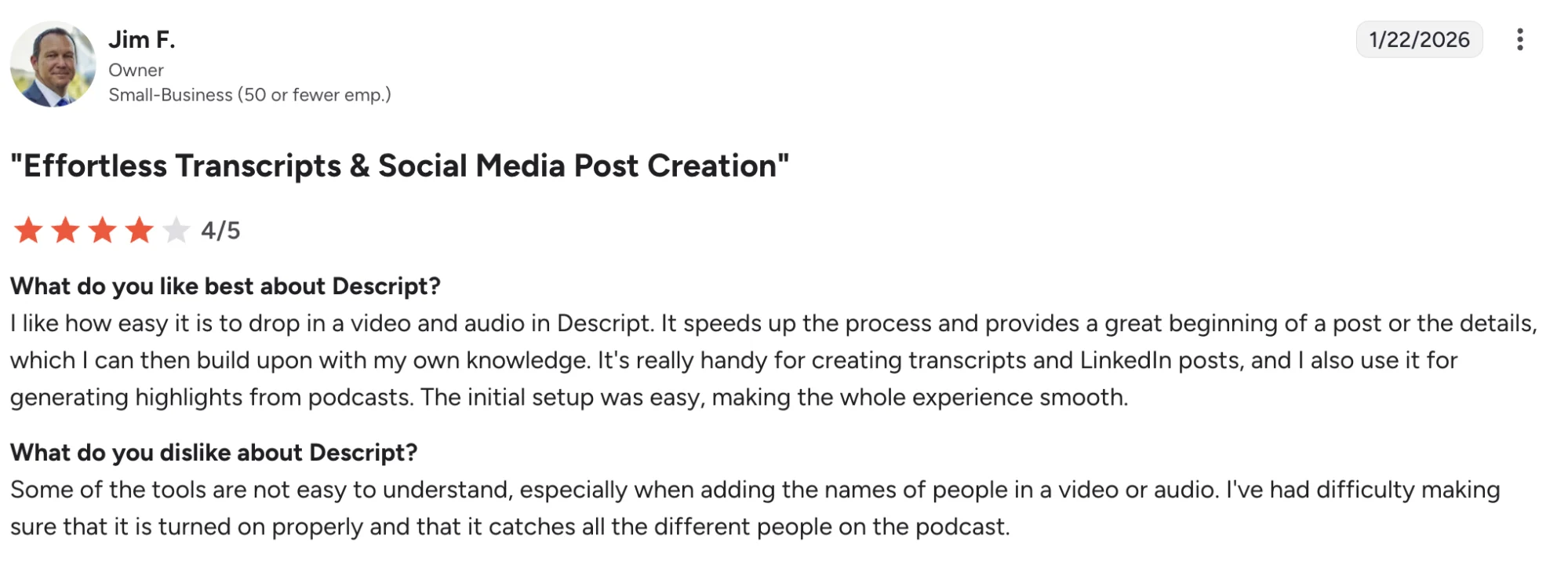
Descript’s Pricing
- Free plan available
- Hobbyist starts at $16 per person/month on annual billing or $24 per person/month on monthly billing
- Creator starts at $24 per person/month on annual billing or $35 per person/month on monthly billing
- Business starts at $50 per person/month on annual billing or $65 per person/month on monthly billing
- Enterprise pricing is custom
- Best suited to podcasters buying for all-in-one editing, transcription, clip creation, and repurposing instead of a single-purpose tool
3. Riverside — Best For Recording Remote Podcast Interviews And Turning Them Into Clips Fast
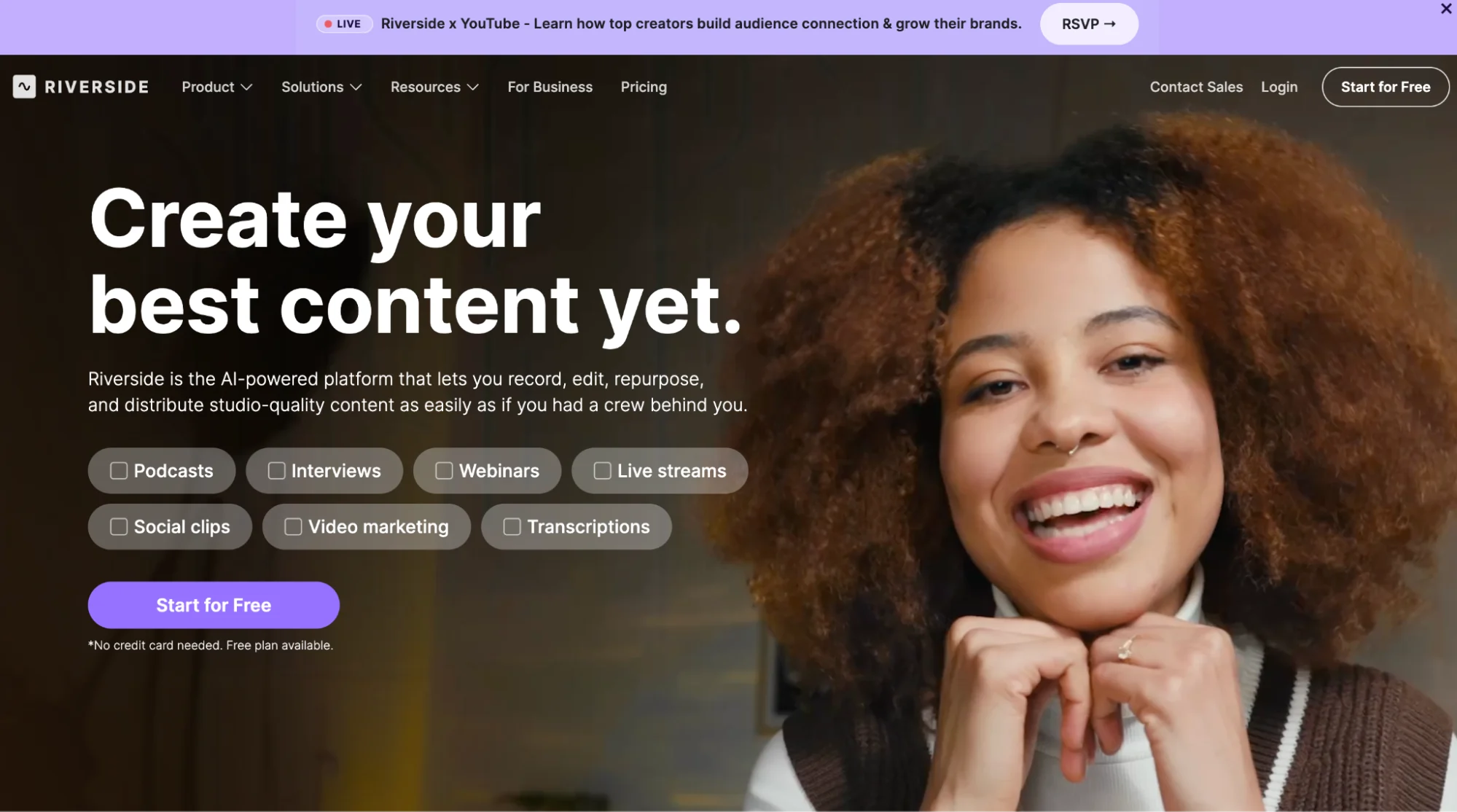
Riverside is a strong fit for podcasters recording remote interviews, video podcasts, and guest-led episodes who want a smoother path from capture to clips, transcripts, and show notes.
Local recording, separate tracks, and built-in repurposing tools make it especially useful for creators who need polished remote sessions without a heavy production setup.
Riverside Is Best For
Riverside is best for podcasters, interview-based shows, and small teams who record remote conversations and want one app for podcast production, clip selection, social media clips, and basic editing.
Creators working with guests and long-form episodes get a smoother path from recording to publishing.
Riverside’s Key Features
- Local audio and video recording with separate tracks for each speaker.
- AI transcripts, summaries, notes, and clips after each session.
- Tools for remote interviews, live streaming, and video podcasts in one workspace.
- Built-in editing and repurposing features for short video clips and social media posts.
- Browser-based workflow with a free plan for early testing.
Riverside’s Pros
- Easy setup for recording interviews and full podcast episodes.
- Clean workflow for recording, editing, and publishing from one platform.
- Strong video and audio capture for remote guests.
- Helpful for creators who want clips, transcripts, and show notes without moving files across several tools.
Riverside’s Cons
- The upload organization can feel messy for some users.
- Random errors and buggy moments show up in some reviews.
- Customer support gets mixed feedback.
- Initial setup can feel rough for new users.
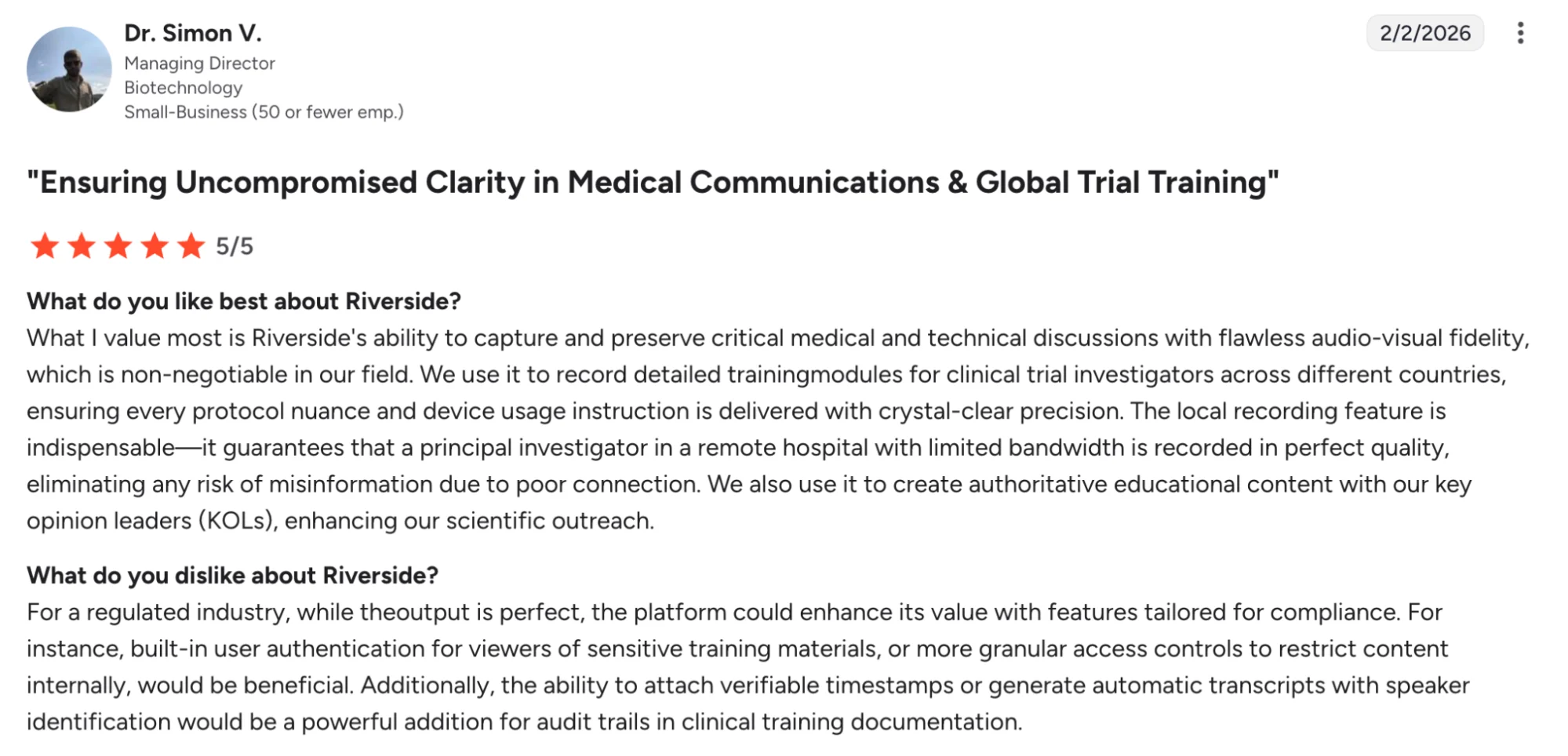
Riverside’s Pricing
- Free plan available.
- Standard starts at $15/month.
- Pro starts at $24/month on annual billing or $29/month on monthly billing.
- Business pricing is custom.
- A free trial is available on paid plans.
- Best suited to podcasters buying for remote recording, video podcasts, clips, and a faster path from episode audio to social media content.
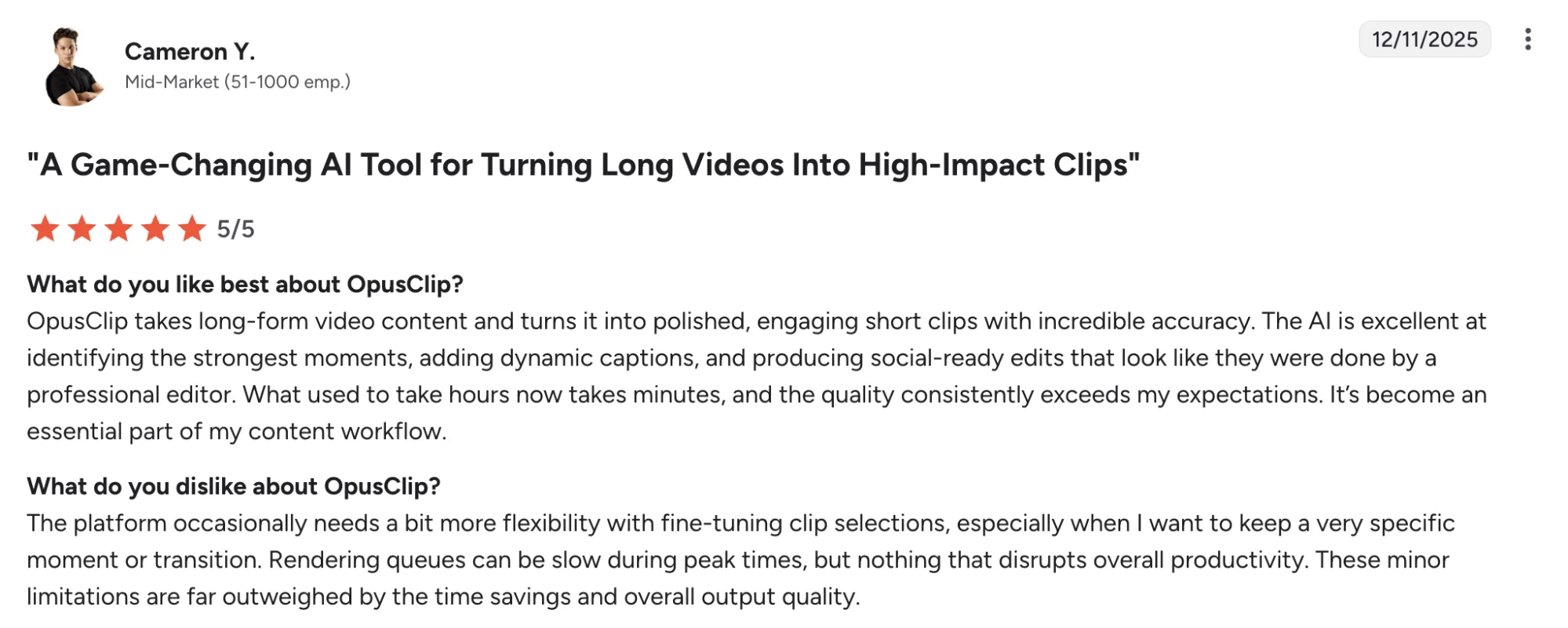
4. OpusClip — Best For Turning Video Podcasts Into Social Media Clips Fast
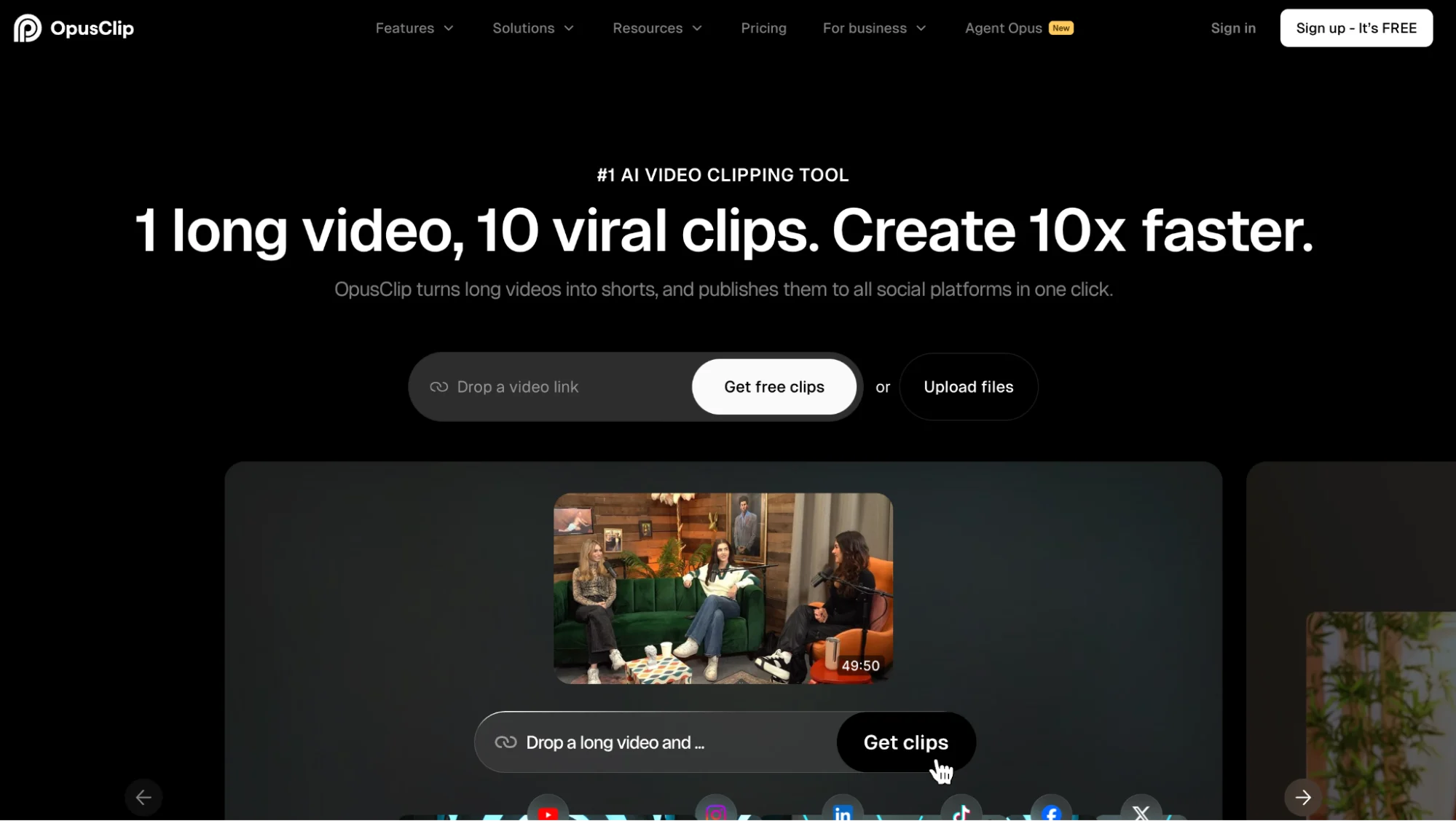
OpusClip is built for speed. Upload a long video, let the platform find the most engaging segments, and it will turn them into short-form assets built for TikTok, Reels, Shorts, LinkedIn, and other social platforms.
Video podcasters get a much faster route from raw footage to publish-ready clips with captions, reframing, and platform-specific layouts.
OpusClip Is Best For
OpusClip is best for podcasters, creators, and social media teams who record video podcasts and want quick clip selection, vertical formats, social media captions, and faster content creation across multiple platforms.
OpusClip’s Key Features
- AI clip selection built for long-form videos and podcast episode footage
- Magic Clips for finding standout moments from video content
- Auto captions, animated captions, and vertical formats for social platforms
- Silence trimming, filler word removal, and light video editing tools
- Social scheduling and auto-posting tools inside the platform
OpusClip’s Pros
- Saves a huge amount of editing time for podcasters, clipping long videos
- Easy to use, even for users with limited video editing experience
- Caption styling and reframing tools make clips easier to publish across multiple channels
- Fast turnaround for turning one episode into many social media clips
OpusClip’s Cons
- Clip picks still need human review for brand fit and context
- Credit limits can feel restrictive for podcasters processing long episodes every week
- Deeper editing control is lighter than dedicated video editing software
OpusClip’s Pricing
- Free plan available
- Starter starts at $15/month and includes 150 credits
- Pro starts at $29/month
- Business pricing is custom
- Best suited to podcasters buying for fast video repurposing, clip generation, and social media distribution from video podcasts
5. VEED — Best For Browser-Based Video Repurposing With Strong Caption And Subtitle Tools
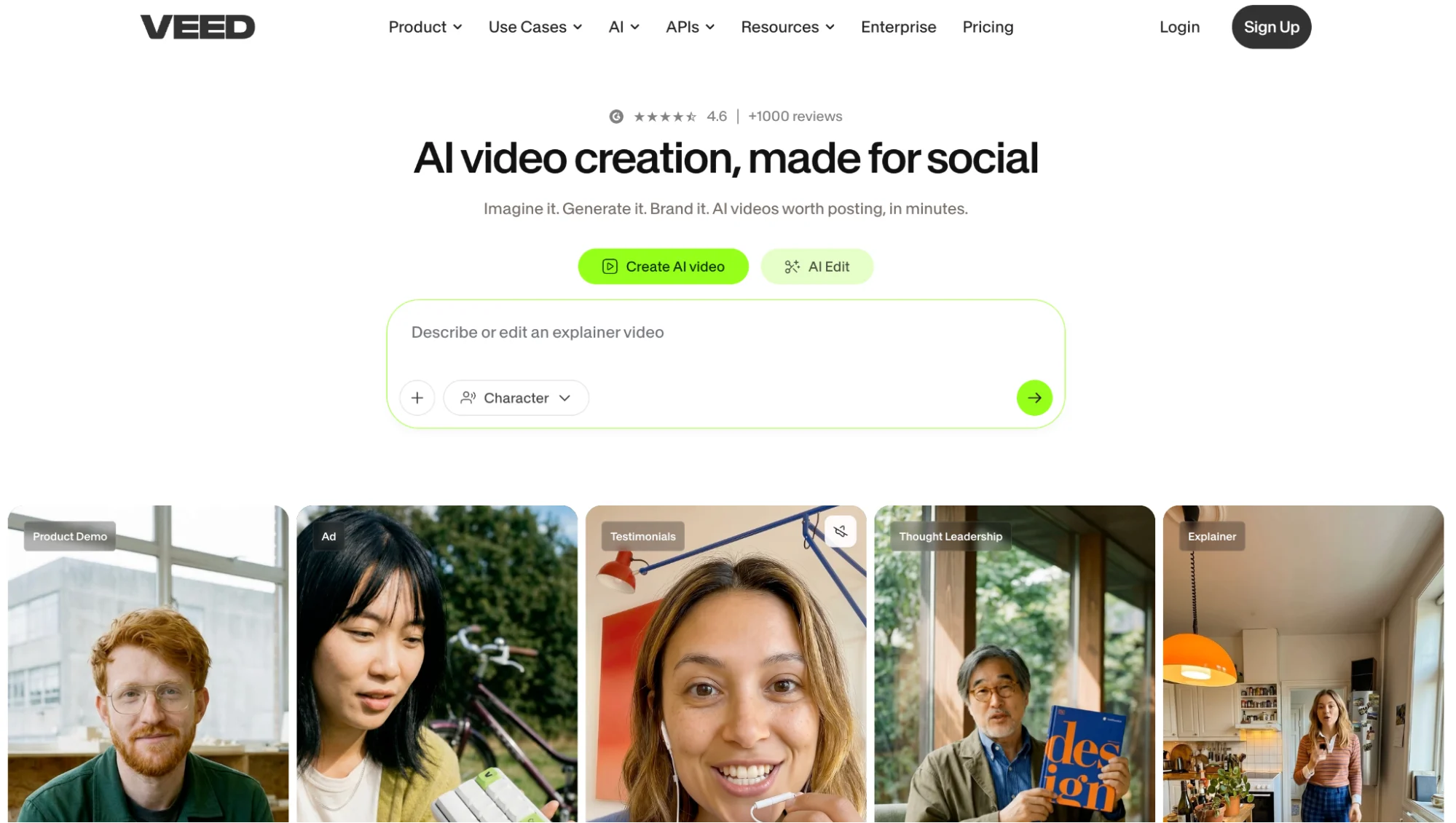
VEED feels closer to a browser-based video studio than a podcast-first app.
It works well when one podcast episode needs subtitles, resized video clips, social media captions, and quick exports for multiple channels.
Creators cutting video podcasts into Reels, Shorts, LinkedIn posts, and other social assets get more visual control here than in clip-first tools, without moving into complex software.
VEED Is Best For
VEED is best for podcasters, creators, and small teams who want fast video editing, accurate captions, subtitle workflows, and flexible exports across multiple platforms.
VEED’s Key Features
- Browser-based video editing with subtitles, captions, and script-style editing tools.
- AI Clips for turning long form videos into shorter social media assets.
- AI noise reduction for cleaner corresponding audio in video content.
- Translation, voice tools, and multi language support on higher plans.
- Stock audio and video library plus brand kit support on paid tiers.
VEED’s Pros
- Clean interface makes clip creation and subtitle work easier to manage.
- Fast rendering and caption tools help speed up content creation for social media platforms.
- Audio cleanup tools are helpful for voice clarity and lighter podcast sound fixes.
- Strong fit for creators who want one app for editing, captions, and exports.
VEED’s Cons
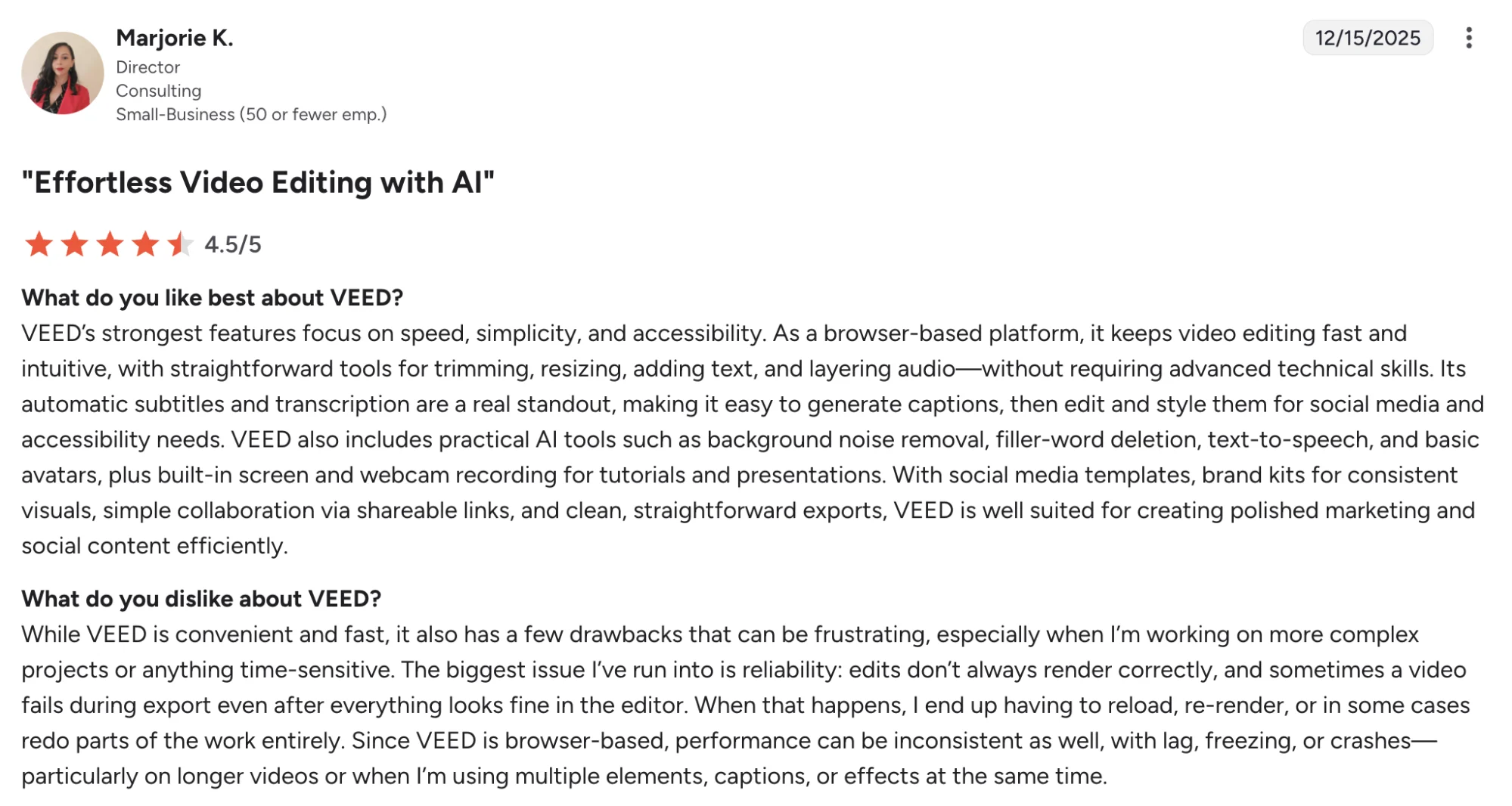
- Lower plans can feel restrictive once AI features and credits run low.
- Pricing structure can feel confusing for users trying to buy only a few AI features.
- Refund flexibility and support experience draw criticism in some reviews.
VEED’s Pricing
- Free trial available.
- Creator starts at $20 per user/month and includes 500 AI credits.
- Pro starts at $44 per user/month and includes 2,500 AI credits.
- Studio starts at $70 per user/month with broader AI limits and project analytics.
- Enterprise pricing is custom.
- Best suited to podcasters buying for video repurposing, subtitles, social media clips, and faster publishing across multiple channels.
6. Adobe Podcast — Best For Cleaning Podcast Audio Without Heavy Editing Software
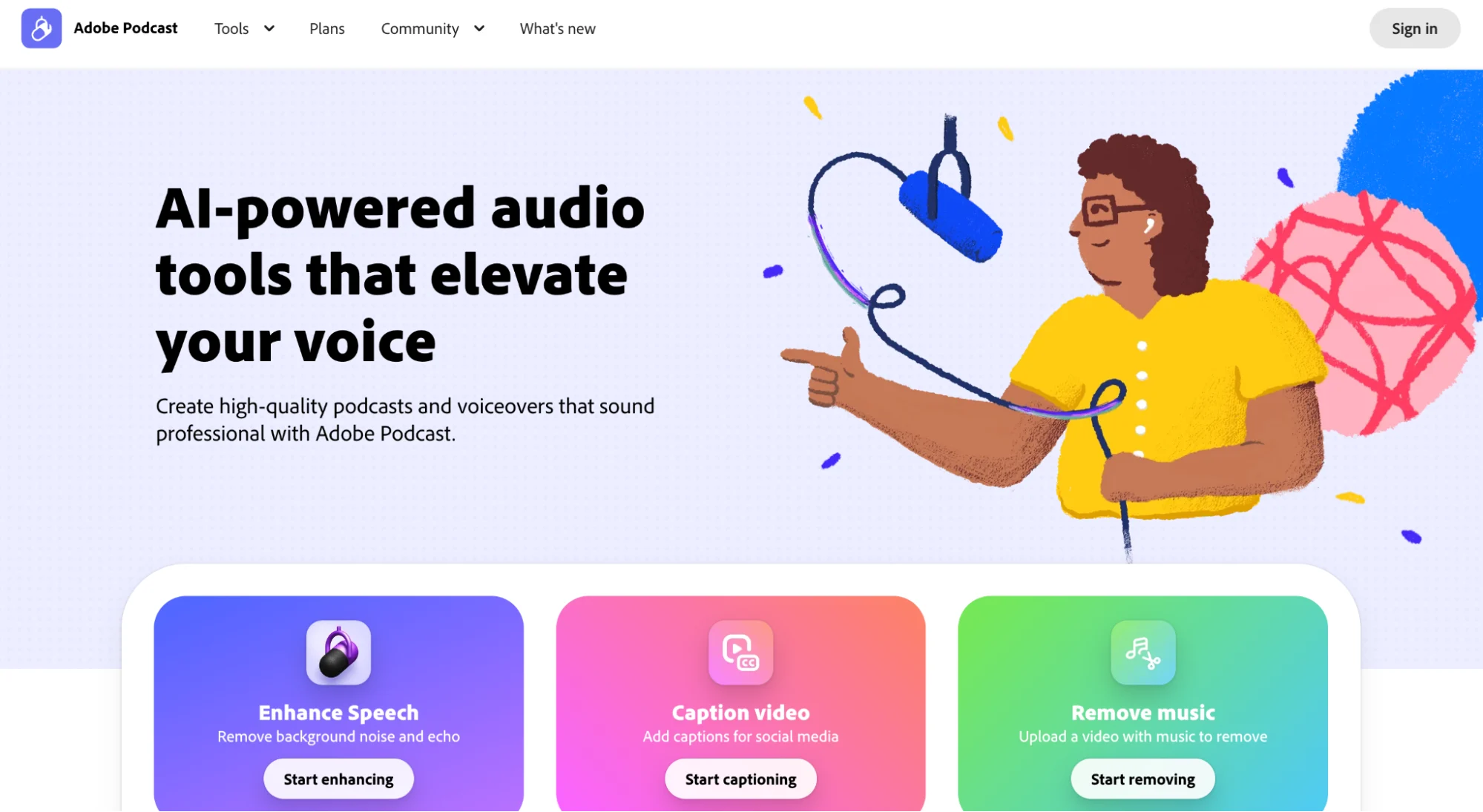
Adobe Podcast is the tool you reach for when a recording sounds rough and you want it cleaned up fast.
Its biggest strength is audio polish. Speech enhancement, noise reduction, and transcript-based editing help turn messy episode audio into something far easier to publish and reuse across other content formats.
It is especially useful in workflows where background noise, echo, uneven levels, or remote interview audio create more drag than the repurposing itself.
Adobe Podcast Is Best For
Adobe Podcast is best for podcasters, creators, and small teams who want faster audio editing, filler word removal, and cleaner podcast audio without a steep learning curve.
Adobe Podcast’s Key Features
- Enhance Speech for clearer voice recordings and stronger audio quality
- Filler word removal and transcript-based editing inside Adobe Podcast Studio
- Noise reduction tools for background noise and rough podcast sound
- Video file support on Premium plans
- Audiograms, captions, bulk upload, and speaker-separated downloads on Premium
Adobe Podcast’s Pros
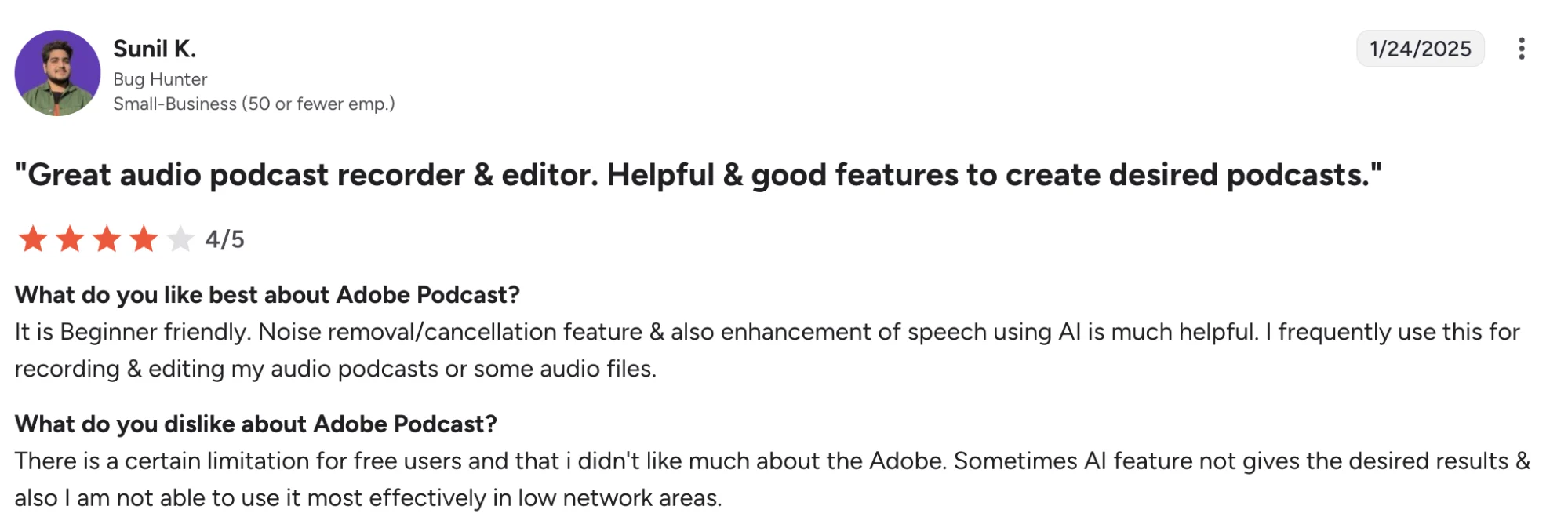
- Easy to use for recording, enhancing, and editing podcast audio
- Noise removal and speech enhancement save a lot of manual editing time
- Transcript downloads and text-based editing make cleanup faster
- A strong fit for creators who want cleaner audio without complex software
Adobe Podcast’s Cons
- Free usage limits feel tight for longer podcast episodes
- AI cleanup can sound too aggressive in some cases
- Echo and glitch issues appear in some recordings
Adobe Podcast’s Pricing
- Free plan available
- Premium starts at $9.99/month or $99.99/year
- A 30-day free trial is available
- Free plan includes up to 30-minute file duration, 1 hour per day of Enhance Speech, and 2 Studio downloads per day
- Premium raises file duration to 2 hours, Enhance Speech to 4 hours per day, max file size to 1 GB, and adds video support, bulk upload, unlimited Studio downloads, custom audiograms, and Adobe Express Premium features
- Best suited to podcasters buying for audio cleanup, filler word removal, and lighter repurposing workflows instead of full production software
7. Headliner — Best For Turning Podcast Audio Into Audiograms And Social Clips
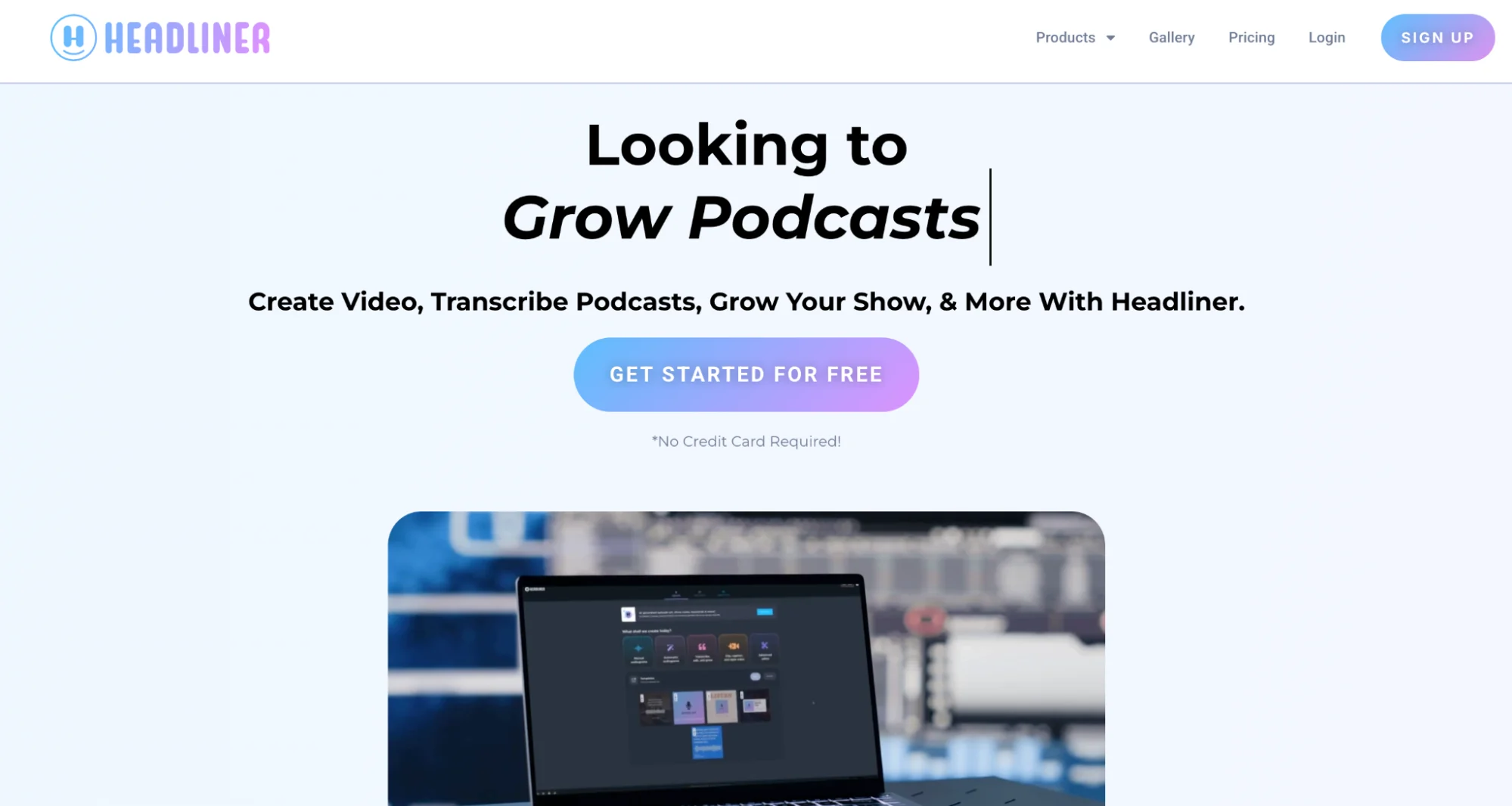
Headliner feels more like a podcast promotion tool than a broader editing app. Its sweet spot is turning podcast audio into audiograms, captioned clips, and full-length podcast-to-video exports for YouTube and social media.
If your workflow leans more toward visibility and content distribution than deep production work, Headliner gives a simple way to move episode audio into repeatable social assets.
Headliner Is Best For
Headliner is best for podcasters, creators, and small teams who want podcast clips, audiograms, auto-posting, and social media assets from existing audio content.
Headliner’s Key Features
- Audiogram creation with animated waveforms and caption overlays for podcast clips.
- Full-length podcast-to-video exports for YouTube and other platforms.
- Automatic transcription and captioning for social media clips.
- Clip editing tools plus a mobile app for quick publishing workflows.
- RSS-based automation for creating content from new episodes.
Headliner’s Pros
- Easy to use for audiograms, captions, and quick social media clips.
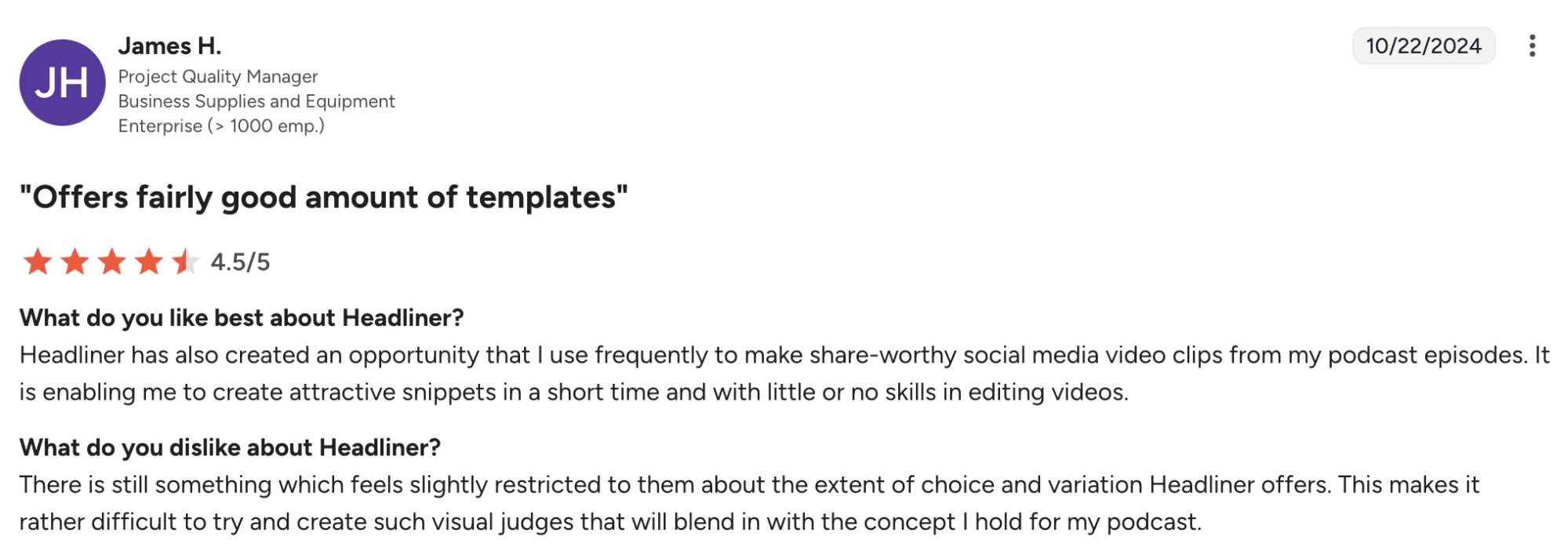
- Templates help speed up content creation across multiple platforms.
- Auto transcription supports faster caption work and more accessible video content.
- A good fit for podcasters who want podcast-first repurposing tools instead of complex software.
Headliner’s Cons
- Caption editing can load slowly in some cases.
- Safari issues show up in review feedback.
- Editing depth is lighter than full video editing platforms.
Headliner’s Pricing
- A Forever Free plan is available.
- Pro starts at $29.99/month on monthly billing.
- Pro drops to $19.99/month on annual billing.
- Enterprise and API pricing are custom.
- Best suited to podcasters buying for audiograms, auto-posting, and podcast-first social media clips rather than full production workflows.
How To Choose The Right AI Repurposing Tool For Your Podcast
1. Start With The Workflow Slowing You Down
Some podcasters lose time in recording and cleanup. Others lose time after publication, when one episode needs clips, captions, show notes, and blog posts.
2. Decide Whether You Need Editing Or Repurposing First
Descript, Riverside, and Adobe Podcast shine when editing and cleanup sit at the center of the job.
Distribution.ai, OpusClip, VEED, and Headliner lean more toward turning existing content into social clips and platform-ready assets.
3. Match The Tool To Your Content Format
Audio-first shows may get more value from Adobe Podcast or Headliner. Video podcasts often benefit more from OpusClip, VEED, or Riverside.
If your workflow spans podcast audio, blog posts, captions, and multi-channel publishing, Distribution.ai gives broader coverage.
4. Look At Output Range Across Multiple Platforms
Some tools stop at clip creation. Others help move one podcast episode into LinkedIn posts, social media captions, blog posts, show notes, and assets for multiple platforms.
If content distribution sits high on your priority list, output range should carry more weight than basic editing features.
5. Check Pricing Structure Before You Commit
Some platforms charge per seat. Others use credits, usage caps, or plan-based limits.
A free plan can help with testing, while paid tiers make more sense once episode volume, team size, and publishing needs grow.
6. Choose A Tool Your Workflow Can Absorb With Ease
The best option is the one your team will keep using.
A lighter app can win when speed is the goal. A broader platform can win when you want one home for editing, repurposing, publishing, and reporting.
Which Tool Would You Choose?
Adobe Podcast is a smart pick for cleaner audio. Descript gives more control in transcript-led editing. Riverside fits interview-heavy shows well, while OpusClip and VEED make more sense for podcasters chasing short video clips across social platforms.
Distribution.ai stands out when one episode needs to do more than feed a clip workflow. It helps podcasters turn podcast audio into channel-ready posts, captions, blogs, emails, and other distribution assets, then keep scheduling, publishing, and performance tracking in one flow.
For podcasters trying to get more reach from every recording, Distribution.ai offers one of the clearest ROI opportunities in this list. It gives each episode more surface area, cuts down manual repurposing work, and helps your content strategy stretch across more channels with less friction.
Start with Distribution.ai and see how far one episode can go.
Frequently Asked Questions
1. Can AI Repurposing Tools Work With Audio-Only Podcasts?
Yes. Many AI repurposing tools for podcasters work well with audio-only shows.
They can turn podcast audio into show notes, blog posts, social media captions, audiograms, and other content formats, even when you do not publish full video podcasts.
2. Do AI Repurposing Tools Keep Your Own Voice And Brand Style Intact?
Some tools offer brand voice training and reusable templates, which help outputs stay closer to your own voice.
This becomes more useful when your podcast content feeds LinkedIn posts, social media posts, email copy, and blog content across multiple channels.
3. Are There Any Free AI Repurposing Tools For Podcasters?
Yes. Several tools in this list offer a free plan or free trial.
Free options can help with clip creation, captions, filler word removal, or basic editing, while paid plans usually unlock more exports, longer uploads, stronger ai features, and broader publishing capabilities.
4. Can These Tools Turn A Podcast Episode Into More Than Just Clips?
Yes. The best AI repurposing tools for podcasters can do far more than clip selection.
Depending on the platform, one podcast episode can turn into show notes, social media captions, blog posts, LinkedIn posts, and other distribution assets.
5. Do You Still Need Human Editing When Using AI Repurposing Tools?
Usually, yes. AI can save a lot of editing time, yet human review still improves clip selection, captions, pacing, platform fit, and overall content quality.
The strongest workflow usually combines AI-powered speed with a final pass from someone who knows the audience well.

Promote, repurpose & distribute your content with AI
Write 10x faster, engage your audience, & never struggle with the blank page again.
Start 15-Day Free Trial
Frequently Asked Questions
Author

Promote, repurpose & distribute your content with AI
Start 15-Day Free Trial