10 best AI tools for social media posts
Compare the 10 best AI tools for social media posts. Find the right fit for creating, designing, scheduling, and repurposing content across every channel.
 By

Making enough social content is the job that never ends, and it is exactly the job AI is now good at. Marketers using AI report saving more than five hours a week, and most say it speeds up how fast they can put out quality content.
The hard part is picking the right tool. Some write the posts, some design them, some schedule and analyse at scale, and one turns content you have already made into posts for every channel.
Below are the nine best AI tools for social media posts, sorted by the job each does best, so you can skip the trial-and-error and match one to how you work.
Key Takeaways
- The best AI tool depends on the job you need done. Writing, design, scheduling, and repurposing are different problems, and no single tool leads at all of them.
- For turning existing blogs, podcasts, or videos into channel-ready posts, Distribution.ai is the strongest pick, with plans from $19/month and a 15-day free trial.
- Buffer and Publer suit lean teams that want AI drafting plus scheduling without a big spend.
- Canva and Predis.ai are the picks when the visual is the post, covering graphics, carousels, and video.
- Hootsuite and Sprout Social are built for larger teams that need deep analytics, listening, and governance, at enterprise prices.
- Most tools offer a free plan or trial, so test one against your own content before committing.
A Quick Overview Of The 10 Best AI Tools For Social Media Posts
Every tool here uses AI and works with social posts, but they solve different problems.
Some write, some design, some manage publishing at scale, and one turns your existing content into posts. Use the table to match a tool to the job you need done, then read the full write-up below.
| Repurposing content into posts | Distribution.ai | Turns blogs, podcasts, and videos into channel-ready posts you can edit, schedule, and track from one workflow | Creators and teams who want more posts from the long-form content they already produce | Blog plans from $19/month; YouTube and Podcast from $29/month; bundles save up to 30%; 15-day free trial |
| All-in-one for lean teams | Buffer | AI-assisted drafting plus scheduling that adapts posts for each channel | Small teams and solo creators who want simple publishing with AI built in | Free for 3 channels; Essentials from $5/channel/month billed annually |
| Value for money | Publer | AI text and image generation paired with reliable scheduling | Budget-conscious creators managing several accounts | Free plan available; Professional from about $12/month billed annually |
| Visual and carousel posts | Predis.ai | Generates complete posts with text, images, carousels, and video from a prompt | Instagram and visual-first brands that want the whole post designed | From $19/month billed annually |
| Design-led posts | Canva | Magic Studio AI for on-brand graphics, captions, and social templates | Anyone whose social content depends heavily on visuals | Free plan available; Canva Pro around $15/month |
| Evergreen content recycling | SocialBee | Organizes posts into categories and automatically recycles evergreen content on a set rotation | Consistent publishers who regularly reuse their best content | From $29/month, or about $24/month billed annually |
| Prompt-based marketing copy | Anyword | AI copy generation with predictive performance scoring for posts and ads | Performance marketers who want data-backed copy | From about $39/month |
| All-in-one for growing businesses | Hootsuite | OwlyWriter AI, scheduling, unified inbox, and advanced reporting | Growing teams that want social management in one platform | Standard from $99/user/month billed annually; 30-day trial |
| Enterprise analytics and listening | Sprout Social | AI-powered analytics and social listening across large volumes of social conversations | Larger teams focused on analytics, reporting, and listening | From $199/user/month; 30-day trial |
| Employee advocacy | GaggleAMP | Curates approved content for employees to share through their personal social accounts with AI-suggested captions and gamification | Teams that want employees amplifying brand content through their own networks | From $300/month; free demo available |
How We Chose The Best AI Tools For Social Media Posts
We looked at each tool through the lens of real social posting, where it has to earn its place in a working content process rather than sit as a nice extra.
The picks were shaped by how well each tool creates or improves posts, how clearly it fits a specific job, how it handles more than one channel, its pricing transparency, and how much manual work it removes. We also reviewed official product and pricing pages, feature documentation, and customer reviews to see where each tool performs well, where it frustrates users, and which type of creator or team gets the clearest value from it.
Because every tool covers a different primary job, this list is organised by use case. That way you can jump straight to the category that matches your work.
10 Best AI Tools For Social Media Posts
1. Distribution.ai — Best for turning existing content into posts
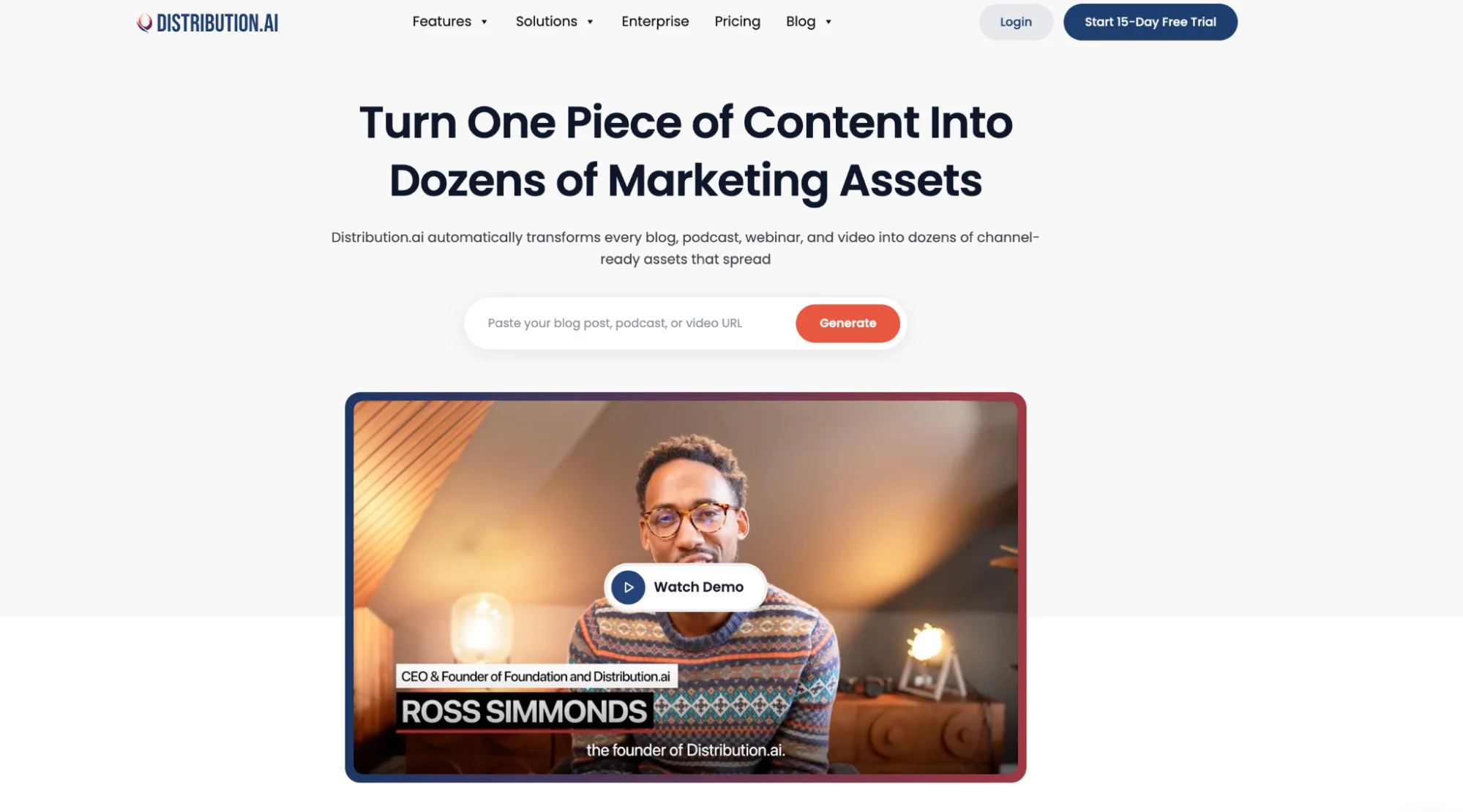
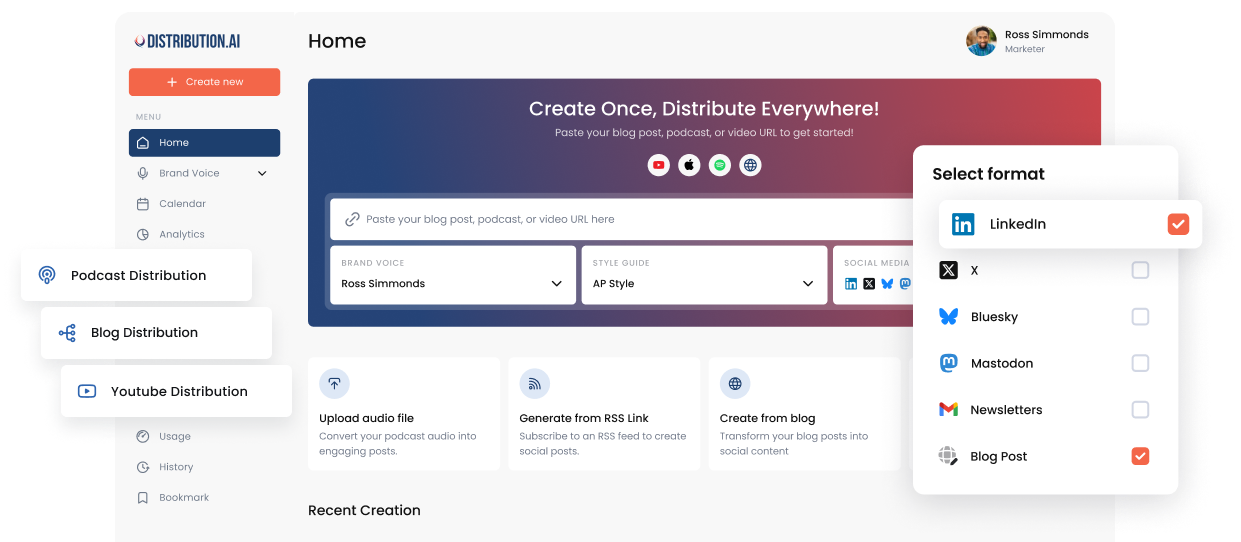
Distribution.ai works best after the big piece of content is already made. Point it at a blog post, a podcast episode, or a video, set the tone, and it turns that one source into posts shaped for each channel you publish on.
That is where it fits in this list. A tool like Canva makes the visual and Buffer schedules the queue, but Distribution.ai handles the step in between that usually eats the most time, taking one asset and rewriting it into a week of channel-ready posts.
It keeps the repurposing, scheduling, and tracking in one place, so a single video or article can feed LinkedIn, X, Instagram, and more without you rebuilding it by hand each time.
Reach for it when you already produce long-form content and want more mileage from it across social.
Distribution.ai is best for
Creators and teams with an active content engine, blogs, podcasts, YouTube, who want more social output from the long-form work they already publish.
Distribution.ai’s key features
- Repurposing from blogs, podcasts, videos, or a prompt, with several post options generated per channel
- Brand voice you can save, train on past content, or describe in plain language
- Choice of AI model, plus a built-in AI Chat for working out angles before you generate
- Native formatting for LinkedIn, X, Instagram, Threads, Bluesky, Mastodon, plus email, blog, and YouTube Shorts
- Scheduling, team approval, and cross-channel analytics in the same workflow
- Autopilot that drafts new posts automatically when you publish something new
Distribution.ai’s pros
- Turns one piece of content into a batch of channel-ready posts
- Keeps repurposing, scheduling, distribution, and analytics under one roof
- Builds a steadier posting rhythm with far less manual rewriting
- Clear line from a source asset to measurable output across channels
Distribution.ai’s cons
- Most valuable to people who already create content worth repurposing
- Not the pick for anyone who only needs a simple design tool or a standalone scheduler
Distribution.ai’s pricing
- Blog content plans start at $19/month
- YouTube and Podcast plans start at $29/month
- Bundle pricing saves up to 30%
- A 15-day free trial is available
2. Buffer — Best free plan for simple scheduling
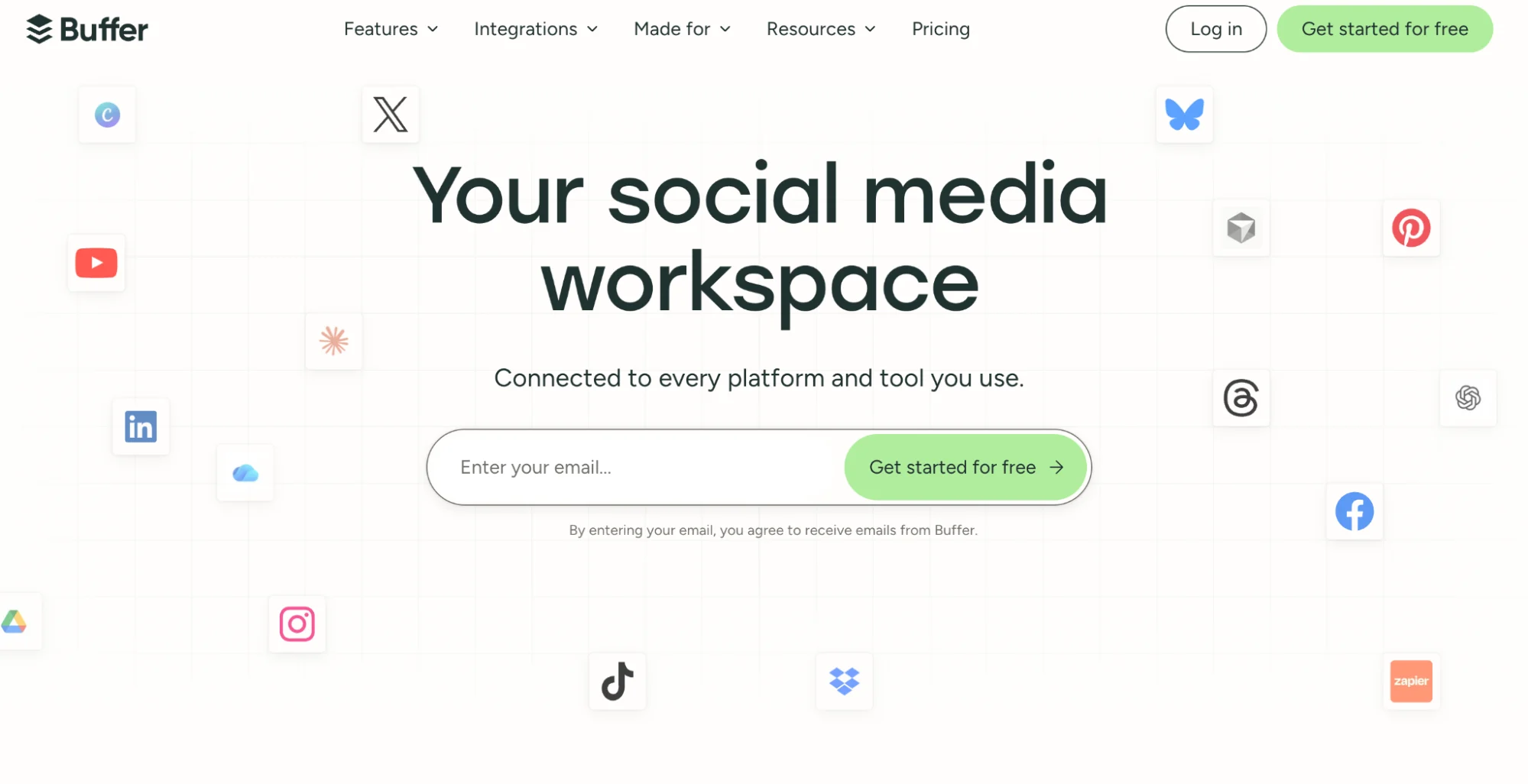
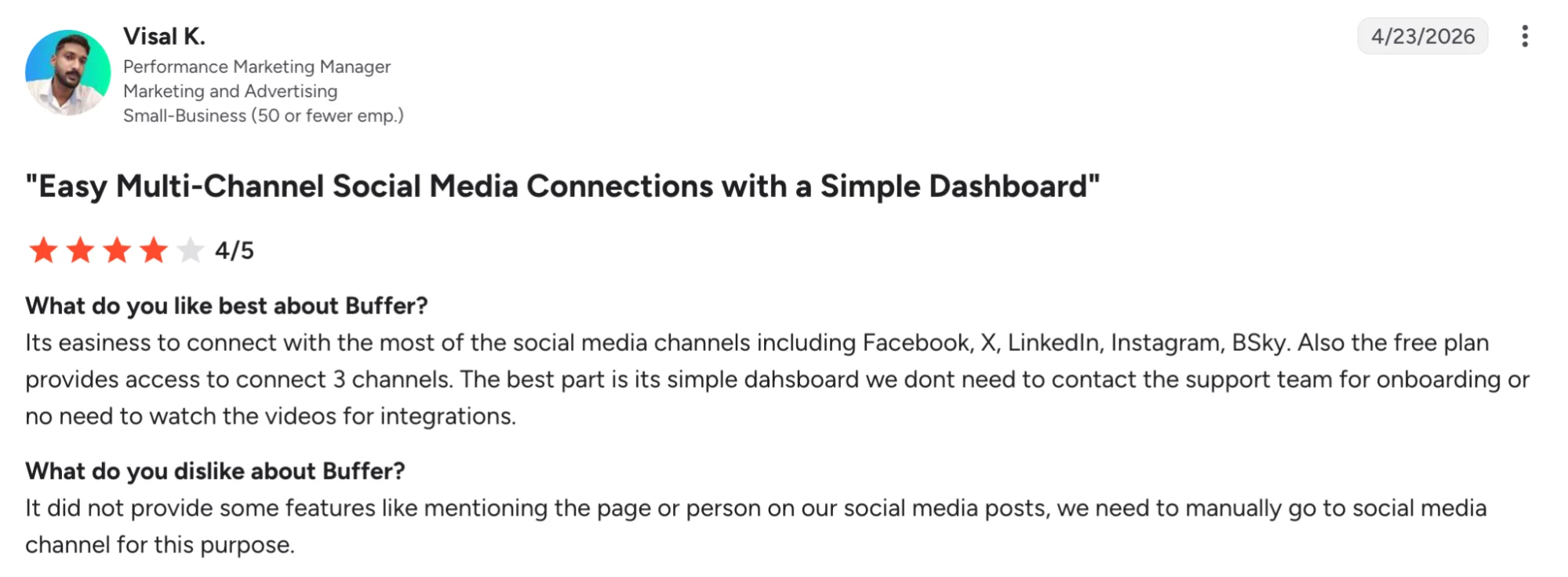
Buffer is where a lot of people start, mainly because of its free plan. You get three channels, a clean scheduler, and an AI Assistant that drafts and adjusts captions, without paying anything.
The tool keeps social media scheduling simple. You write a post, adjust it for each platform, add it to the queue, and move on.
It does not try to plan your strategy or dig deep into analytics, so if you just need a tidy way to write and time your posts, it stays out of your way.
Pick Buffer if you post to a handful of channels and want something simple you can run for free before spending anything.
Buffer is best for
Solo creators and small teams who want a free, straightforward way to write and schedule posts.
Buffer’s key features
- AI Assistant for drafting captions and reworking them per platform
- Clean scheduler with a simple queue and calendar
- A board for tracking posts from idea to published
- Basic analytics and a shared inbox for replies
Buffer’s pros
- One of the most generous free plans in the category
- Quick to learn, quick to post
- AI caption help built into the scheduling flow
Buffer’s cons
- Per-channel pricing adds up fast once you connect several accounts
- Analytics are thin next to dedicated tools
- Works from captions you write, not from your existing blogs or videos
Buffer’s pricing
- Free for 3 channels, 10 scheduled posts per channel
- Essentials from $5/channel/month billed annually
- Team from $10/channel/month billed annually
- 14-day trial on paid plans
3. Publer — Best for scheduling on a tight budget
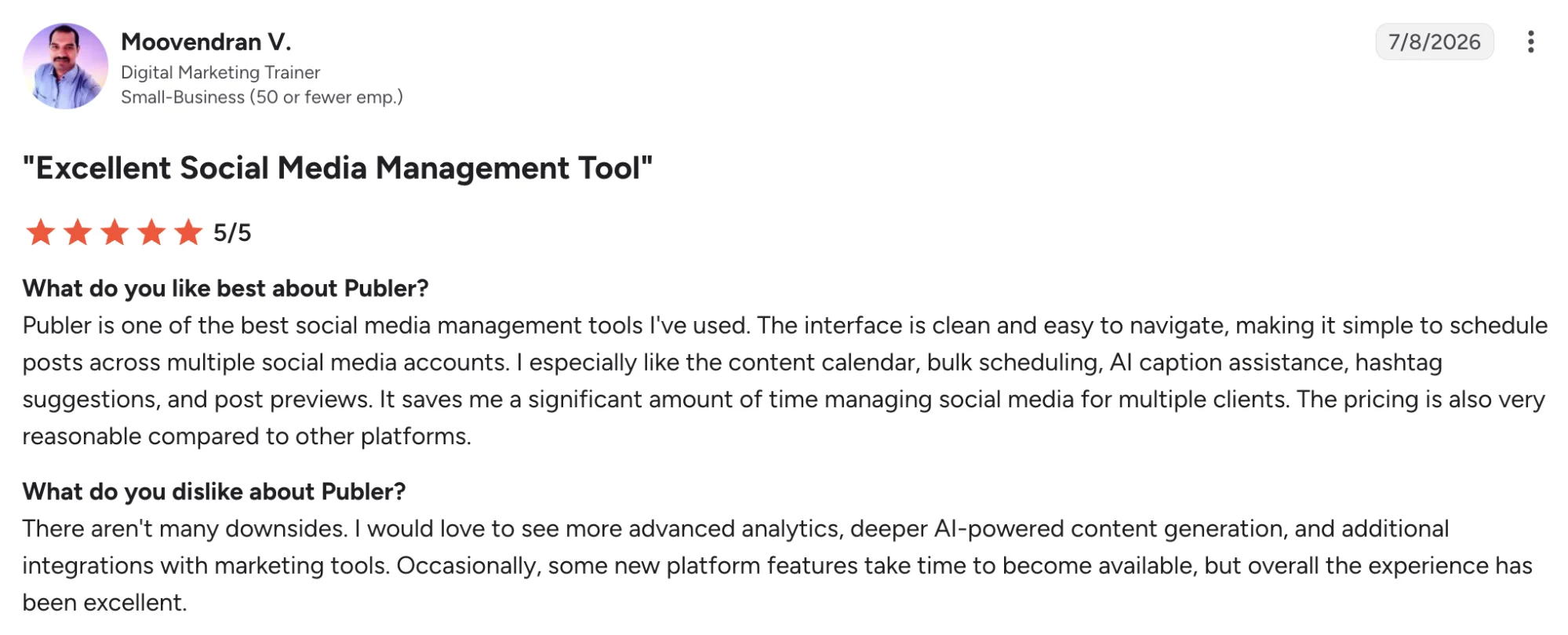
Publer is a solid, low-cost scheduler with some AI on top. It posts across all the major platforms, generates simple captions and images, and keeps unlimited scheduling on its free plan, which is unusual at this price.
Its AI caption generator supports that process, making it useful for teams looking to introduce social media automation into their daily publishing workflow.
It will not develop posts out of your existing blogs or videos, so it suits people who already know what they want to post and mainly need a cheap, reliable way to get it out.
For someone who already knows what to post and just needs it out the door cheaply, Publer does the job.
Publer is best for
Creators and small teams who already have their content and want low-cost, flat-rate scheduling across several accounts.
Publer’s key features
- Scheduling across all major platforms, plus Telegram and WordPress
- AI captions and basic image generation as add-ons to the scheduler
- Bulk scheduling and post recycling
- A workspace view for managing multiple accounts and clients
Publer’s pros
- Free plan with unlimited scheduling
- Flat pricing rather than per-channel billing
- Clean calendar view that reviewers single out as easy to use
Publer’s cons
- Analytics are basic, a frequent note from reviewers who need deeper reporting
- Team collaboration and inbox tools are limited next to dedicated management platforms
- Integration range is narrower than some rivals, so it may not slot into a wider app stack
Publer’s pricing
- Free plan with unlimited scheduling
- Professional from about $12/month billed annually
- Higher tiers add more accounts and team features
4. Predis.ai — Best for auto-generating full posts
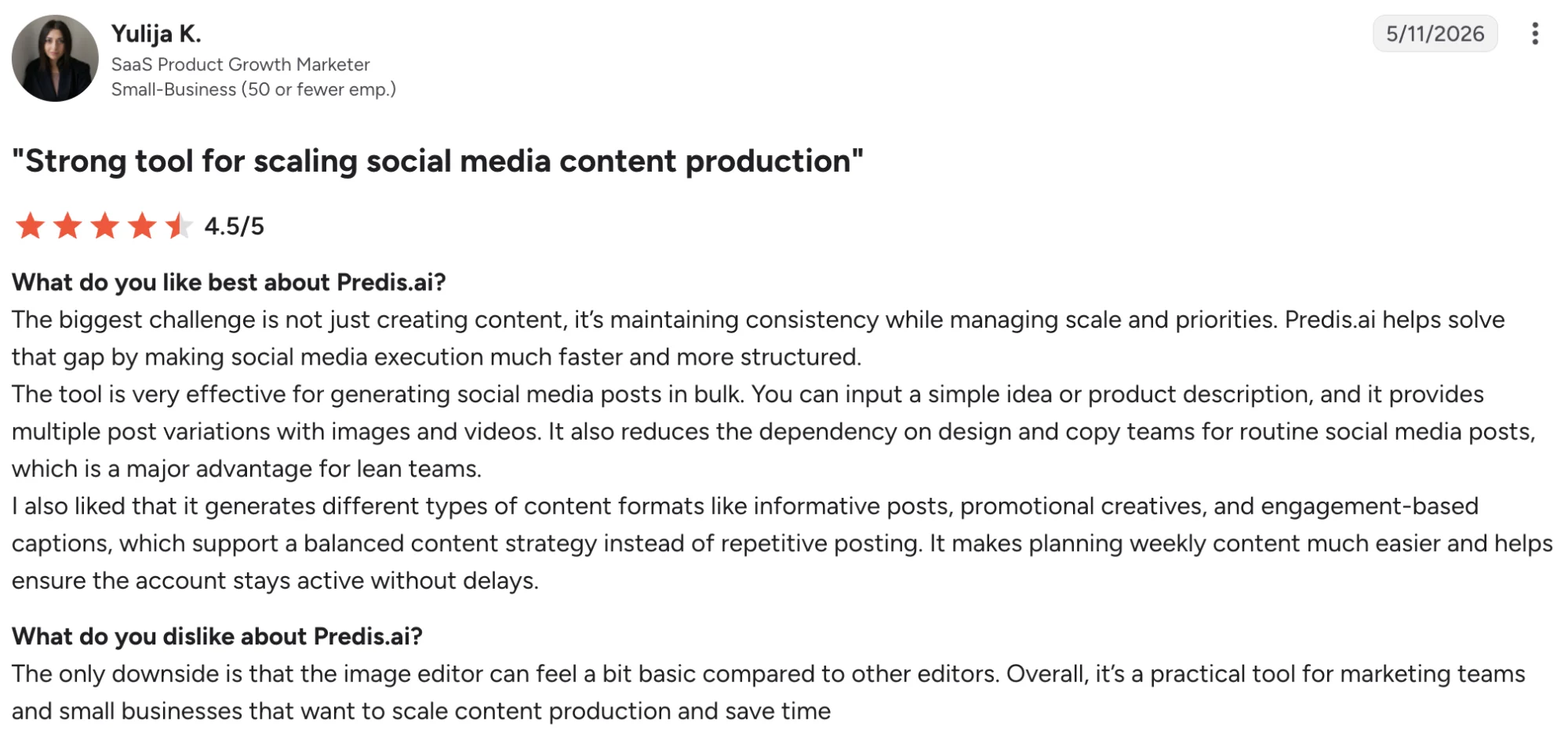
Predis.ai creates a complete, ready-to-post design from a single prompt or product link, the graphic, the caption, and the format all generated together as a carousel, image, or short video.
For Instagram-heavy brands pushing out volume without a designer, that speed is the draw, and the built-in competitor analysis adds a look at what is working on similar accounts.
The output though needs a review before it ships. Reviewers say the images can look synthetic, the AI sometimes strays from the brief, and the credit limits run out faster than heavy users expect.
Predis.ai is best for
Instagram and visual-first brands that want a complete post generated for them, then tidied before publishing.
Predis.ai’s key features
- Generates carousels, graphics, and short videos from a prompt
- Turns an e-commerce product link into a ready post
- Competitor analysis on similar accounts
- Built-in scheduling and a brand kit
Predis.ai’s pros
- Creates the full post, visual and copy, from one prompt
- Fast for pushing out bulk content on visual channels
- Competitor analysis that reviewers rate highly
Predis.ai’s cons
- Generated images can look synthetic and need cleaning up
- Credit limits run out faster than heavy users expect
- Auto-generated content sometimes strays from the brief
Predis.ai’s pricing
- Free plan available
- Paid plans from $19/month billed annually
- Higher tiers add brands, credits, and team seats
5. Canva — Best for hands-on visual design
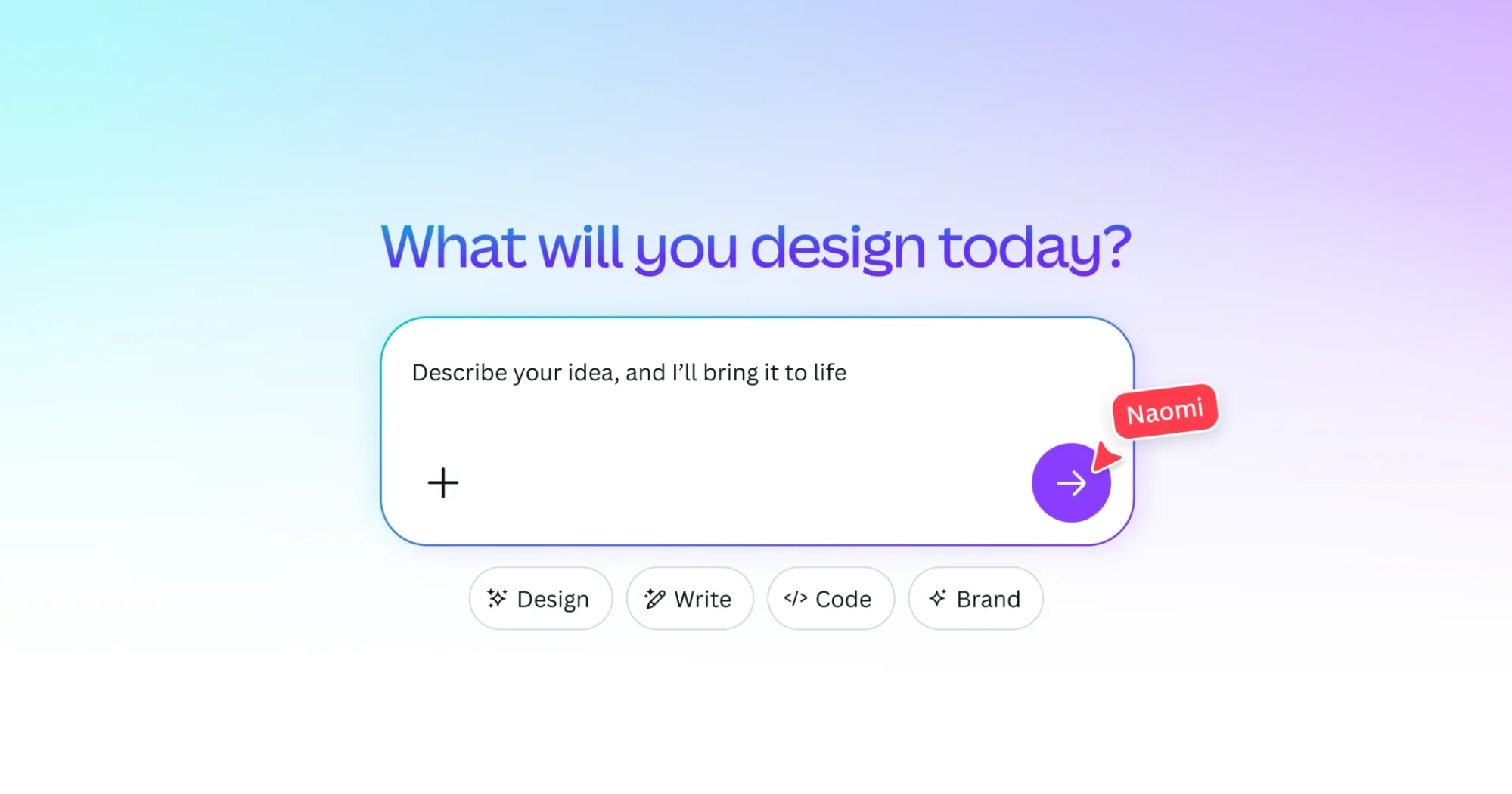
With more than 265 million monthly active users, it is the default design tool for most people making social content, and for good reason.
It hands you millions of templates, and a set of AI tools in Magic Studio, so you can build a sharp-looking post yourself in minutes without ever opening Photoshop.
For social, it covers the visual side end to end, with posts sized right for every platform, brand kits that lock in your colours and fonts, and AI that generates images and short copy on demand.
What it will not do is schedule or plan your content, so it usually sits alongside a dedicated posting tool.
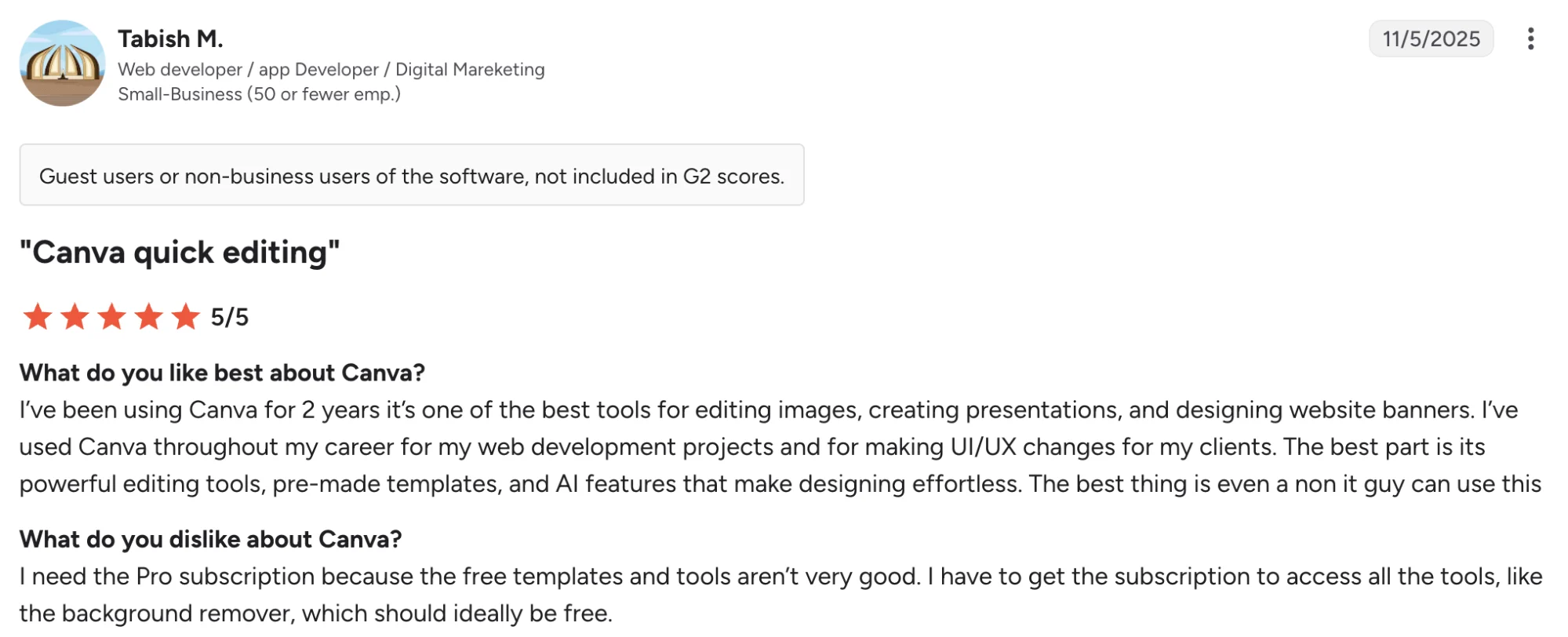
Two other things worth knowing are that the best templates and features are gated behind Pro, and that reviewers regularly grumble about slow exports and awkward billing.
Canva is best for
Anyone who wants to design professional-looking social graphics themselves, quickly and without design skills.
Canva’s key features
- Magic Studio AI for generating images, graphics, and captions
- Millions of templates with preset social media sizes
- Brand kits for consistent colours, fonts, and logos
- Basic scheduling through Canva’s Content Planner
Canva’s pros
- Produces polished visuals fast, even for non-designers
- Enormous template range covering every social format
- Strong value next to professional design software
Canva’s cons
- The best features and templates sit behind the Pro paywall
- Reviewers report slow export and download speeds
- Billing and cancellation draw frequent complaints
Canva’s pricing
- Free plan available
- Canva Pro around $15/month, or about $120/year for one person
- Teams and Enterprise plans for larger organisations
PS: Strong visuals also need engaging captions, so following good social media writing practices can help you get more from every design.
6. SocialBee — Best for recycling evergreen content
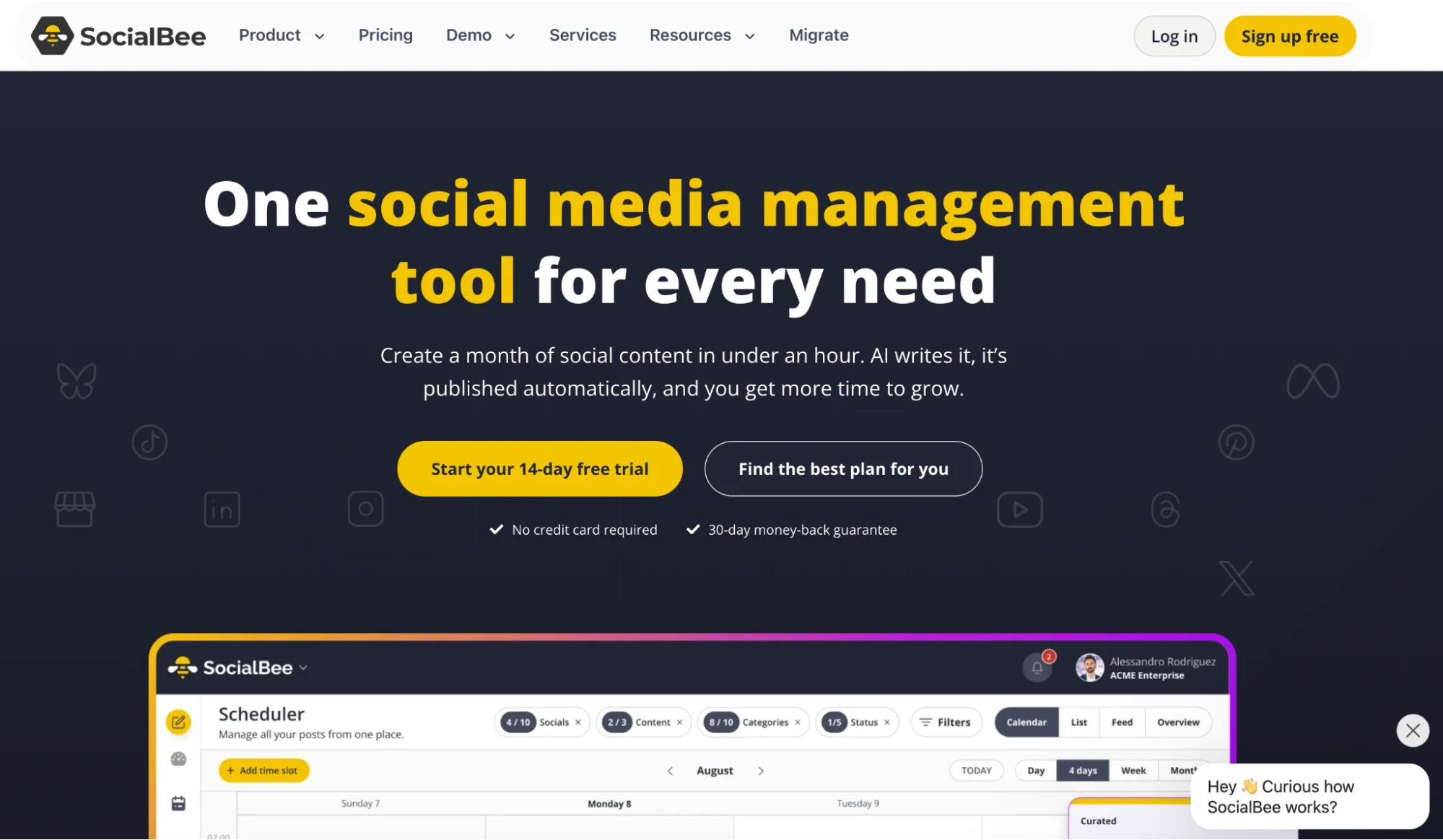
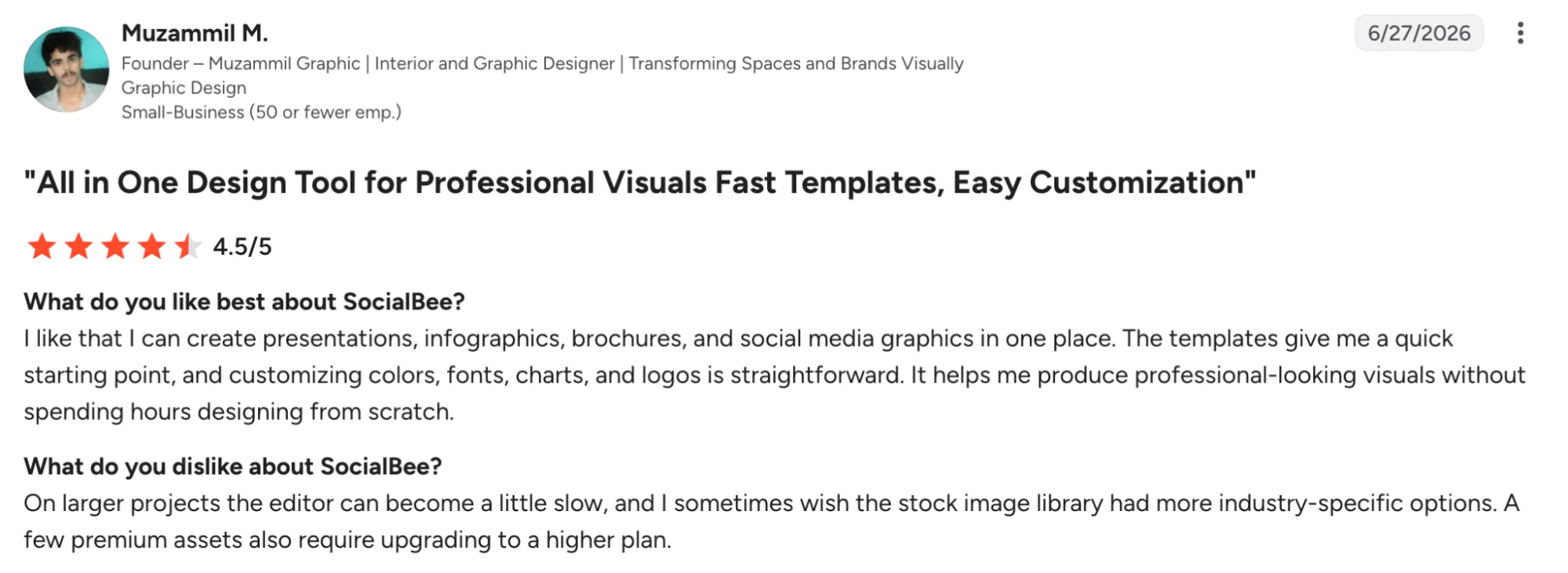
SocialBee is built around one clever idea. You sort your existing posts into categories, then it cycles through them on a schedule you set once, so your best evergreen content gets reposted automatically instead of running a single time and disappearing.
For anyone who posts steadily and wants to keep their strongest material in rotation, that recycling engine is the whole reason to pick it. It also has an AI assistant for drafting captions and covers every major platform from one dashboard.
SocialBee is best for
Consistent publishers and small businesses that want their best existing posts on an automatic rotation.
SocialBee’s key features
- Category-based organisation with automatic recycling of your posts
- AI assistant for drafting captions
- Posting across all major platforms from one dashboard
- Per-platform customisation and RSS import
SocialBee’s pros
- Recycling that keeps your best existing posts in rotation
- Content categories that keep a balanced posting mix
- Wide platform coverage at reasonable pricing
SocialBee’s cons
- Interface takes time to learn, with a lot of settings
- Occasional scheduling glitches noted in reviews
- No free plan, only a trial
SocialBee’s pricing
- 14-day free trial, no free plan
- Bootstrap from about $24/month billed annually
- Higher tiers add profiles, workspaces, and users
7. Anyword — Best for data-backed post copy
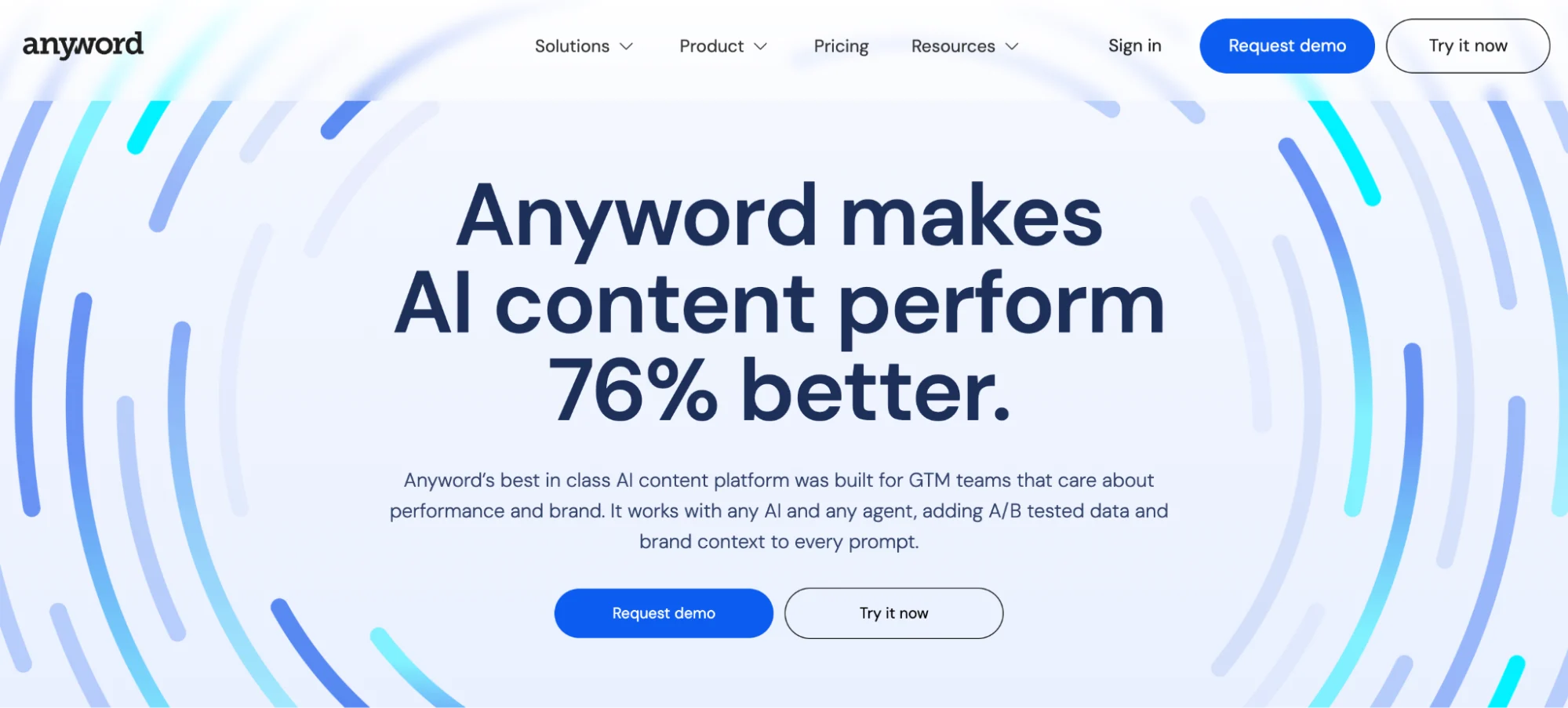
Anyword’s pitch is one thing no other writer here really matches. It gives every piece of copy a Predictive Performance Score, an estimate of how well it will land before you post, built on a large pile of marketing data.
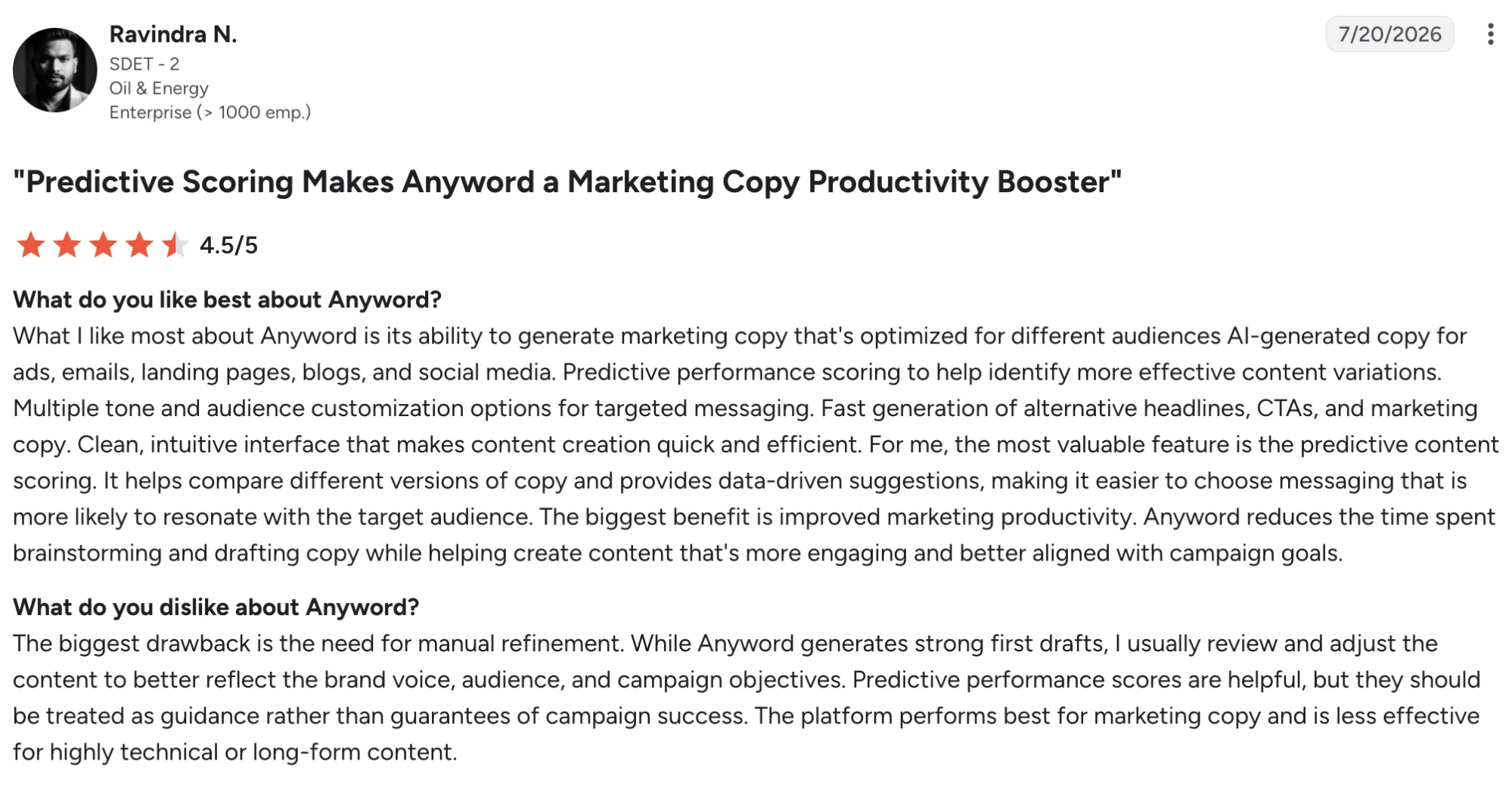
For anyone whose posts double as ads, that score turns caption writing from a guess into something closer to a bet with odds attached.
It sits firmly on the performance-marketing side. Anyword shines for ad copy, email, and social posts aimed at clicks and conversions, less so for organic storytelling or long-form.
Reviewers rate it highly overall but the common gripe is cost, with steep jumps between tiers and monthly credits that run down faster than heavy users would like.
Anyword is best for
Performance marketers who want copy scored on likely results before it goes out.
Anyword’s key features
- Predictive Performance Score for copy before publishing
- Copy generation for posts, ads, and email
- Brand voice and messaging controls
- Analytics that track copy performance across channels
Anyword’s pros
- Predictive scoring no other tool here offers
- Strong for conversion-focused ad and social copy
- Data-driven brand voice and messaging control
Anyword’s cons
- Expensive, with steep jumps between plans
- Monthly credit limits run down quickly for heavy users
- Built for performance copy more than organic or long-form
Anyword’s pricing
- From $39/month for the entry plan
- Higher tiers add credits, seats, and features
- Free trial available
8. Hootsuite — Best for managing multiple accounts at scale
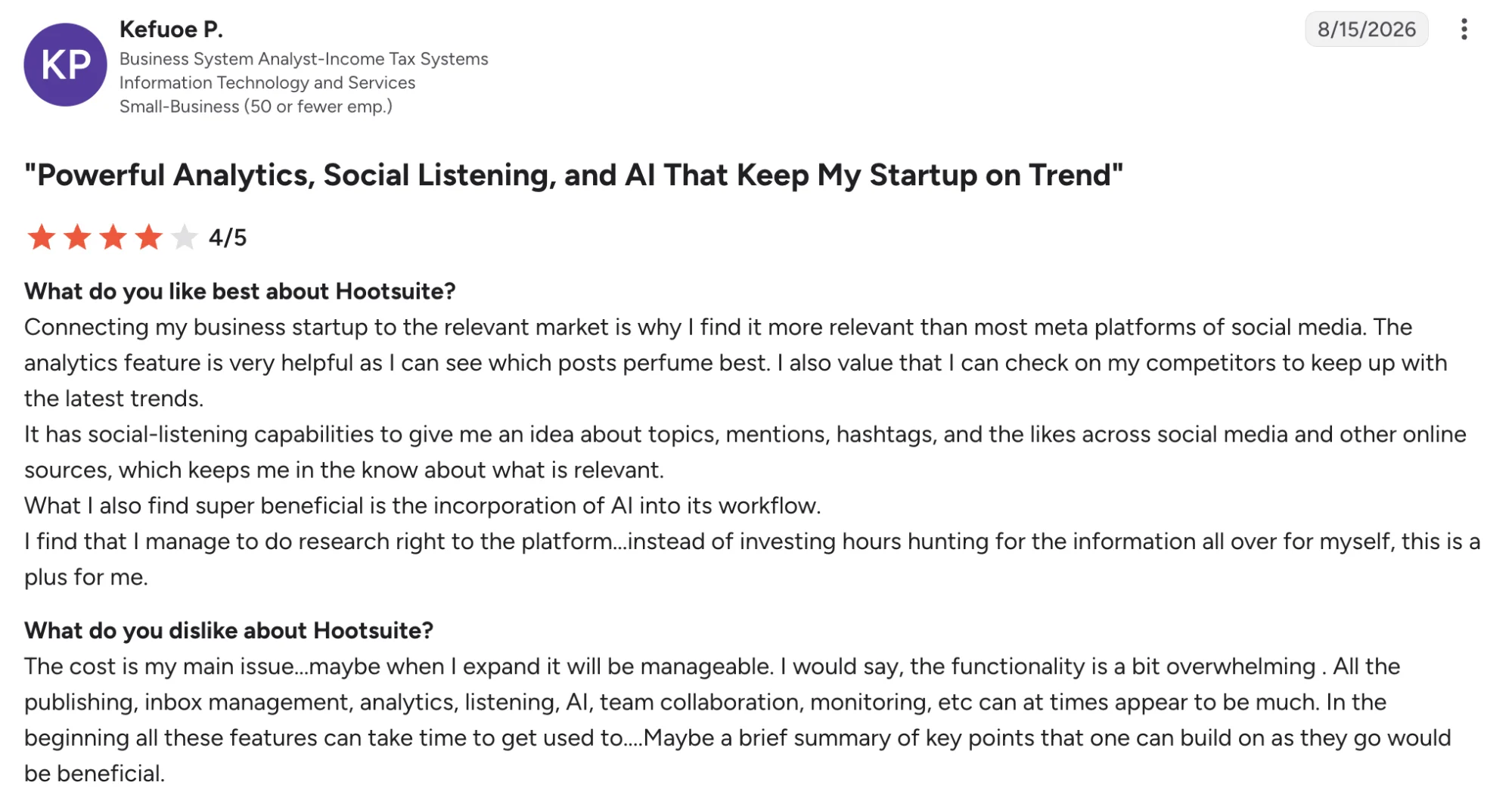
Hootsuite has been around since 2008 and more than 25 million people have used it, which tells you what it is – the established, do-everything platform for teams that have outgrown a simple scheduler.
You get scheduling, a unified inbox for every comment and DM, deep reporting, social listening, and its OwlyWriter AI for captions, plus 150+ integrations into tools like Canva and Salesforce.
For an agency or in-house team running a dozen accounts, having all of that under one login is the reason to pay for it.
Hootsuite is best for
Agencies and in-house teams that manage many social accounts and need scheduling, engagement, and reporting in one place.
Hootsuite’s key features
- Scheduling across every major platform from one dashboard
- Unified inbox for messages and comments
- Deep analytics and client-ready reports
- OwlyWriter AI for captions, plus social listening on higher tiers
Hootsuite’s pros
- Handles many accounts and large teams without breaking a sweat
- Reporting and dashboards built for client work
- Social listening that lighter tools simply do not have
Hootsuite’s cons
- Cluttered interface with a real learning curve
- No free plan, so entry starts at $99/month
- The best analytics sit behind the higher tiers
Hootsuite’s pricing
- No free plan, 30-day trial available
- Standard from $99/user/month billed annually
- Higher tiers add analytics, listening, and team features
9. Sprout Social — Best for analytics and social listening
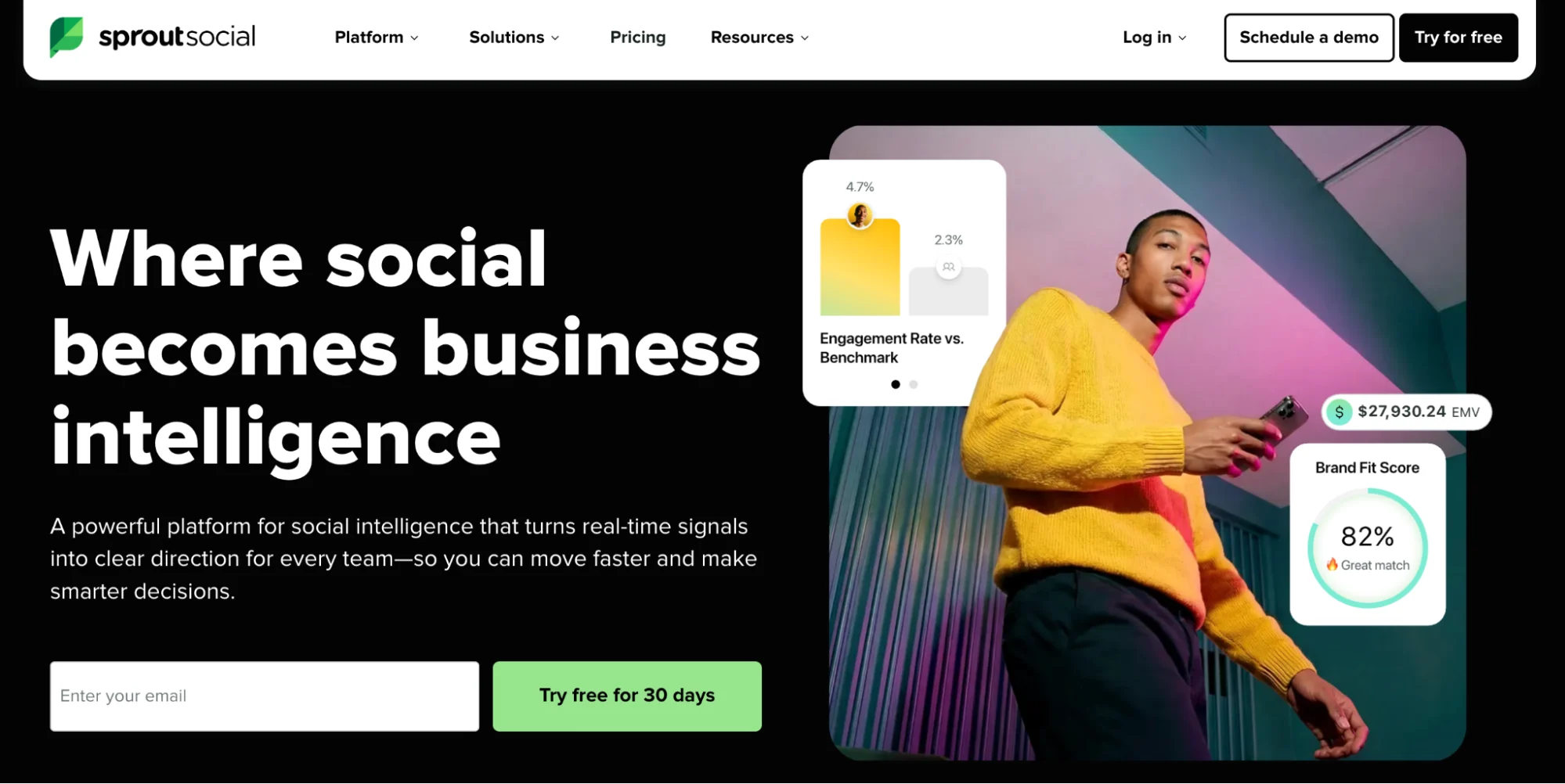
Sprout Social is the enterprise heavyweight here, used by around 30,000 brands and built on the strength of its social media analytics.
It has topped G2’s analytics and social listening categories for years. You get reports polished enough to send a client untouched, a Smart Inbox that gathers every message and mention into one stream, and listening tools that track what people say about your brand across the web, not just how your own posts perform. For a large team that runs on numbers, nothing else on this list competes on reporting.
Sprout Social is b est for
Larger teams and brands that need enterprise-grade analytics, reporting, and social listening.
Sprout Social’s key features
- Customisable analytics and client-ready reporting
- Smart Inbox that consolidates messages across channels
- Social listening for brand mentions and sentiment
- Scheduling and team workflow tools
Sprout Social’s pros
- Analytics and reporting rated among the best in the category
- Social listening across the wider web, not just your own posts
- Smart Inbox that reviewers call essential for team response
Sprout Social’s cons
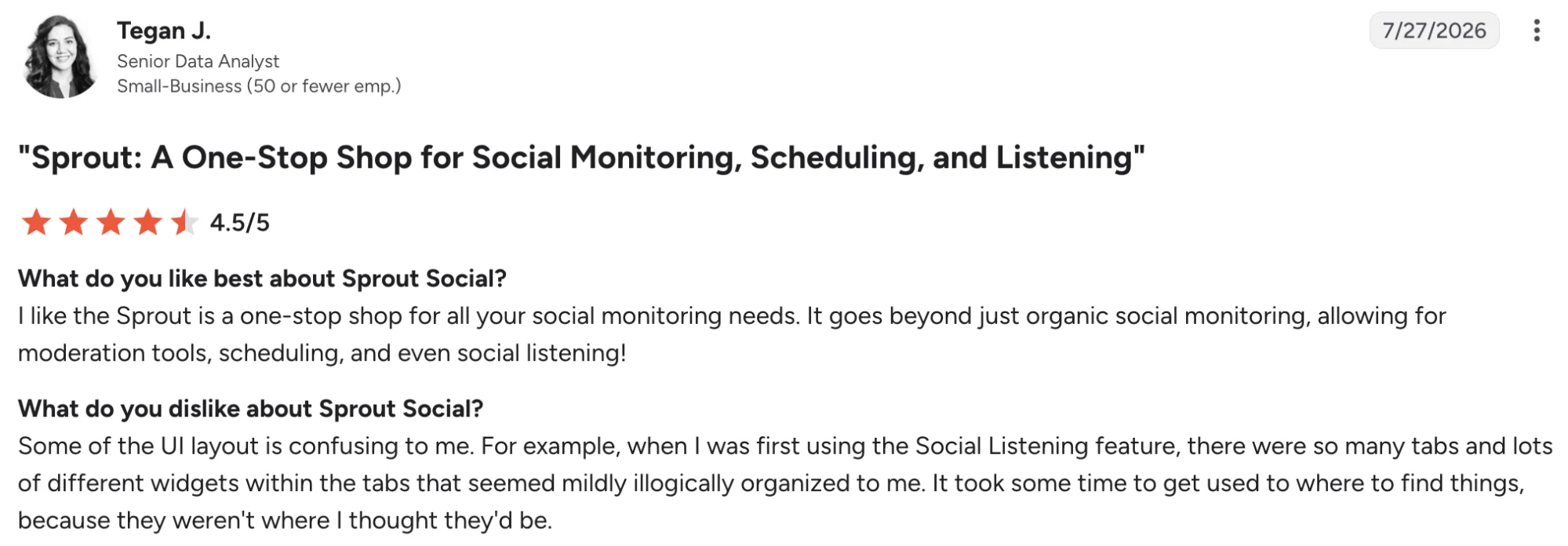
- Expensive, starting at $199 per user per month
- Annual contracts and auto-renewal draw frequent complaints
- Advanced features take a few weeks to learn
Sprout Social’s pricing
- From $199/user/month, billed annually
- Higher tiers add listening and enterprise features
- 30-day free trial available
10. GaggleAMP — Best for employee advocacy
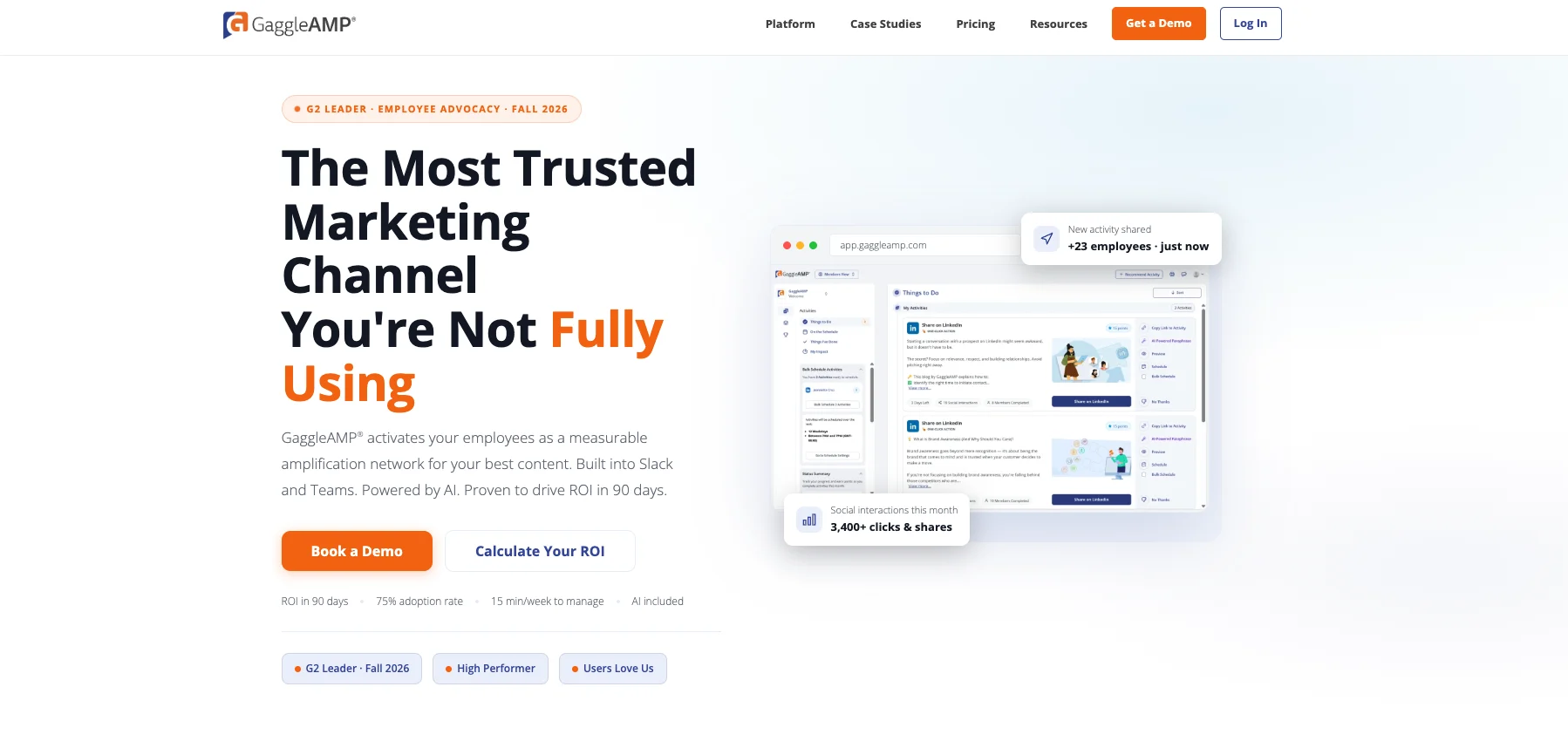
GaggleAMP takes employee sharing off the marketing team’s plate. Managers curate activities like sharing a post or commenting on an article, and employees receive them in Slack, Microsoft Teams, or email. One click and it’s done.
Gamification keeps participation alive long after the initial rollout. Leaderboards, points, and recognition give employees a reason to keep sharing instead of letting the program go quiet after week one. The manager dashboard tracks who’s sharing, how far the content reached, and which activities are driving engagement.
GaggleAMP is best for
Mid-market and enterprise teams that want a structured employee advocacy program with gamification, manager controls, and measurable participation.
GaggleAMP’s key features
- Manager-curated activities delivered to employees through Slack, Teams, or email
- One-click sharing to LinkedIn, X, Facebook, and Instagram from the employee side
- Gamification with leaderboards, points, and recognition
- Analytics tracking participation, reach, and engagement per employee and campaign
GaggleAMP’s pros
- Gamification keeps employee participation high over time
- Fits into tools employees already use (Slack, Teams) so adoption is easier
- Strong manager controls for curating what gets shared
GaggleAMP’s cons
- Enterprise pricing puts it out of reach for small teams
- Focused on advocacy and amplification, so it won’t write or design posts for you
GaggleAMP’s pricing
- Custom pricing based on program size
- Free trial available
- Contact sales for a quote
How to choose the right AI tool for social media posts
The right AI tool depends on the work your team needs to simplify. Start with a clear social media strategy to identify your content goals, preferred channels, and publishing requirements before choosing a tool.
Here is the quick way to narrow it down.
- You already have blogs, podcasts, or videos. Distribution.ai pulls social posts straight out of them, which the pure schedulers and design tools do not do.
- You are writing from scratch. Anyword gives you copy scored on likely performance, while Predis.ai handles it when you need the visual generated too.
- Your posts are ready, and you need help organizing publication. Buffer and Publer offer affordable scheduling options. A social media content calendar can also help you plan upcoming posts and maintain a consistent publishing schedule across channels.
- Visuals carry your posts. Canva suits you if you want to design them yourself in a proper editor, Predis.ai if you would rather it generate the whole thing and tidy up after.
- You run many accounts as a team. Hootsuite covers breadth across a dozen accounts, Sprout Social is the pick when reporting and listening are the point.
- You want employees to amplify your brand’s content. GaggleAMP helps teams distribute approved content through employees’ personal social accounts. It also tracks participation and uses gamification to encourage consistent sharing.
PS: For practical publishing guidance, learn how to post to multiple social media platforms at once
One honest warning on the last group.
Hootsuite and Sprout both run into serious money, so be straight about whether you will use enough of the platform to justify $99 or $199 a month. Overbuying is the most common regret with tools at this end.
Getting more from the content you already have
There is no single best AI tool for social media posts, only the one that fits the job in front of you. For cheap scheduling, design help, or enterprise analytics, this list has a clear answer for each.
Where most teams get stuck is not the scheduling or the tools. It is finding the time to turn one good idea into posts for every channel, week after week. That is the work that caps how much you actually get out the door.
If that is your bottleneck, Distribution.ai is built for it. Point it at a blog, a podcast, or a video you have already made, and it turns that one source into posts for LinkedIn, X, Instagram, and more, ready to edit and schedule from one place.
Frequently asked questions
1. What is the best AI for social media posts?
There is no single winner, because the tools are built for different jobs. For turning existing blogs or videos into posts, Distribution.ai leads. For simple scheduling, Buffer and Publer.
For visuals, Canva and Predis.ai. For enterprise analytics, Sprout Social. The best one is whichever matches the task you are trying to speed up.
2. Is there a free AI tool for social media posts?
Yes. Buffer’s free plan covers AI captions and scheduling for three channels, and Publer offers unlimited free scheduling. Canva and Predis.ai both have free tiers for visual posts.
Most paid tools also run a free trial, so you can test the full feature set before committing.
3. Can Instagram and other platforms detect AI-generated posts?
Partly. Meta labels images it identifies as AI-generated on Instagram, Facebook, and Threads, though the system misfires at times. AI-written captions are far harder to detect, and platforms mostly judge a post on quality and engagement rather than how it was made.
4. Which AI tool is best for Instagram posts?
For Instagram’s visual focus, Predis.ai generates the full post and Canva gives you a design editor to build one yourself. If Instagram is one channel in a bigger push, Distribution.ai can turn a blog or video into Instagram posts alongside your other platforms.
5. How much do AI social media tools cost?
It ranges widely. Entry paid plans start around $5 to $19 a month for tools like Buffer, Publer, and Distribution.ai, while enterprise platforms like Hootsuite and Sprout Social run from $99 to $199 a month per user. Most have a free plan or trial to start.
Author

Promote, repurpose & distribute your content with AI
Start 15-Day Free Trial