11 Best Social Media Automation Tools [Features + Pricing]
Discover 11 best social media automation tools for 2026. Compare features, pros& cons, pricing and use cases to streamline scheduling, content and engagement.

Key Takeaways
Social media automation tools streamline marketing workflows:
They help automate content creation, publishing, performance tracking and other repetitive marketing tasks.
Modern platforms go beyond scheduling:
The best tools support multiple social networks, advanced scheduling, AI capabilities and detailed performance analytics.
Distribution.ai is best for repurposing long-form content:
Turn blogs, podcasts and videos into channel-native social posts with AI.
SocialRails is best for multi-platform publishing:
Publish to nine social networks with automatic image resizing for each platform.
Synup is best for multi-location businesses:
Manage social media alongside business listings and online reputation from one platform.
RecurPost is best for evergreen content:
Automatically recycle posts using category-based scheduling to keep content active.
Buffer is best for small teams:
Provides a lightweight scheduler with AI-generated captions and an easy-to-use interface.
Sendible is best for agencies:
Supports cross-brand publishing, collaboration and approval workflows for client management.
Later is best for visual-first creators:
Designed for Instagram, TikTok and Pinterest with strong visual planning tools.
CoSchedule is best for marketing teams:
Integrates social publishing into a broader marketing calendar with ReQueue automation.
Make is best for custom automation:
Build no-code workflows by connecting more than 3,000 apps and services.
Loomly is best for mid-size teams:
Offers structured approval workflows, collaboration features and AI-powered post ideas.
Hootsuite is best for large agencies:
Delivers enterprise-grade publishing, analytics and social listening at scale.
You can win on social media if you:
- Produce relevant content consistently
- Post it when your audience is online (and attentive)
- Engage with commenters and followers proactively
- Continually iterate your approach based on past performance
And that can be too much.
Especially when you are managing multiple accounts across social media channels.
Social media automation tools help by accelerating all of the above-mentioned processes in your marketing workflow. They can help you repurpose existing content, write brand new posts, publish at optimal times, track what’s trending and reply to DMs or comments on time.
This article lists 11 automation tools that you can adopt today to elevate your social media presence.
Top Social Media Automation Software for 2026
To give you a comprehensive list of automation solutions for your social media strategy’s execution, we focused on the following four parameters:
- Multi-network integration: The tool should support different social media networks, such as Facebook, X, LinkedIn and YouTube. It provides a good starting foundation that can be enhanced further with a third-party integration platform.
- Advanced scheduling and content calendar: You need to put content out when your audience is most receptive to your message. Additionally, you need to space them out evenly to reduce or prevent brand fatigue.
- Analytics and performance tracking: Even if it doesn’t provide advanced analytics, it still should help you understand what topics and content formats work best. Continuous iteration is key to improve your social media campaigns over time.
- AI features and agents: These advanced automation capabilities use AI and agentic workflows to run entire campaigns on autopilot. It can be pivotal for busy social media managers and marketing agencies.
Here’s a summary table that will help you understand what these social media management apps can automate for you:
| Tool | What it automates in social media | Pricing (as of August 2026) |
|---|---|---|
| Distribution.ai | Repurposes YouTube videos, podcasts and blogs into channel-native posts, emails and newsletters | Solo from $19/month; Organization from $39/month |
| SocialRails | Publishes to 9 networks at once with per-platform image resizing, captions and AI-generated content | Creator $29/month; Business $49/month; Agency $99/month |
| Synup | Combines multi-location social scheduling with listings and reputation management | Startup $99/month; Agency $249/month; Scale $999/month |
| RecurPost | Recycles evergreen posts automatically through category-based content libraries | Starter $9/month; Personal $25/month; Agency $79/month |
| Buffer | Simple queue-based cross-channel scheduling with AI captions and LinkedIn first comments | Free; Essentials $6/month/channel; Team $12/month/channel |
| Sendible | Multi-brand publishing, unified inboxes, approvals and white-label reporting for agencies | Core $35/month; Plus $99/month; Premium $199/month; Elite $299/month; Enterprise $750/month |
| Later | Visual-first planning and auto-publishing to Instagram, TikTok, Pinterest, LinkedIn and Facebook | Starter $25/month; Growth $110/month; Scale $110/month |
| CoSchedule | Ties social scheduling into a broader marketing calendar with ReQueue-driven evergreen re-sharing | Free; Social Calendar $29/month; Agency Calendar $69/month |
| Make | Custom no-code workflows connecting social channels to 3,000+ apps for publishing and routing | Free (1,000 credits); Make plan $10.59/month; Company custom |
| Loomly | Collaborative content planning and multi-channel publishing with AI post ideas | Starter $65/month; Beyond $332/month |
| Hootsuite | Enterprise scheduling, monitoring, engagement and analytics across many accounts with OwlyWriter AI | Standard $149/month; Advanced $399/month |
1. Distribution.ai
What Distribution.ai automates in social media: Writing brand new posts and short-form content for various channels like Instagram, LinkedIn, X, Mastodon and email.
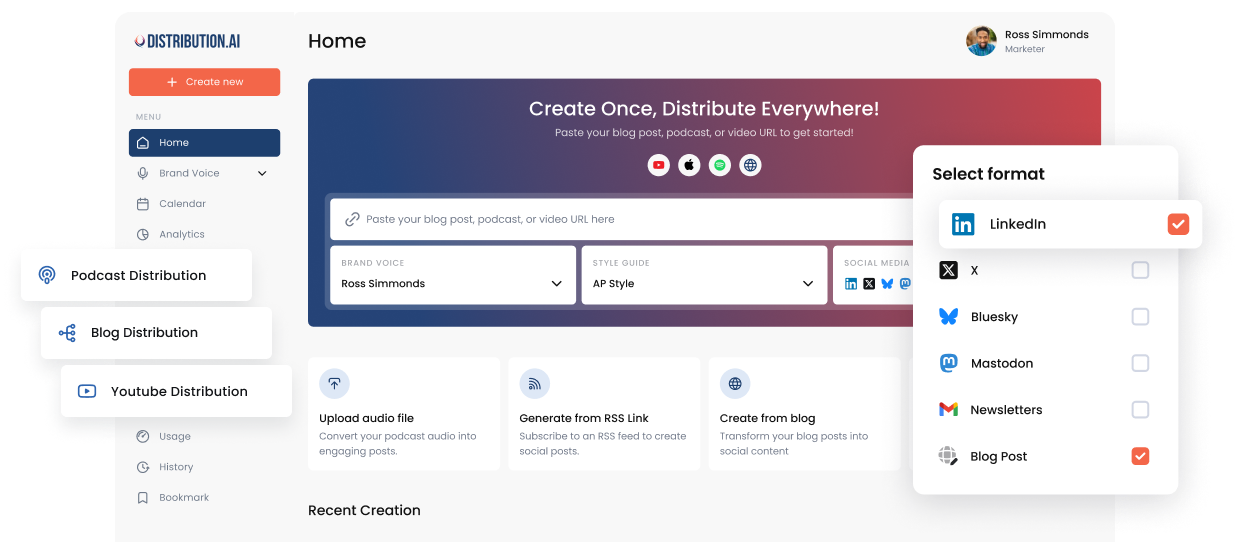
Distribution.ai is an all-in-one content repurposing tool that converts your existing long-form assets like blog posts and YouTube videos into snackable social media content.
The social media automation tool makes it easier for brands and solopreneurs to continually create a steady stream of content for different social networks by extracting key takeaways and viral-worthy moments with AI.
It will convert your YouTube videos, podcasts, webinars, blog posts, whitepapers and guides into short clips, LinkedIn posts, Instagram captions, X threads and newsletters. You can manage social media accounts more effectively as you will always have a steady stream of content.
The automation solution’s social media scheduling tool automatically publishes posts at optimal times to maximize your reach.
Distribution.ai’s Key Features
- AI repurposing of one YouTube video, podcast or blog into many channel-ready social clips, posts, emails and newsletters
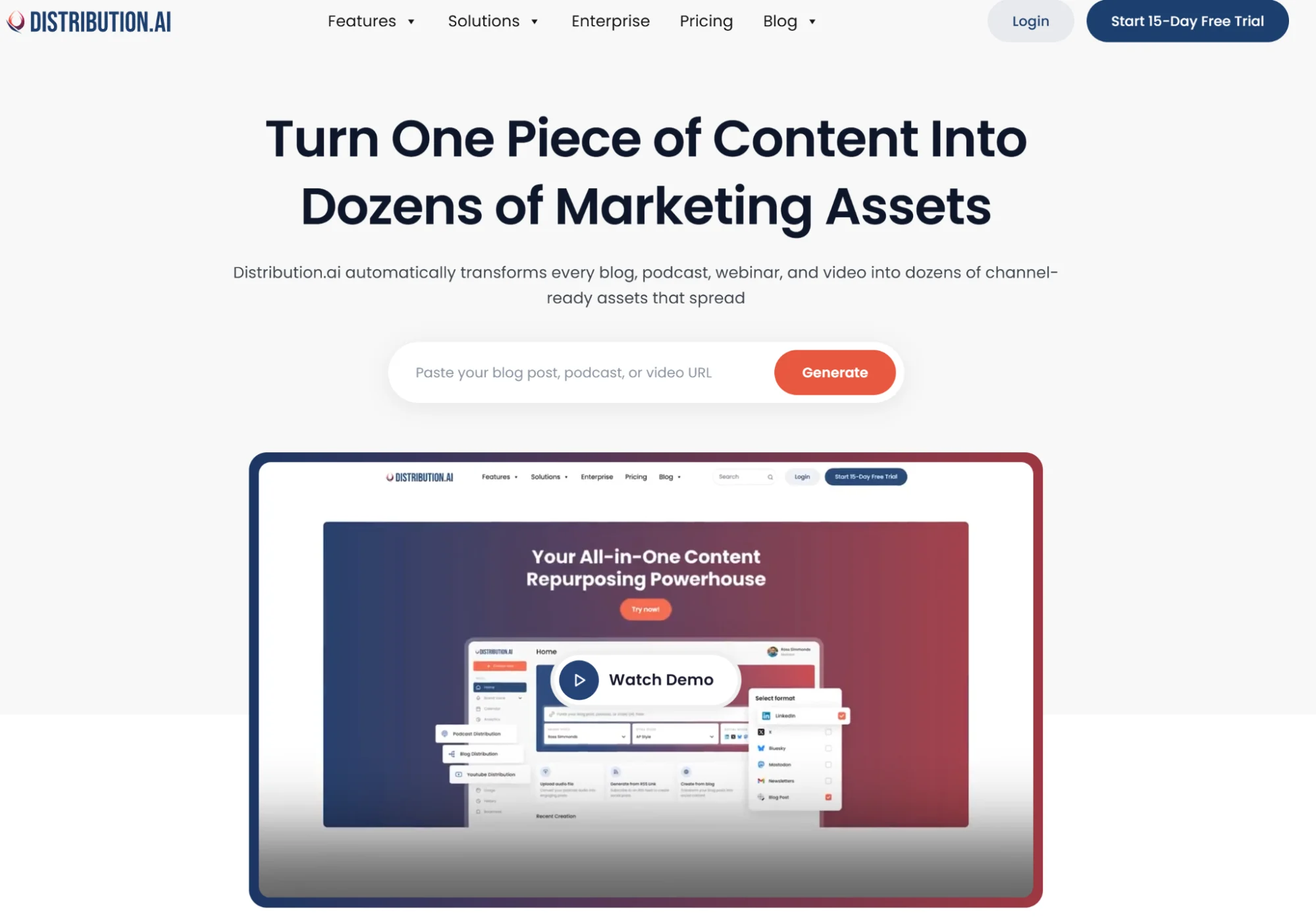
- Automation-first workflow to generate posts and short-form videos from existing content in minutes
- Single dashboard for multi-channel distribution across social, email and blogs
- Brand-voice-preserving AI rewriters for consistent, polished output
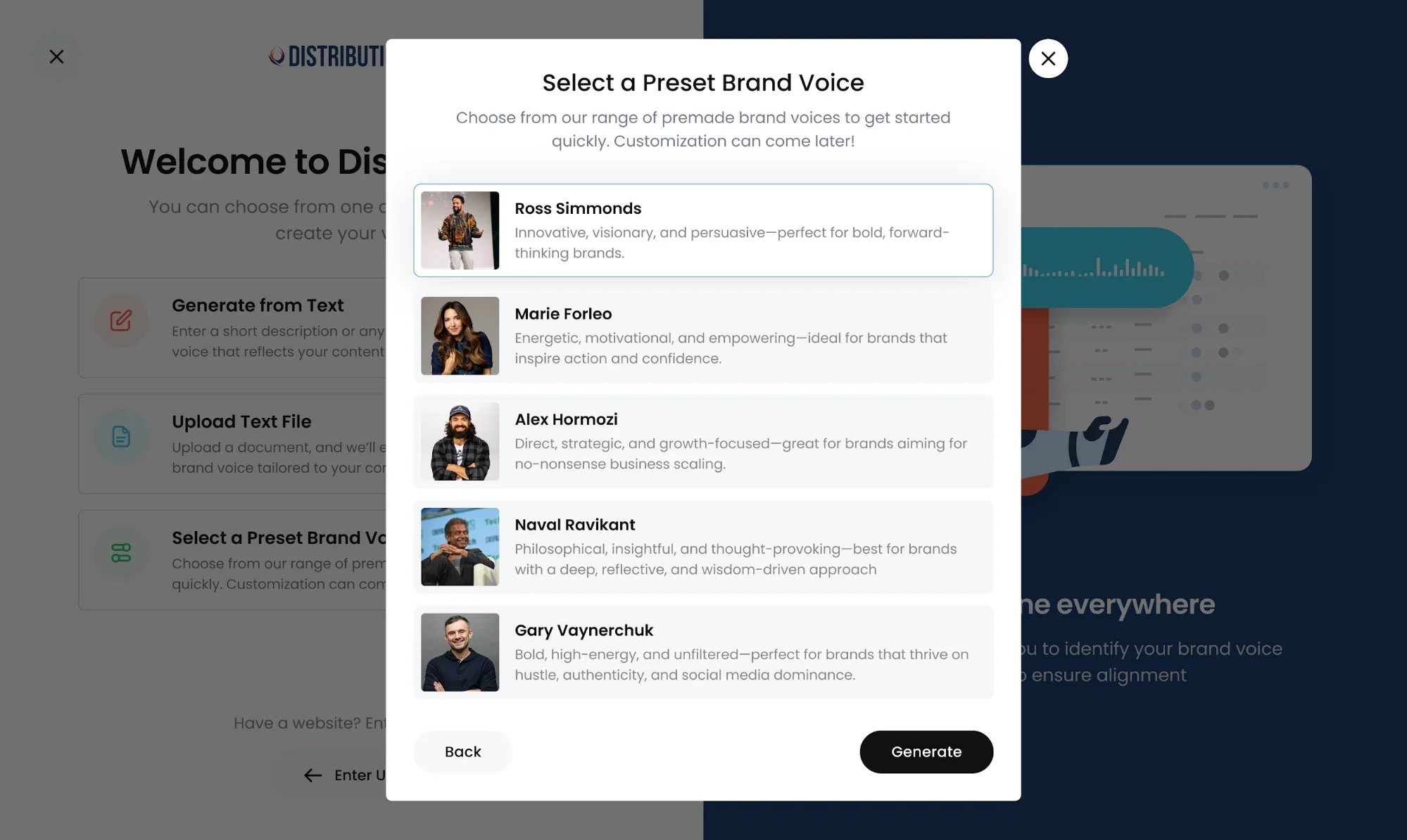
- Chrome extension and a dedicated “AI Social Media Manager” agent for hands-off creation
Distribution.ai’s Pros
- Writes better quality social media content than generic AI chatbots
- Fast content generation; teams can produce 5–10 posts for multiple platforms in less than five minutes
- Replaces multiple tools, like scheduler and performance tracker, reducing sprawl
Distribution.ai’s Cons
- No independent or third-party review presence on sites like G2 and Capterra
- Lacks social listening and advanced analytics features that enterprises often need
Distribution.ai’s Pricing
- Free trial: 15 days
- Solo plans (for individuals repurposing blog content into social posts): from $19/month, billed monthly
- Organization plans: from $39/month, billed monthly, for five members and higher usage limits
- The tiers are priced by the type of long-form content you want to repurpose (videos, podcasts or text-based content, which includes files)
Distribution.ai’s Verdict for Social Media Automation
- What it automates: Content repurposing from long-form assets into short-form social videos, posts, emails and newsletters
- Type of automation: AI-powered, with an agentic layer via its “AI Social Media Manager”
- Estimated time savings: A solo creator turning one YouTube video into 10+ clips and posts across LinkedIn, X and Instagram goes from ~3 hours of manual rewriting to under 5 minutes
- Ideal for: Solopreneurs and small brands with an existing long-form content engine who need consistent multi-channel output without hiring writers and video editors
2. SocialRails
What SocialRails automates in social media: Scheduling posts and creating short-form content across networks including Instagram, TikTok, LinkedIn, Threads, Bluesky and YouTube.

SocialRails is a social media scheduler designed for creators, solopreneurs and small teams managing multiple clients across different social media platforms.
The tool allows you to produce short-form content, schedule posts via drag-and-drop calendars, suggest time slots and offers auto-recurring features to recycle content automatically.
SocialRails’ Key Features
- Create-once, post-to-nine-networks publishing (Instagram, Facebook, X, LinkedIn, Threads, Bluesky, Pinterest, YouTube, TikTok)
- Built-in AI content creation for captions, images and short-form video (350+ video templates)
- Automatic image resizing and caption optimization
- Multiple workspaces and team collaboration for managing several clients
SocialRails’ Pros
- Allows publishing to a wide range of social media channels
- Automates image resizing, saving considerable time for social media teams
- Has a built-in AI content generator and video templates
SocialRails’ Cons
- No third-party reviews on external websites to validate the tool’s real-world efficacy
SocialRails’ Pricing
- Provides a free trial for the premium tiers
- Creator plan: $29/month, billed monthly
- Business plan: $49/month, billed monthly for higher AI usage limits and team collaboration
- Agency plan: $99/month, billed monthly for more teamspaces and members
SocialRails’ Verdict for Social Media Automation
- What it automates: Multi-network scheduling, per-platform image resizing, caption optimization and short-form video creation
- Type of automation: Rule-based scheduling combined with AI-powered content generation
- Estimated time savings: A team posting to all 9 supported channels daily cuts manual reformatting from ~2 hours to ~15 minutes
- Ideal for: Creators and small agencies who need broad coverage (including TikTok, Threads and Bluesky) without paying enterprise pricing
3. Synup
What Synup automates in social media: Generating AI posts and managing scheduling, reviews and listings across Instagram, Facebook, X, LinkedIn and Pinterest.
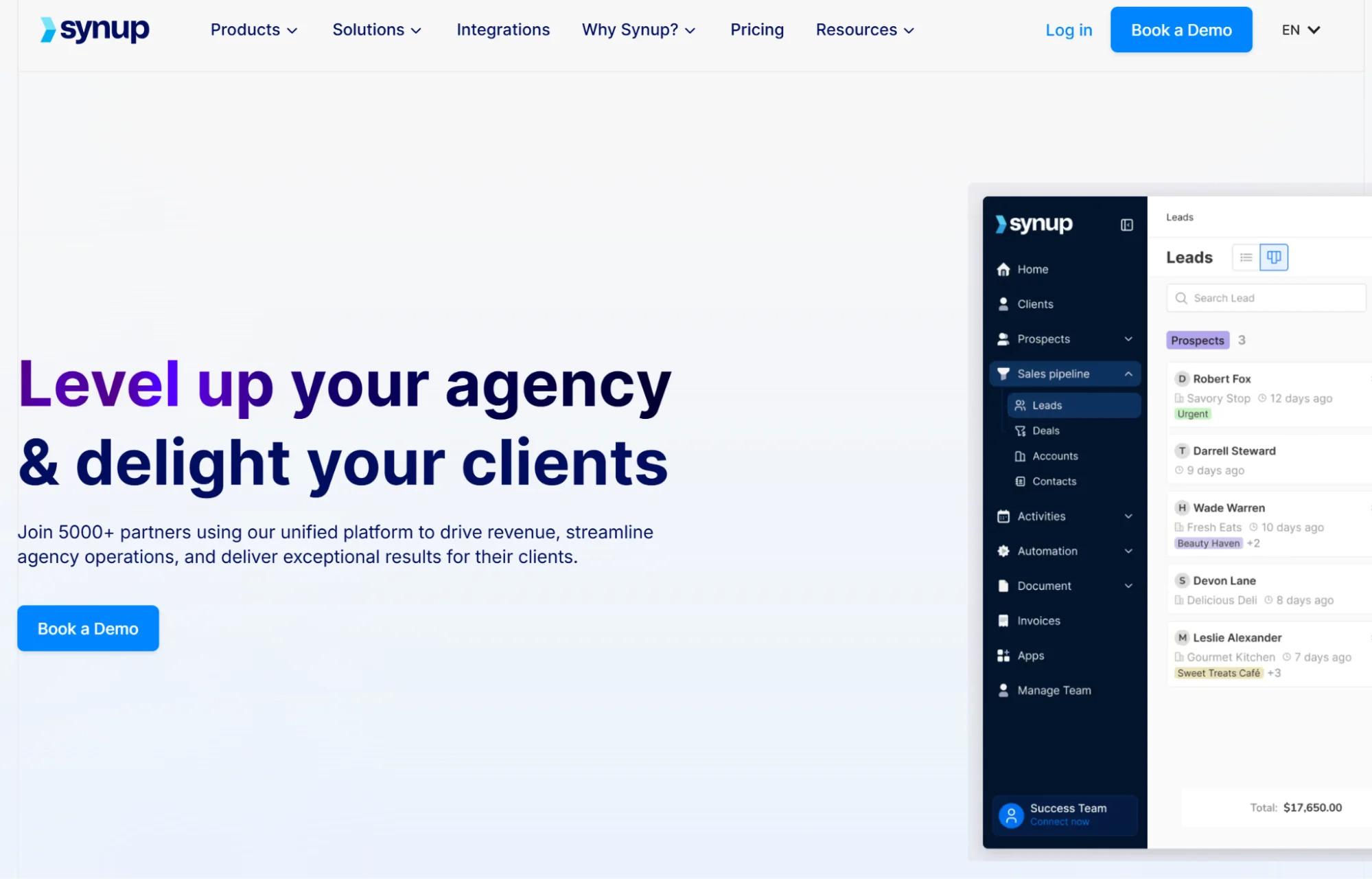
Synup is an AI-assisted social media management platform built for multi-location and multi-brand businesses.
It automates content creation with AI-generated post ideas, trending hashtag suggestions and captions. You can schedule and publish posts across Instagram, X, LinkedIn and Pinterest with team approval workflows.
However, it is primarily built around managing business listings and review management; social media management features are available as add-ons.
Synup’s Key Features
- Multi-location social scheduling combined with listings and reputation management for Google Business Profiles
- AI-generated posts plus trend and competitor research
- Review monitoring, generation and response with customer-sentiment measurement
- Post-by-post engagement analytics and visually friendly reporting
- Multi-brand/multi-location management from a single account
Synup’s Pros
- Users report responsive customer support when signing up or facing any kind of bugs
- Affordability is frequently complemented across multiple reviews
Synup’s Cons
- Vast feature set results in a steep learning curve, which is challenging for large teams
- Continued billing for months even after cancelling the subscription
Synup’s Pricing
- No free plan or trial
- Startup: $99/month, billed monthly for 5 team members and 25 client accounts
- Agency: $249/month, billed monthly for 10 team members and 100 client accounts
- Scale: $999/month, billed monthly for 50 team members and 500 client accounts
Synup’s Verdict for Social Media Automation
- What it automates: Multi-location social scheduling, AI post generation, review monitoring and response and listings management
- Type of automation: AI-powered with rule-based approval workflows
- Estimated time savings: A franchise managing 50 locations can cut weekly posting and review-response work from ~20 hours to ~4 hours
- Ideal for: Multi-location businesses and franchises that need social, listings and reputation management under one roof
4. RecurPost
What RecurPost automates in social media: Recycling evergreen posts automatically and scheduling content by category across multiple social channels.
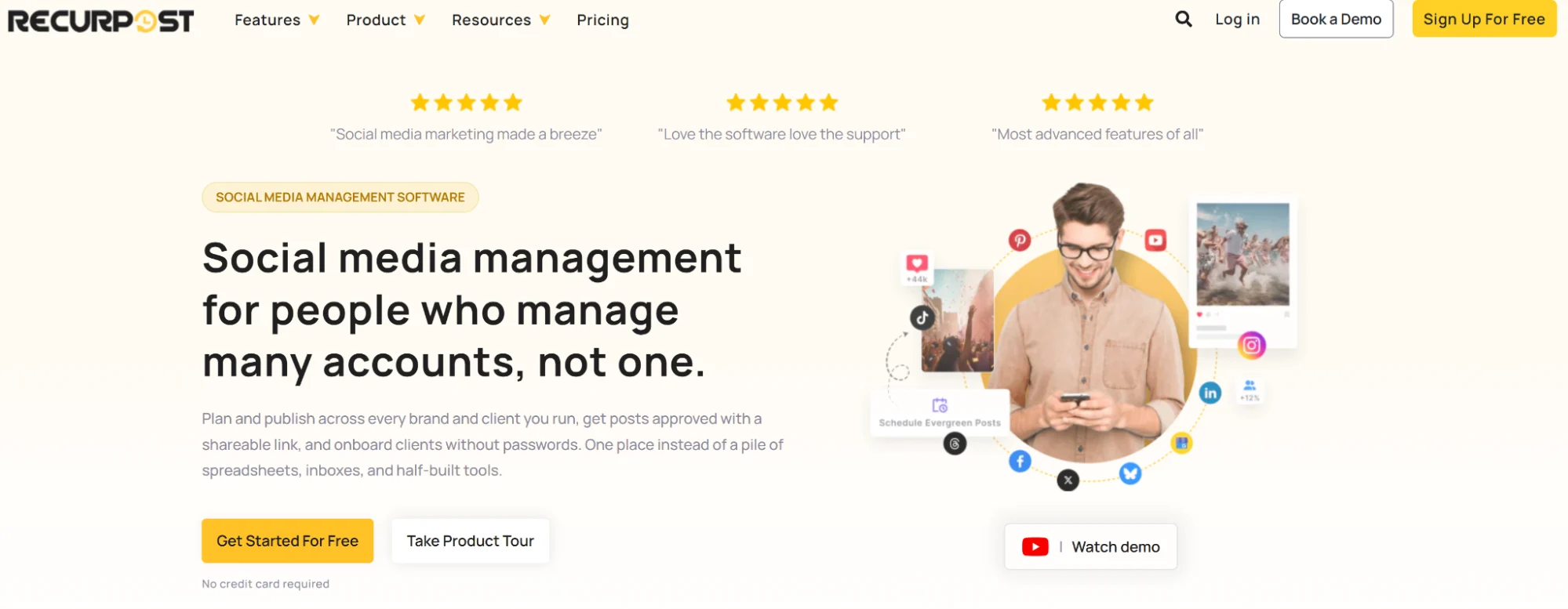
RecurPost is a social media automation tool focused on content scheduling and recycling.
The social media management software creates recurring content libraries, so your evergreen posts are automatically reshared over time without manual rescheduling.
RecurPost’s Key Features
- Evergreen content recycling that recirculates your best posts automatically
- Category/library-based scheduling to organize content by theme or season
- Bulk scheduling and RSS feed import to fill the calendar fast
- Best-time scheduler with calendar and queue views
- AI content tools plus analytics for best posting times and performance
RecurPost’s Pros
- Automates content repurposing without ongoing manual effort after the one-time setup
- Recommends best time to post based on historical data after AI analysis
- Dedicated features for agencies managing multiple clients and campaigns
RecurPost’s Cons
- Relatively steeper learning curve, despite the team’s onboarding setup
RecurPost’s Pricing
- Free trial: 14 days
- Starter: $9/month, billed monthly
- Personal: $25/month, billed monthly
- Agency: $79/month, billed monthly
- Enterprise: custom pricing
- Plans vary by number of social accounts and posts per account per day
RecurPost’s Verdict for Social Media Automation
- What it automates: Evergreen content recycling, category/library scheduling, bulk uploads and RSS-driven publishing
- Type of automation: Rule-based, with AI-powered content suggestions and best-time recommendations
- Estimated time savings: A marketer with 100+ evergreen posts saves ~5 hours a week versus manually rescheduling reshares
- Ideal for: Agencies and solopreneurs with a deep evergreen library who want continuous posting without daily manual work
5. Buffer
What Buffer automates in social media: Scheduling posts, drafting AI captions and automating LinkedIn first comments across all major social channels.
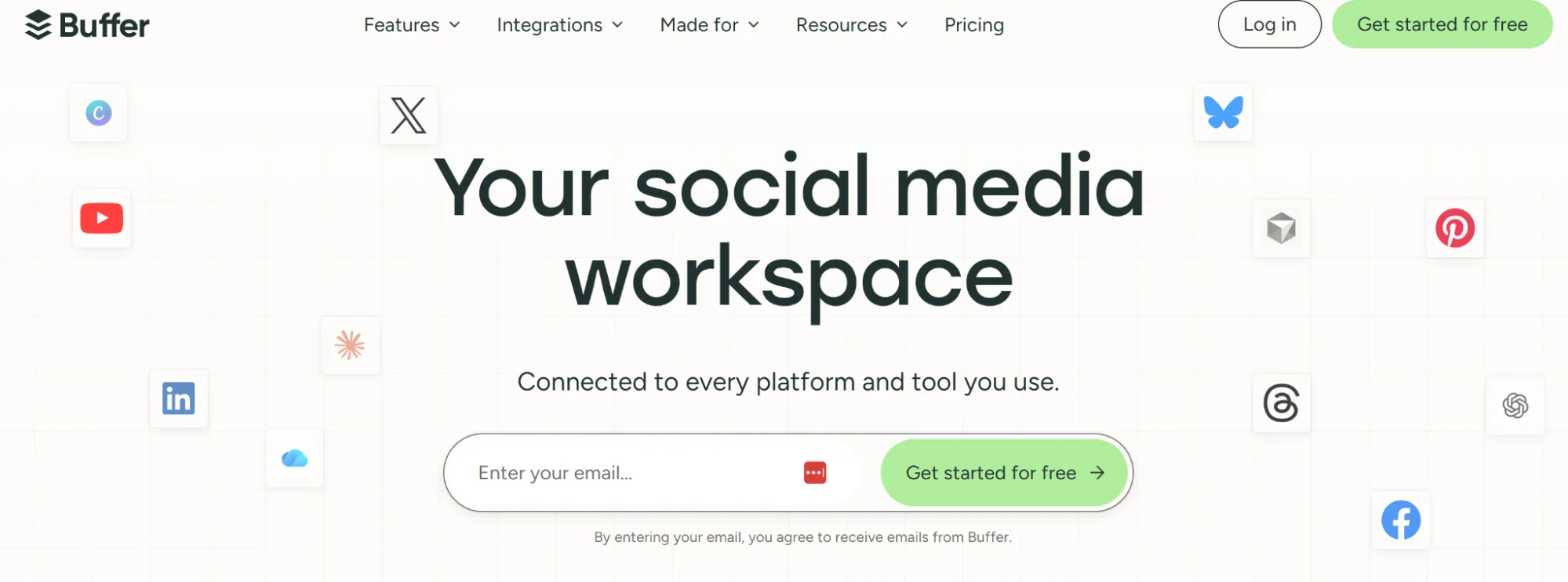
Buffer offers automated first comments for LinkedIn engagement, scheduling for Instagram and Facebook stories and AI-powered content creation on top of scheduling capabilities.
While it offers basic built-in analytics, it is limited to Facebook, Instagram, TikTok and Pinterest business accounts.
Buffer’s Key Features
- Simple, fast scheduling and publishing across all major channels from one queue
- AI Assistant for drafting and reworking captions, free on all plans
- Browser extension and Ideas board to capture content ideas in one click
- Calendar view and mobile app for full scheduling on the go
- Draft/approval workflow (Team plan) to move content from creation to publish faster
Buffer’s Pros
- Users complement the simplicity of the interface, leading to faster processes
- Has an effective free plan that can work well for small teams and solopreneurs
Buffer’s Cons
- The API credit limit tracker may not always display the right amount of usage
- Unreliable publishing, which requires marketers to manually check connected social media accounts
Buffer’s Pricing
- Free: 3 channels, 10 posts per channel
- Essentials: $6/month/channel (1 user account, unlimited posts)
- Team: $12/month/channel (Unlimited user accounts and posts)
- Custom pricing for more than 10 channels
Buffer’s Verdict for Social Media Automation
- What it automates: Cross-channel scheduling, AI caption drafting, LinkedIn first comments and draft-to-approval workflows
- Type of automation: Rule-based scheduling with AI-assisted content generation
- Estimated time savings: A small team publishing to five channels saves ~3–4 hours a week by batching from one unified queue
- Ideal for: Solopreneurs and small teams that want a lightweight, low-learning-curve scheduler without enterprise features
6. Sendible
What Sendible automates in social media: Publishing across brands, managing unified inboxes and automating approvals and reports for multi-client agencies.
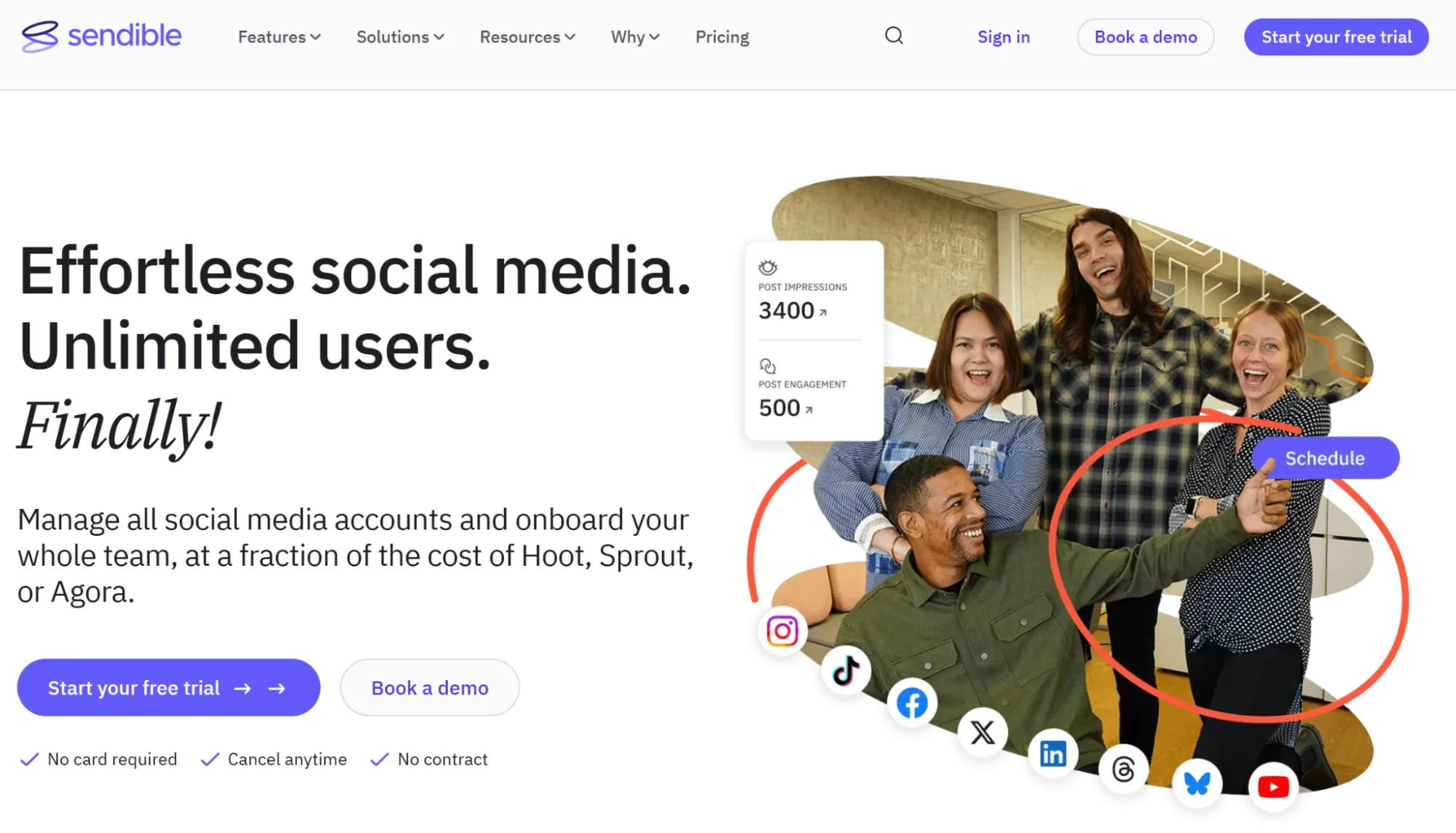
Sendible streamlines multi-platform scheduling, content planning and team collaboration. You can directly schedule posts, customize content across social channels and build visual content calendars that simplify approvals and task assignments.
Sendible’s Key Features
- Cross-brand publishing and a shared content calendar for agencies managing many clients
- Approval workflows and role-based permissions to speed sign-off
- Social listening and customizable, automated reporting
- Content and hashtag library plus image editing and cross-platform customization
- Unlimited AI content credits on all plans
Sendible’s Pros
- Offers an intuitive experience, making it easy to use for marketers
- Helpful for agencies managing multiple accounts for several clients
- Users like the overall reliability in scheduling social media posts
Sendible’s Cons
- Sometimes the connection to a social account breaks, which pauses existing campaigns
- Scheduling different formats and types of posts for different channels can be effortful
Sendible’s Pricing
- Free trial: 14 days
- Core: $35/month, billed monthly for 1 workspace, 6 social profiles
- Plus: $99/month, billed monthly for 3 workspaces, 18 social profiles
- Premium: $199/month, billed monthly for 7 workspaces, 42 social profiles
- Elite: $299/month, billed monthly for 15 workspaces, 90 social profiles
- Enterprise: $750/month, billed monthly for 50 workspaces, 300 social profiles
- Unlimited users included on every plan
Sendible’s Verdict for Social Media Automation
- What it automates: Cross-brand scheduling, unified inbox monitoring, approval workflows and automated reporting
- Type of automation: Rule-based scheduling with AI content generation and social listening
- Estimated time savings: An agency managing 15 client accounts saves ~10 hours a week on approvals and report generation
- Ideal for: Agencies juggling many client accounts that need approval-heavy workflows and repeatable reporting
7. Later
What Later automates in social media: Planning visual content and auto-publishing to Instagram, TikTok, Pinterest, LinkedIn and Facebook from one calendar.

Later is a scheduler best for brands and creators who prioritize visual, influencer-led content.
However, Later’s analytics are Instagram-focused. Also, its engagement features, like replying to comments, are limited to Facebook and Instagram.
Later’s Key Features
- Visual-first drag-and-drop content calendar for planning at a glance
- Bulk content uploads and a media library to batch work
- Hashtag suggestions and saved captions to speed repetitive posting
- Best-time-to-post recommendations and link-in-bio tools
Later’s Pros
- Social media marketers like the tool’s reporting capabilities and ease of use
- Visual calendar is effective for posting on Instagram, especially for creators and influencers
Later’s Cons
- Slow and buggy platform that struggles to connect to social media networks
- Some users have experienced friction when disconnecting their payment details
Later’s Pricing
- 14-day free trial
- Starter: $25/month, billed monthly for 30 posts per profile and supports 8 profiles
- Growth: $110/month, billed monthly for 180 posts/profile and supports 16 profiles
- Scale: $110/month, billed monthly for unlimited post scheduling and supports 48 profiles
Later’s Verdict for Social Media Automation
- What it automates: Visual content planning, auto-publishing, hashtag suggestions and link-in-bio management
- Type of automation: Rule-based scheduling with AI-assisted hashtag and best-time suggestions
- Estimated time savings: A creator managing Instagram and TikTok saves ~4 hours a week on planning, batching and publishing
- Ideal for: Creators, influencers and visual-first brands whose growth depends on Instagram, TikTok and Pinterest
8. CoSchedule
What CoSchedule automates in social media: Scheduling social posts inside a broader marketing calendar and re-sharing evergreen content with ReQueue.
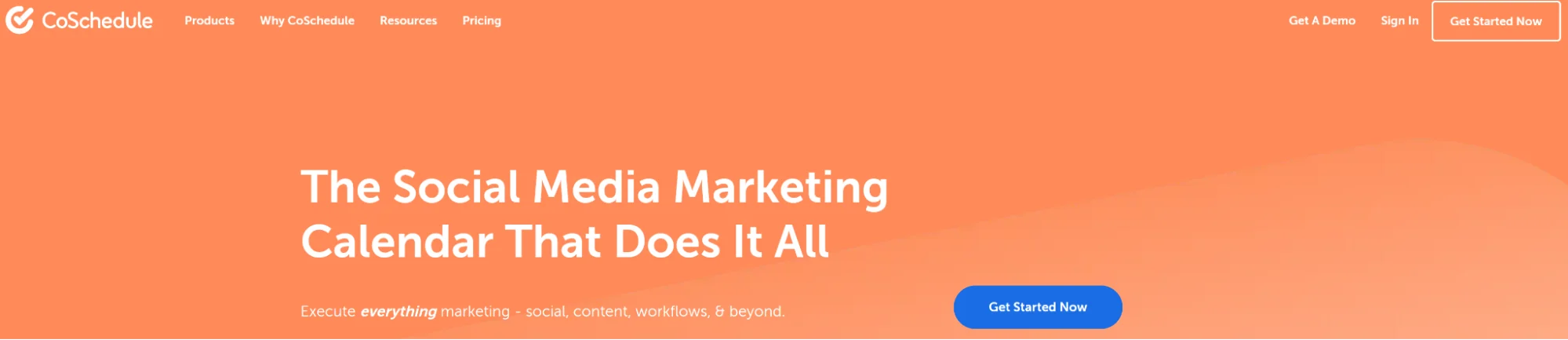
CoSchedule is a marketing calendar and social media automation tool built for content teams that need centralized planning. The platform’s ReQueue feature automatically republishes your top posts to maximize their ROI further.
CoSchedule’s Key Features
- Unified marketing/editorial calendar tying social to broader content in one view
- Social scheduling with drag-and-drop rescheduling and bulk publishing
- ReQueue for automatically re-sharing evergreen content
- Reusable task templates, comments, approvals and notifications for team workflow
CoSchedule’s Pros
- The positive reviews complement the comprehensive feature range for social media management
- Offers self-paced onboarding, helping teams onboard quickly
- The social media automation tool can work well for small and big teams
CoSchedule’s Cons
- Lacks Google My Business integration for social media posting
- A subscriber reported that the software is clunky and useless
CoSchedule’s Pricing
- Free plan: 1 social profile and 15 scheduled social messages
- Social Calendar: $29/month, billed monthly for three social profiles ($5/month each for each additional profile)
- Agency Calendar: $69/month, billed monthly for three social profiles ($5/month each for each additional profile)
CoSchedule’s Verdict for Social Media Automation
- What it automates: Cross-channel scheduling, evergreen re-sharing (ReQueue), task templates and approval workflows
- Type of automation: Rule-based scheduling with automated re-sharing logic
- Estimated time savings: A content team saves ~5 hours a week by consolidating social and editorial planning into one calendar
- Ideal for: Content-led teams that want social baked into a broader marketing calendar with reusable task templates
9. Make
What Make automates in social media: Building no-code workflows that connect social channels to 3,000+ apps for publishing, reporting and message routing.
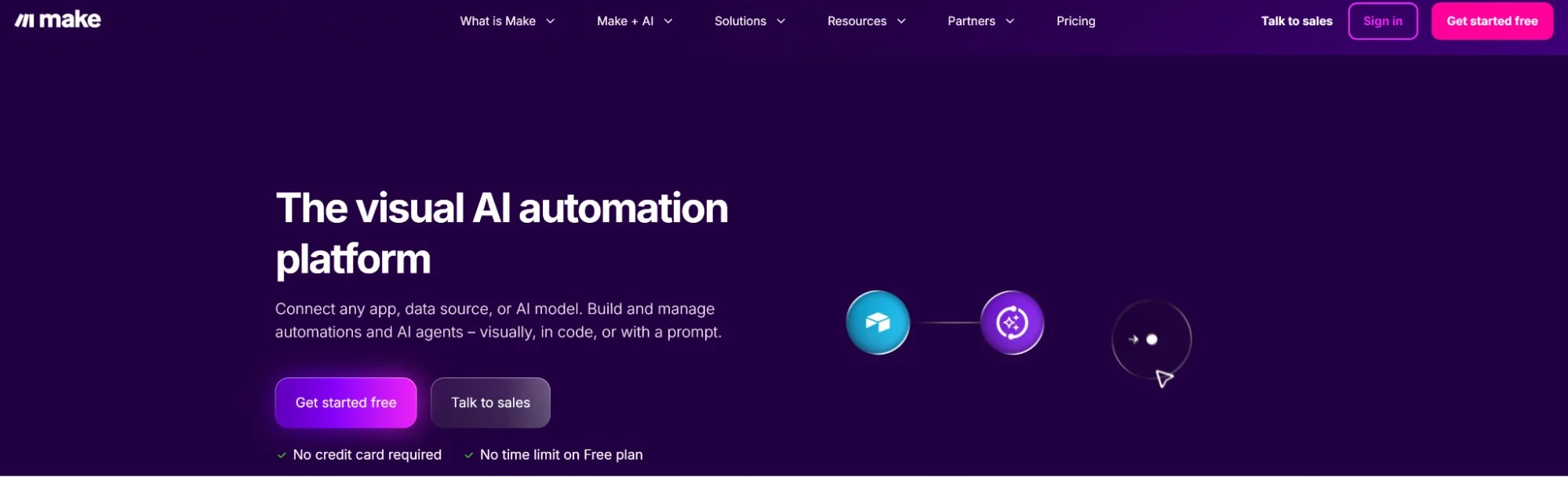
Alt text: Make’s homepage explaining its visual automation workflow builder’s capabilities.
Make is a visual automation platform that lets you build complex, multi-step workflows across your social media stack with a no-code builder.
You can connect social channels like Instagram, X, Facebook, LinkedIn and even apps like Canva, Google Sheets and more. These custom automations can help with post creation, scheduling, reporting, asset management and cross-platform publishing.
Make’s Key Features
- Visual drag-and-drop scenario builder
- Connects 3,000+ apps including Instagram, Facebook, LinkedIn, X, YouTube, Google Sheets, Canva, Notion and OpenAI/Claude
- Auto-generate SEO video descriptions, captions, images and voiceovers, plus route and auto-respond to comments and DMs
- Build agents that reason and take action across your stack, e.g. triaging incoming messages or monitoring brand sentiment
Make’s Pros
- Powerful free plan, which can be enough for small teams
- Teams can effectively create social media posting automations with conditional logic
Make’s Cons
- The interface and complex workflows make it challenging to create social media automation
- Users have mentioned that the platform is buggy and breaks repeatedly when running automations
Make’s Pricing
- Pricing varies based on the number of credits per month
- Free plan: 1,000 credits/month
- Make plan: $10.59/month, billed monthly with team collaboration features
- Company (enterprise): custom pricing
Make’s Verdict for Social Media Automation
- What it automates: Custom multi-step workflows across social channels — content generation, publishing, reporting and message routing
- Type of automation: Rule-based, with AI-powered and agentic components via connected LLMs
- Estimated time savings: A technical marketer automating cross-posting from Google Sheets to five platforms saves ~6 hours a week after initial setup
- Ideal for: Technical marketers and ops teams that need custom workflows beyond what off-the-shelf schedulers offer
10. Loomly
What Loomly automates in social media: Planning content, running approvals and publishing across social channels with AI-generated post ideas and optimization tips.
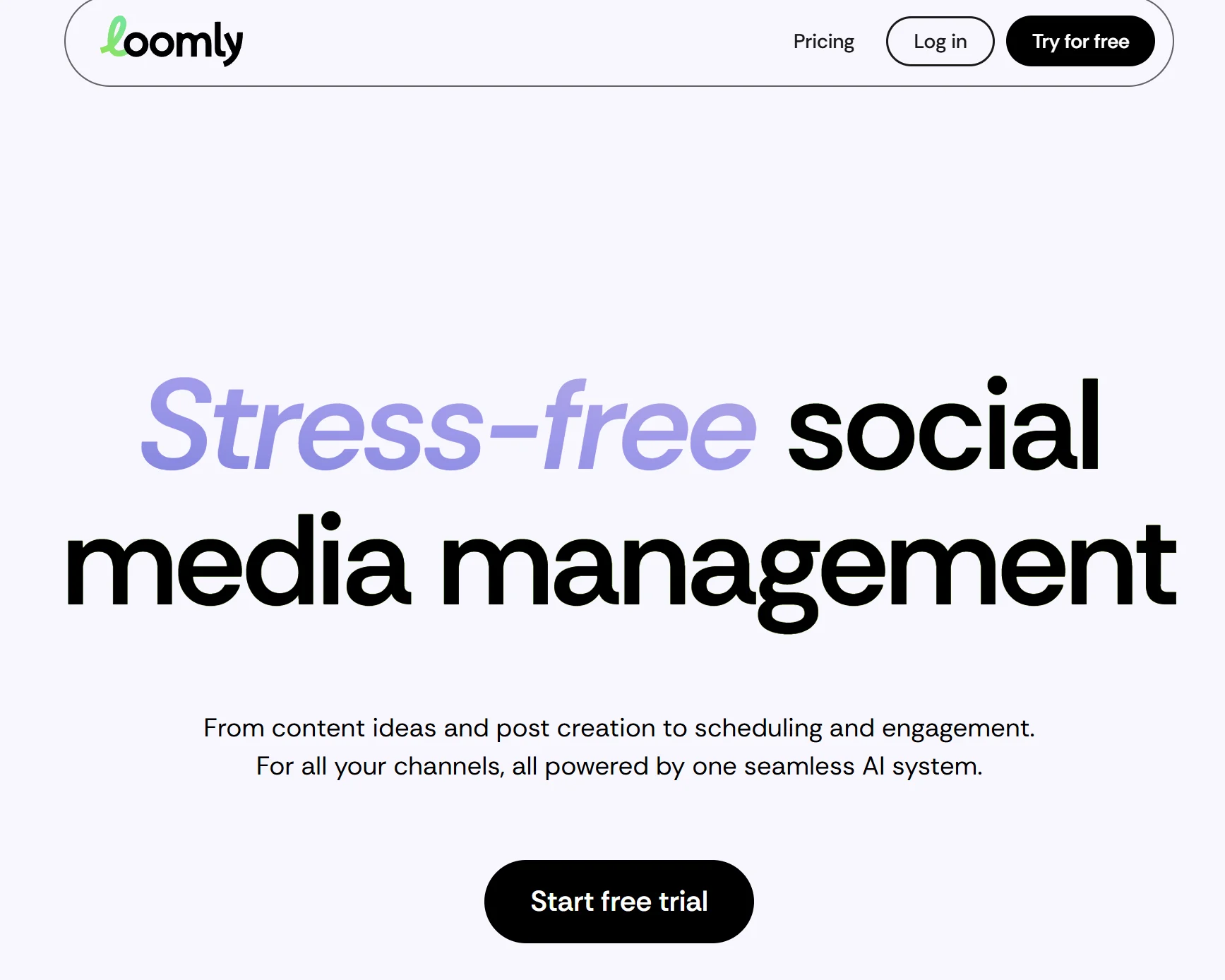
Loomly is a collaborative social media automation tool for content planning, scheduling and publishing across social media channels. It offers AI-powered post ideas and post optimization tips and automates approval workflows to streamline content pipelines.
Loomly’s Key Features
- Visual editorial calendar with post ideas and platform-specific customization
- Approval workflows with comments and role-based permissions to streamline sign-off
- Multi-channel scheduling and automated publishing from one dashboard
- Post previews and social media analytics for post/campaign performance
- Canva and Google Drive integrations
Loomly’s Pros
- Helpful customer support team, accelerating setup for busy teams
- Users like the clean and user-friendly interface of the automation platform
- Marketers can use it to manage multi-platform campaigns for several clients at a time
Loomly’s Cons
- Sometimes it doesn’t tag a LinkedIn handle, requiring manual workarounds
- A customer reported that Loomly raised their prices by 315%, which can be too expensive for many growing brands
Loomly’s Pricing
- Free trial: 15-day free trial
- Starter ($65/month, billed monthly): Up to 3 users and 12 social accounts; scheduling, approvals, basic analytics
- Beyond ($332/month, billed monthly): Unlimited users, up to 60 social accounts; custom user roles for larger teams
Loomly’s Verdict for Social Media Automation
- What it automates: Multi-channel scheduling, approval workflows, AI post ideas and asset organization via a shared library
- Type of automation: Rule-based scheduling with AI-powered content suggestions
- Estimated time savings: A mid-size team saves ~4–5 hours a week on approval cycles and repurposing Canva/Drive assets
- Ideal for: Mid-size marketing teams and agencies that need structured approval workflows and organized asset libraries
11. Hootsuite
What Hootsuite automates in social media: Scheduling, monitoring and analyzing content across many social accounts with OwlyWriter AI and RSS auto-posting.
Alt text: Hootsuite’s homepage with a CTA to sign up and another to request a demo
Hootsuite is a veteran social media management tool offering bulk scheduling, auto-posting from RSS feeds and AI-powered content creation.
It offers advanced analytics but only in the high-tier plans. Additionally, its dashboard is feature-rich but may feel complicated.
Hootsuite’s Key Features
- Centralized scheduling, monitoring and analytics across many accounts in one dashboard
- OwlyWriter AI for content generation and repurposing
- Unified social inbox for engagement across social platforms
- Bulk scheduling and approval workflows on higher tiers
- Social media listening and advanced social media reporting
Hootsuite’s Pros
- Users like the ease of use for scheduling content across accounts
- The AI-powered support chatbot helps new subscribers adopt the tool faster
- Advanced analytics and social listening help marketers adjust their content
Hootsuite’s Cons
- The UX is a bit outdated, making navigation a bit confusing
- Doesn’t allow publishing multiple tweets in a row, which can slow you down
Hootsuite’s Pricing
- Free trial: 30-day free trial on paid tiers
- Standard ($149/month, billed monthly): Suits agencies and mid-size teams managing multiple accounts
- Advanced ($399/month, billed monthly): Adds capacity and controls for larger teams handling many clients and platforms
Hootsuite’s Verdict for Social Media Automation
- What it automates: Bulk scheduling, RSS-driven auto-posting, AI content generation (OwlyWriter), approval workflows and social listening
- Type of automation: AI-powered content generation combined with rule-based scheduling
- Estimated time savings: A large team managing 20+ accounts saves ~15 hours a week on scheduling, monitoring and reporting
- Ideal for: Mid-to-large teams and agencies that need enterprise-grade analytics, social listening and multi-account management
Automate Social Media Content Repurposing with Distribution.ai
Distribution.ai tackles the biggest bottleneck for social media marketers and content creators: producing on-brand, channel-native content consistently.
The automation tool analyzes your existing long-form assets, such as YouTube videos, how-to guides, whitepapers, webinars and podcast episodes, to generate social media posts for various platforms.
You can then polish them on the tool’s editor before scheduling them at optimal times for your audience.
Writers and marketers can customize the brand voice and style to ensure the first draft written by AI is closer to what they will actually say to their audience.
Frequently Asked Questions
What Are Some Strong Social Media Scheduling/Analytics Tools in 2026?
Distribution.ai, Buffer, Sendible and Hootsuite are some of the best options for various types of marketers and brands. Distribution.ai is an agentic content repurposing platform that converts your multimedia long-form assets into social content. Buffer is the most cost-effective option if you are looking for a scheduler. Sendible is ideal for agencies that collaborate for multiple stakeholders. Hootsuite stands out with its advanced analytics and social listening capabilities.
What Software Can Manage and Automate All Social Media Accounts?
Distribution.ai automates social media workflows for multiple channels. You simply need to paste the link to long-form published content, like a YouTube video or a blog post, and the tool will produce several short-form assets. Then, you can use the built-in editor to refine the piece, scheduler to publish it at optimal times and dashboard to track content performance.
What’s the Easiest Way to Automate Social Media Content?
Using an agentic content repurposing and publishing tool is the easiest and most effective method to automate social media content. Distribution.ai’s social media agents repurpose your existing long-form video and text-based content into channel-native posts and publishes them on various social networks on autopilot.
What Tools to Use for Instagram Automation?
Distribution.ai can be the best option if you want to automate everything from content creation to performance monitoring. For specific needs, you need to look at other lightweight options. For instance, Later can be ideal if you want a visual scheduler that shows an Instagram-native preview of the content before you publish it. Similarly, Buffer can be the right one if you want a budget-friendly option and have limited needs.
What Are the Must-Have Social Media Marketing Automation Tools for Startups?
Startups have limited resources and need end-to-end automation for their social media marketing processes. They should consider Distribution.ai because it automates content creation, scheduling, publishing and performance tracking.
What Is the Best AI Tool for Creating & Designing Social Media Posts/Reels/YouTube Videos for Service-Based Companies?
Distribution.ai can help you generate text and video posts from your existing content assets like videos, podcasts and long-form blogs. Other than this, Later and Sendible support scheduling and publishing reels and short videos on Instagram. Sendible can be particularly better for agencies because it offers unlimited seats at every tier.
Promote, repurpose & distribute your content with AI
Write 10x faster, engage your audience, & never struggle with the blank page again.
Start 15-Day Free Trial
Frequently Asked Questions
Author

Promote, repurpose & distribute your content with AI
Start 15-Day Free Trial