


Best AI Agents for Marketing Teams in 2026
Looking for the best AI agents for your marketing team? See the top AI tools for automation, workflows, content repurposing, and team productivity in 2026.

Marketing teams are getting pitched AI agents from every direction this year.
The real question is which ones can help you run campaigns faster, work with customer data, support content and reporting workflows, and fit into the tools your team already uses.
This guide breaks down the best AI agents for marketing teams in 2026, who each one is best for, and which platforms bring real value to everyday marketing operations.
Key Highlights:
- The best AI agents for marketing teams help streamline content creation, campaign execution, reporting, personalization, and workflow automation across the marketing stack.
- Teams are adopting AI agents to reduce coordination overhead, work faster across systems and channels, and improve visibility into what drives performance.
- This guide covers nine standout tools for different marketing jobs, including content repurposing, CRM-native automation, GTM workflows, lifecycle messaging, paid media execution, and multi-agent operations.
- Distribution.ai stands out for teams that want to turn blogs, videos, and podcasts into channel-ready distribution assets with repurposing, scheduling, distribution, and analytics in one workflow.
- The right choice depends on the workflow you want to improve first, how the platform fits your current systems, and whether the pricing model aligns with your team’s scale and operating style.
Why Marketing Teams Are Adopting AI Agents In 2026
Adoption is picking up because marketing work now spans too many systems, channels, approvals, and handoffs for linear workflows to keep up.
Teams want software that can pull from structured and unstructured data, trigger actions across the stack, and handle execution steps like audience research, campaign setup, segmentation, testing, reporting, and follow-up with far less coordination overhead.
That shift is already visible in the data. HubSpot’s 2025 AI Trends for Marketers report found that 66% of marketers globally use AI in their roles, while PwC’s 2025 AI Agent Survey found that 79% of companies are already adopting AI agents in some form.
For buyers, the appeal is practical. Stronger output and a clearer view of what is driving performance.
Quick Overview: The Best AI Agents For Marketing Teams In 2026
To make the shortlist easier to scan, we grouped the strongest options by the job they handle best, from content repurposing and agent building to CRM workflows, lifecycle messaging, and cross-tool automation.
| Category | Best Tool | What It’s Used For | Best For | Pricing (As Of April 2026) |
|---|---|---|---|---|
| Content Repurposing And Distribution | Distribution.ai | Turning blogs, podcasts, and videos into channel-ready social posts, newsletters, and other distribution assets from one workflow | Content teams, social teams, agencies, and lean teams trying to get more output from existing content | Content-type plans with monthly or annual billing, bundle savings up to 30%, and a 15-day free trial. Internal guidance examples list Blog from $19/month and YouTube or Podcast from $29/month, billed monthly. |
| Custom Agent Builder | MindStudio | Building no-code AI agents for research, automation, and multi-step team workflows across many models and tools | Teams that want to build purpose-specific agents without heavy engineering | Free plan with one agent and 1,000 runs/month, Individual at $20/month plus usage, Business custom. |
| CRM-Native AI Agent | Salesforce Agentforce | Running customer-facing and employee-facing agents on top of Salesforce data and workflows | Enterprise teams already deep in Salesforce | Salesforce Foundations includes a free entry point with 200k Flex Credits. Paid usage starts at $500 per 100k Flex Credits or $2 per conversation. |
| GTM Workflow Automation | Copy.ai | Automating go-to-market workflows, cross-functional GTM processes, and content operations from one AI-native layer | Revenue teams that want workflow automation beyond content generation | Starter is $29/month billed monthly or $24/month billed annually. Growth starts at $1,000/month billed annually. Expansion starts at $2,000/month billed annually. Scale starts at $3,000/month billed annually. |
| Brand-Controlled Content Agent | Jasper | Generating on-brand marketing content and coordinated campaign assets with brand voice and governance controls | Marketing teams that need brand consistency across lots of content | Pro is $69/month billed monthly or $59/month billed yearly. Business pricing is custom. |
| Website Personalization Agent | Mutiny | Creating personalized customer-facing pages and assets using account data and brand context | ABM teams, demand gen teams, and B2B marketers running account-specific website experiences | Free plan at $0/month. Business is $50/month per seat. Enterprise starts at $30,000/year. |
| Lifecycle Messaging Agent | Customer.io | Running data-driven journeys, messaging workflows, and AI-assisted execution across customer lifecycle programs | Lifecycle, CRM, and product marketing teams with strong first-party data | Essentials starts at $100/month billed monthly. Premium starts at $1,000/month billed yearly. Enterprise is custom. |
| Multi-Agent GTM Operations | Relevance AI | Building and running AI agents for sales, marketing, operations, research, and broader GTM playbooks | Teams that want agent workflows with flexible model and tooling choices | Free tier available. Paid pricing uses Actions plus Vendor Credits, with no markup on model costs and BYO API keys on paid plans. Enterprise options are also available. |
| AI-Driven Paid Campaign Execution | Metadata.io | Automating B2B paid campaign execution, bid optimization, audience targeting, and performance analysis across channels like LinkedIn, Google, Facebook, Instagram, Reddit, and X | Demand gen teams, paid media teams, and B2B marketers that want stronger automation around campaign launch, testing, optimization, and reporting | Metadata.io does not publish standard plan tiers or starting prices on its official site. Pricing is sales-led and available via demo or custom quote. |
Overview Of The Best AI Agents For Marketing Teams In 2026 By Category, Primary Use Case, Best-Fit Buyer, And Pricing Context
How We Evaluated These AI Agents For Marketing Teams
We chose these tools based on the marketing jobs teams are actively trying to solve with AI, then picked one standout platform for each category.
In making those picks, we looked at category fit, workflow usefulness, feature relevance, pricing clarity, free trial or a free plan availability, customer support signals, and evidence from the market.
Our research drew from official product pages, pricing pages, documentation, customer reviews, Google listings, community discussions, and third-party coverage.
We also prioritized tools that feel credible for real marketing teams, not just tools that look impressive in demos. As this is a best tools guide, the goal here is to highlight the strongest option in each lane and give you enough context to judge which one fits your team best.
9 Best AI Agents For Marketing Teams In 2026
Each tool below stands out for a different part of the marketing workflow, from content creation and campaign planning to distribution, automation, and performance tracking.
1. Distribution.ai — Best For Content Repurposing
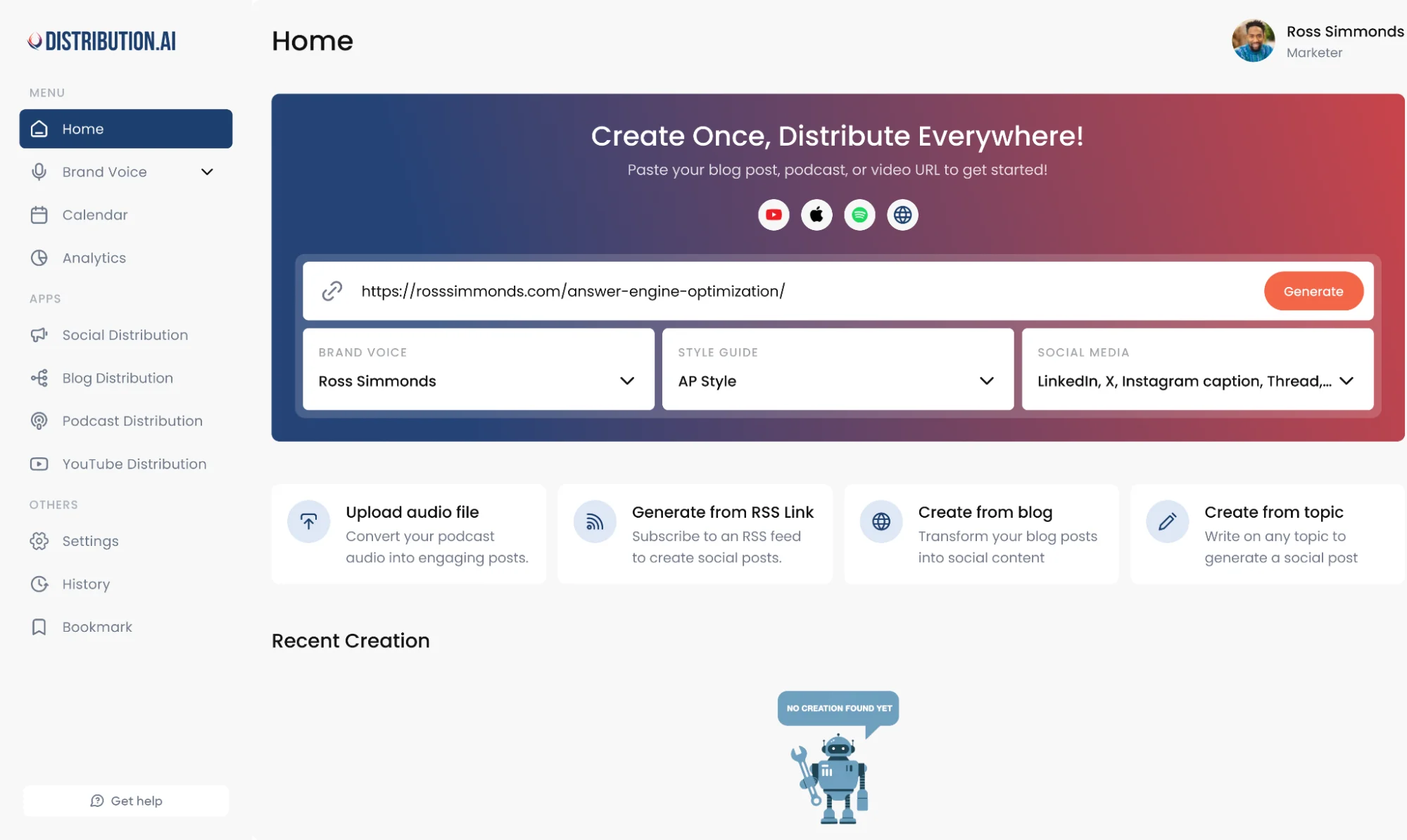
Most marketing teams already have source material. The real drag starts when one blog, webinar, podcast, or video has to become dozens of usable assets across multiple channels, each with its own format, timing, and reporting needs.
Distribution.ai fits that workflow especially well because it turns existing long-form content into channel-ready distribution assets, then keeps repurposing, scheduling, distribution, and analytics in one flow.
That makes it a strong pick for teams trying to get more output from content they already create, with less manual rewriting and better visibility into what performs.
Distribution.ai Is Best For
Content marketers, social media managers, agencies, founders at smaller teams, heads of content, and growth teams that already publish blogs, podcasts, or videos and want a faster way to turn each source asset into a broader distribution engine.
Distribution.ai’s Key Features
- AI repurposing tools for multiple formats, including blog, video, and podcast workflows
- Tone and style customization tools for a more consistent brand voice across social media channels
- Multi-channel scheduling and performance tracking in one dashboard
- Platform-native formatting for LinkedIn, X, Bluesky, Instagram, newsletters, and more
Distribution.ai’s Pros
- Helps marketing teams get more output from content they already create
- Reduces manual adaptation work across channels
- Connects repurposing, scheduling, distribution, and analytics in one flow
- Gives teams better visibility into what performs after publishing
- Supports blog, podcast, and video workflows instead of forcing one content type into every use case
Distribution.ai’s Cons
- Less useful for teams that do not already create source content worth repurposing
- Not the best fit for buyers who only need simple scheduling without deeper repurposing workflows
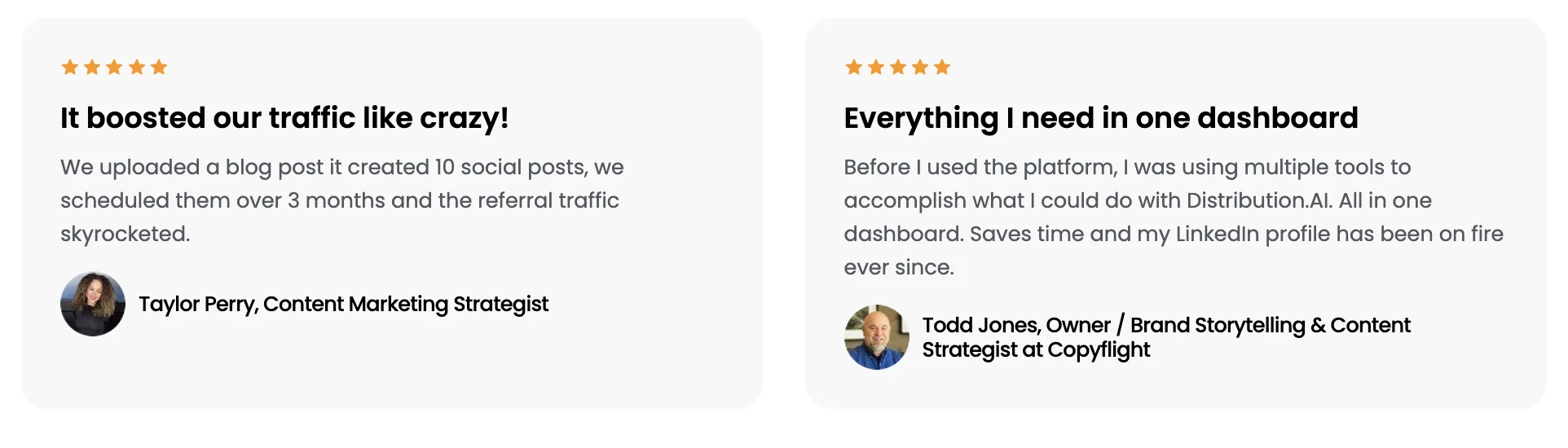
Distribution.ai’s Pricing
- Distribution.ai uses content-type pricing rather than one flat plan
- Separate plans are available for YouTube Distribution Agent, Blog Content Distribution Agent, and Podcast Distribution Agent
- A Bundle & Save option is available for teams that need more than one agent
- Bundle pricing can save up to 30%
- All plans include a 15-day free trial
- Blog starts at $19/month, billed monthly
- YouTube and Podcast start at $29/month, billed monthly
- This pricing structure is a strong fit for teams that already know their main content format and want to scale distribution around that workflow
2. MindStudio — Best For No-Code Agent Building
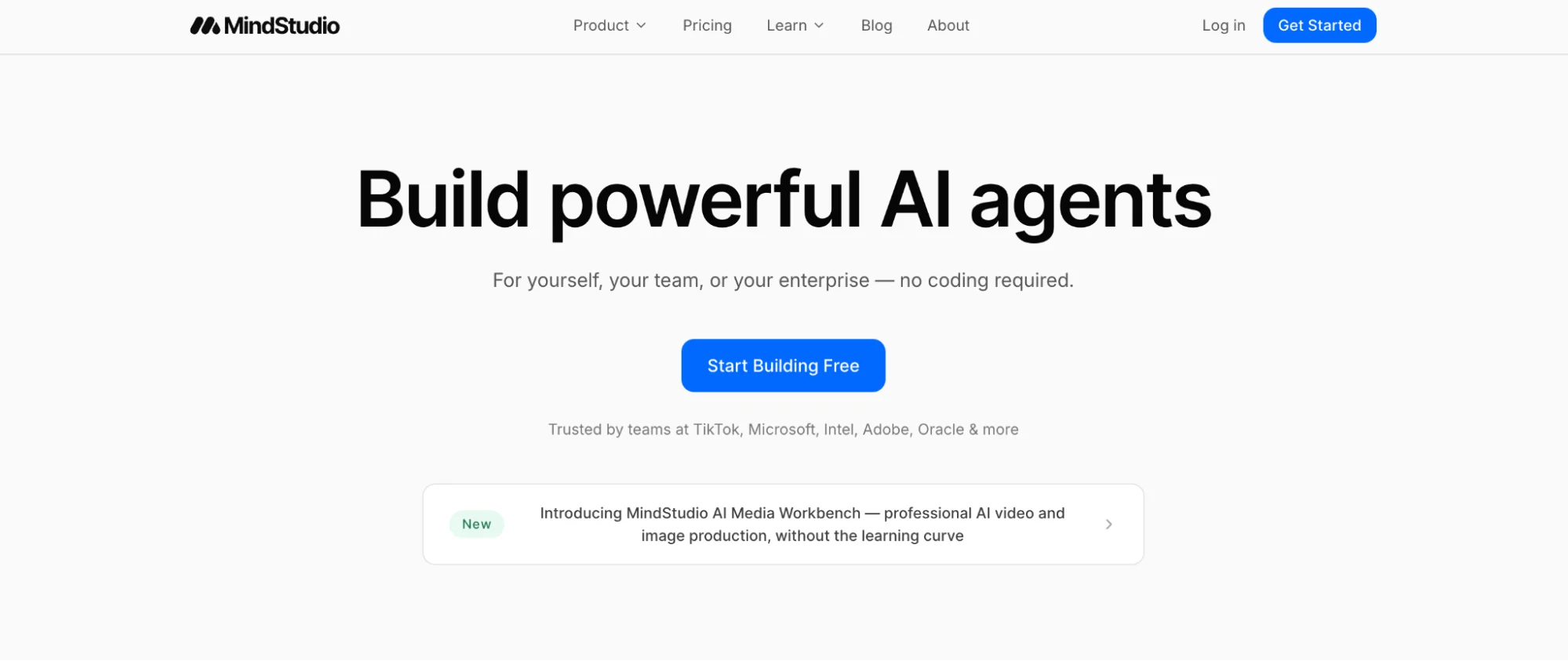
MindStudio is a strong fit for marketing teams that want to build custom AI agents around their own workflows instead of buying a fixed marketing app.
Its appeal is flexibility: you can design agents for research, content operations, campaign support, internal workflows, lead qualification, or reporting without relying on engineering for every change.
For teams experimenting with AI agents across different parts of the marketing process, that makes MindStudio one of the more adaptable options in this list.
MindStudio Is Best For
Marketing ops teams, agencies, and in-house teams that want to build and deploy custom AI agents without code.
MindStudio’s Key Features
- Visual no-code builder for creating custom AI agents and multi-step workflows
- Access to 200+ AI models through one platform, with optional bring-your-own API keys
- 1,000+ pre-built integrations for connecting agents to business tools and data sources
- Team workspace features, collaborator controls, and enterprise options like SSO, audit logs, and self-hosting
- Training resources, weekly workshops, and builder certifications for teams ramping up on agent design
MindStudio’s Pros
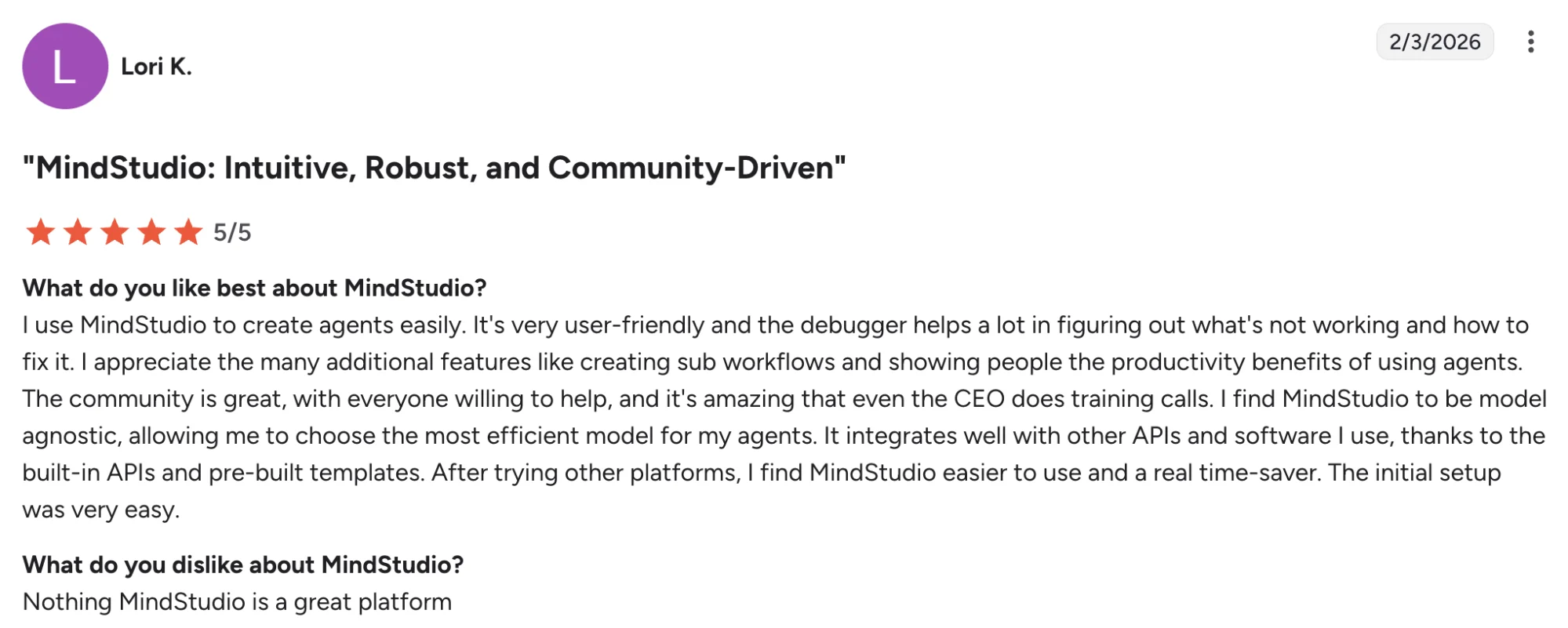
- Intuitive builder that feels approachable for non-technical users
- Speeds up agent creation and rapid prototyping
- Strong fit for teams building custom workflows across use cases
MindStudio’s Cons
- Advanced analytics and some integrations appear limited for some users
- Integration setup can require extra effort in certain cases
- There is a learning curve when teams first start using the platform
MindStudio’s Pricing
- MindStudio offers Free, Individual, and Business plans
- Free starts at $0/month + usage and includes 1 agent and 1,000 runs/month
- Individual starts at $20/month + usage on monthly billing, or $16/month + usage on annual billing
- Business pricing is custom
- AI model and service usage is billed separately based on what your agents use
- This pricing works best for teams that want a low entry point and are comfortable with variable usage costs
3. Salesforce Agentforce — Best For CRM-Native AI Agent Workflows
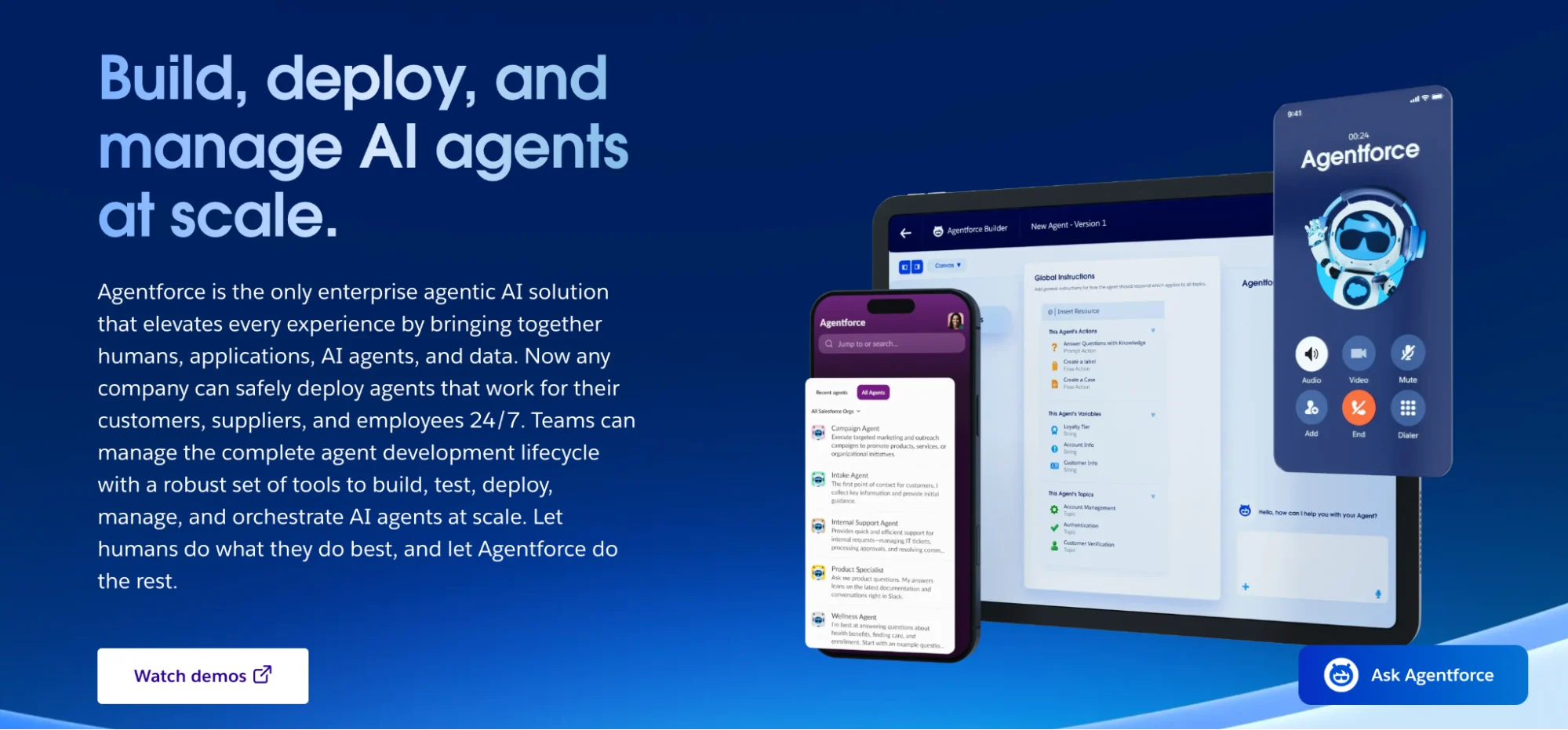
Salesforce Agentforce is great for marketing teams that already run on Salesforce and want AI agents to work inside the same system as their customer records, workflows, and automation.
Its biggest advantage is context. Instead of operating as a separate layer, Agentforce can pull from Salesforce data, trigger actions, and support customer-facing or internal workflows across the broader Salesforce environment.
For enterprise marketing teams managing complex lifecycle programs, lead flows, and cross-functional coordination, that makes Agentforce one of the more operationally integrated options in this list.
Salesforce Agentforce Is Best For
Enterprise marketing teams, marketing ops leaders, and CRM-heavy organizations that want AI agents connected to customer data, internal workflows, and existing Salesforce automation.
Salesforce Agentforce’s Key Features
- Native access to Salesforce workflows, data, and automations across the broader CRM environment
- Low-code tools for building and deploying AI-powered agents for customer and employee use cases
- Support for actions across channels and integrations with external systems
- Flexible pricing models, including Flex Credits, Conversations, and per-user licensing options
- Enterprise-oriented governance and trust positioning through Salesforce’s broader AI and security stack
Salesforce Agentforce’s Pros
- Strong fit for teams that already rely on Salesforce as a source of truth for customer and campaign data
- Can take action inside existing CRM workflows instead of sitting outside the operational stack
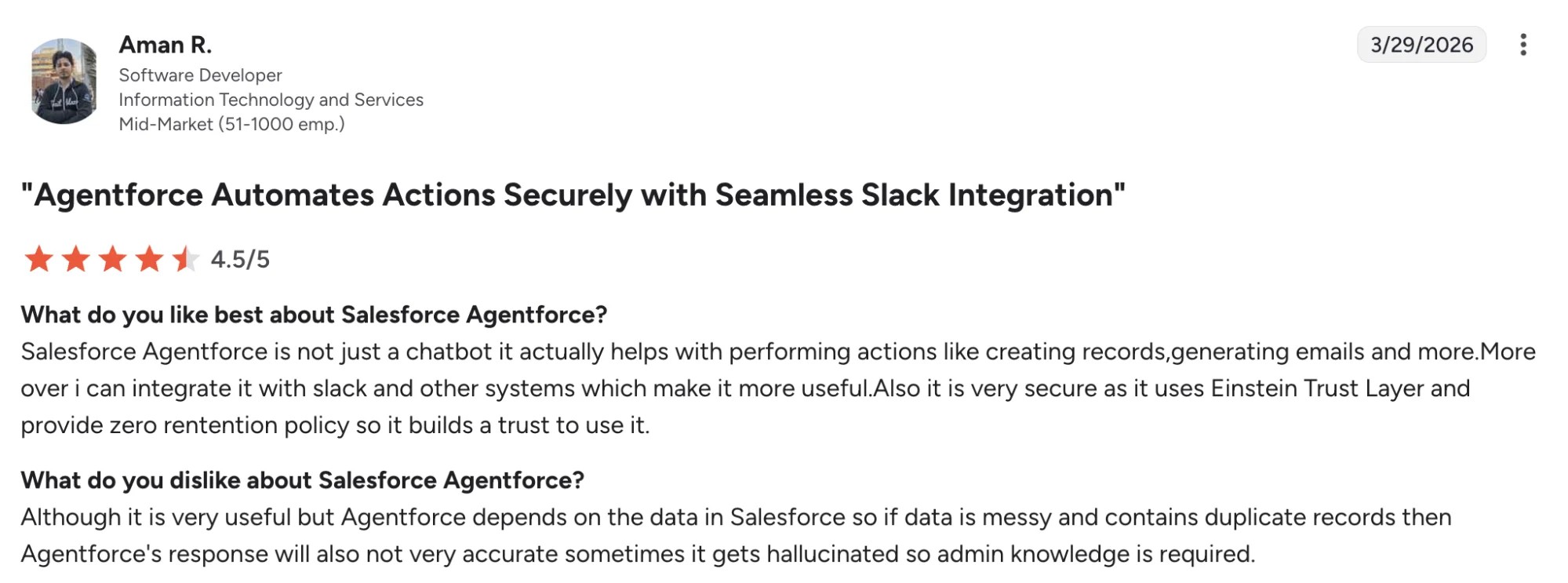
- Review sentiment highlights easy initial setup and useful native automation for some teams
- Slack and broader Salesforce ecosystem connections can make cross-team workflows more usable at scale
Salesforce Agentforce’s Cons
- Output quality depends heavily on clean underlying Salesforce data, which can limit reliability in messy instances
- Hallucinations and setup governance remain concerns in review feedback, especially for teams expecting highly dependable autonomous output
- The platform is a much better fit for Salesforce-centric organizations than for teams with a lighter or mixed CRM stack
Salesforce Agentforce’s Pricing
- Salesforce Agentforce offers Flex Credit, conversation-based, and per-user pricing models
- Flex Credits cost $500 per 100,000 credits
- One Agentforce action uses 20 Flex Credits, or $0.10 per action
- Conversation pricing starts at $2 per conversation
- Some Salesforce customers can access free Flex Credits through Salesforce Foundations, but eligibility and amounts depend on plan and setup
- This pricing structure fits enterprise teams that already run heavily inside Salesforce and can model usage across CRM-driven workflows
4. Copy.ai— Best For GTM Workflow Automation
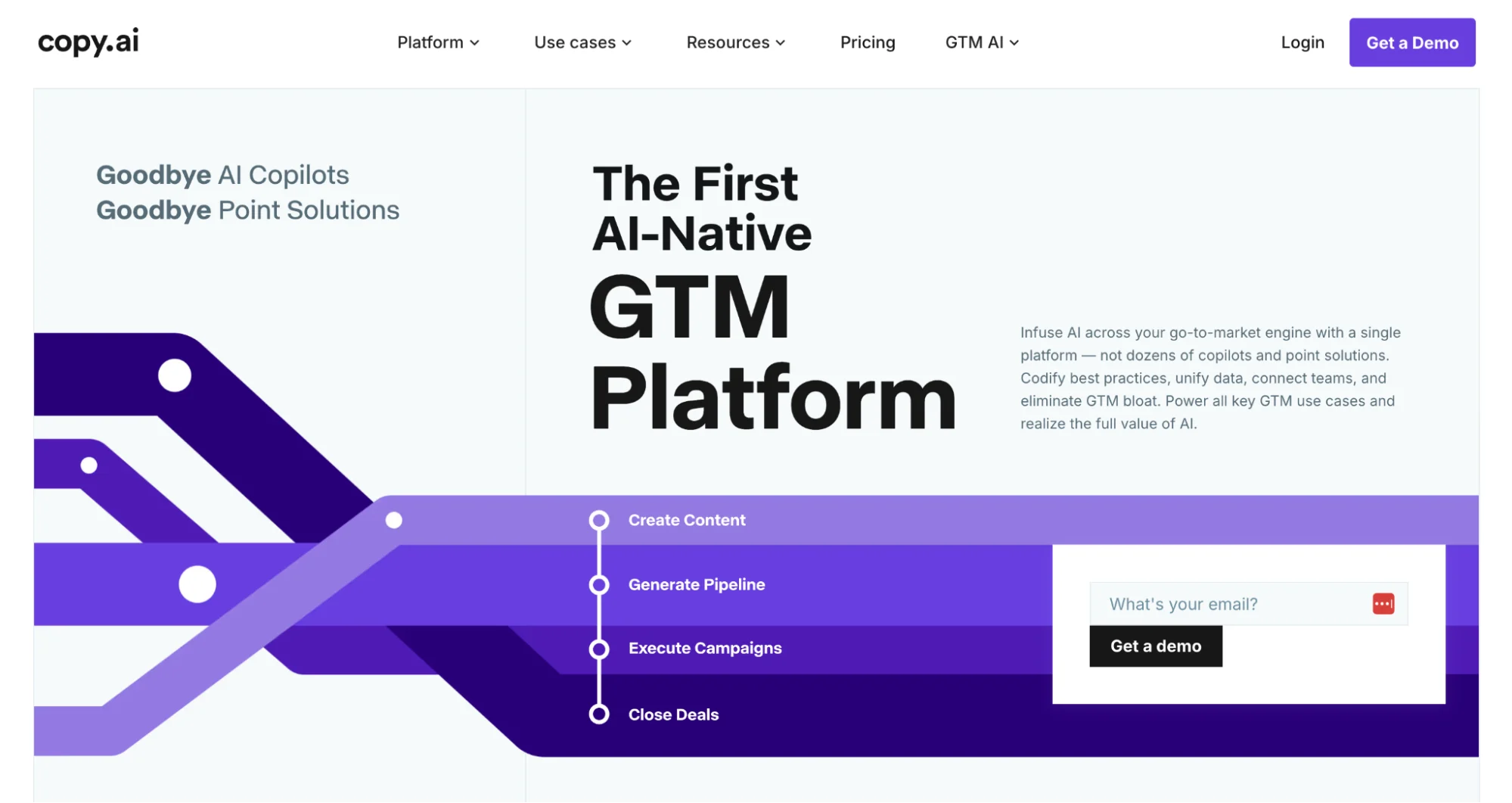
Copy.ai started as an AI writing tool, but its pitch in 2026 is much broader. It now positions itself as a GTM AI platform built for structured workflows across content, SEO, prospecting, CRM analysis, and campaign execution.
That makes it more relevant for marketing teams that want automation across connected go-to-market processes, especially when work moves between marketing, sales, and ops.
Copy.ai Is Best For
Marketing ops teams, demand gen teams, and larger GTM organizations that want workflow automation across content, campaign execution, CRM analysis, and cross-functional processes.
Copy.ai’s Key Features
- Workflow automation tools for content, SEO, demand gen, and CRM-related processes
- Unified GTM platform positioning across marketing, sales, and operations use cases
- Access to OpenAI, Anthropic, and Gemini models inside the platform
- Workflow credits for running multi-step automations and research-heavy processes
- Enterprise-oriented integrations, API access, and security controls on higher tiers
Copy.ai’s Pros
- Strong fit for teams that want AI embedded into repeatable GTM workflows, not just copy generation
- Covers a wider range of marketing and revenue use cases than many content-only AI tools
- Helpful for teams trying to reduce manual coordination across content, SEO, and campaign execution
- Platform breadth can make it useful for organizations that want one AI layer across multiple GTM functions
Copy.ai’s Cons
- Pricing becomes more complex once workflow credit usage enters the picture
- The platform is broader than what many small teams need for simple content generation alone, which can raise cost and implementation overhead
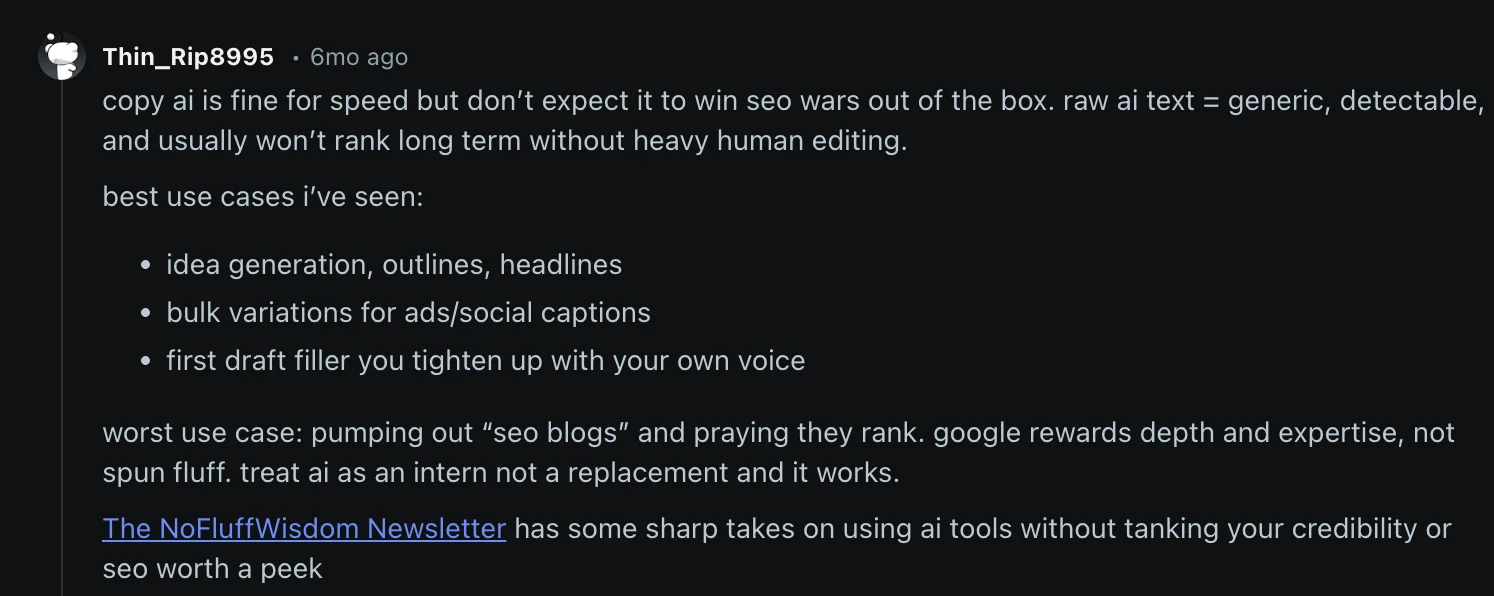
- Buyers looking mainly for social publishing or content repurposing may find more purpose-built tools elsewhere, since Copy.ai is oriented around GTM orchestration more than distribution-first execution.
Copy.ai’s Pricing
- Copy.ai offers Chat, Growth, Expansion, Scale, and Enterprise plans
- Chat starts at $29/month billed monthly or $24/month billed annually
- Growth starts at $1,000/month billed annually
- Expansion starts at $2,000/month billed annually
- Scale starts at $3,000/month billed annually
- Enterprise pricing is custom
- Workflow credits are included on higher tiers, and usage varies based on workflow complexity
5. Jasper— Best For Brand-Controlled Content Workflows
Jasper has moved well beyond its early reputation as an AI writing assistant.
In 2026, its pitch is much more centered on helping marketing teams create on-brand content at scale, with built-in brand voice controls, marketing-focused agents, and structured workflows for campaign execution.
That makes Jasper especially relevant for teams that care as much about consistency and governance as they do about speed.
Jasper Is Best For
Brand, content, and campaign teams that need to produce a high volume of marketing assets while keeping voice, tone, style, and approvals more consistent across teams, markets, and formats.
Jasper’s Key Features
- Brand voice and style controls for more consistent outputs across campaigns and formats
- Marketing-focused AI agents and workflow tools built around campaign execution
- Connected content pipelines for structured, repeatable marketing workflows
- Marketing intelligence and context layers that help align output with brand and business goals
- Enterprise controls for teams that need more governance, support, and security
Jasper’s Pros
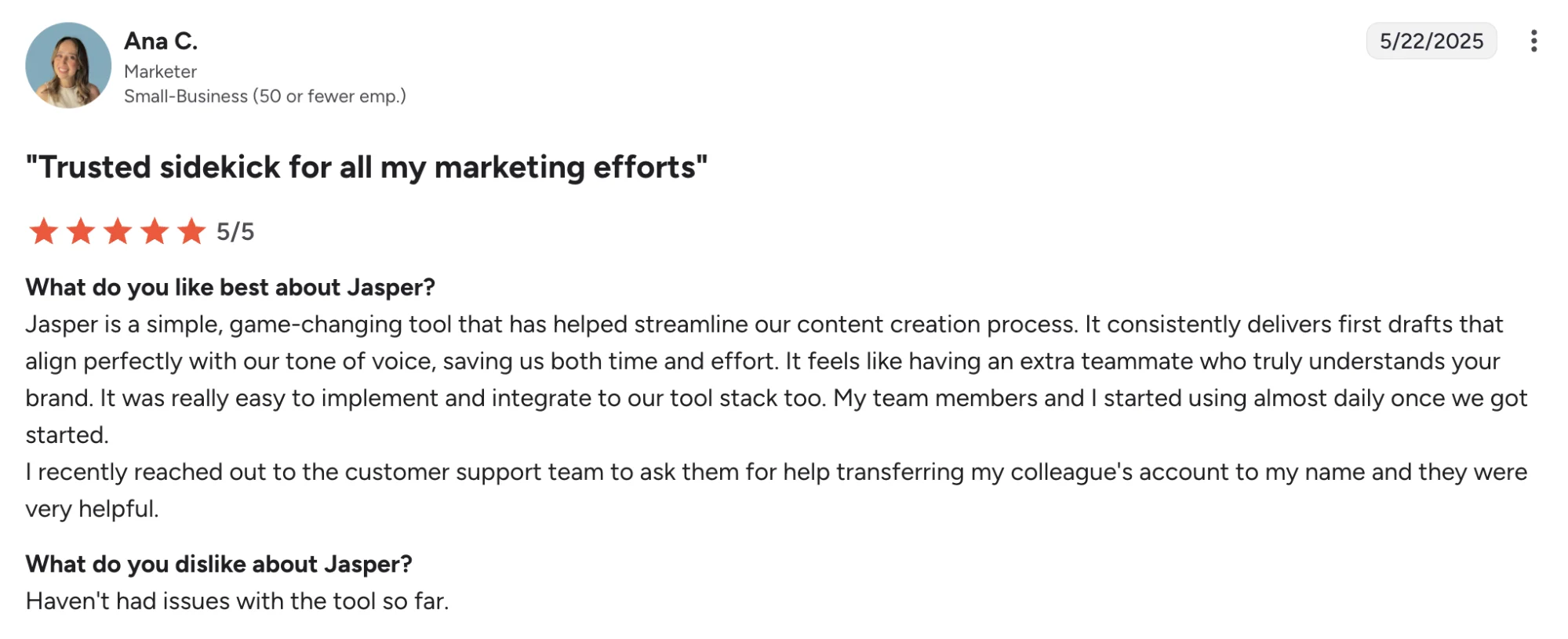
- Easy to use for drafting and idea generation
- Stronger brand control than many general-purpose AI writing tools
- Helpful for scaling content across channels without losing voice consistency
- Well-suited to marketing teams that want structured workflows instead of one-off prompting
Jasper’s Cons
- Some users say outputs can feel robotic, generic, or too long without editing
- Review feedback also points to occasional hallucinations and inconsistent writing quality
- The platform is a better fit for brand-led content operations than for teams looking for deep campaign automation or CRM-native execution
Jasper’s Pricing
- Jasper offers Pro and Business plans
- Pro starts at $69/month per seat on monthly billing
- Pro starts at $59/month per seat on annual billing
- Business pricing is custom
- Jasper offers a free 7-day trial
- Some advanced usage may involve credit-based pricing depending on feature use
6. Mutiny — Best For Website Personalization And ABM Content
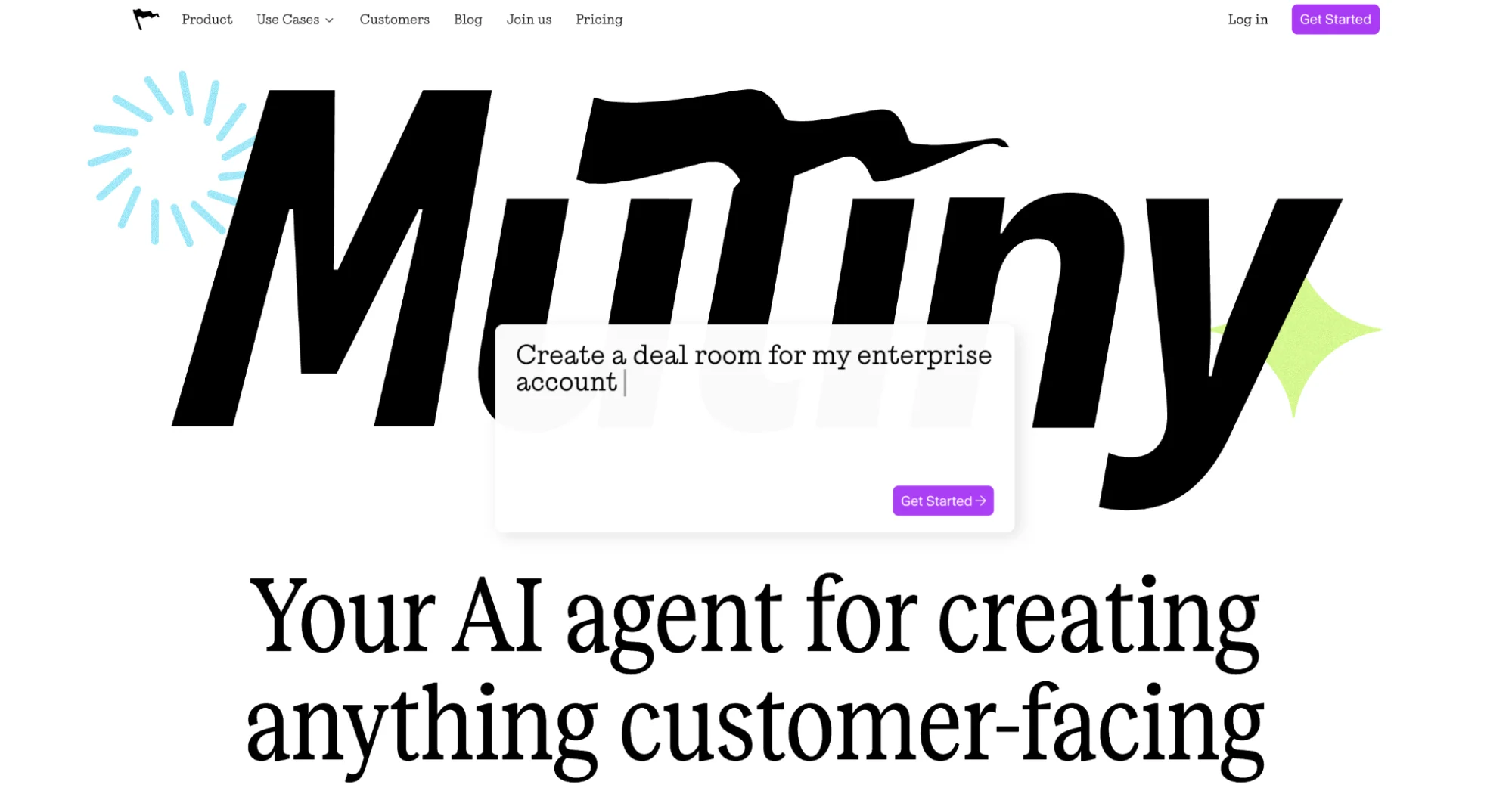
Mutiny is built for teams that want customer-facing assets to adapt to the account in front of them.
Its sweet spot is personalization: landing pages, microsites, proposals, event pages, and other campaign assets that reflect account context, brand identity, and sales motion without needing design or web teams for every change.
This makes it especially relevant for B2B marketing teams running ABM programs, high-value campaigns, or sales-assisted journeys where tailored experiences can lift conversion quality and pipeline impact.
Mutiny Is Best For
Demand gen teams, ABM teams, and revenue marketers who want to create personalized campaign assets faster and connect marketing output more closely to sales conversations.
Mutiny’s Key Features
- AI-generated customer-facing assets for campaigns, deals, and account-specific outreach
- Brand-trained outputs that pull from your website’s voice, look, and feel
- Data-connected personalization for adapting logos, messaging, case studies, and branding by account
- ABM-focused page and microsite creation for target account programs
- Business and enterprise options with higher credit volume, onboarding, and CRM integrations
Mutiny’s Pros
- Strong fit for teams creating account-specific experiences at scale
- Helps reduce design and web bottlenecks for customer-facing campaign assets
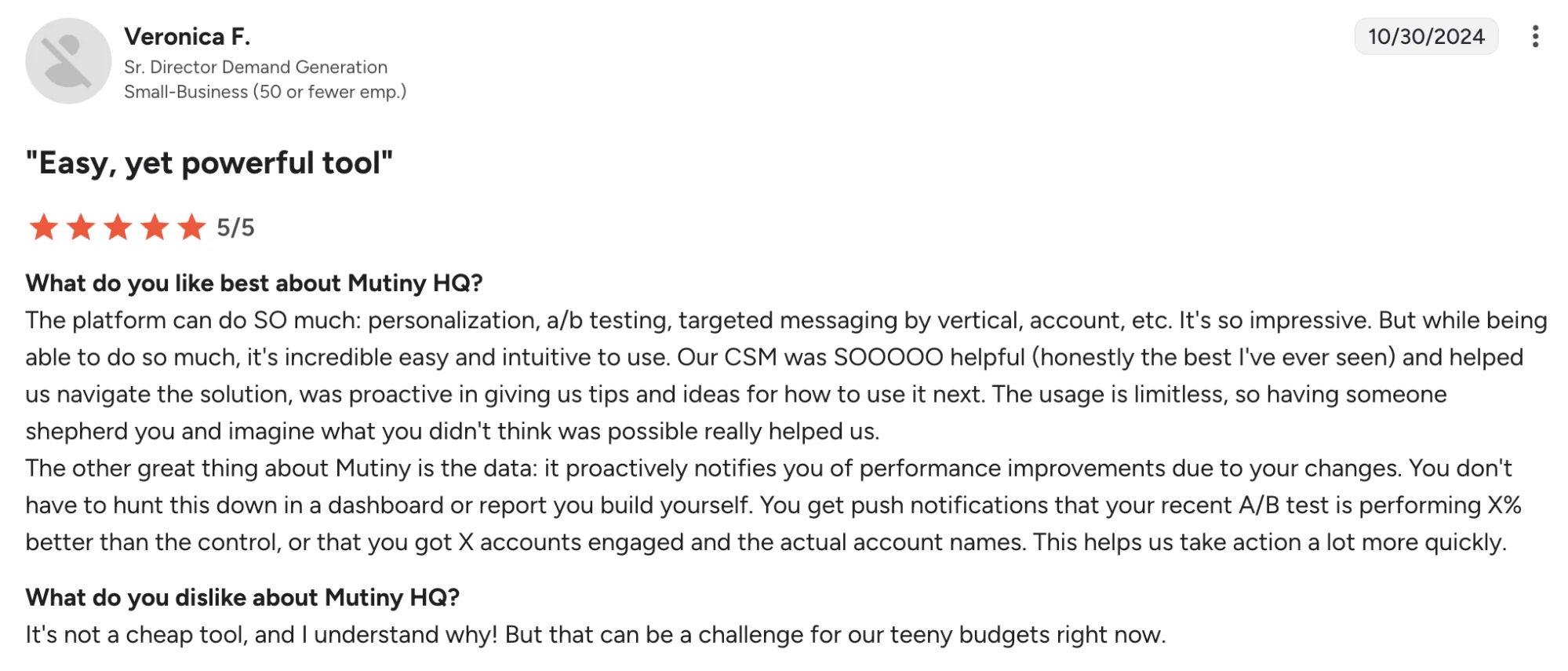
- G2 reviews highlight ease of use and helpful customer support
- Personalization insights and ABM use cases show up repeatedly in review and product messaging
Mutiny’s Cons
- Reviewers mention price as a challenge for tighter budgets
- Review feedback suggests A/B testing is not the strongest part of the platform for every team
- Best fit is narrower than a general-purpose marketing AI platform, since the value is strongest in personalization-heavy motions
Mutiny’s Pricing
- Mutiny offers Free, Business, and Enterprise options
- Free starts at $0/month
- Business starts at $50/month per seat
- Enterprise starts at $30,000/year
- Enterprise adds Salesforce and HubSpot integration, SSO, hands-on onboarding, a dedicated CSM, custom DPA, and higher credit volume
- This pricing structure fits B2B teams that can tie personalization work to pipeline influence, account engagement, or deal support
7. Customer.io — Best For Lifecycle Messaging And Customer Journeys
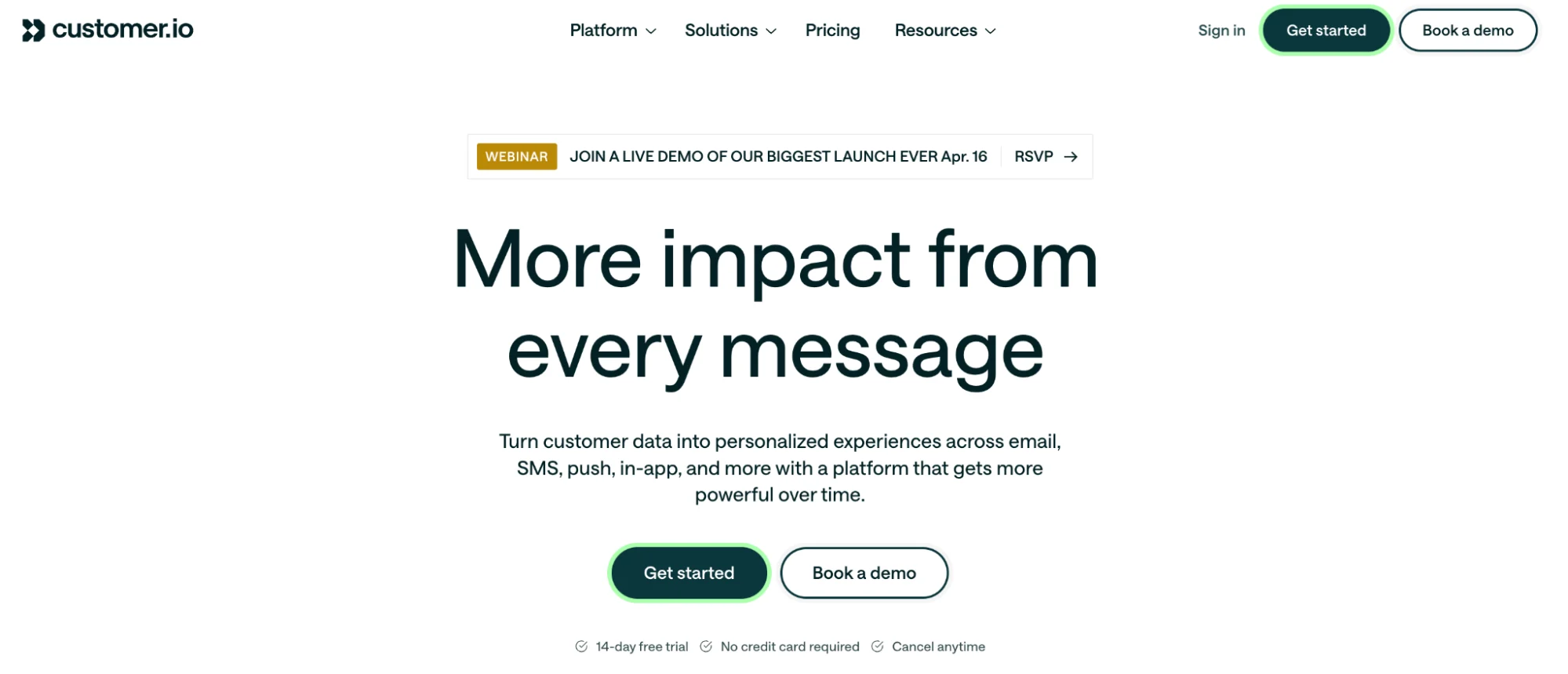
Customer.io earns its place here because it is built around one of the hardest parts of modern marketing: turning customer behavior, product signals, and profile data into timely messages across email, push, in-app, SMS, and more. Its strength is orchestration.
Teams can build behavior-based journeys, segment audiences with more precision, and use AI features inside a platform that already has deep roots in lifecycle marketing.
For marketing teams focused on retention, onboarding, activation, and CRM programs, Customer.io is one of the more practical AI-adjacent platforms in this list.
Customer.io Is Best For
Lifecycle marketing teams, CRM marketers, product marketing teams, and growth teams that want to run data-driven messaging across the customer journey.
Customer.io’s Key Features
- Behavior-based journey building across email, push, in-app, SMS, and webhook channels
- AI Agent support with core execution skills, custom skills on higher tiers, and scheduled routines
- Visual workflow builder with cross-channel campaign automation and send-time optimization
- Audience tools for profiles, custom objects, nested data, segments, and AI-powered segment building
- Reporting, dashboards, A/B testing, conversion tracking, and data export for performance analysis
Customer.io’s Pros
- Strong workflow visualization and journey building
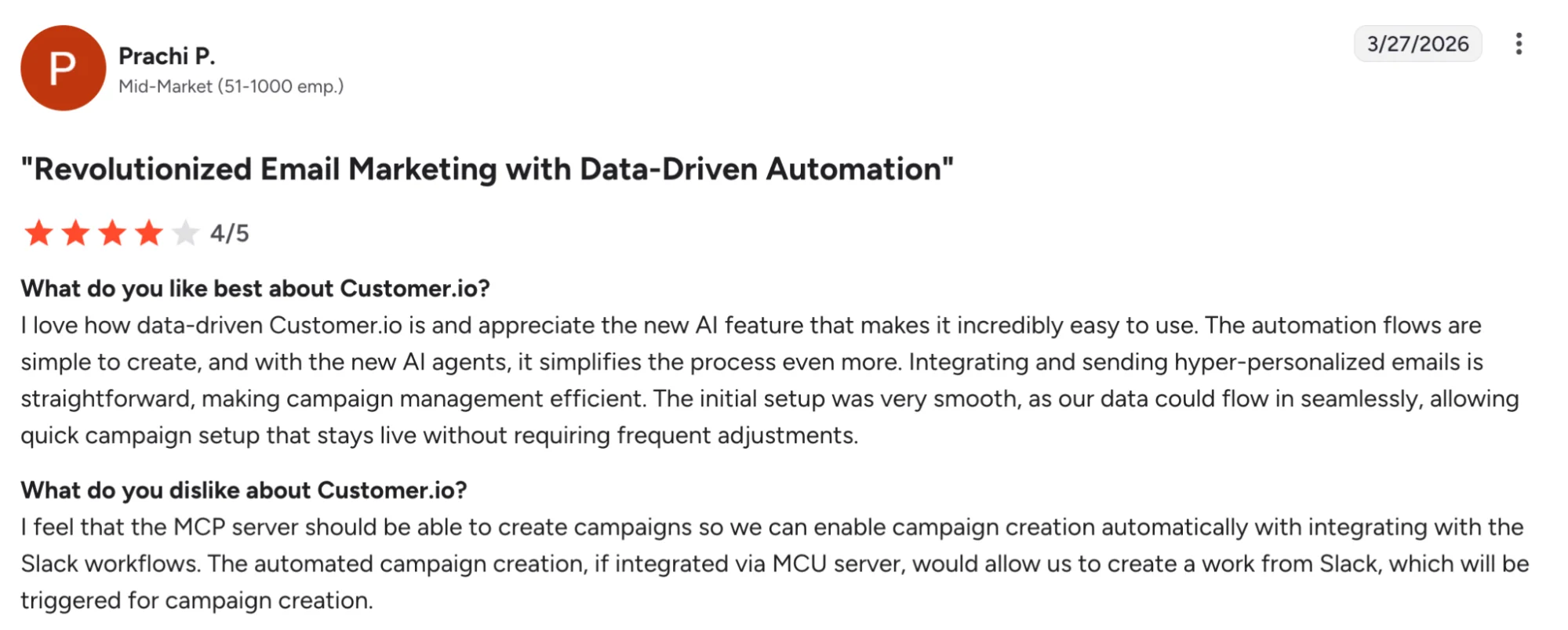
- User-friendly interface for a platform with broad messaging capabilities, according to reviewers
- Helpful support shows up repeatedly
- Evolving platform with expanding AI features and solid cross-channel depth
Customer.io’s Cons
- There is a real learning curve, especially for teams new to automation-heavy lifecycle tools
- Some users describe the product as fragmented, with a mix of legacy and newer experiences
- Reviewers call out gaps or friction in analytics, campaign customization, and advanced personalization in some cases
- Pricing can become harder for smaller teams to justify as profile volume grows
Customer.io Pricing
- Essentials starts at $100/month, billed monthly, for 5,000 profiles.
- Premium starts at $1,000/month, billed yearly.
- Enterprise pricing is custom.
- Essentials includes an AI Agent with core execution skills, 1 million emails per month, a visual workflow builder, and basic data integrations.
- Additional people and object profiles cost $0.009 each on Essentials.
- An additional 1,000 emails cost $0.12.
- Additional AI credits cost $10 per 100,000 credits on Essentials and Premium.
8. Relevance AI — Best For Multi-Agent GTM Operations
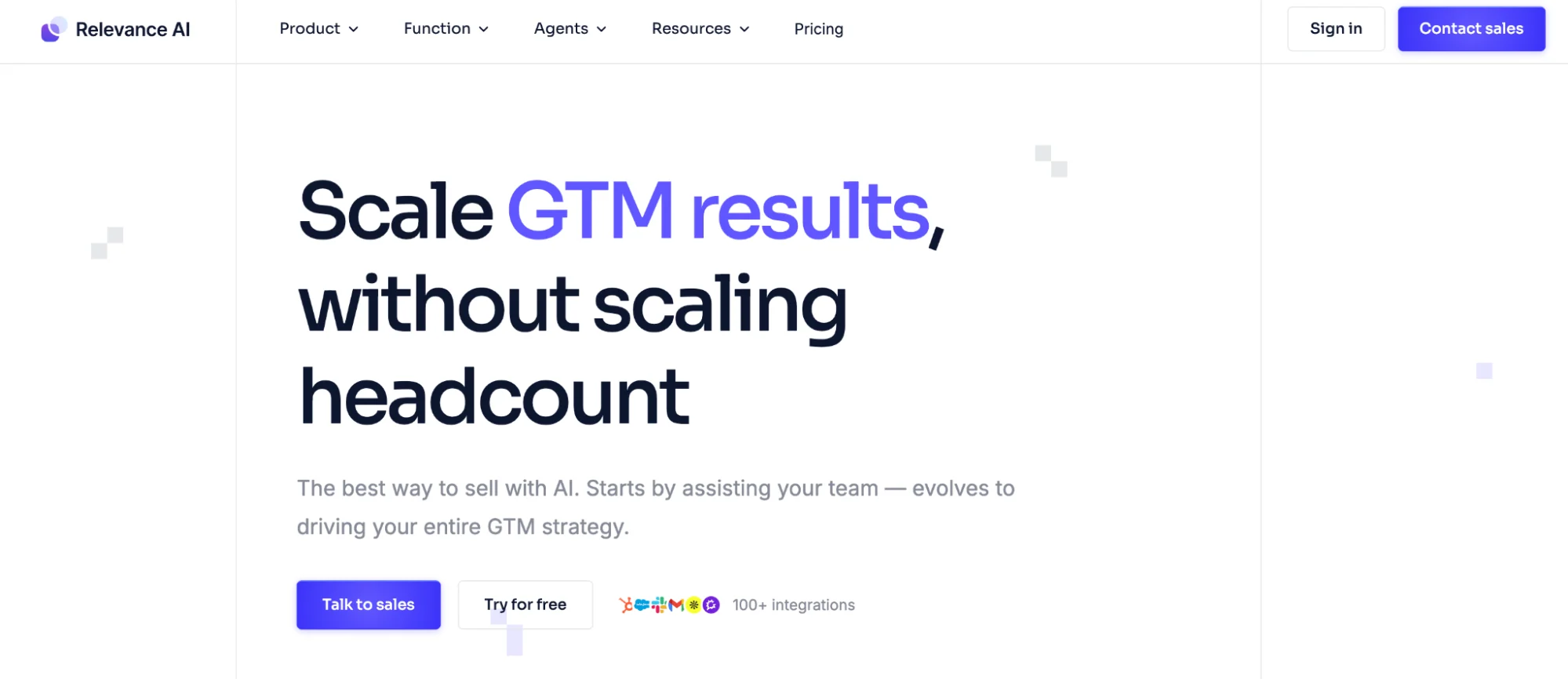
Relevance AI is built for teams that want agents to do more than assist with single prompts. Its positioning is centered on AI workforces: groups of agents that can run outbound, inbound, enrichment, onboarding, research, and other GTM workflows with triggers, automations, and integrations layered in.
That makes it a strong option when the goal is to build multi-step systems around lead routing, campaign operations, research, or handoffs between marketing, sales, and ops.
Relevance AI Is Best For
Marketing ops teams, GTM teams, and fast-moving companies that want flexible agents across several workflows instead of a single-purpose marketing app.
Relevance AI’s Key Features
- Multi-agent workforce tools for running GTM workflows across sales, marketing, research, and operations
- No-code and low-code agent builder with custom tool support and optional Python flexibility, according to G2 review themes
- 2,000+ integrations for connecting agents to external systems and data sources
- Scheduling, analytics, A/B testing, and escalation features on paid plans
- Bring-your-own-LLM support plus separate Actions and Vendor Credits for usage transparency
Relevance AI’s Pros
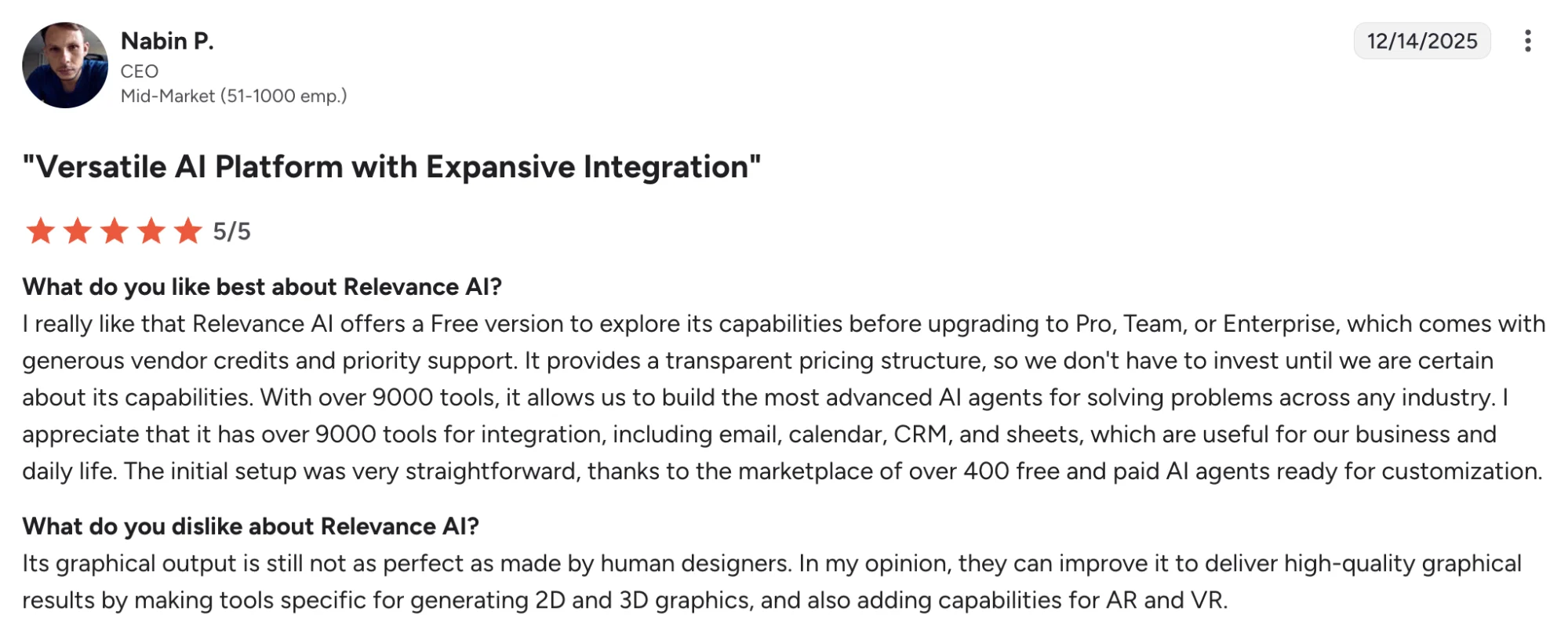
- Reviewers consistently call out ease of use and straightforward setup
- Flexible enough to support a wide range of use cases across marketing, research, and operations
- Strong customization options for teams building agents around their own workflows
- Useful for reducing repetitive work and streamlining multi-step processes, based on review feedback
Relevance AI’s Cons
- Users frequently mention cost as a drawback
- The interface and onboarding can feel busy at first, especially for new users
- Some users mention workflow quirks and feature gaps around certain output types or UI behavior
- Real cost can be harder to estimate once Actions and Vendor Credits scale with heavier usage
Relevance AI’s Pricing
- Relevance AI offers Free, Pro, Team, and Enterprise plans
- Free starts at $0/month and includes 200 Actions/month plus $2 bonus vendor credits
- Pro starts at $19/month and includes 30,000 Actions/year plus $240 vendor credits/year
- Team starts at $234/month and includes 84,000 Actions/year plus $840 vendor credits/year
- Enterprise pricing is custom
- Relevance AI separates Actions from Vendor Credits and says Vendor Credits are passed through at cost with no markup; teams can also bring their own API keys
9. Metadata.io — Best For AI-Driven Paid Campaign Execution
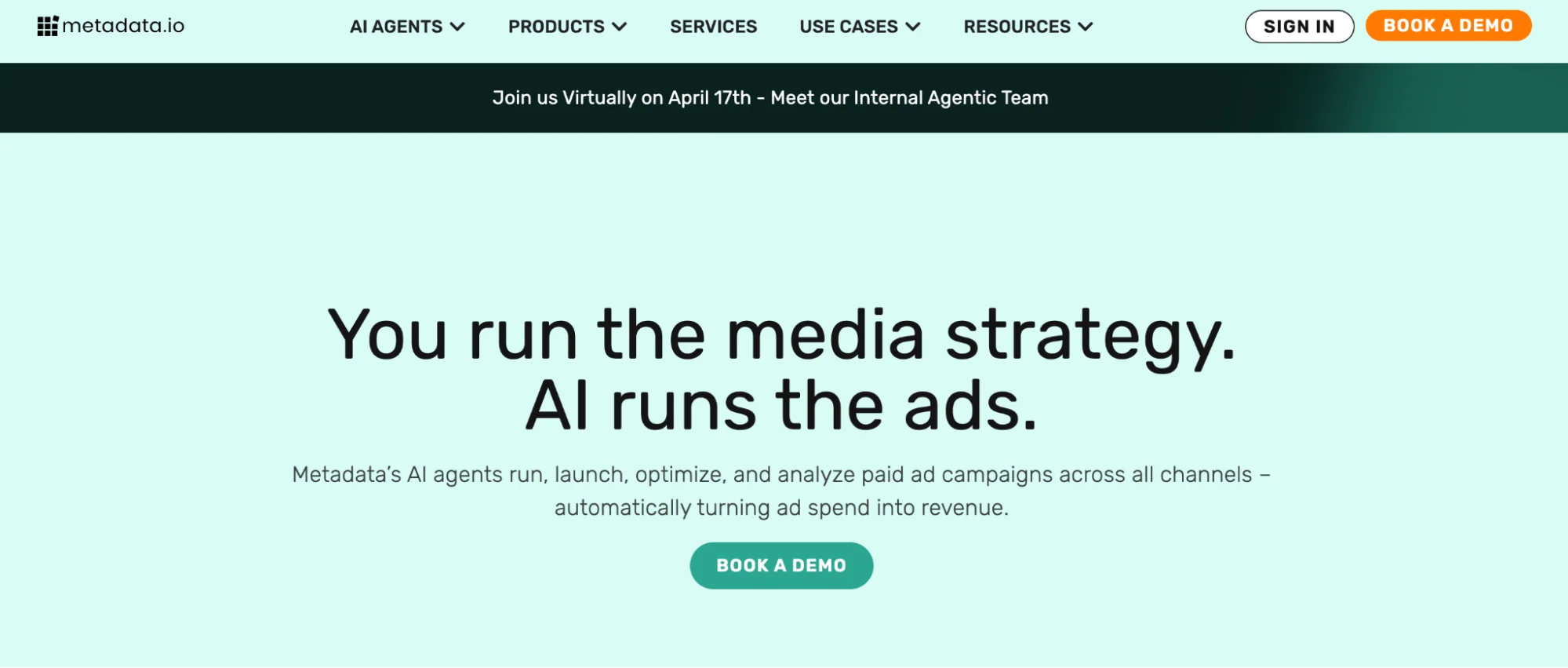
Paid media is one of the clearest places where AI agents can save a marketing team real time and budget. Metadata.io is built for that job.
It automates paid campaign execution across channels like LinkedIn, Google, Facebook, Instagram, Reddit, and X, and it layers in AI agents like Bid Agent and Analyst Agent to help teams optimize spend and surface performance insights faster.
For B2B marketing teams running demand gen programs, that makes Metadata.io a strong pick when paid acquisition, testing, and pipeline efficiency sit high on the priority list.
Metadata.io Is Best For
Demand gen teams, paid media teams, and B2B marketers that want more automation around campaign launch, testing, budget optimization, and reporting.
Metadata.io’s Key Features
- AI agents for campaign optimization and paid media analysis, including Bid Agent and Analyst Agent
- Cross-channel paid campaign execution across LinkedIn, Google, Facebook, Instagram, Reddit, and X
- Unified campaign management and reporting for paid media workflows
- Audience targeting and experimentation tools for faster testing and optimization
- Performance insights that help teams connect spend more closely to pipeline and ROI
Metadata.io’s Pros
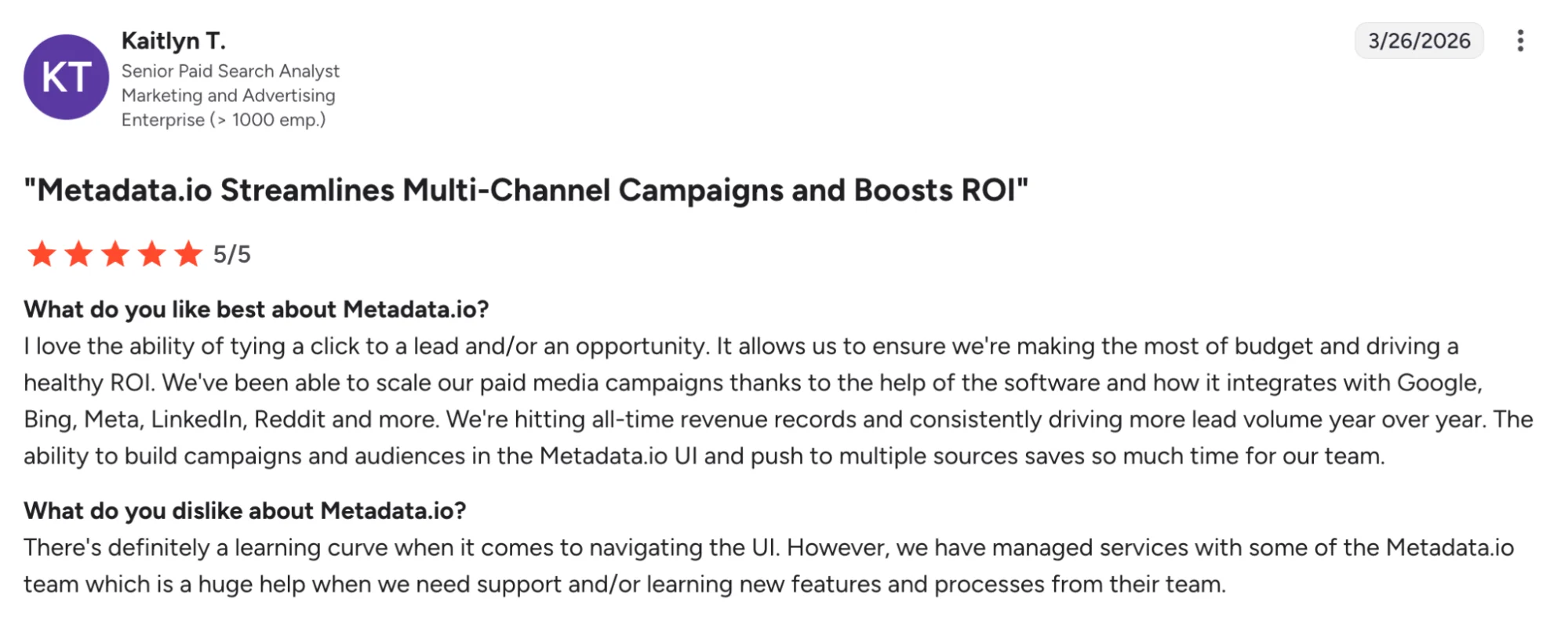
- Helps teams launch and manage paid campaigns across multiple platforms from one place, according to G2 reviewers.
- Reviewers call out strong bid optimization, audience building, and reporting.
- A practical fit for lean teams that want to test faster and reduce manual campaign setup.
- Stronger alignment with B2B paid acquisition than more general AI agent platforms.
Metadata.io’s Cons
- Reviewers say the platform can feel complex at first, especially for smaller teams or marketers with less paid media experience.
- Some users want more centralized control when changing campaigns already in flight.
- Certain native ad-platform functions may still sit outside Metadata.io, based on review feedback.
Metadata.io’s Pricing
- Metadata.io does not publish standard plan tiers or starting prices on its official website
- Buyers need to request a demo and get a custom quote
- Public pricing references on G2 indicate a sales-led pricing model rather than self-serve packaging
- For most teams, Metadata.io is best evaluated through a demo based on channel mix, ad spend, workflow needs, and reporting requirements
How To Choose The Right AI Agent For Your Marketing Team
The right AI agent strengthens the part of your marketing workflow where speed, scale, or visibility creates the biggest upside.
1. Start With The Job You Want To Improve
Anchor your shortlist in one clear use case first, such as content repurposing, campaign execution, lifecycle messaging, personalization, reporting, or CRM automation.
A sharper starting point leads to a better tool decision and a more useful rollout.
2. Prioritize Workflow Fit Over Feature Volume
Look for a platform that fits the way your team already plans, reviews, publishes, and measures work.
The strongest choice usually supports the flow your team already owns and improves execution inside it.
3. Check How It Uses Data And Integrations
Good AI agents work best when they can pull from the right customer data, performance data, and existing systems.
Integrations with your CRM, analytics tools, marketing automation platforms, and internal tools shape how useful the agent feels in day-to-day work.
4. Evaluate Control Over Brand And Quality
Brand voice, brand guidelines, approvals, and human oversight all shape whether AI output is ready for real campaigns.
Teams usually get better results from tools that support review, customization, and quality control across multiple channels.
5. Match The Tool To Your Team’s Operating Style
Some platforms are better for lean teams that want speed and simplicity, while others suit larger organizations with structured processes, multiple stakeholders, and more complex business processes.
Team size, internal resources, and workflow maturity all influence the best fit.
6. Look Closely At Pricing Structure
Pricing works best when it lines up with the kind of marketing work your team wants to scale.
Per-seat pricing, usage-based pricing, credit models, and custom packages each shape cost differently as campaign volume and automated processes grow.
7. Choose A Platform That Can Grow With Your Team
The best AI agent should support today’s priority while leaving room for broader marketing efforts over time.
That includes stronger performance tracking, support for more channels, and the flexibility to automate specific marketing tasks as your team expands.
Which Tool Would You Choose?
The right choice depends on where your team gets the biggest return from better execution. Some platforms shine in custom agent building, others in CRM-native workflows, lifecycle messaging, or paid campaign automation.

Distribution.ai leads in content repurposing and distribution.
For teams already publishing blogs, videos, webinars, or podcasts, Distribution.ai offers one of the clearest ROI paths in this list. It turns each source asset into more channel-ready output, speeds up distribution, and brings performance tracking into the same workflow.
For teams scaling content operations, that means stronger output from existing content, less manual adaptation, clearer performance visibility, and a more efficient path to results.
Frequently Asked Questions
1. Do marketing teams need multiple AI agents or one main platform?
That depends on how the team works. A single platform can be enough when one workflow drives most of the value, like content distribution or lifecycle messaging.
Multiple agents make more sense when work spans paid media, CRM workflows, personalization, reporting, and internal operations.
2. How much human oversight should marketing teams keep?
The strongest setups keep people close to brand voice, approvals, campaign judgment, and final publishing decisions.
AI agents can speed up research, execution, and reporting, while human marketers still guide positioning, creative standards, and audience decisions.
That balance usually produces better quality and fewer workflow issues.
3. Do AI agents for marketing work better for large teams or small teams?
Both can get value, but the payoff shows up in different places. Smaller teams usually use AI agents to save time on repeat work.
Larger teams usually use them to improve coordination, approvals, reporting, and execution across channels, systems, and stakeholders.
4. How long does it usually take to see value from an AI agent?
Teams usually see faster results when they start with one repeatable workflow, such as reporting, campaign setup, content repurposing, or lifecycle messaging.
Broader rollouts take longer because data access, approvals, ownership, and process design shape how useful the agent feels in daily work.
5. What is the biggest mistake teams make when choosing an AI agent?
The most common mistake is buying around hype instead of workflow fit.
Teams get better results when they start with a real operational problem, choose a tool built for that job, and evaluate it based on usability, control, output quality, and how well it fits existing systems.

Promote, repurpose & distribute your content with AI
Write 10x faster, engage your audience, & never struggle with the blank page again.
Start 15-Day Free Trial
Frequently Asked Questions
Author

Promote, repurpose & distribute your content with AI
Start 15-Day Free Trial