


Best Twitter Marketing Tools for 2026
Compare the best Twitter marketing tools to create posts, track mentions, schedule content, and grow on X.
With over 600 million monthly users, Twitter/X is one of the few places where one sharp post can put your brand in the right conversation the same day.
But the work required for it is not light. You’re posting before the trend dies, clearing mentions before they pile up, and opening twitter analytics to see which tweets pulled in profile visits, clicks, and new followers. Do it all by hand, and the channel starts eating up hours you don’t have.
The right twitter marketing tools take that weight off, handling the posting and the measuring so you can focus on the conversations worth having.
Here are the ones that earn their place in 2026, grouped by the job you need done.
Twitter Marketing Tools at a Glance
| Tool | Best for | Price |
|---|---|---|
| Distribution.ai | Turning existing blogs, videos, and podcasts into ready-to-post X content | 15-day free trial, then tiered paid plans |
| Buffer | Simple, clean scheduling for solo founders and small teams | Free plan; paid from $5/channel/mo |
| Hootsuite | Managing X alongside many other channels in one dashboard | From $99/user/mo |
| Sprout Social | Enterprise publishing, engagement, and reporting | From $199/seat/mo |
| Brandwatch | Enterprise social listening and sentiment analysis | Custom quote, reported from ~$800/mo |
| Typefully | Thread writing and publishing | Free plan; paid from $12.50/mo |
| Canva | Visual content | Free plan; Pro from $15/mo |
How We Evaluated These Twitter Marketing Tools
Many tools were removed from this list before it was written. When X overhauled its API pricing, a wave of older tools broke outright or stripped back the features people had paid for.
So the first test was simple. Does the tool still work the way it claims in 2026, with stable X access and no half-dead integrations?
From there, a few things mattered more than feature counts.
- Current X support: Every pick here runs on X as it works today, with stable access and active integrations.
- A clear job: The tools that earn their keep do one thing genuinely well. A scheduler that schedules cleanly beats a bloated suite where half the tabs go unused, so each tool here is judged on the work it was built for.
- Honest pricing: Cost should be findable and predictable. Where a tool hides its pricing behind a sales call or scales in ways that surprise you later, the write-up says so.
- Depth where it counts: Listening tools are weighed on the breadth and accuracy of what they catch. Schedulers on how painless publishing feels. Analytics tools on whether the numbers lead to a real decision.
- Fit for how teams actually work: Solo founders, lean marketing teams, and agencies have different needs, so each entry names who it suits rather than pretending one tool fits all.
One thing to be clear about is that this is not a ranking. The tools sit in the section that reflects what they do best, and the order carries no judgment. Find the job slowing you down, then look at the tools grouped under it.
7 Best Twitter Marketing Tools for 2026
The best Twitter marketing tools help teams create posts, schedule content, track brand mentions, and measure what drives results on X. These seven cover each of those jobs.
1. Distribution.AI – Best for content creation and repurposing
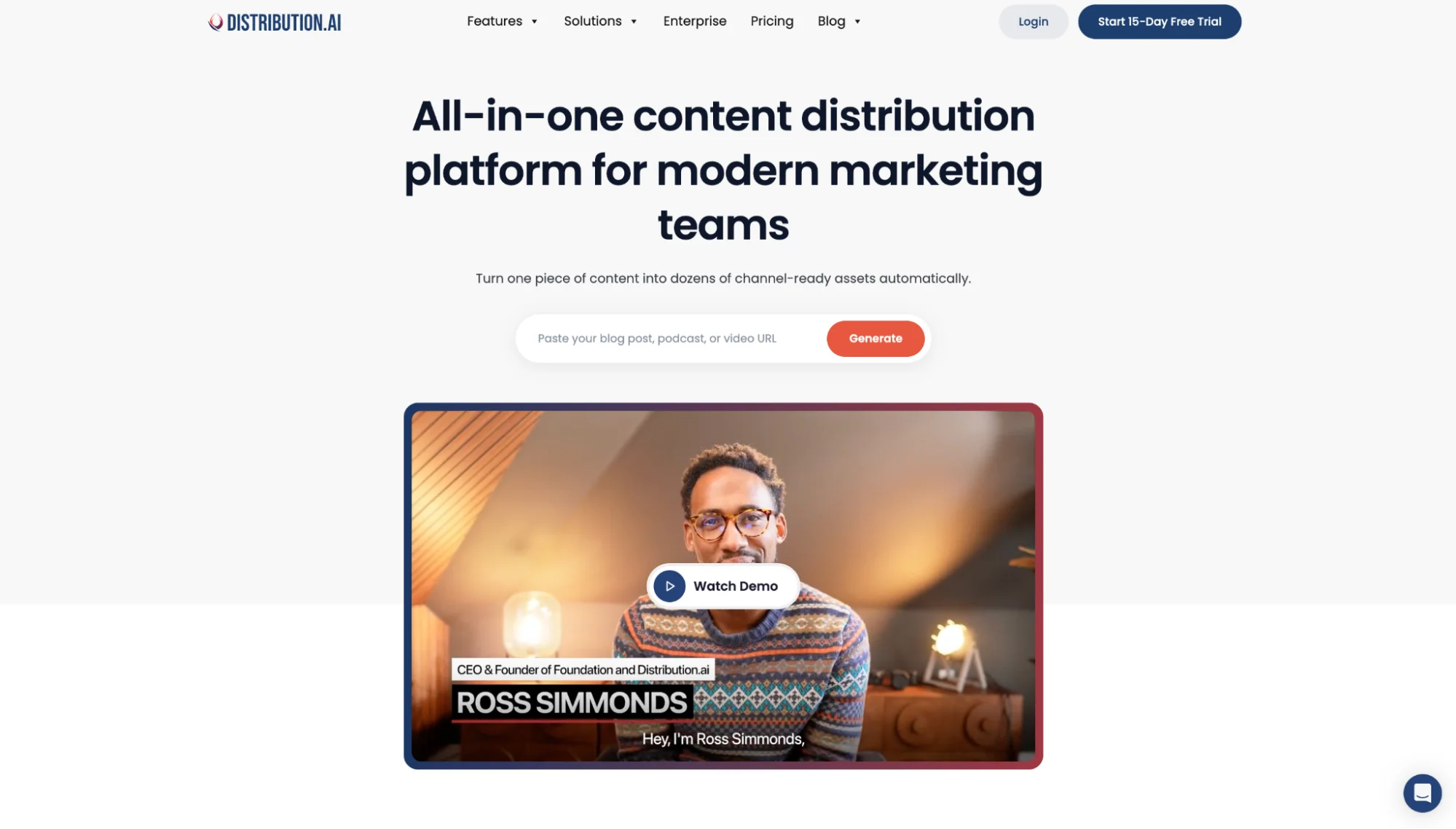
Distribution.ai fits when your team already has content worth sharing but the X calendar still looks empty. Instead of starting each post from scratch, you bring in a blog, podcast, video, or webinar and turn it into a batch of X posts ready to publish.
Social media managers get more mileage from their content marketing, pulling from work the team already made without rewriting the same points in a separate doc.
For X, a blog can become a thread plus a few standalone posts. A podcast turns into quote-style posts or discussion prompts. A video gives you hooks and captions built around its main points.
It works best for teams keeping a steady brand voice across social posts while pulling more value from blog content and video clips, especially when your strategy leans on posting often and testing different angles.
Distribution.ai’s Key Features
- Turns blogs, videos, podcasts, and webinars into social media posts
- Helps create Twitter/X content from existing source assets
- Supports brand voice and tone control across posts
- Helps teams schedule and publish content from the same workflow
- Keeps content repurposing closer to the original asset
Distribution.ai’s Pros
- Helps reduce blank-page work when creating Twitter content
- Makes long-form content easier to reuse across X and other platforms
- Useful for teams with blogs, podcasts, webinars, or video clips already in motion
- Helps keep posting consistent without turning every post into a manual writing task
Distribution.ai’s Cons
- Works best when you already have source content to repurpose
- Less useful if your main need is social listening, sentiment analysis, or competitor benchmarking
- Teams looking for deep native X analytics may still need a dedicated analytics tool
Distribution.ai’s Pricing
- Plans start at $19/month for blog content
- YouTube and Podcast plans start at $29/month
- Pricing is available on a monthly billing basis
- Bundle pricing can save up to 30 percent
- A 15-day free trial is available
2. Buffer – Best for scheduling and publishing
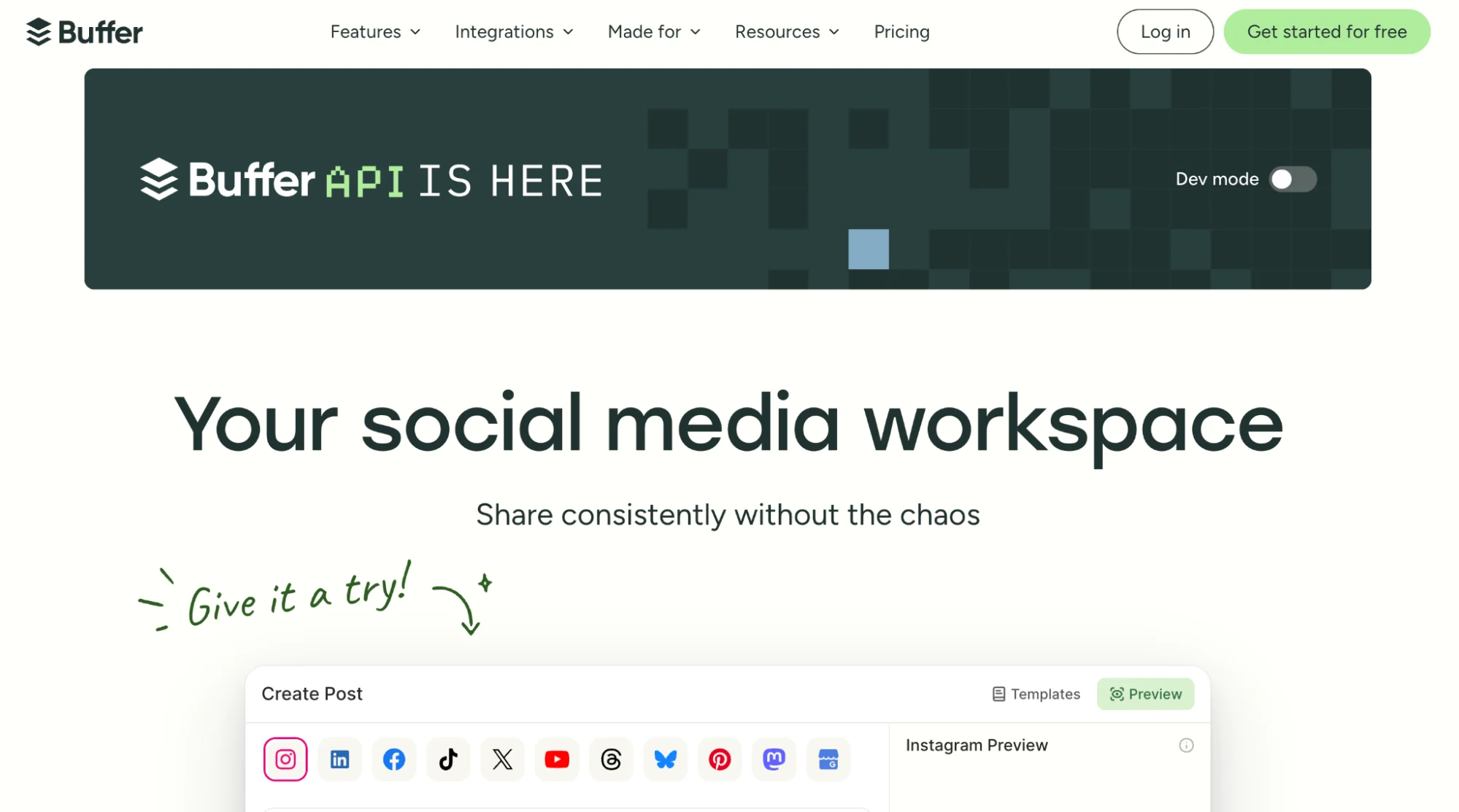
Staying visible on X means posting often, and posting often by hand is where most people quietly give up. You start strong, miss a few days, and the account goes quiet.
Buffer solves this. You batch and schedule tweets for a whole week in one sitting from a single twitter account, and it publishes them on time while you do other work. The interface is clean enough that a solo founder or small team can run it the same day, and you can queue threads and pull in visuals from Canva without leaving the tab.
The free plan is genuinely usable, which makes it an easy place to start.
Key features
- Visual queue and calendar for planning posts ahead across X and other channels
- Thread scheduling and a browser extension for posting on the go
- Basic engagement and performance reporting
- AI assistant for drafting and repurposing post ideas
Pros
- Simple enough to learn in an afternoon
- Free plan covers the basics for a single user
- Per-channel pricing keeps costs low for small setups
Cons
- Light on social listening and competitor tracking
- Analytics stay surface-level on lower tiers
- Per-channel pricing adds up once you manage many accounts
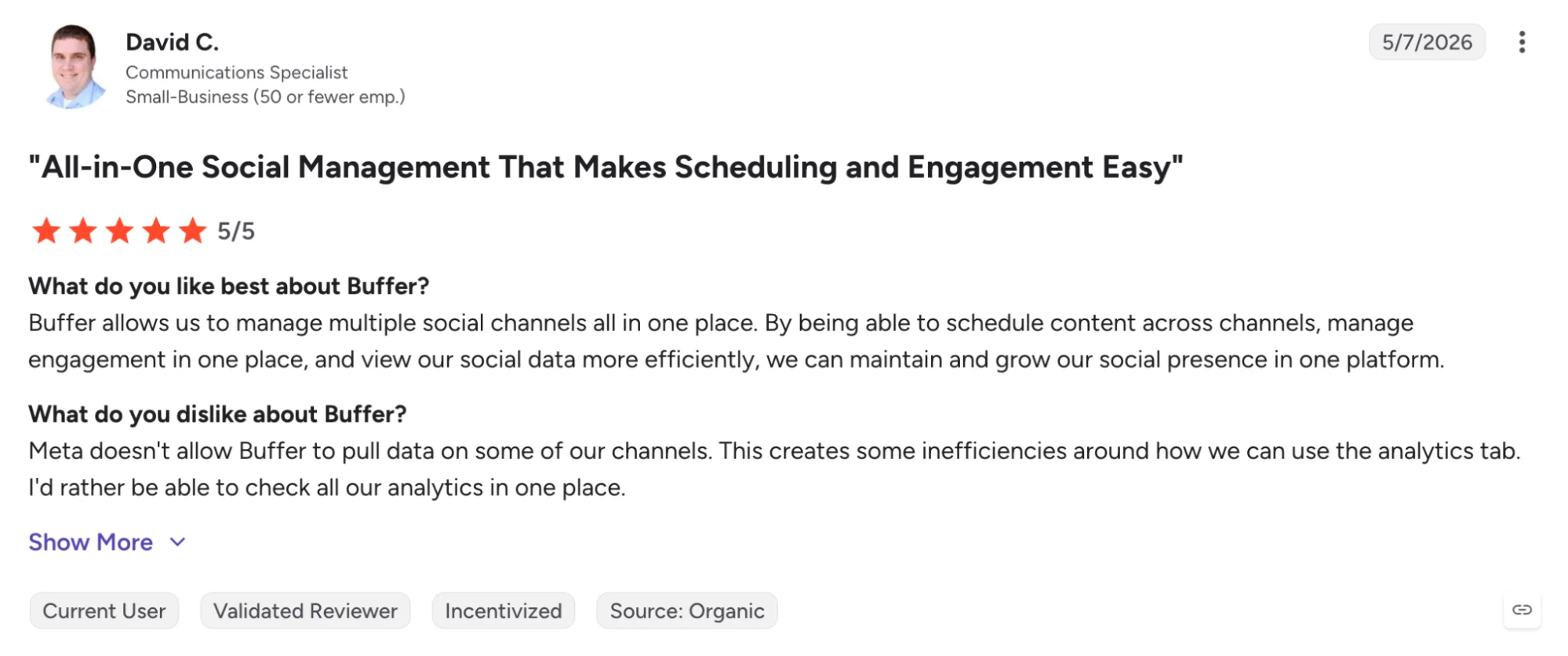
Buffer’s Pricing
- Free plan with 3 channels and 10 scheduled posts per channel
- Essentials from $5/channel/month billed annually, or $6 monthly
- Team plan at $10/channel/month billed annually, with unlimited users
- 14-day free trial on paid plans
3. Hootsuite – All-in-one social management
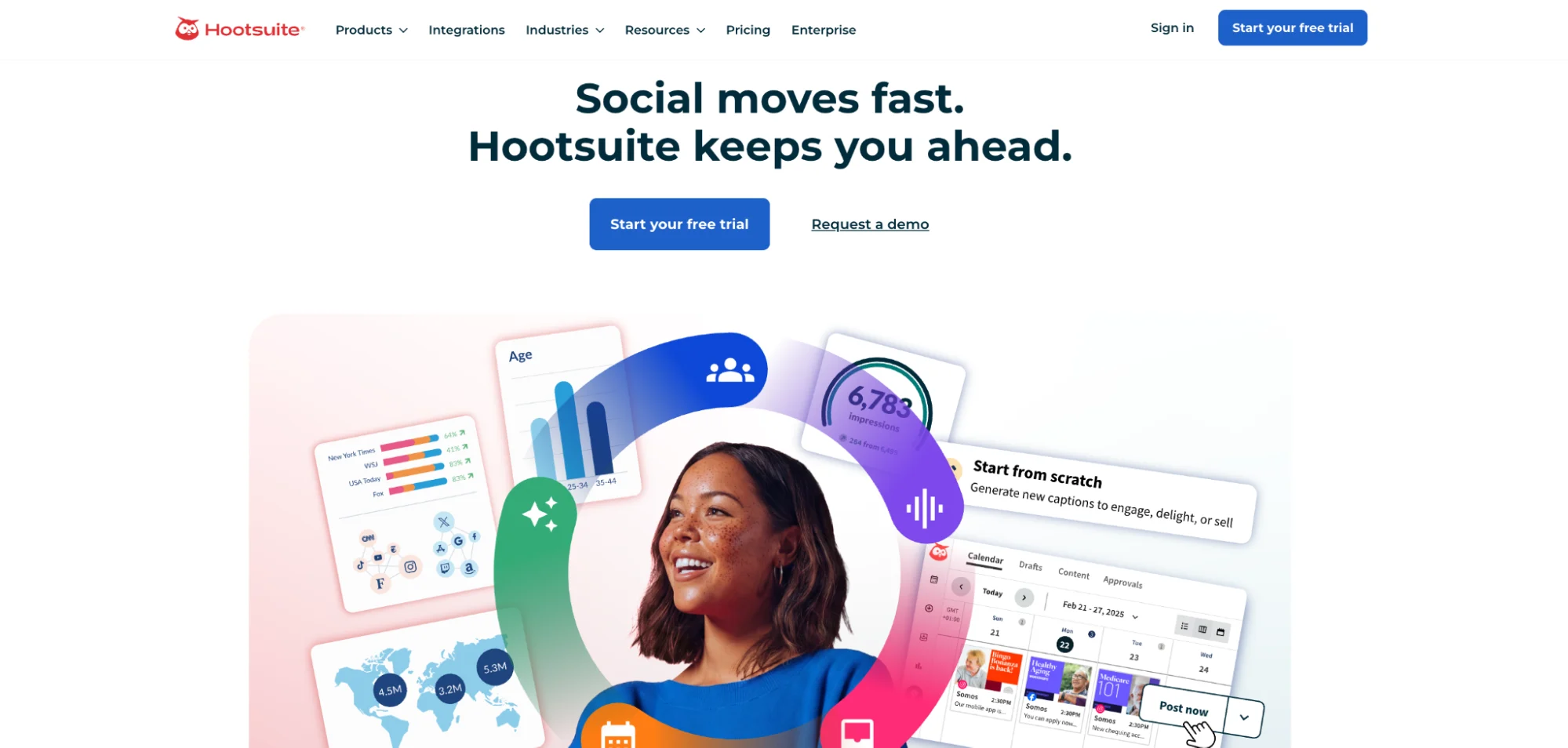
Running X on its own is manageable but running it next to LinkedIn, Instagram, Facebook, and a couple of other channels is where the tabs multiply, and things slip. Hootsuite exists for the marketer juggling all of them at once.
Everything lives in one dashboard, the scheduling calendar, the streams of incoming mentions and replies, and the analytics that tell you how each channel is pulling its weight. You can draft once, tailor a post per platform, and line up weeks of content in a sitting. The streams view is the part X marketers tend to like, since it puts mentions, keywords, and your scheduled queue side by side so nothing waits unseen.
Key features
- Unified dashboard for scheduling, monitoring, and reporting across major social platforms
- Custom streams to track mentions, trending hashtags, and campaign tracking in real time
- Bulk scheduling and a content calendar with team approval workflows
- Cross-channel analytics with exportable reports
Pros
- Manages many channels and many team members in one place
- Strong monitoring streams suit fast-moving X engagement
- Mature approval and team collaboration features for bigger teams
Cons
- Pricier than standalone schedulers
- Heavier learning curve and setup
- More tool than a single-channel or solo user needs
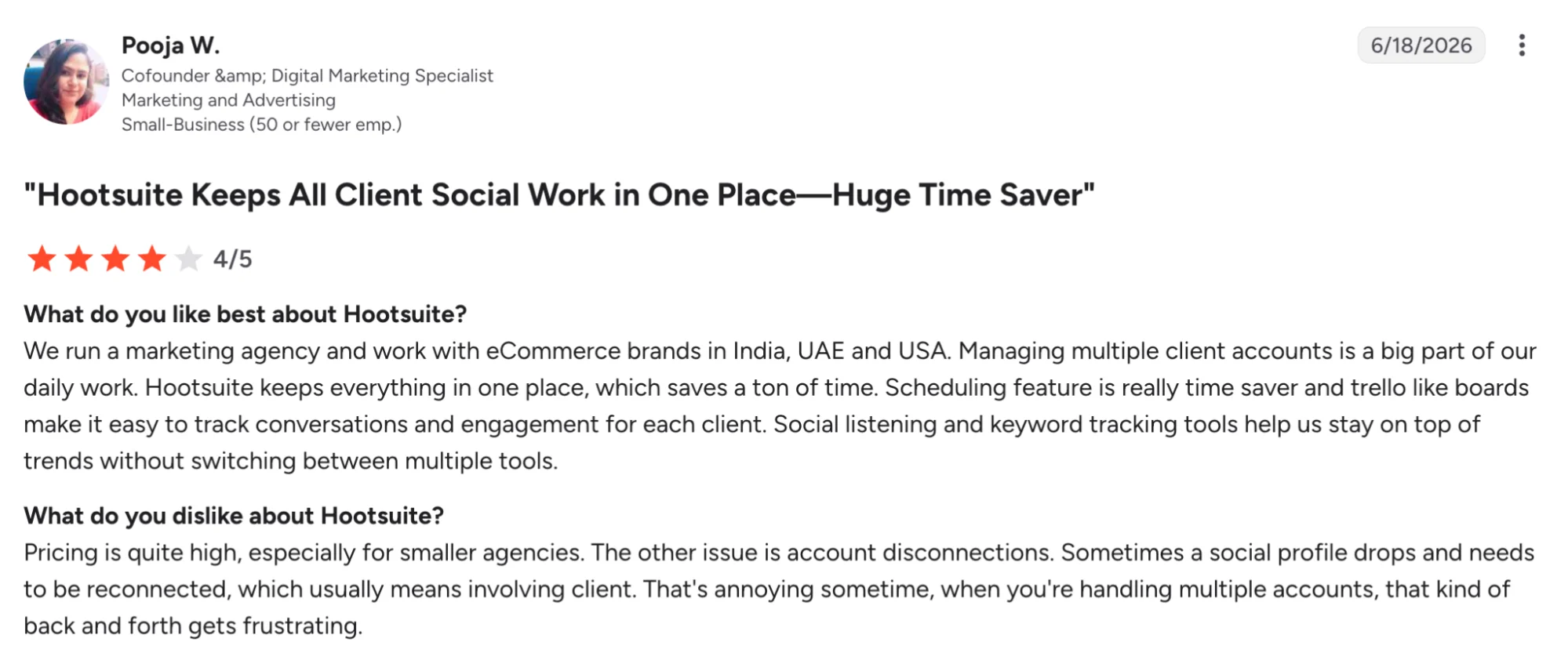
Hootsuite’s Pricing
- Standard plan from $99/user/month billed annually
- Advanced plan from $249/user/month billed annually
- Enterprise pricing available on request
- Free 30-day trial available
4. Sprout Social – Top pick for enterprise teams
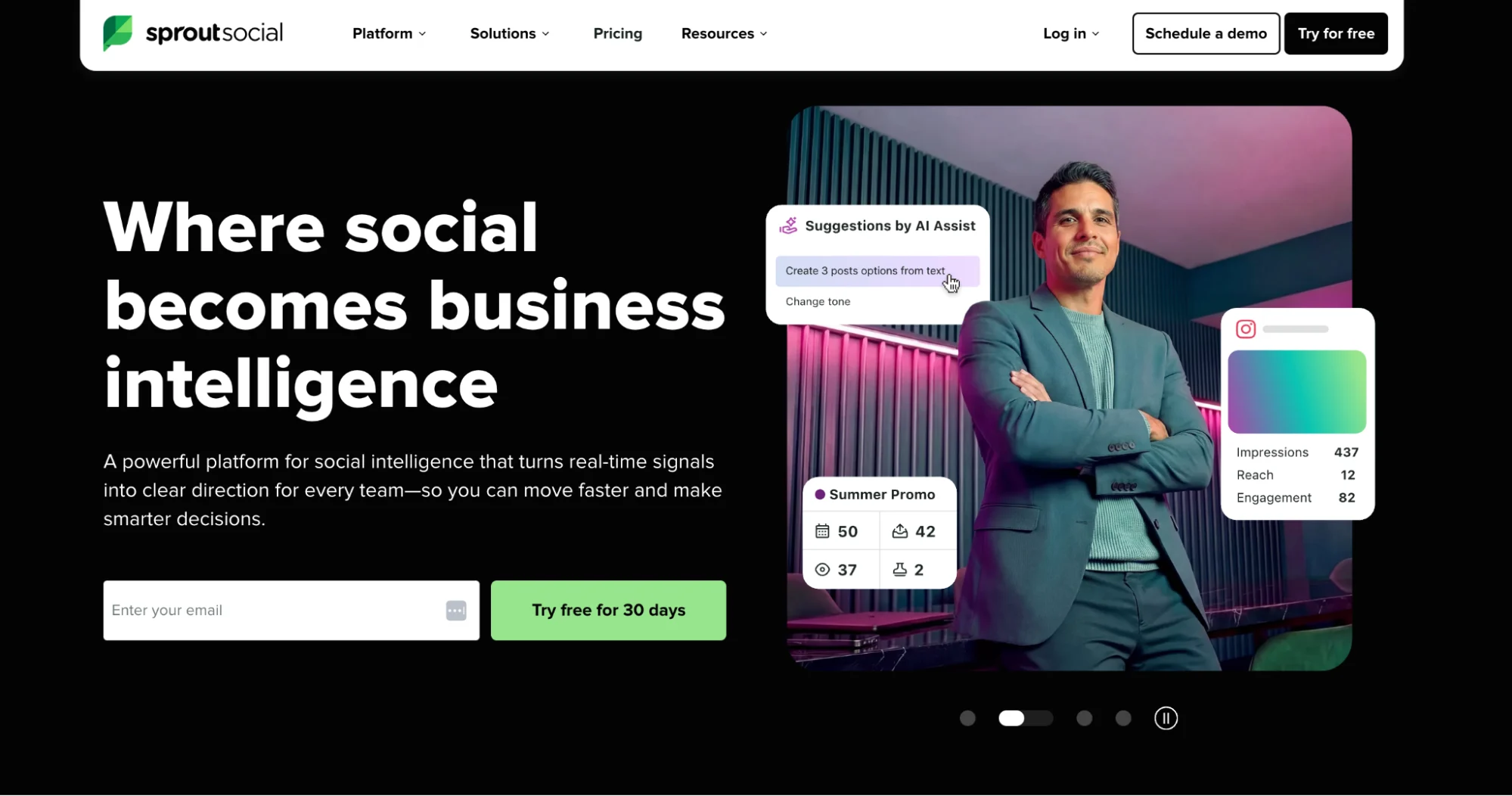
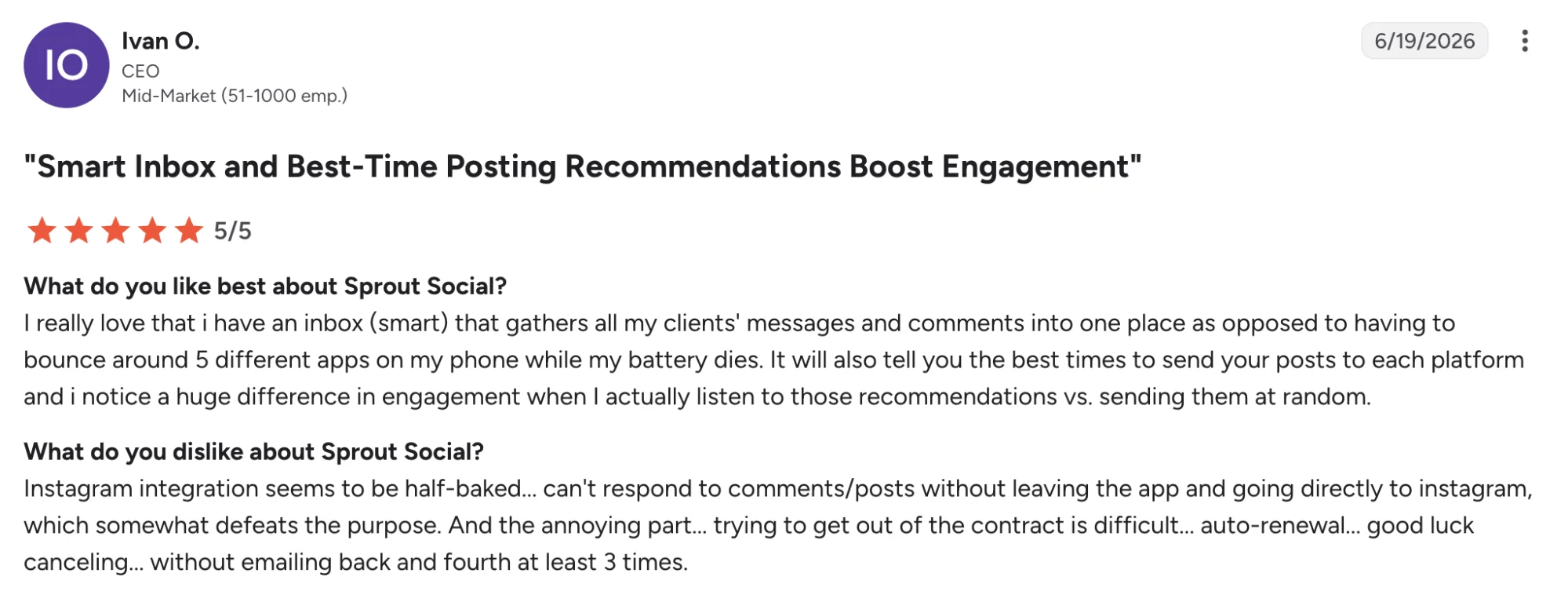
Sprout Social sits at the premium end, and the price reflects who it is built for: organizations where several people touch social, reporting goes up to leadership, and the stakes per post are real.
What you pay for is polish and depth in equal measure. The publishing flow handles approvals across a large team without chaos.
The reporting turns X activity into the kind of dashboards an executive will actually read, tying posts to engagement, follower growth, audience growth, and how well you reach your target audience.
Listening is available too, though it sits in a higher tier and leans toward brands tracking sentiment at scale.
Key features
- Enterprise publishing with multi-step approval and team workflows
- Advanced analytics and audience insights with presentation-ready reporting
- Social listening and sentiment analysis on higher tiers
- Unified inbox for managing messages and mentions across platforms
Pros
- Reporting quality suits executive and client audiences
- Built for large teams with real collaboration needs
- Deep analytics and listening under one roof
Cons
- Among the priciest options on this list
- Per-seat cost scales steeply with team size
- Heavier than a small team needs
Sprout Social’s Pricing
- Standard plan from $199/seat/month billed annually
- Professional plan from $299/seat/month billed annually
- Advanced plan from $399/seat/month billed annually
- Free 30-day trial available
5. Brandwatch – Best for social listening
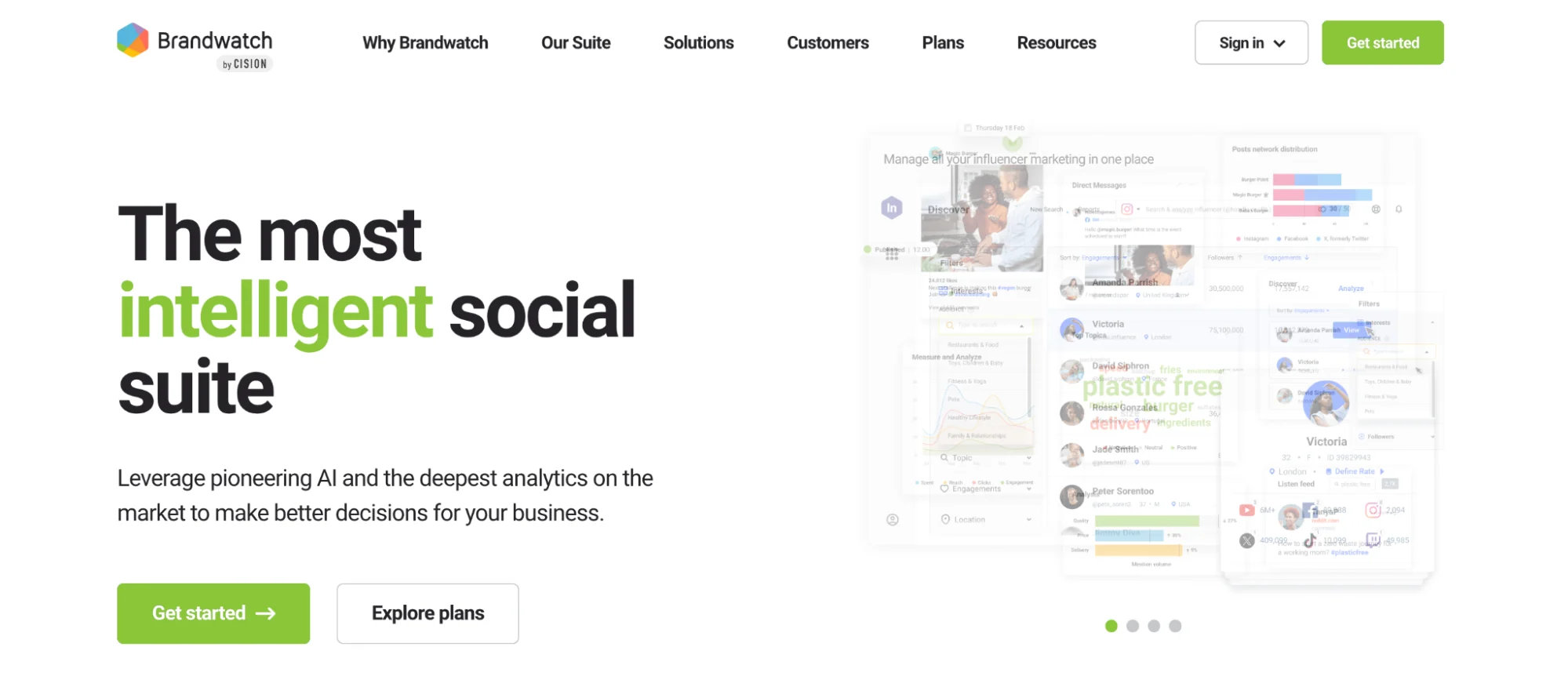
Brandwatch tracks what gets said about a brand across X, news sites, blogs, forums, and the wider web, then organizes it into sentiment trends, conversation spikes, and the topics tied to your name. It is one of the most established listening platforms, with an archive deep enough to show how perception shifted over months, not days.
Large brands use it to monitor reaction during a launch, track competitor share of conversation, and flag a reputation issue while it is still contained.
Its AI-assisted analysis sorts high volumes of mentions into themes that a person would take days to find manually.
Key features
- Listening across X, news, blogs, forums, and the broader web
- Sentiment analysis and trend detection with AI-assisted insights
- Deep historical data for long-range perception tracking
- Customizable dashboards and alerting for spikes or crises
Pros
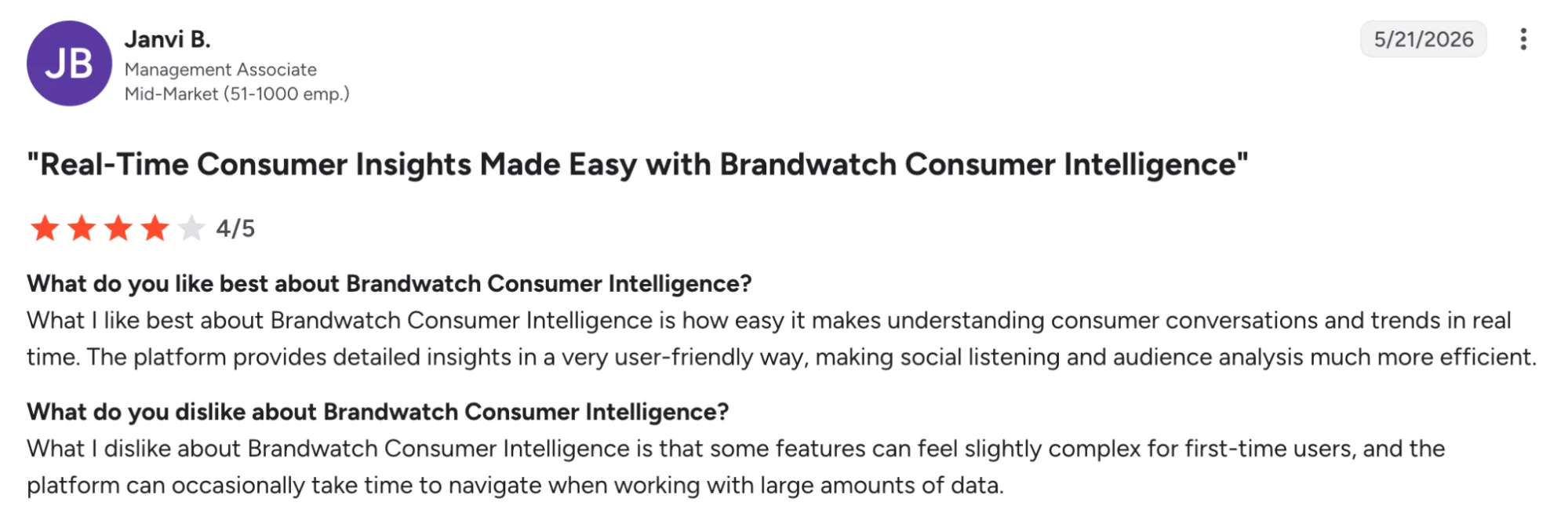
- Among the deepest listening coverage available
- Strong sentiment and historical analysis for serious research
- Built to handle enterprise-scale conversation volume
Cons
- Pricing sits behind a sales quote, with a high entry point
- Overpowered for small teams or simple monitoring
- Setup and onboarding take real time
Brandwatch’s Pricing
- Custom pricing only, quoted after a sales demo
- Third-party sources report entry around $800+/month
- No free self-serve tier
- Demo available on request
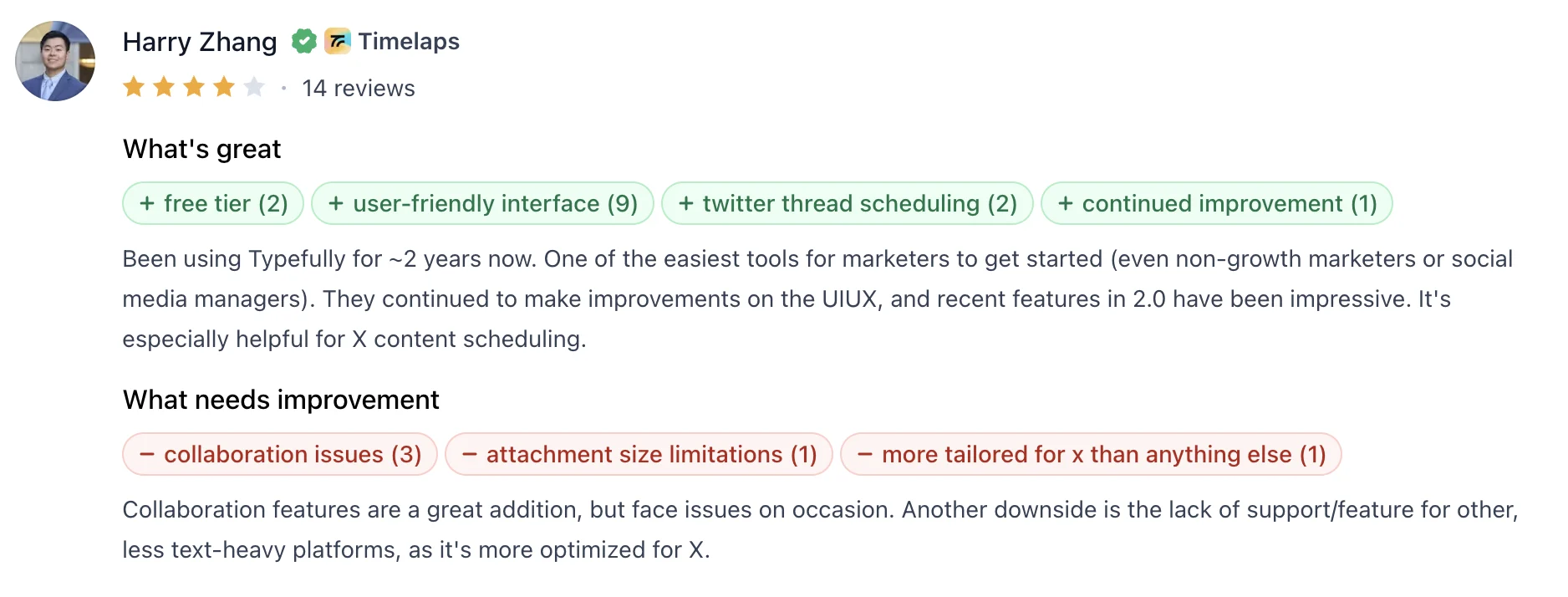
6. Typefully – Thread writing and publishing
Typefully builds its whole product around writing threads for X. The editor cuts the clutter and gives you a clean page to draft in. Start a new post in a thread by hitting return twice, or paste a wall of text and Typefully splits it into a thread for you.
The tool does more than write. You can schedule posts, build a queue, and set auto-retweets to push a post further. Its analytics show you which posts worked. On higher plans, the AI assistant rewrites and sharpens your drafts, and it learns your voice over time instead of producing generic lines.
Key features
- Distraction-free editor built for fast thread composition
- Scheduling, queues, and auto-retweets to extend reach
- AI assistant that rewrites and sharpens posts in your voice
- Post and thread analytics, plus Zapier and API support
Pros
- Strong writing experience for X threads
- Clean, fast, and easy to use daily
- Affordable entry for solo creators
Cons
- Limited to X and a handful of platforms
- Free plan works as a trial rather than a usable tier
- Lighter on team and collaboration features
Typefully’s Pricing
- Free plan with one scheduled post at a time
- Starter from $12.50/month billed annually
- Creator from $19/month billed annually
- Team from $39/month billed annually
7. Canva – Best for visual content
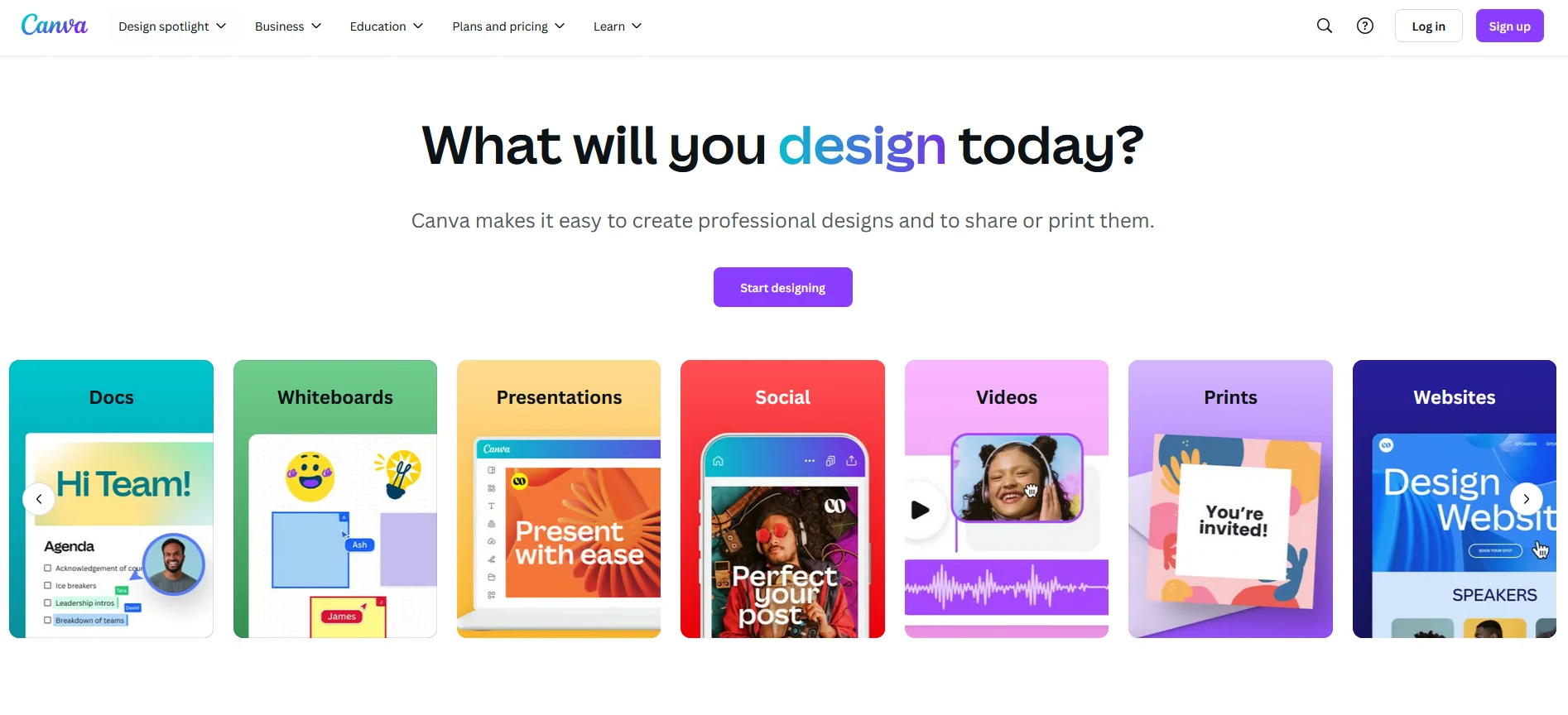
Canva earns its place here for one reason: it is where most X visuals actually get made. The value for X marketing sits in two features you should set up properly.
Brand Kit locks your fonts, colors, and logo in place, so a month of posts looks like it came from the same brand instead of five different ones. The Content Planner then schedules those finished designs straight to X, keeping the design and the posting in a single workflow.
Day to day, you work from templates already sized for X, whether that is a header image, a quote graphic, a carousel, or a short video clip. You drop in the copy, match it to your colors, and export something ready to post in minutes. The stock library fills the gaps when you need an image or an element on the spot.
Key features
- X-sized templates for posts, headers, carousels, and video
- Brand Kit for consistent fonts, colors, and logos
- Content Planner for scheduling designs directly to X
- Large stock library of images, elements, and short video
Pros
- Professional visuals without a designer
- Generous free plan that covers the basics
- Brand Kit keeps a campaign visually consistent
Cons
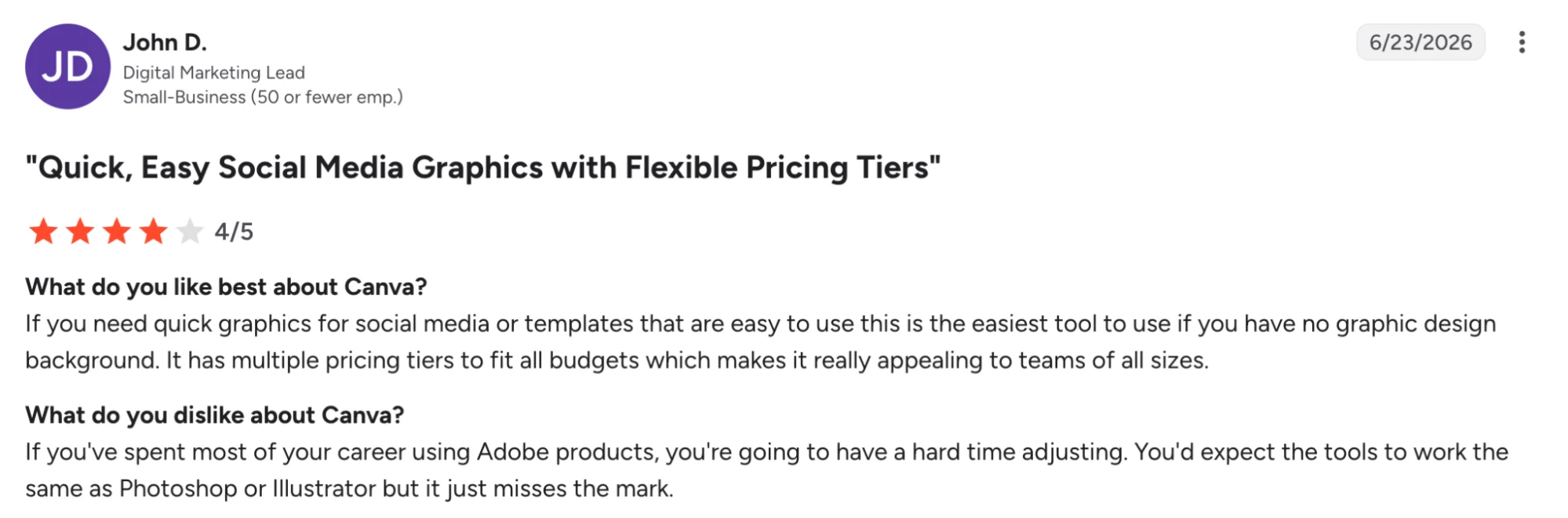
- Built for design, with no listening or analytics
- Template-heavy work can look generic without tweaking
- Scheduling depth trails a dedicated publishing tool
Canva’s Pricing
- Free plan with templates and core editing
- Canva Pro from $15/month, or $120/year for one person
- Canva Teams from around $10/person/month, billed annually
- 30-day free trial on Pro
How to Choose the Right Twitter Marketing Tool
The best pick depends on which part of your X marketing strategy deserves more consistency or support first, and which tool turns your effort into actionable insights.
1. Start with the work slowing you down
Figure out where your time actually goes on X. Maybe posts never go out on schedule, maybe mentions pile up unanswered, maybe you have no read on which posts brought followers.
Naming that one bottleneck first keeps the decision tied to daily work and makes the shortlist far easier to narrow.
2. Match the tool to how you work on X
A content-heavy account gets more value from a tool built for creation, repurposing, or thread writing. An account focused on engagement and reputation gets more from social listening or mention tracking.
The right fit usually follows the way you already grow on the platform, rather than the longest feature list.
3. Look for fast day-to-day value
A tool that takes a week to configure rarely survives the month. Quick onboarding and a clear use case matter more than a feature list you will never fully touch.
A scheduler you check in five minutes, or a repurposing flow that turns one blog into a week of posts, pays back the cost almost immediately.
4. Check how well it supports your brand
Consistent presence on X depends on a steady voice and a recognizable look. Good tools keep your tone, colors, and visuals aligned across every post and campaign.
A Brand Kit, saved templates, or voice-trained drafting all help a month of posts feel like they came from one brand.
5. Weigh pricing against real usage
A lower monthly price does not always mean better value. Think about how often the team will use the tool, what the base plan includes, and whether the features you want sit behind a higher tier.
Per-channel and per-seat pricing in particular can climb fast once more accounts or people get added.
6. Confirm it still works with X
The X API changes repriced and broke a wave of older tools. Before committing budget, confirm a tool fully supports X today rather than running on features it lost a year ago.
This one check saves you from paying for a tool that quietly stopped doing the job.
Which Tool Would You Choose?
The best choice comes down to where better execution creates the biggest upside for your X presence. Some tools help you post on schedule, some track what people say about you, and others make your posts look sharp. Distribution.ai stands out in a different lane.
It gives teams a stronger way to turn blogs, podcasts, videos, and other long-form work into channel-ready X content from one workflow.
For teams who already invest time in content, Distribution.ai offers one of the clearest ROI paths in this list. It helps you get more social media posts, more marketing assets, and more visibility and audience growth from work you already create.
Instead of letting one blog or video live in a single place, you can stretch each asset across multiple channels and keep your X presence moving with less manual effort.
For content-heavy teams, that creates a stronger value case than tools built for one isolated task.
Frequently Asked Questions
1. What are Twitter marketing tools?
Twitter marketing tools are third-party apps and automation tools that handle the work X demands beyond posting, like scheduling content, monitoring brand mentions, tracking campaigns, and measuring engagement. Some are single-purpose, while a social media management platform bundles several jobs together.
Most focus on one job and do it well, so teams often combine a few rather than relying on a single platform to cover every part of the workflow.
2. Are third-party tools still reliable after the X API changes?
Many older tools broke or lost features when X overhauled its API pricing, so reliability now depends on the tool. The ones worth using have confirmed current X support and keep their integrations active. Before paying, check that a tool fully works with X today rather than coasting on features it once had.
3. Can AI tools write Twitter content without sounding generic?
AI helps most when it works from your own material and voice rather than a blank prompt. Tools that draft from your existing blogs, videos, or past posts tend to keep your tone intact, while generic tweet generators often produce flat lines. The strongest results still come from a human editing the output before it goes live.
4. What is the best way to stay consistent on X?
Consistency comes from planning ahead rather than posting in the moment. A scheduling tool lets you batch a week of posts in one sitting and publish automatically, which keeps your feed active even on busy days. Pairing that with a steady stream of content removes the daily scramble for something to say.
5. How do I get more posts out of content I already have?
Repurposing is the fastest route. One blog post can become a thread, several standalone posts, and a few shorter takes, and a podcast or video can supply quotes, clips, and hooks.
A repurposing tool like Distribution.ai automates this, turning long-form work you already made into a week of posts you can publish straight away.
6. Do I need separate tools for analytics and scheduling?
Often, yes. Schedulers handle publishing well but tend to offer shallow analytics, while dedicated analytics tools go deeper on follower behavior, engagement rates, and peak activity times.
Many teams run one of each, then layer in a social listening tool or design tools depending on which part of their X workflow needs the most support.
7. How much do Twitter marketing tools cost?
Pricing ranges widely. Entry tools start around $5 to $19 a month, mid-tier platforms run from roughly $99 a month, and enterprise listening suites are quoted by sales and climb into the hundreds or thousands. Watch per-channel and per-seat models, since both can climb fast as you add accounts or team members.
8. Should small teams use enterprise tools like Brandwatch?
Usually not at first. Enterprise listening platforms deliver real depth, but the cost and setup outpace what a small account needs. A lean team is better served starting with affordable scheduling, content, and analytics tools, then moving up to heavier listening only once brand monitoring becomes a core, daily job.

Promote, repurpose & distribute your content with AI
Write 10x faster, engage your audience, & never struggle with the blank page again.
Start 15-Day Free Trial
Frequently Asked Questions
Author

Promote, repurpose & distribute your content with AI
Start 15-Day Free Trial