7 Best Repurpose.io Alternatives in 2026
Compare the 7 best Repurpose.io alternatives in 2026. Features, pricing and pros/cons of each tool to help you pick the right fit for your workflow.

Key Takeaways
Distribution.ai is best for content teams and marketers:
A reliable option to repurpose video content into text-based posts for social media.
Castmagic is best for teams with an existing content library:
Ideal for organizations that already have a collection of relevant audio and video content to repurpose.
Exemplary AI is best for brand content managers and video creators:
Helps turn existing long-form content into AI-generated video clips for multiple channels.
ContentStudio is best for social media marketers:
Combines content scheduling, audience engagement, AI content generation, and brand mention tracking in one platform.
Taja AI is best for small teams and solo creators:
Makes it easy to repurpose content into formats optimized for different social media platforms.
Postiv.ai is best for entrepreneurs and professionals:
Designed to generate leads and start meaningful conversations on LinkedIn.
quso.ai is best for video creators and brand marketers:
Offers a combined solution for AI-powered video repurposing and editing from a single platform.
Videos are now one of the most preferred content types for B2B and B2C audiences across domains and channels.
At the same time, it can be resource-intensive to generate ideas, write the script, record the clip, polish the content and publish it for your viewers.
Hence, it is essential to repurpose it in different formats to get the most mileage out of it.
Repurpose.io is a platform that helps marketers and content creators do just that. But it does fall short in a few areas, nudging users to look for better, more capable Repurpose.io alternatives.
In this article, let’s understand where Repurpose.io misses the mark and what your top options are.
Why Look for a Repurpose.io Alternative
Repurpose.io checks a lot of boxes for brand marketers and content creators when it comes to multimedia repurposing and automated cross-posting.
You need to post a video on one channel, say Instagram, and the tool publishes it on others, such as TikTok and YouTube, instantly. Repurpose.io removes the watermarks and resizes the clip to make sure they are channel-native.
Additionally, you can do it for images and stories. These capabilities make it easy for brands and creators to post across channels to get the most out of their multimedia content.
However, it does have a few key disadvantages.
For instance, many reviewers on Trustpilot report the platform to be buggy, affecting their social media content marketing process. And to make matters worse, their customer support isn’t particularly helpful.
Moreover, many users find it difficult when unsubscribing from the tool. Even after repeatedly reaching out to them to cancel your subscription, you will be met with inaction while they continue to bill you.
Beyond that, Repurpose.io is limited to multimedia repurposing only. It doesn’t convert your videos into other formats, such as a LinkedIn post or an X thread, to capture audiences who prefer to read over watching a clip.
It also lacks analytics and performance tracking features, which requires users to manually visit every channel to keep an eye on key metrics.
How We Made This List of Repurpose.io Alternatives
To put this list together, we started by going through top editorial posts and listicles from authoritative sources covering the content repurposing space.
From there, we shortlisted the tools that felt like the best fit for marketers frustrated with Repurpose.io. We visited each potential alternative’s website to gather up-to-date information on features and pricing tiers.
Then, we collected user reviews from independent sources like G2, Capterra, AppSumo and Trustpilot to give you an honest breakdown of how each tool actually performs in practice.
7 Top Repurpose.io Alternatives to Grow Social Media Presence
To help you make a decision quickly, we’ve collated all our findings in the table below:
| Repurpose.io | Automated cross-platform repurposing of existing videos | Set-and-forget" workflow that auto-republishes new posts across channels | Free 14-day trial; from $35/month |
| Distribution.ai | Repurposing video content into text-based social posts | Turns a YouTube link into brand-voice, platform-ready posts in under a minute | Free 15-day trial; from $29/month (individuals), $109.90/month (organizations) |
| Castmagic | Teams with an existing library of audio/video content | Custom AI Prompt Builder for repeatable, on-brand outputs across every episode | Free plan; paid tiers from $29/month |
| Exemplary AI | Producing AI-generated short clips from long-form assets | Virality-scored AI Clips with auto-framing for Shorts, Reels and TikTok | Free plan (60 min); paid tiers from $16/month |
| ContentStudio | End-to-end social media management with AI content discovery | AI surfaces trending topics and generates captions from long-form content | 7-day free trial; from $29/month |
| Taja AI | Solo creators and small teams repurposing across channels | Turns one long-form video into 27+ formats with a Viral Score prediction | 7-day free trial; from $19.99/month |
| Postiv.ai | LinkedIn-focused lead generation and content creation | AI voice learning trained on your past posts so drafts sound like you | 7-day free trial; from $99/month per seat |
| quso.ai | Combined video repurposing and editing in one place | Built-in video editor with Brand Kit for consistent, agency-grade repurposing | Free plan (75 credits); paid tiers from $29/month |
A quick side-by-side look at how the seven tools compare on their ideal use case, standout capability and starting price.
Note that the alternatives are mentioned below as a list, not a ranking.
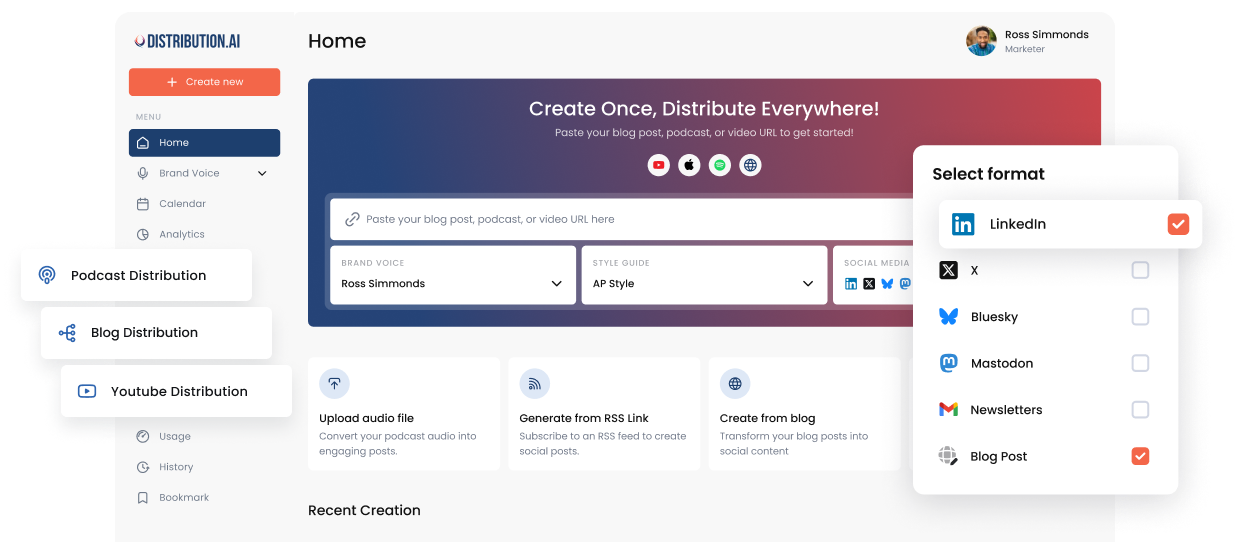
1. Distribution.ai
Distribution.ai is best for: Content teams and marketers looking for reliable software to repurpose their video content into text-based posts for social media.
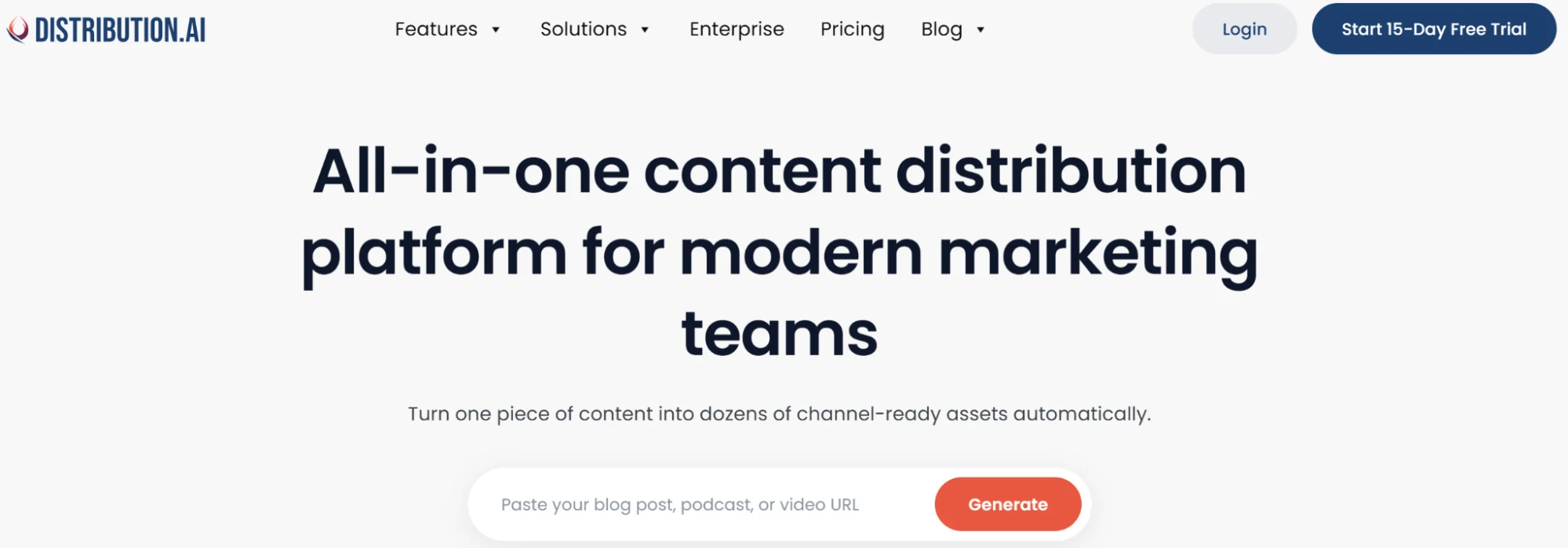
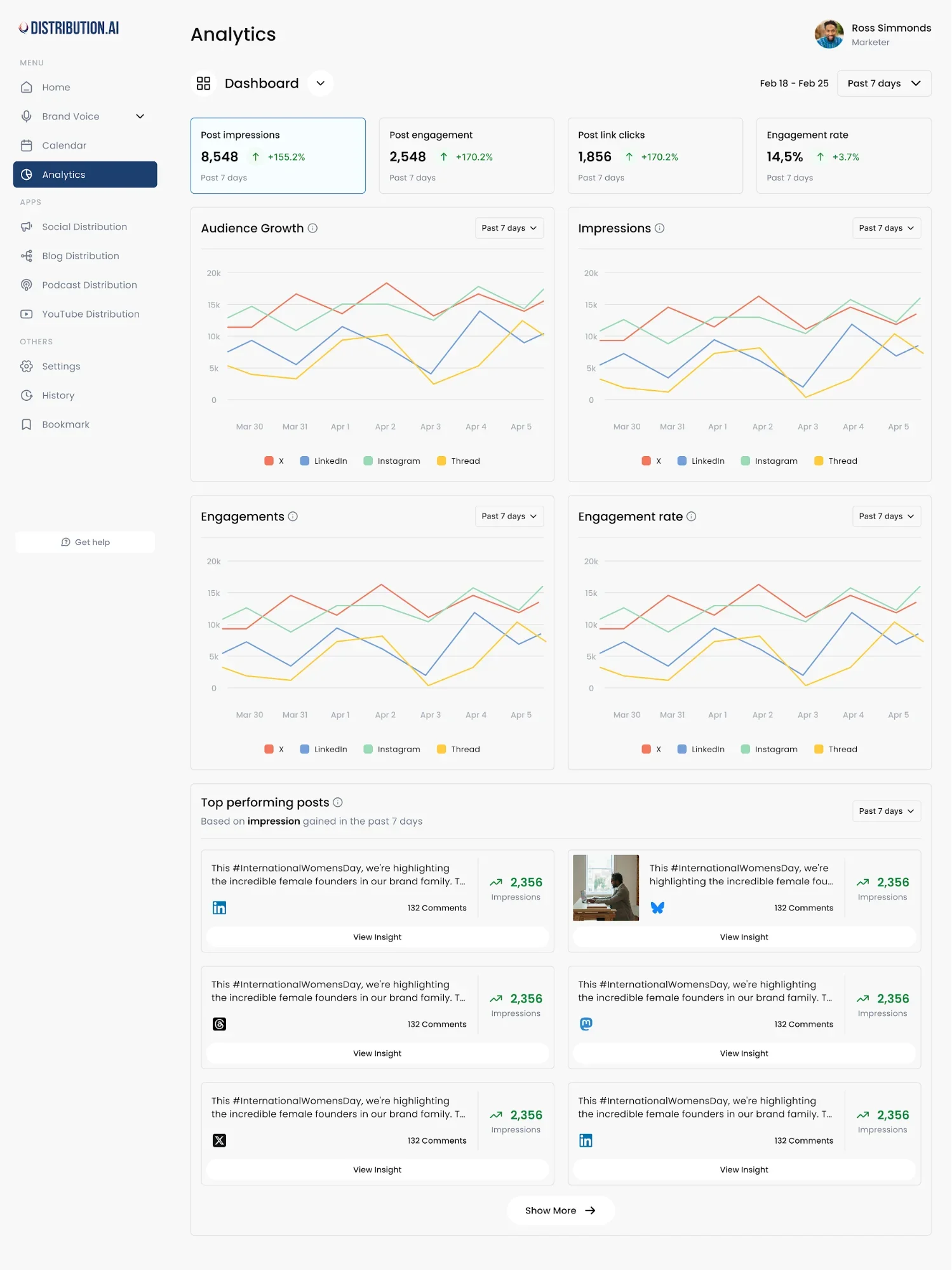
Distribution.ai is an all-in-one content distribution solution that converts long-form assets into posts for multiple social media platforms in under a minute.
Just paste the link to your published YouTube video, and the AI content generator will instantly produce short-form posts in your brand’s tone and style.
Why Distribution.ai Over Repurpose.io
- Converts video into text-based posts (LinkedIn, X threads, newsletters, blogs), helping you reach readers on top of viewers
- Built-in analytics track content performance across every channel from one dashboard
- AI rewriters can be tuned to your brand voice and style before content is generated
- Replaces multiple point tools (like scheduling and tracking) with a single distribution workflow for video-first teams
Distribution.ai’s Key Features
- Turns a single long-form asset (YouTube video, podcast, webinars or meeting recordings) into text assets, such as social posts, newsletters, email and blog summaries
- AI rewriters preserve brand voice and style across outputs by allowing marketers to define the guidelines before content creation
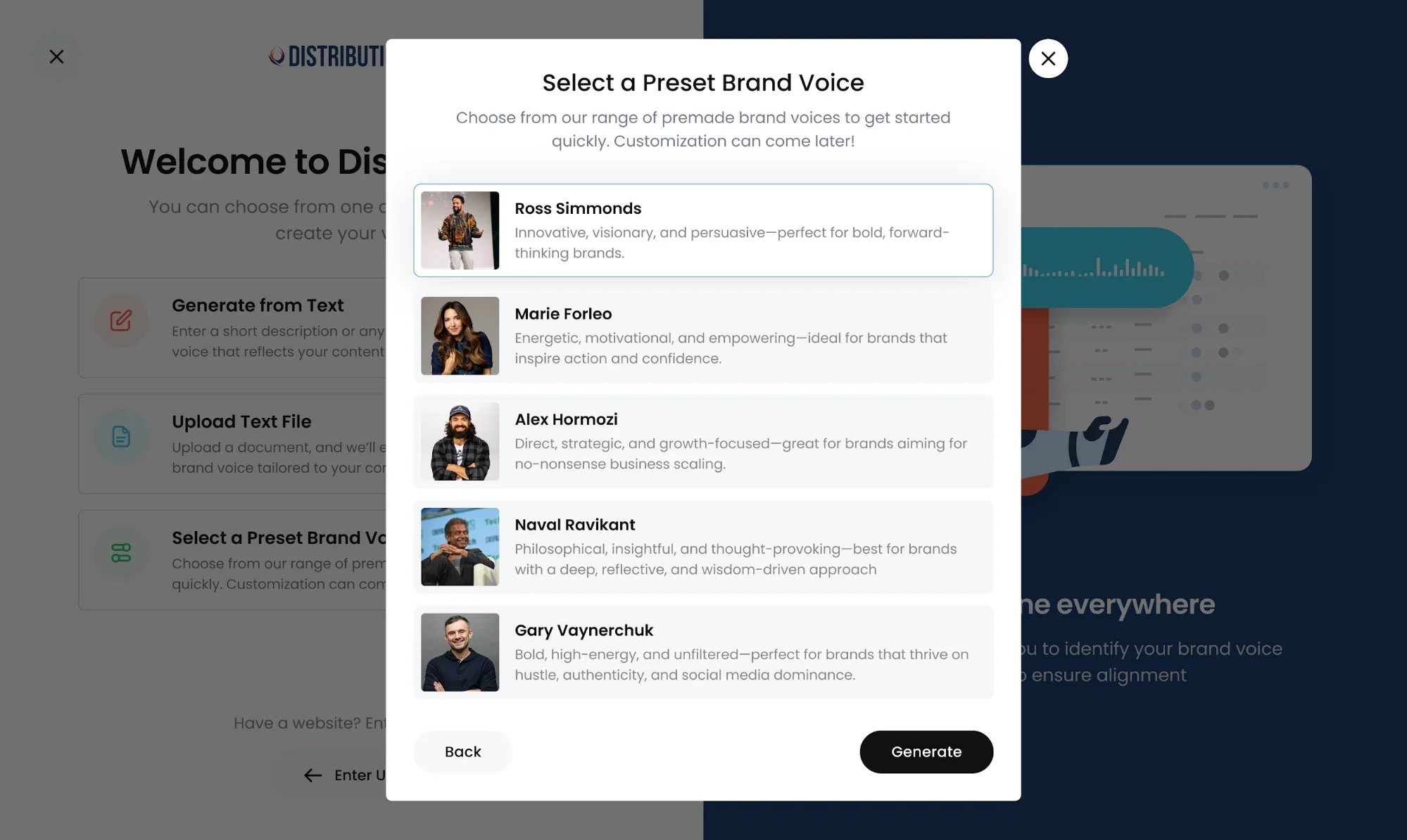
- Allows teams to edit their content in the tool to polish their social media content before publishing
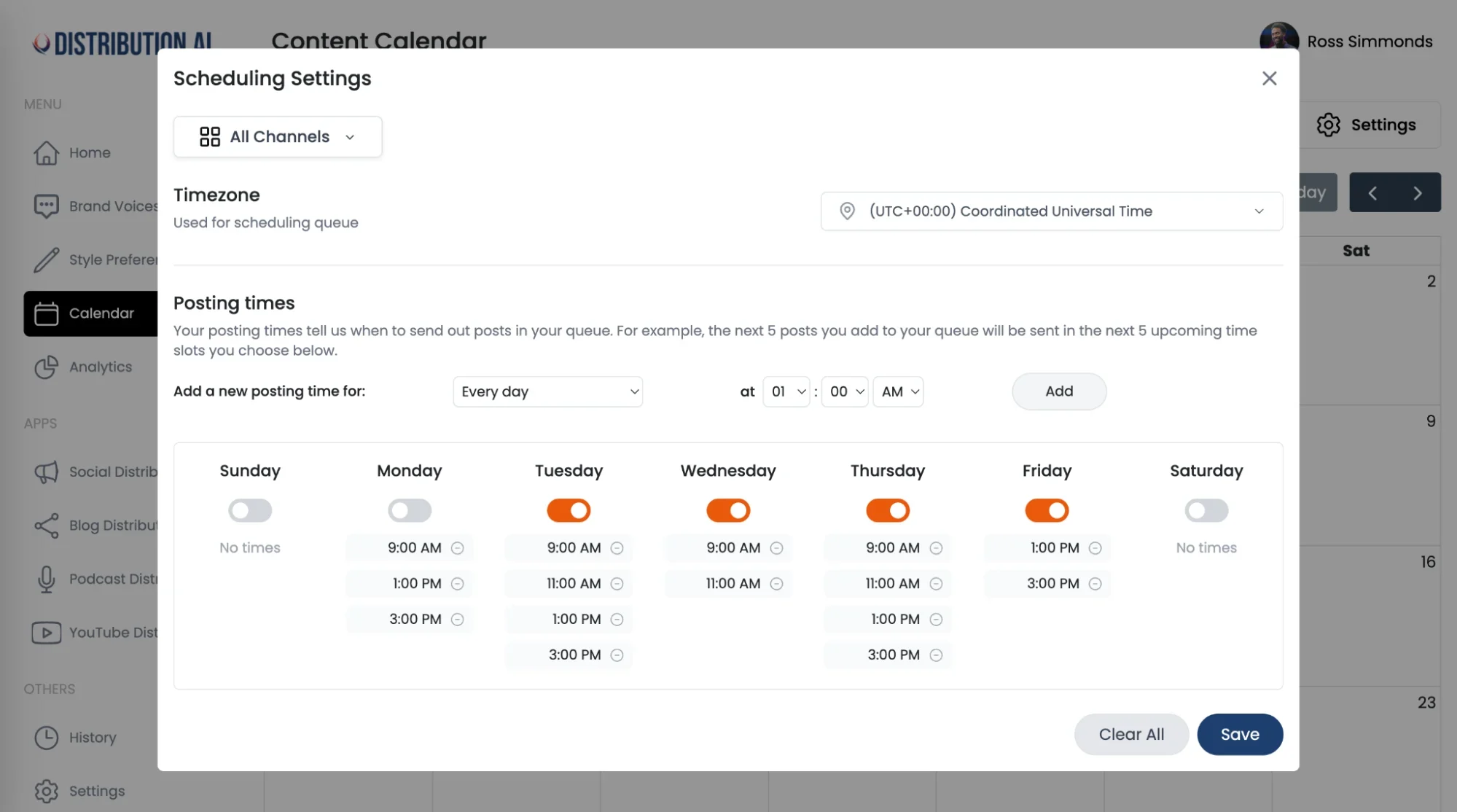
- Built-in scheduler and visual calendar to distribute across different social media, email and blogs
- Analytics to track content performance across channels
Distribution.ai’s Pros
- The comprehensive offerings allow marketers to replace multiple tools in their content repurposing workflow.
- Helps social media managers maximize their video content’s value without spending too many hours.
- Teams can customize the tone and style to get optimized content that is closer to what they’d write.
Distribution.ai’s Cons
- Limited third-party reviews, which can make it difficult to fully assess the platform’s capabilities.
- The AI features can only convert videos into text-based content.
Distribution.ai’s Pricing
Distribution.ai offers a free plan where you can explore its features for 15 days. The paid tiers are grouped for individuals and organizations.
For individuals, the YouTube distribution module starts at $29/month, billed monthly. For organizations, the starting tier is priced at $109.90/month, billed monthly with higher usage limits.
Head-to-Head Comparison: Repurpose.io vs Distribution.ai
In a nutshell, Distribution.ai is a better alternative to Repurpose.io because it creates new, on-brand and channel-native text-based content for your audience, and offers additional features.
| Primary strength | Video and audio cross-posting to social channels | Turning long-form video into text-based posts for social, email and blogs |
| Content formats produced | Doesn’t produce anything; only repurposes | Social posts, newsletters, email, blog summaries and show notes |
| Brand voice control | Only channel-native resizing and watermark removal | Can customize tone and style before AI generates content |
| Analytics | No analytics | Built-in analytics dashboard to track KPIs across channels |
| Scheduling | Automated cross-channel publishing | Visual calendar covering social, email and blog |
Quick comparison table that differentiates Repurpose.io and Distribution.ai based on primary strength, content formats produced, brand voice control, analytics and scheduling.
2. Castmagic
Castmagic is best for: Teams who already have a library of audio/video content pieces that are still relevant.
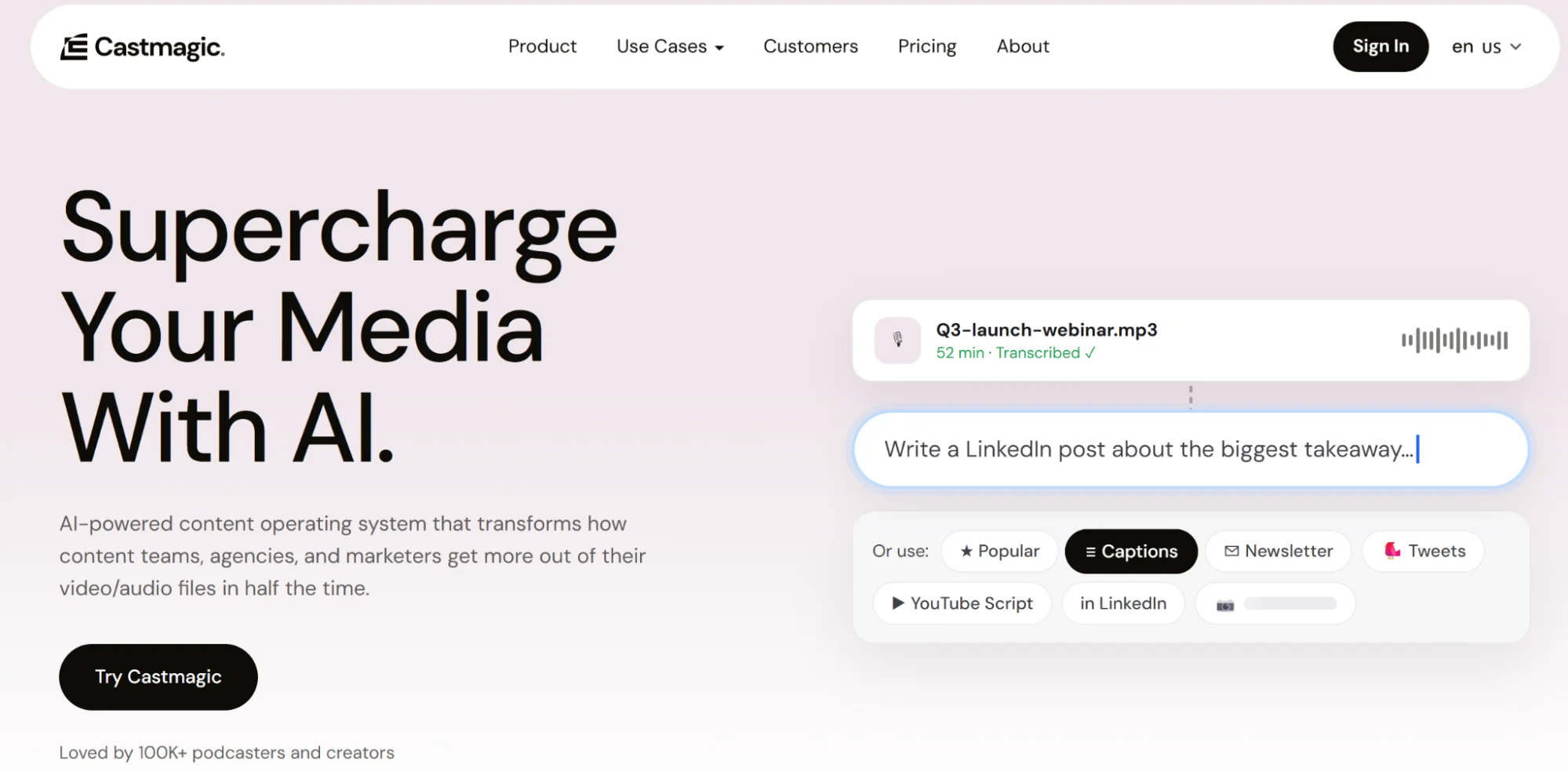
Castmagic maximizes the ROI of video or audio content strategy by transforming the recordings into different kinds of text-based content.
For instance, you can generate a blog post or a YouTube short script from a sales call.
Why Castmagic Over Repurpose.io
- Transforms audio and video into publish-ready written assets
- Custom AI Prompt Builder lets teams create repeatable, on-brand outputs
- Supports 60+ languages, which makes localization easier
Castmagic’s Key Features
- Turns long-form audio/video into publish-ready written assets: transcripts, show notes, timestamped chapters, summaries, etc.
- “Magic Chat” and a custom AI Prompt Builder let teams create repeatable, on-brand prompts so every episode runs through the same content-generation system
- Supports 60+ languages, making it effective for content localization
- Speaker profiles, global workspace search, collaboration features, content editing tools and CSV export of AI outputs
Castmagic’s Pros
- Facilitates multi-channel audience growth by helping produce content for different channels in the brand voice.
- Praised for versatility across podcasts, webinars, coaching content and sales calls.
- Helps teams maintain the same quality across their drafts with custom prompts.
Castmagic’s Cons
- Lacks clear documentation that explains each feature.
- Transcription in non-English languages is buggy.
Castmagic’s Pricing
The tool offers a free plan to help users explore Castmagic. It offers three subscription tiers (billed monthly): Hobby ($29/month), Starter ($99/month) and Business ($999/month).
The tiers differ based on the number of AI transcription hours.
3. Exemplary AI
Exemplary AI is best for: Brand content managers and video creators who want to produce AI clips from existing long-form assets.
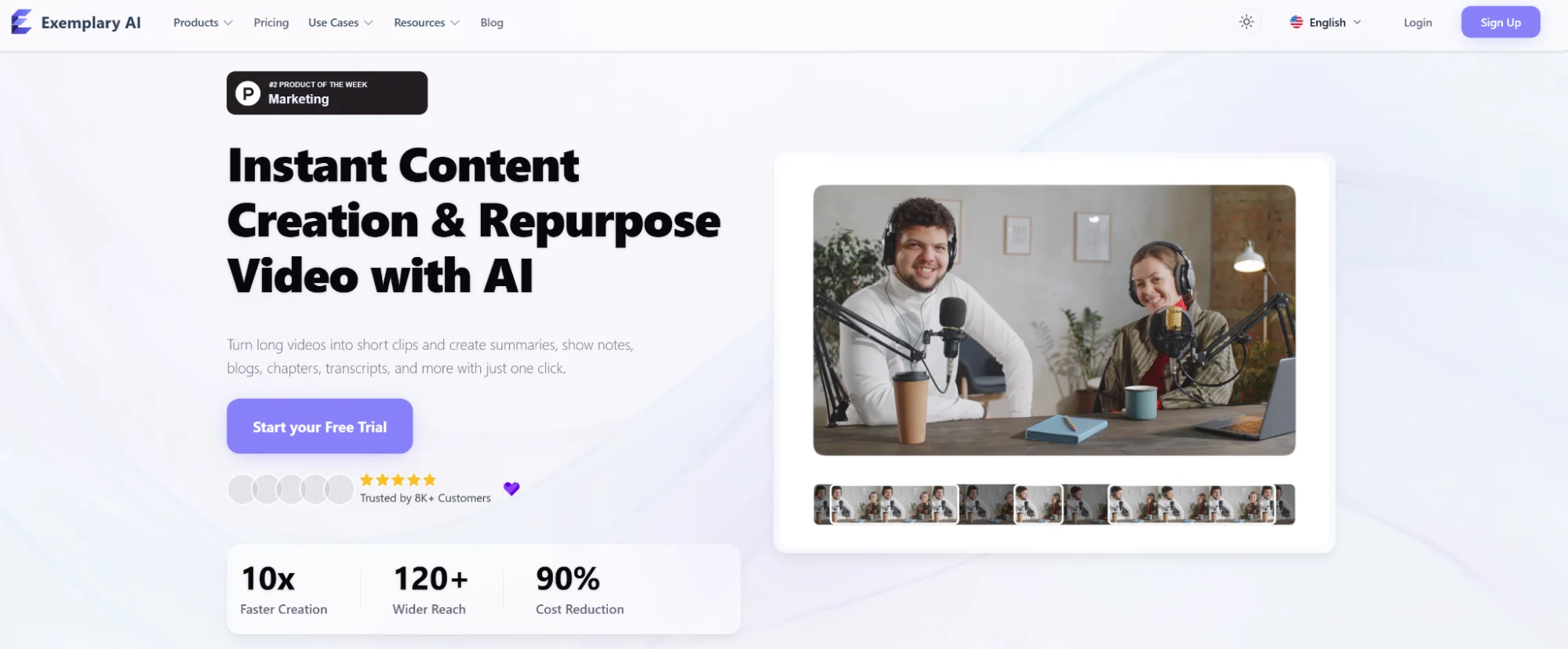
Exemplary AI is a video repurposing tool that generates short videos, summaries, blog posts and captions from existing long-form multimedia assets.
It is known for extracting captivating short clips based on AI virality score to maximize the value of your existing content.
Why Exemplary AI Over Repurpose.io
- AI Clips ranks short-form clips by virality score and auto-frames them for Shorts, Reels and TikTok
- Text-based video editing plus Magic AI Cut removes filler words and silences without touching a timeline
- Transcription in 120+ languages with 95%+ claimed accuracy, plus subtitle and audiogram generation
Exemplary AI’s Key Features
- Trim/cut video directly from the transcript, plus “Magic AI Cut” to auto-remove silences and filler words
- AI Clips turns long videos into short, social-ready clips with auto-framing/aspect-ratio adjustment for YouTube Shorts, Reels and TikTok
- Transcription in 120+ languages with 95%+ claimed accuracy, subtitle/caption generation and audiogram creation
- AI Writer + AI Chat generate blogs, social posts, summaries and titles from the source media
- Integrations with Dropbox, Google Drive and Zoom for importing source content
Exemplary AI’s Pros
- Users praise the transcription accuracy and versatility.
- The ease of use, particularly with text-based video editing, saves content teams time.
- Multilingual transcription works well even for less popular languages like Finnish.
Exemplary AI’s Cons
- A user has reported that the customer support is not up to the mark.
- Some users have also reported accessibility issues.
Exemplary AI’s Pricing
Exemplary AI offers a free plan where you can repurpose 60 minutes’ worth of content to understand the product’s capabilities. The paid tiers are Starter ($16/month, billed monthly for 2400 minutes), Pro ($39/month, billed monthly for 7200 minutes) and Team (custom).
4. ContentStudio
ContentStudio is best for: Social media marketers who want to schedule posts, engage with their audience, generate content and track brand mentions at one place.
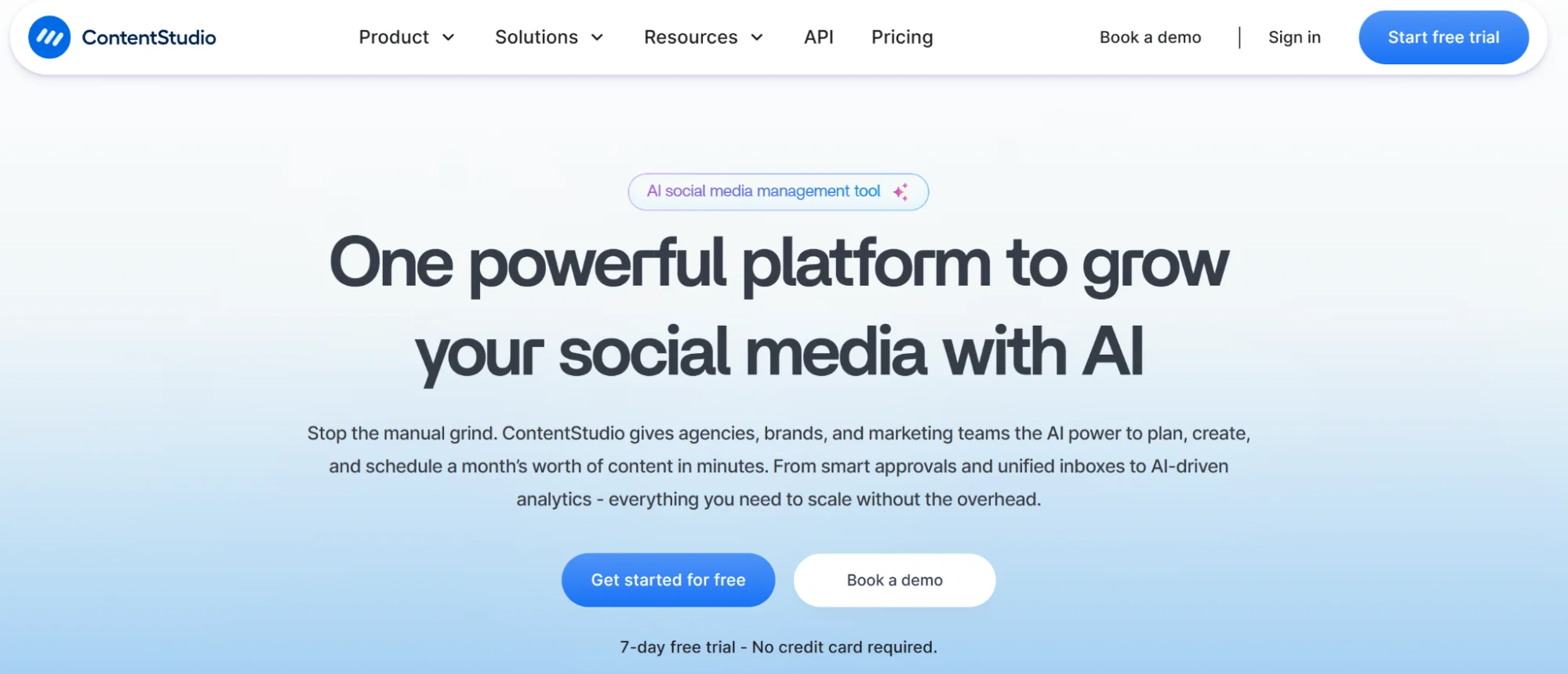
ContentStudio is positioned as a unified social media management software that helps with everything from publishing content and tracking brand mentions. Its AI studio writes captions and generates images for multi-platform publishing, allowing small teams to scale their efforts.
Why ContentStudio Over Repurpose.io
- Unified social media manager that lets you compose, schedule, publish and monitor engagement in one place
- AI content discovery surfaces trending topics and generates captions from long-form content
- Collaboration features like approval workflows, unified inbox, and white-label reports for agencies
ContentStudio’s Key Features
- Compose, schedule, auto-publish and track content performance across major networks
- AI surfaces trending topics/articles for inspiration and generates captions from long-form content
- Content approval workflows and a unified social inbox for teams/clients.
- Analytics and white-label reporting for agencies
- Integration with third-party tools like Canva and VistaCreate
ContentStudio’s Pros
- Users like it for its smooth learning curve and automation features.
- The AI content discovery feature helps save hours during research.
- Offers a stronger value for money compared to options like Buffer and Hootsuite.
ContentStudio’s Cons
- The analytics dashboard could be more detailed.
- The account types can be confusing, and tier feature bundling could be improved.
ContentStudio’s Pricing
ContentStudio offers a free 7-day trial. There are three subscription tiers: Standard ($29/month, billed monthly for five social accounts), Advanced ($69/month, billed monthly for ten social accounts) and Agency Unlimited ($139/month, billed monthly for 25 social accounts).
The number of social accounts can only be changed in the agency plan. The minimum number of accounts is 25.
5. Taja AI
Taja AI is best for: Small teams and solo content creators who need to repurpose content for various social channels.
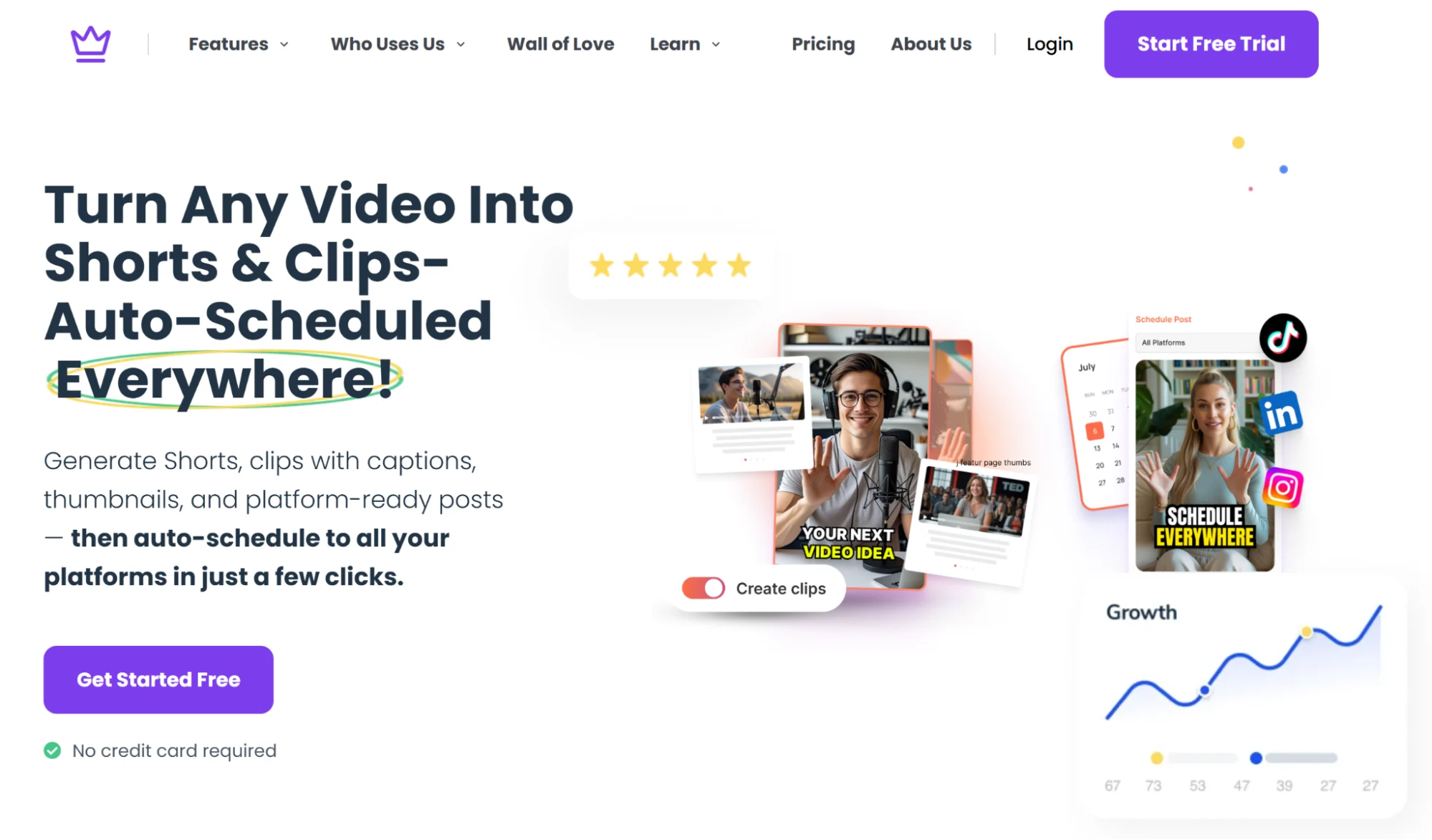
Taja AI converts long-form video assets into short clips and social media posts. Its AI picks the best moments in your YouTube video or podcast episode to cross-post watermark-free videos across multiple platforms.
Why Taja AI Over Repurpose.io
- Turns one long-form video into 27+ format variations with captions and auto-reframing
- Viral Score prediction and live preview help creators pick the strongest clips before publishing
- Auto-generates SEO titles, descriptions, tags and chapters
- Includes a thumbnail generator and next-video keyword ideas
Taja AI’s Key Features
- Auto-generates SEO titles, descriptions, tags and chapters, with a Viral Score prediction and live preview
- Repurposes one long-form video into 27+ formats with captions and auto-reframe
- Content calendar with bulk scheduling to different social media
- Thumbnail generator and next-video keyword ideas
Taja AI’s Pros
- Users complement the upload speed of publishing on YouTube and the thumbnail generator.
- The AI-powered tool claims that it can create nearly four weeks’ worth of content with one click.
- Beginner-friendly interface, making it a great fit for solopreneurs looking to distribute content on their own.
Taja AI’s Cons
- Many users have reported bugs that make it unusable.
- Bulk clip scheduling is limited to YouTube and Facebook.
Taja AI’s Pricing
Taja AI offers a 7-day free trial. There are three pricing plans: Starter ($19.99/month, billed monthly for four videos), Professional ($49.99/month, billed monthly for ten videos) and Teams/Agency ($99.99/month, billed monthly for unlimited videos).
6. Postiv.ai
Postiv.ai is best for: Entrepreneurs and professionals who want to generate leads and start conversations on LinkedIn.
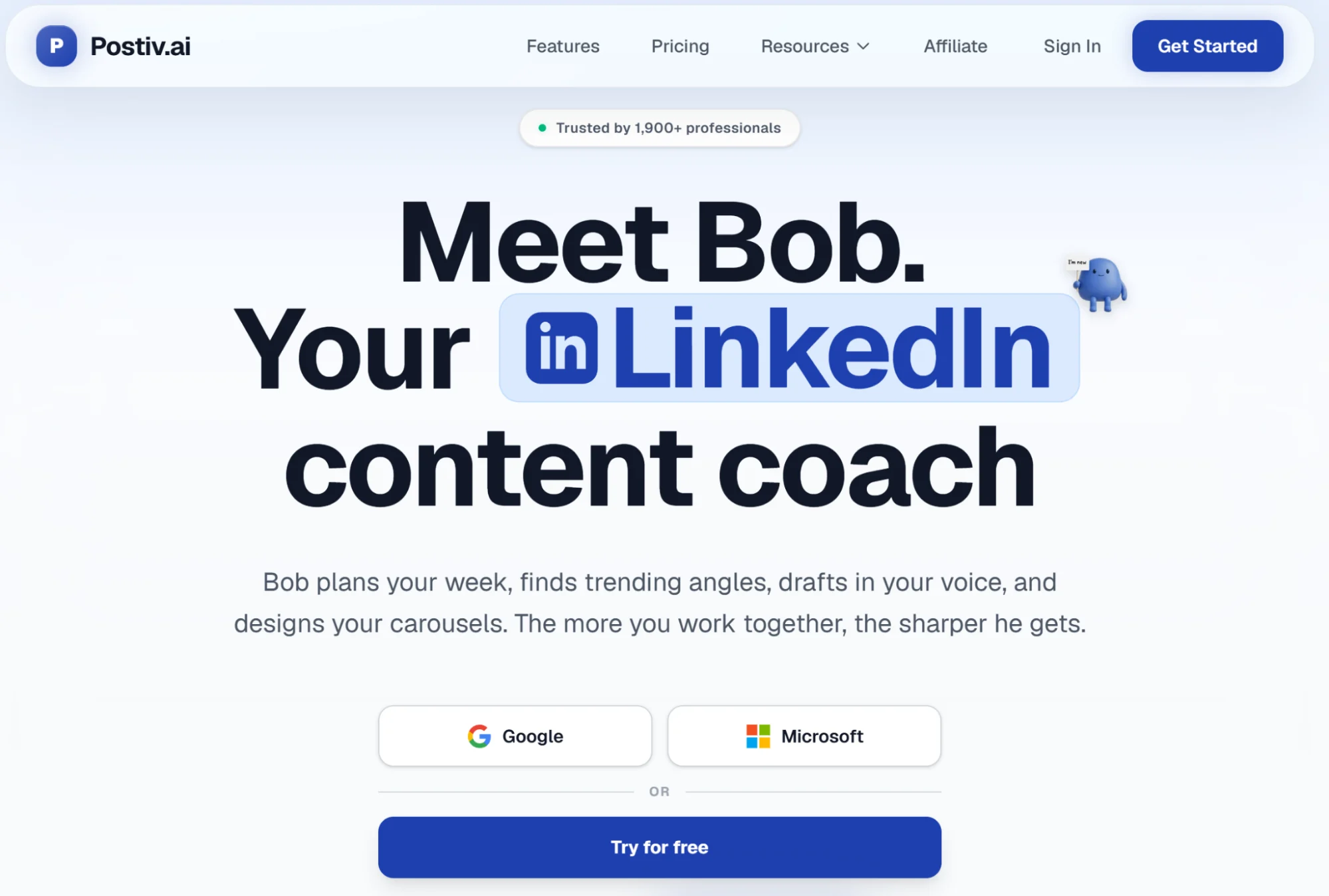
Postiv.ai is a dedicated content repurposing solution for LinkedIn. You can type in your ideas or upload existing content, and the tool’s AI agent will convert it into LinkedIn-native posts.
Why Postiv.ai Over Repurpose.io
- Converts ideas, PDFs, website copy and YouTube channels into LinkedIn-native posts.
- AI voice learning trains on your past posts to generate content that sounds like you
- Weekly content plans generated by an AI agent that pulls from newsletters, websites, and channels of your choice
- Multi-client workspaces and white-labeling for agencies
Postiv.ai’s Key Features
- AI “voice learning” trains on your past posts so drafts sound like you
- The AI agent ingests newsletters, websites, YouTube channels and PDFs to deliver weekly content plans
- Scheduling queues, advanced analytics, built-in carousel builder and curated feed to generate content ideas
- Tools for agencies, such as multi-client workspaces and white-labeling
Postiv.ai’s Pros
- A reviewer on LinkedIn mentions that it produces expert-led content.
- Testimonials from Postiv.ai’s website mention that it saves time when creating content and generates well-designed carousels.
Postiv.ai’s Cons
- The tool can be expensive considering it only helps create and schedule content for one social media channel.
- There are no reviews on independent sites like G2 and Capterra, which can make it difficult to assess the tool’s full capability.
Postiv.ai’s Pricing
The LinkedIn content creation and distribution tool offers a 7-day free trial to help you gauge the efficacy of the features. It has four paid plans based on the number of seats available (billed monthly): Pro ($99/month for one seat), Team Light ($229/month for three seats), Team Pro ($399/month for 20 seats) and Enterprise (custom pricing for unlimited seats).
7. quso.ai
quso.ai is best for: Video creators and brand marketers who want a combined video repurposing and editing software.
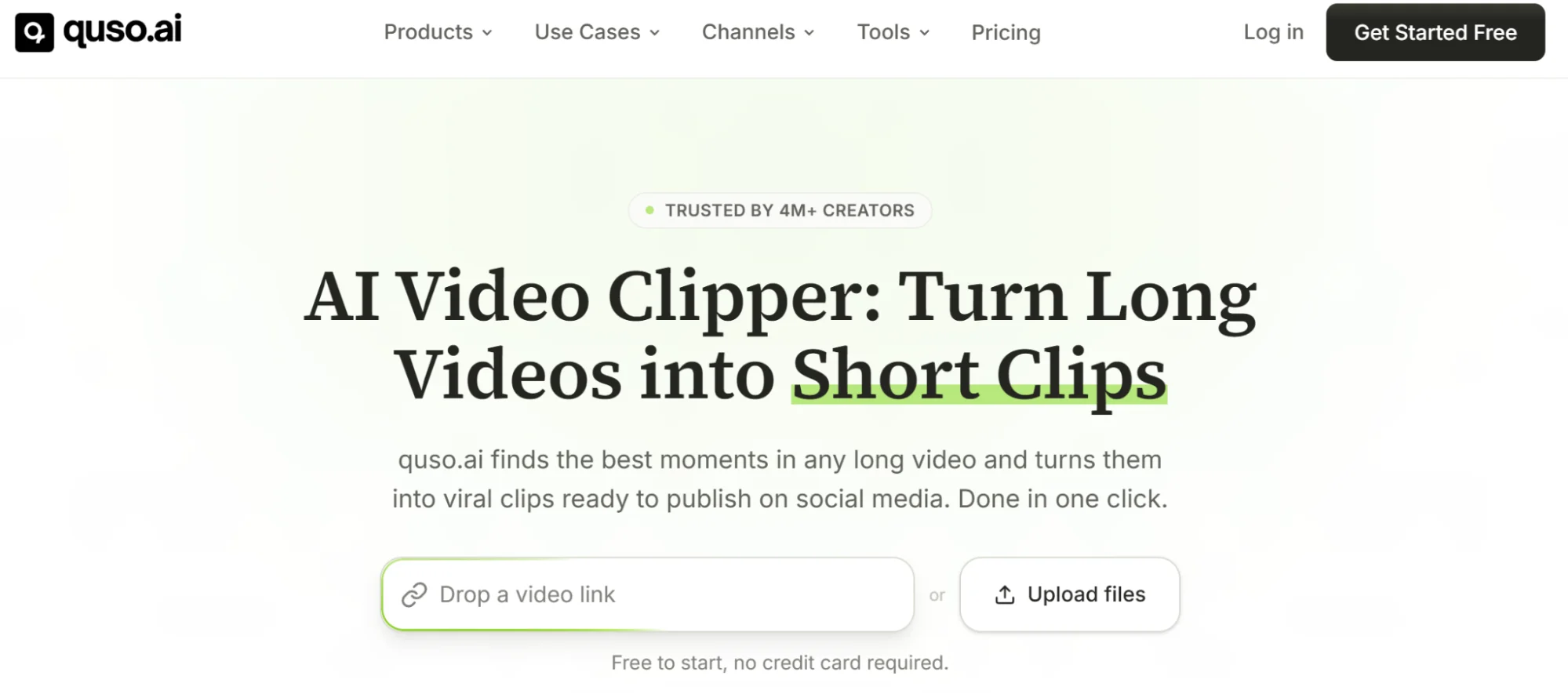
quso.ai (formerly Vidyo.ai) extracts clips from long-form videos. It also comes with an AI-powered video editor where you can resize videos for different channels, enhance them further with customizable templates, add captions or insert text overlays.
Why quso.ai Over Repurpose.io
- Built-in AI video editor for resizing, captioning and adding text overlays inside the same tool
- Brand Kit keeps repurposed clips consistent and agency-grade
- Extracts short clips from long-form video and produces text-based posts across multiple platforms
- Combines editing, scheduling and analytics into a single video marketing workflow
quso.ai’s Key Features
- Converts videos into short clips and text-based content for multiple platforms
- Built-in social scheduling and bulk publishing with an AI content planner and analytics
- Brand Kit (colors, fonts, logos and templates) for consistent, agency-grade repurposing at scale
quso.ai’s Pros
- Reviewers have praised the speed and efficiency at which they can resize 16:9 videos into vertical clips.
- Caption quality is said to rival dedicated subtitle tools.
- The video editing and scheduling tools make it a complete video marketing solution.
quso.ai’s Cons
- A user reported that the company overmarkets the product and account deletion is impossible.
- Overcharges monthly payers significantly because annual fees are ~33% lower with double the credits.
quso.ai’s Pricing
The software has a free plan with 75 credits per month, which is enough to test the product. It has three premium tiers that differ based on the amount of AI credits (billed monthly): Lite ($29/month for 100 credits), Essential ($39/month for 300 credits) and Growth ($49/month for 600 credits).
Note that the pricing per month drops by about 33% if you pay annually for double the credit.
Maximize the ROI of Your Video Content with Distribution.ai
Video content takes a lot of time and effort to produce, so squeezing every bit of value out of it just makes sense.
Turning your videos into text-based posts across LinkedIn, X, Facebook, newsletters and blogs multiplies your reach without adding more filming days to your calendar.
Moreover, different audiences prefer different formats, and being present across channels means more eyes on your ideas.
Distribution.ai handles this heavy lifting for you.
You need to paste a YouTube link, and the platform generates on-brand posts you can edit, schedule and track from one dashboard.
Ready to give your videos a new audience?
Promote, repurpose & distribute your content with AI
Write 10x faster, engage your audience, & never struggle with the blank page again.
Start 15-Day Free Trial
Frequently Asked Questions
Author

Promote, repurpose & distribute your content with AI
Start 15-Day Free Trial