What We Shipped in September: Approval Workflows and a Calendar Built for Bigger Teams
Most of what shipped this month came from one request we kept hearing from agencies and from marketing teams at larger companies and in regulated industries. Let people draft freely, and make sure nothing goes live until the right person signs off. September was about building that. Here’s what landed. Approvals before anything goes live… […]
Most of what shipped this month came from one request we kept hearing from agencies and from marketing teams at larger companies and in regulated industries. Let people draft freely, and make sure nothing goes live until the right person signs off.
September was about building that.
Here’s what landed.
Approvals before anything goes live…
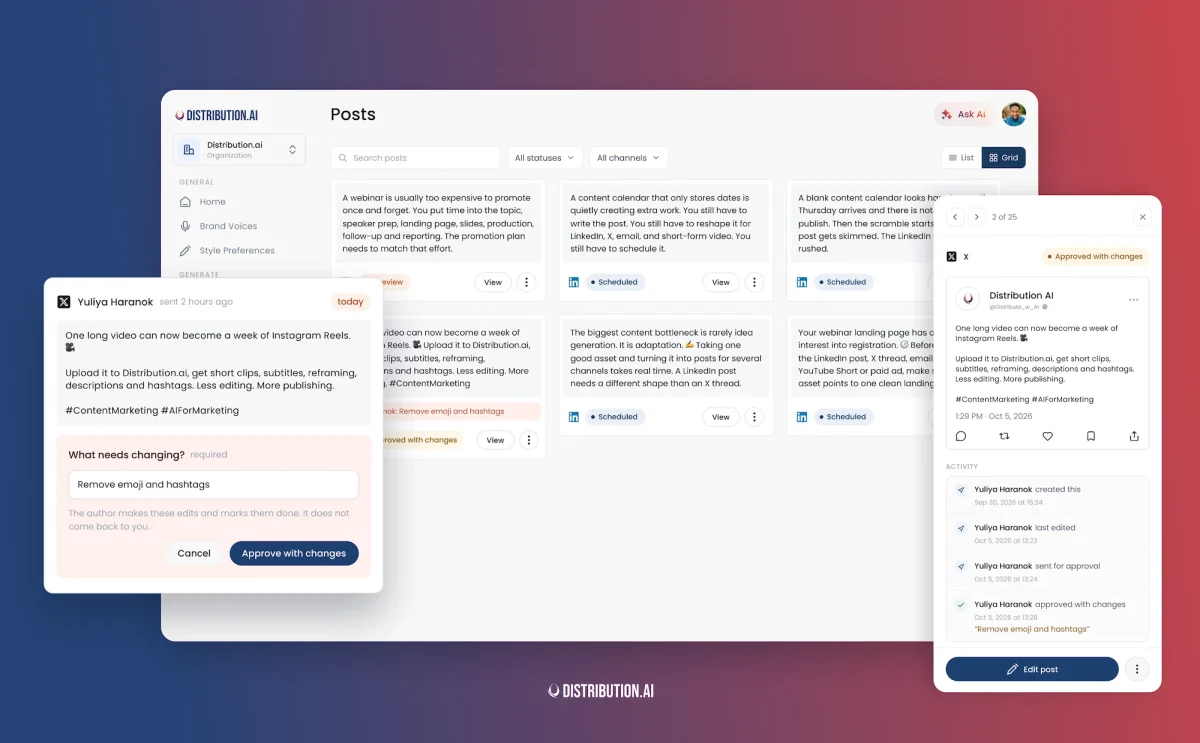
Organizations can now turn on post approvals. Once it’s on, a draft has to be approved before anyone can schedule or publish it.
Invite a teammate as an approver. Writers submit posts for review. The approver gets an email with a preview of the post, approves or declines it, and the writer sees the decision on the post itself. A badge in the sidebar shows how many posts are waiting.
Submitted something too early? Withdraw it from review and keep editing. Approvers can also set how they want to be notified, so a busy week doesn’t turn into forty separate emails.
Every post in one place, with its history
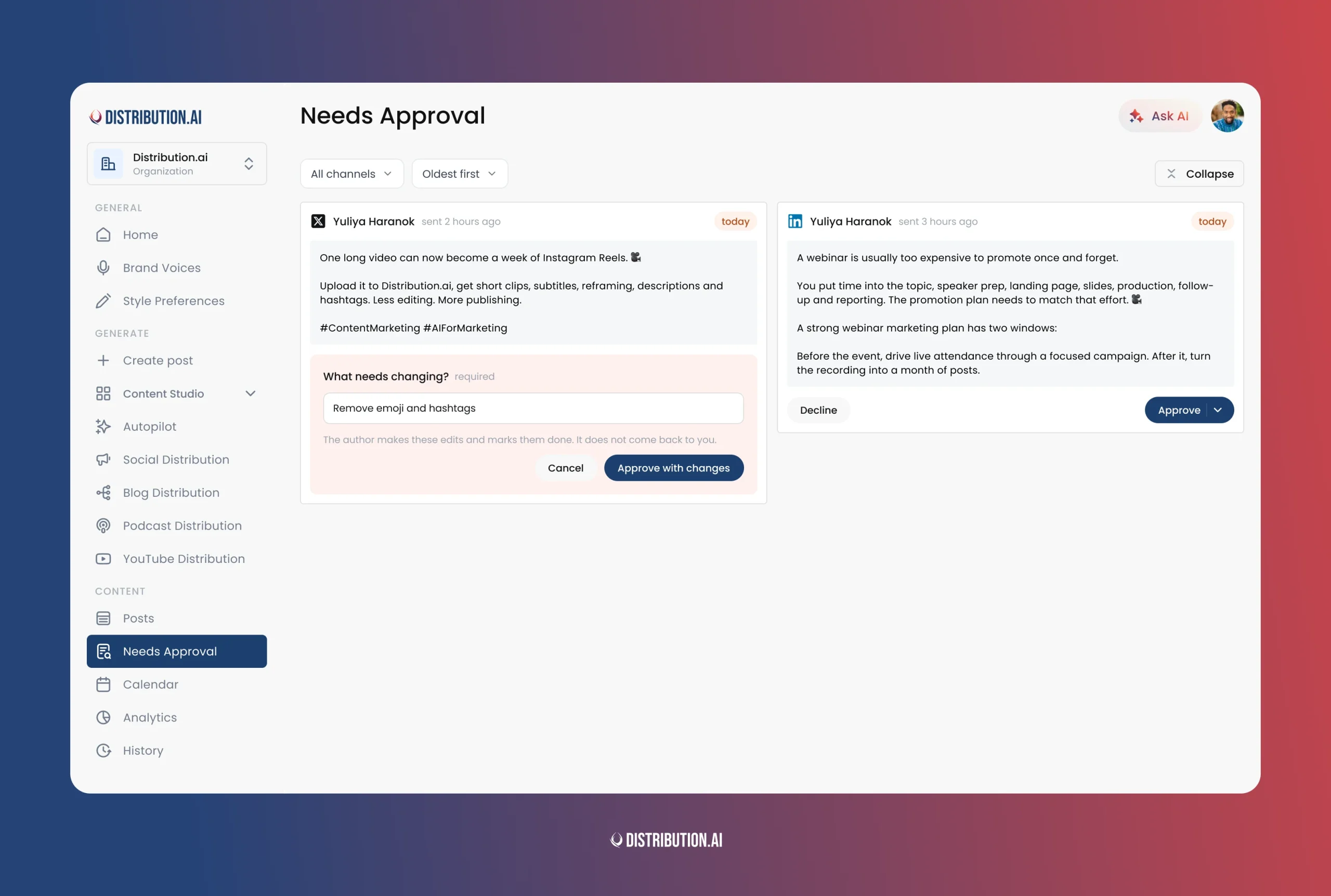
The new Posts page holds everything you’ve saved, along with where each post stands.
Each post now keeps an activity log. Who submitted it, who approved it, when it moved to the calendar.
Export posts for review outside the app
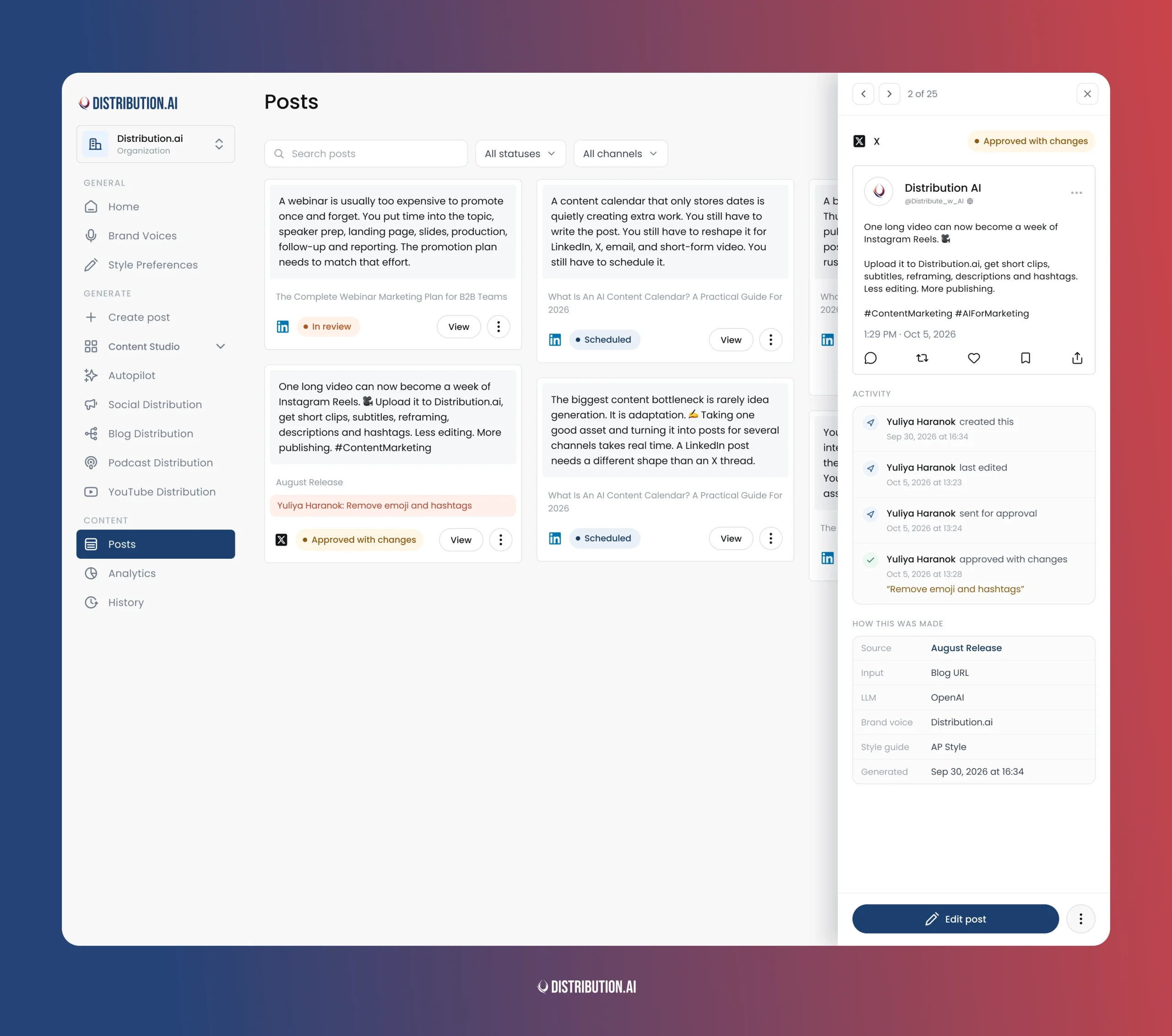
Some clients will never log into another tool. Export handles them.
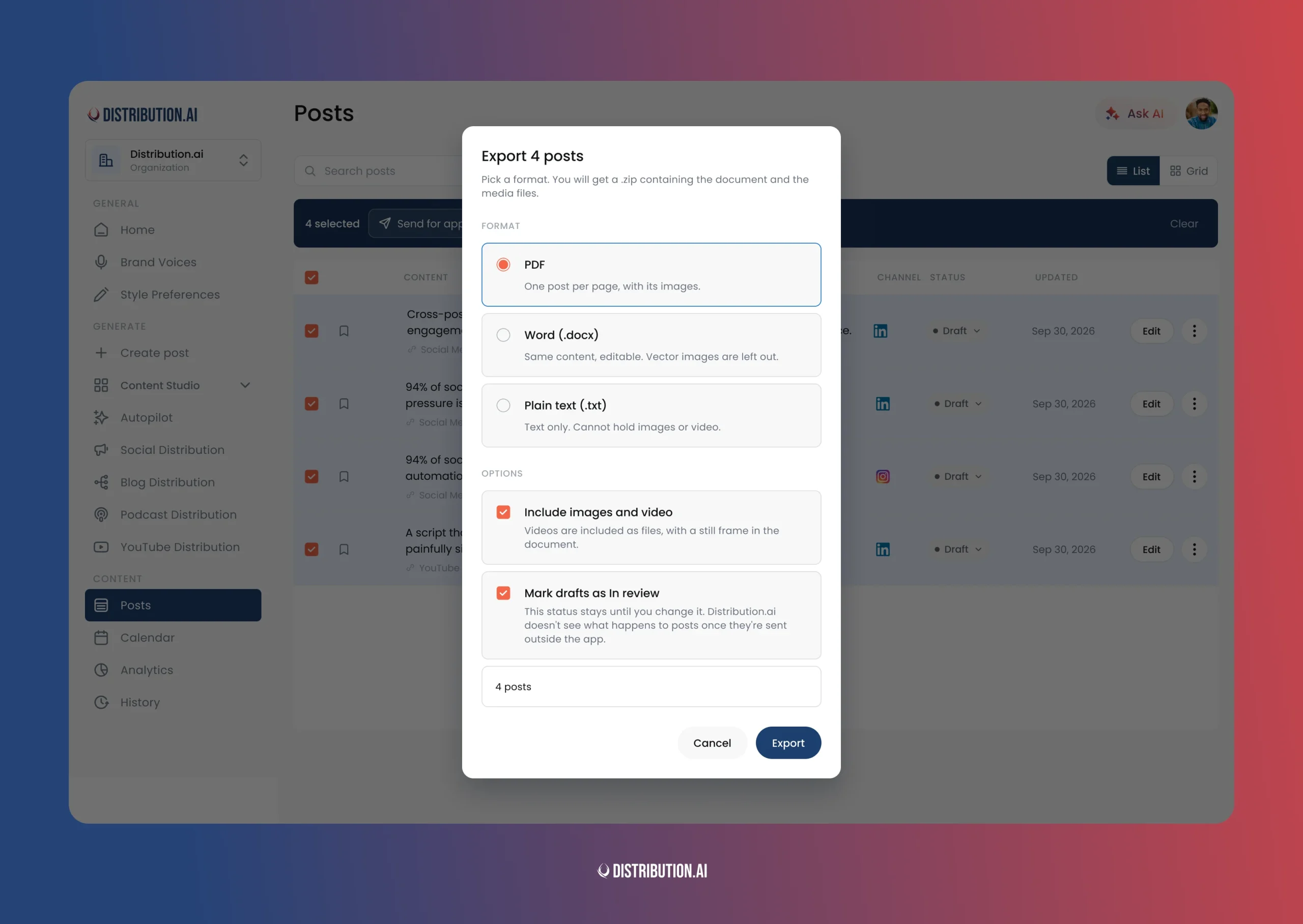
Select your posts and download them as PDF, Word, or plain text. Exported drafts are marked as in review, so you can see which posts are out with the team.
Find out when a channel stops posting
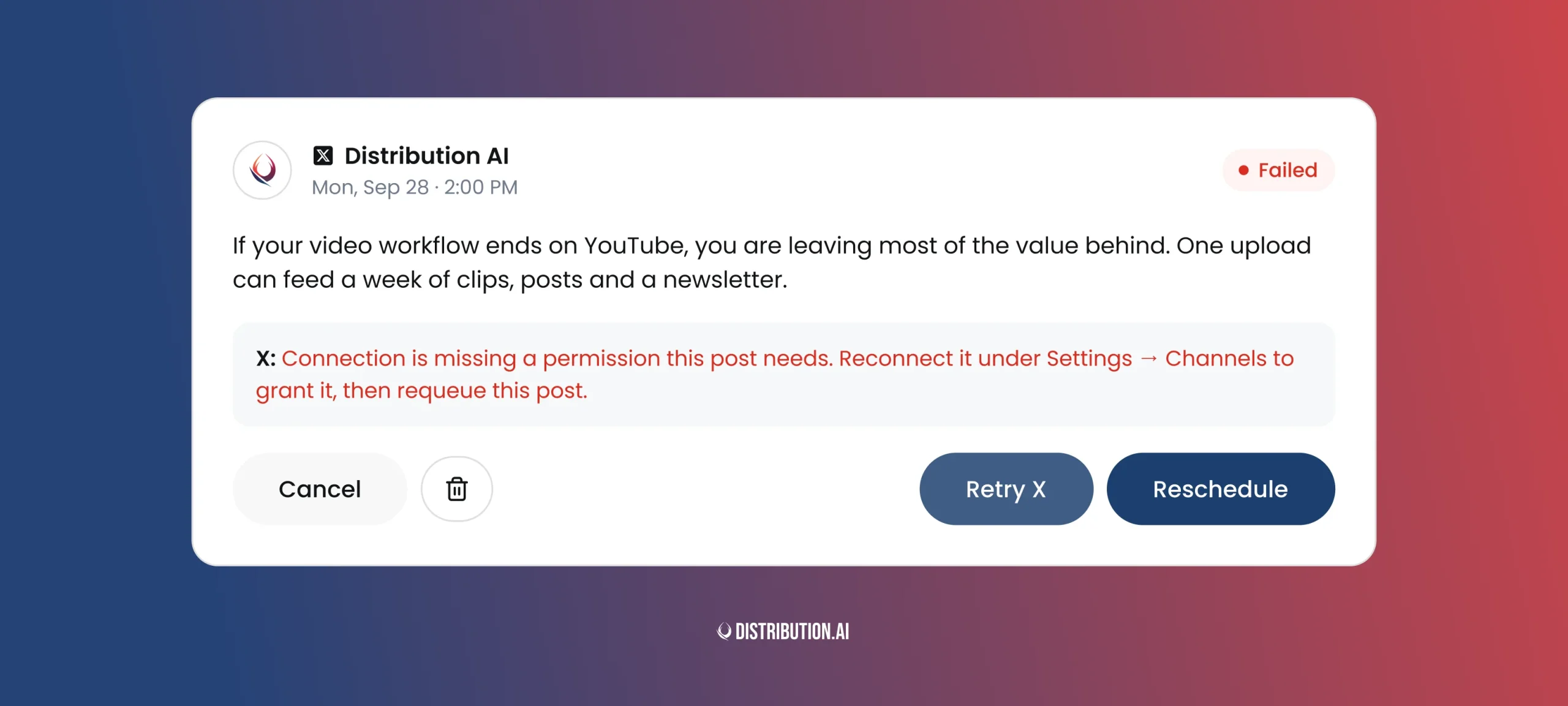
Social platforms disconnect accounts quietly. Until now, you’d usually notice after some of the planned posts had already failed.
Now we notify you when a connected account is about to expire or stops working. Disconnected channels show up right on the Calendar. Most channels have their own reconnect button, so fixing it takes seconds.
It might sound simple… But it’s absolutely key in the age of constant platform changes!
We built a calendar that’s easier to run
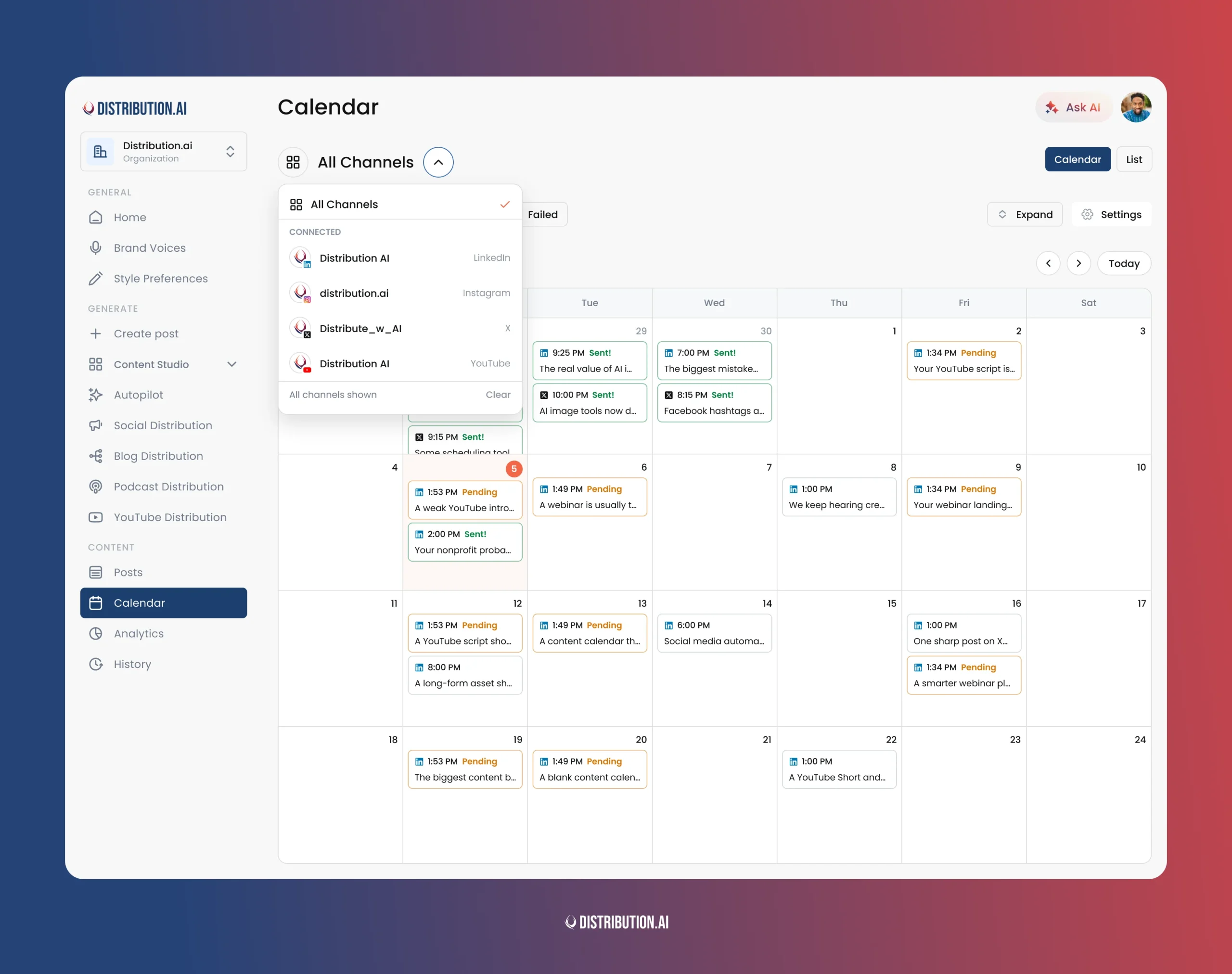
You can now filter the Calendar by individual channel. If you manage social for several brands, show only one brand’s channels and plan its week without the noise from the others.
Re-queueing a post also keeps the dialog open now. Move five posts in a row without reopening it five times.
Where this is going
August closed the small gaps between one piece of content and five platform-native posts.
September made that path work for a team, with review, sign-off, and a record of every decision.
October is a big one.
We’ve been testing something internally for weeks and can’t wait to show you!
Every feature in this post exists because someone was using the product and told us where it slowed them down. If something in your workflow still takes longer than it should, tell us. It’s the shortest route onto the roadmap.
Start distributing: app.distribution.ai
Promote, repurpose & distribute your content with AI
Write 10x faster, engage your audience, & never struggle with the blank page again.
Start 15-Day Free Trial
Frequently Asked Questions
Author

Promote, repurpose & distribute your content with AI
Start 15-Day Free Trial