


10 Best Content Repurposing Tools in 2026
Discover the best content repurposing tools to turn one blog, podcast, or video into high-performing content across channels.
One strong blog post can do more than sit on your site and wait for clicks.
With the right AI content repurposing tools, you can turn existing content into multiple formats like social media posts, video clips, LinkedIn posts, and even presentation slides without spending hours rewriting everything.
In this guide, you’ll see how content repurposing works, which tools are worth using, and a simple way to keep your brand voice consistent while reaching a wider audience across different platforms.
What Is Content Repurposing?
Content repurposing means taking existing content and reworking it for different formats and different platforms.
Instead of creating the same content again, you adapt content so one blog post can become social media posts, LinkedIn posts, presentation slides, short form content, and even scripts for videos.
Repurposing content helps you reach a broader audience, keep your audience engaged, and share value across multiple platforms.
Why Repurpose Content?
1. Save Time Without Sacrificing Quality
Most of the hard work happens in the first draft. Once you publish a blog post, you already have the key points, examples, and structure.
Content repurposing lets you reuse that foundation to create social media posts, LinkedIn posts, and social captions in a few clicks, with far less manual effort.
2. Meet Your Audience Where They Already Are
Your target audience does not live in one place.
Some find you on search engines, some scroll social media platforms, and some prefer video content.
Repurposing content helps you reach a wider audience across multiple platforms and different social media platforms without sounding like you are repeating the same content.
3. Get More Mileage From Your Best Work
A detailed blog post or long form content should not get one chance to perform.
Turning blog posts into other formats keeps your blog content useful long after it is published. It is an easy way to give valuable content new life and keep your audience engaged.
4. Strengthen Performance Across Channels
Repurposing content creates more entry points, which can help search rankings and organic traffic over time.
One long form article can support search results, while the repurposed pieces drive attention from social media and various platforms back to your site.
It is a simple content marketing habit that helps you show up more often, without constantly starting over.
5. Protect Your Brand Voice as You Scale
Publishing in multiple formats can get messy fast.
Content repurposing tools make it easier to keep your brand voice and brand identity consistent, even when you are moving quickly. The goal is not to post everywhere.
The goal is to show up on different platforms with relevant content that feels like you every time.
10 Best Content Repurposing Tools for 2026
1. Distribution.ai
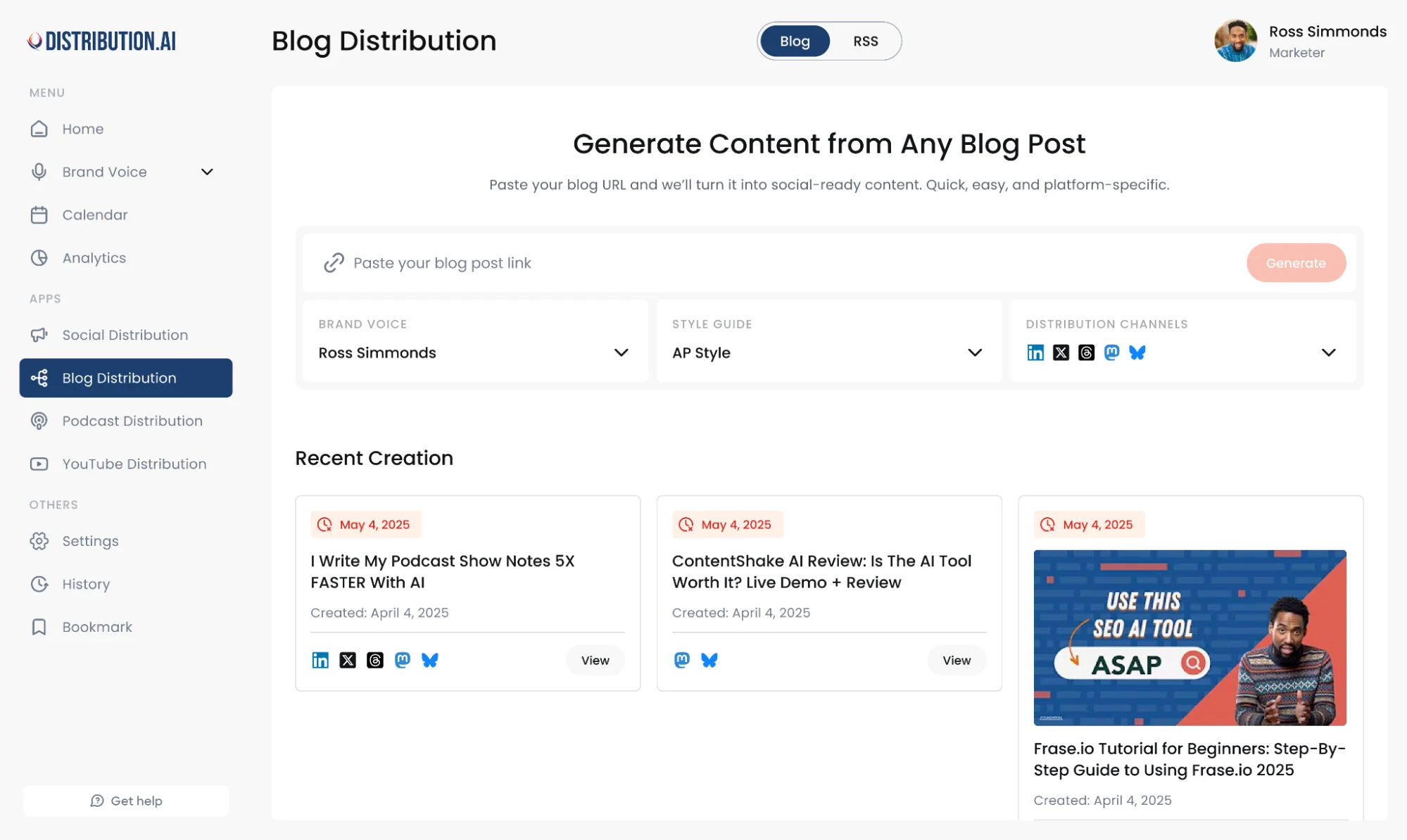
If you want a repurposing tool that does more than rewrite text, DAI is one of the few content repurposing tools built to solve the real problem: distribution.
You drop in your existing content (a YouTube video, podcast audio, or blog content), and DAI uses artificial intelligence to turn it into platform-ready assets you can publish across social media platforms without living in spreadsheets.
Why it stands out for content repurposing
- Video-first repurposing: DAI can convert video content into high-impact written content like a blog post, long form articles, and social media posts, so your best videos stop being one-and-done. You can also upload your podcasts or use your blogs to repurpose and distribute content across channels.
- Brand voice control: You can set brand voice guidelines so the outputs stay consistent with your brand identity, even when you are creating in multiple formats for different platforms.
- Built for speed: It focuses on generating usable short form content fast, which makes repurposing content feel like a few clicks instead of hours of manual effort.
What you can create from one source asset
- Social posts for different social media platforms, including LinkedIn posts and short updates
- Social media snippets and social captions pulled from your key points
- Blog content and long form content based on your videos or podcasts
- Repurposed assets that help you schedule posts and move across platforms quickly through automated workflows
Best for: Teams doing content marketing who want a practical way to transform existing content into different formats, stay consistent, and reach a broader audience on multiple platforms without sacrificing quality.
2. Quso.ai
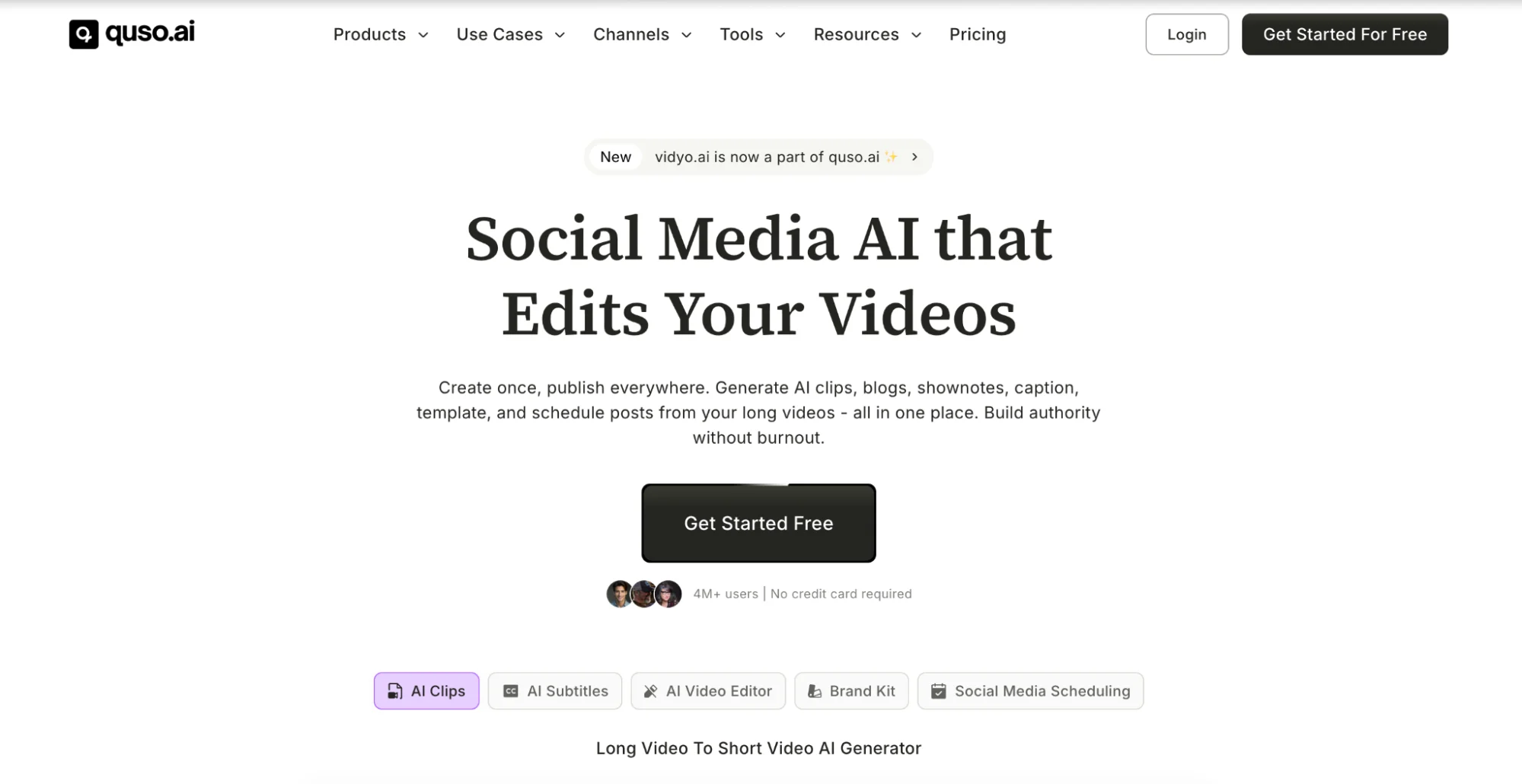
If your repurposing workflow starts with video content, Quso.ai is a strong next pick.
It is built for turning a YouTube video or other videos into platform-ready video clips fast, so you can post consistently across social media platforms without doing all the chopping and trimming by hand.
Why it fits this list
- Made for short clips: Upload a video and generate short clips that work for Shorts, Reels, and TikTok, which helps you move across different platforms quickly.
- Quick editing in a few clicks: The workflow is designed to reduce manual effort so you can create content faster and keep your audience engaged.
- Great for multi-format repurposing from video: Once you have the clips, it becomes much easier to build social media posts, social captions, and other formats around those key moments.
Best for: Creators and marketing teams who want a video-first repurposing tool to produce consistent short form content for different social media platforms, and reach a wider audience with less manual effort.
3. Descript
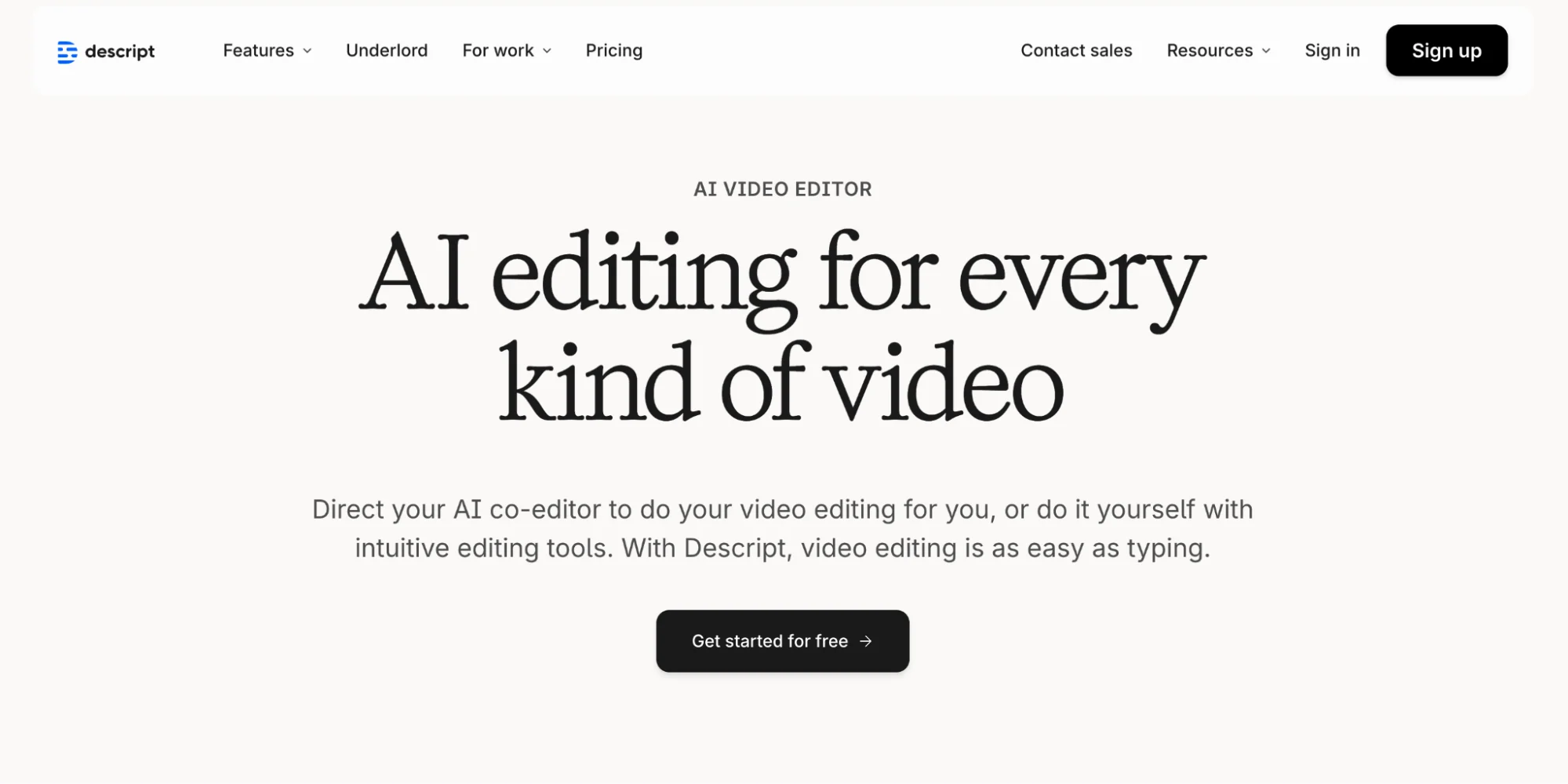
Descript is a practical option if your starting point is audio content or video content and you want a cleaner way to edit it.
It turns podcast episodes and videos into text, so you can edit by tweaking the transcript instead of scrubbing a timeline.
That makes it easier to pull key moments, cut video clips, and create short clips that work across different social media platforms.
Why it is useful for repurposing content
- Transcript-first editing: You can reshape long form content by editing the words, then export updated videos.
- Fast clip creation: Easier to turn one recording into short form content for social media platforms.
- Great for written content outputs: Transcripts can become blog content, social media snippets, and social posts when you need multiple formats.
Best for: Teams repurposing podcast audio and videos who want a straightforward way to create video clips and written content with less manual effort.
4. Designrr
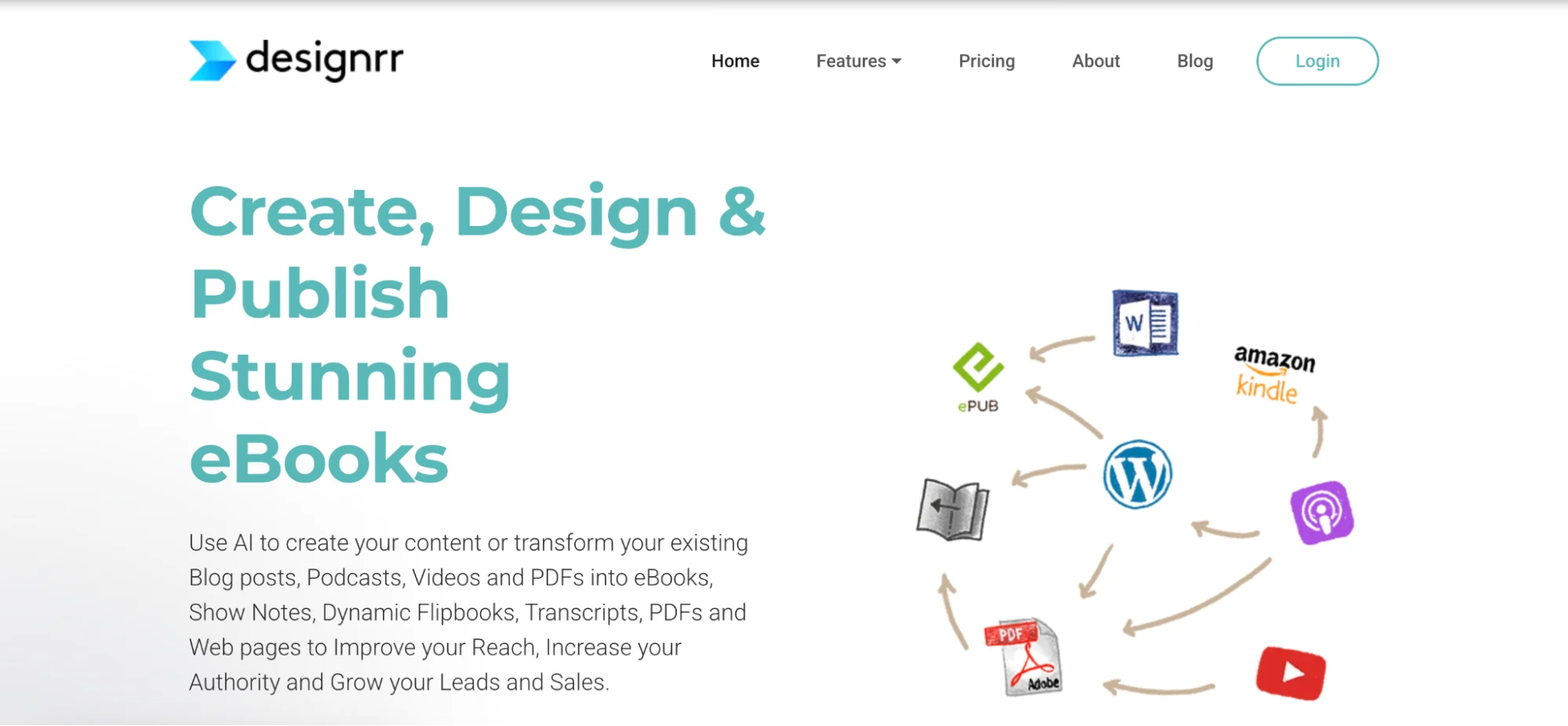
Designrr is a practical pick when your goal is to turn existing content into downloadable assets.
It is built for transforming blog content, podcast episodes, video content, and written content into presentation-friendly formats like ebooks, PDFs, flipbooks, web pages, and transcripts.
Why it is useful for content repurposing
- Creates new formats from the same content: Great for turning blog posts into lead magnets, guides, and presentation slides style documents that work across different platforms.
- Helps package long form content: If you have long form articles or podcast audio, it gives you a clean way to produce content formats your target audience can save and revisit.
- Keeps repurposing content focused on value: Instead of pumping out endless social media posts, you can build relevant content that supports content marketing and reaches a broader audience with valuable insights.
Best for: Marketers who want a repurposing tool for turning blog posts and videos into other formats like ebooks and PDFs, so their valuable content can get new life beyond search engines and social media platforms.
5. Dropbox Dash
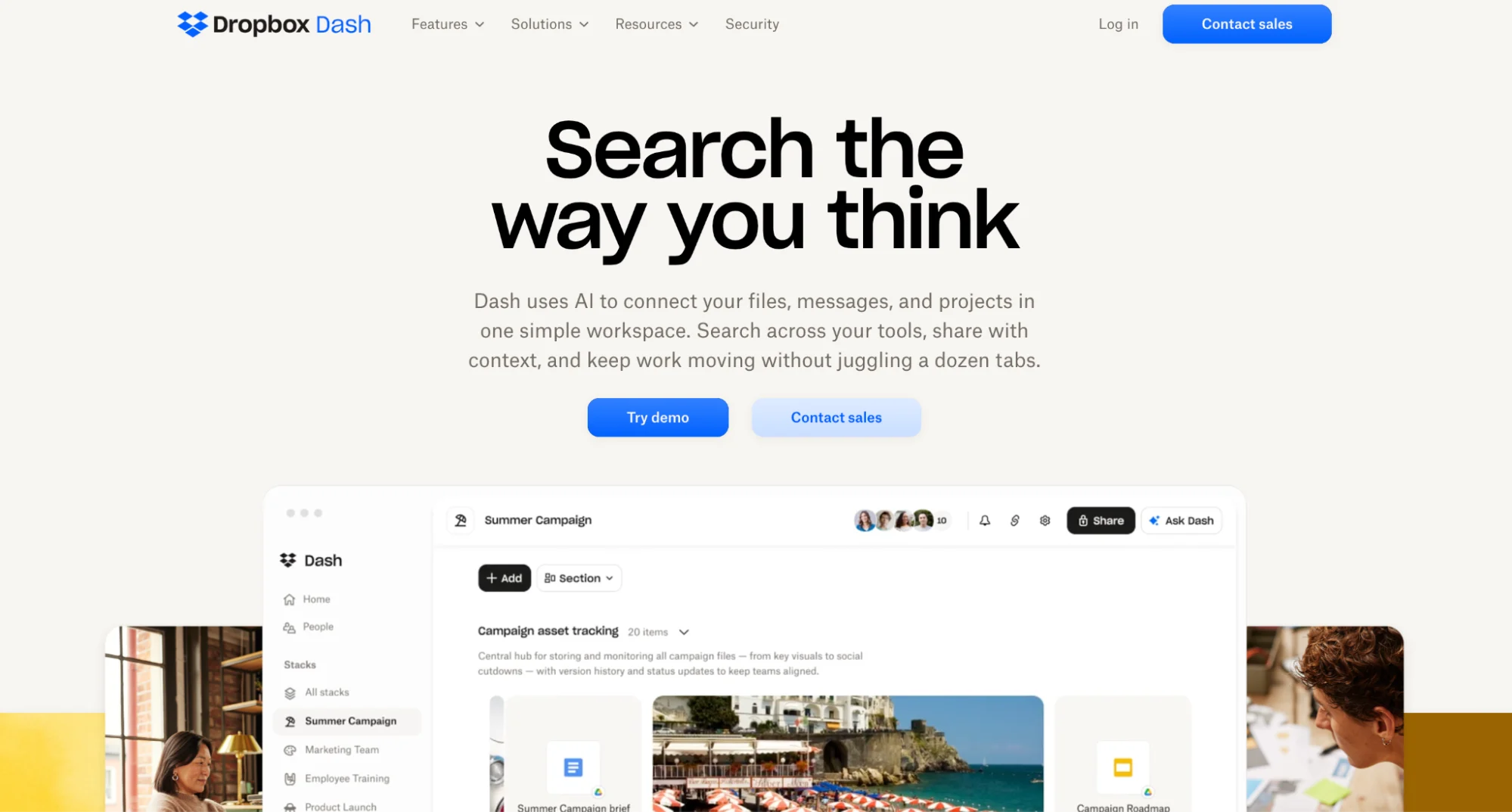
When your team has years of decks, docs, campaigns, and video content scattered across tools, content repurposing often dies before it starts because nobody can locate the right source asset.
Dash is designed to fix that with AI-powered universal search across connected apps and file types, so you can pull up relevant content quickly even if you only remember part of it.
Why it matters for content repurposing
- Turn existing content into usable inputs, faster: Dash helps you surface the exact blog content, presentation slides, or past campaign files you need to transform existing content into different formats.
- Extract key points without reading everything: With Ask and Summarize, you can pull key points and valuable insights from long form content, then reuse them for social media posts, LinkedIn posts, and social media snippets.
- Reduce manual effort at the messiest part of the process: Most repurposing tool workflows assume you already have your source files ready. Dash helps you get there with fewer tabs and fewer searches.
Best for: Teams doing content marketing across multiple platforms want a cleaner way to find relevant content, keep everyone aligned on the same content, and move from search to creation across various platforms quickly.
6. Castmagic
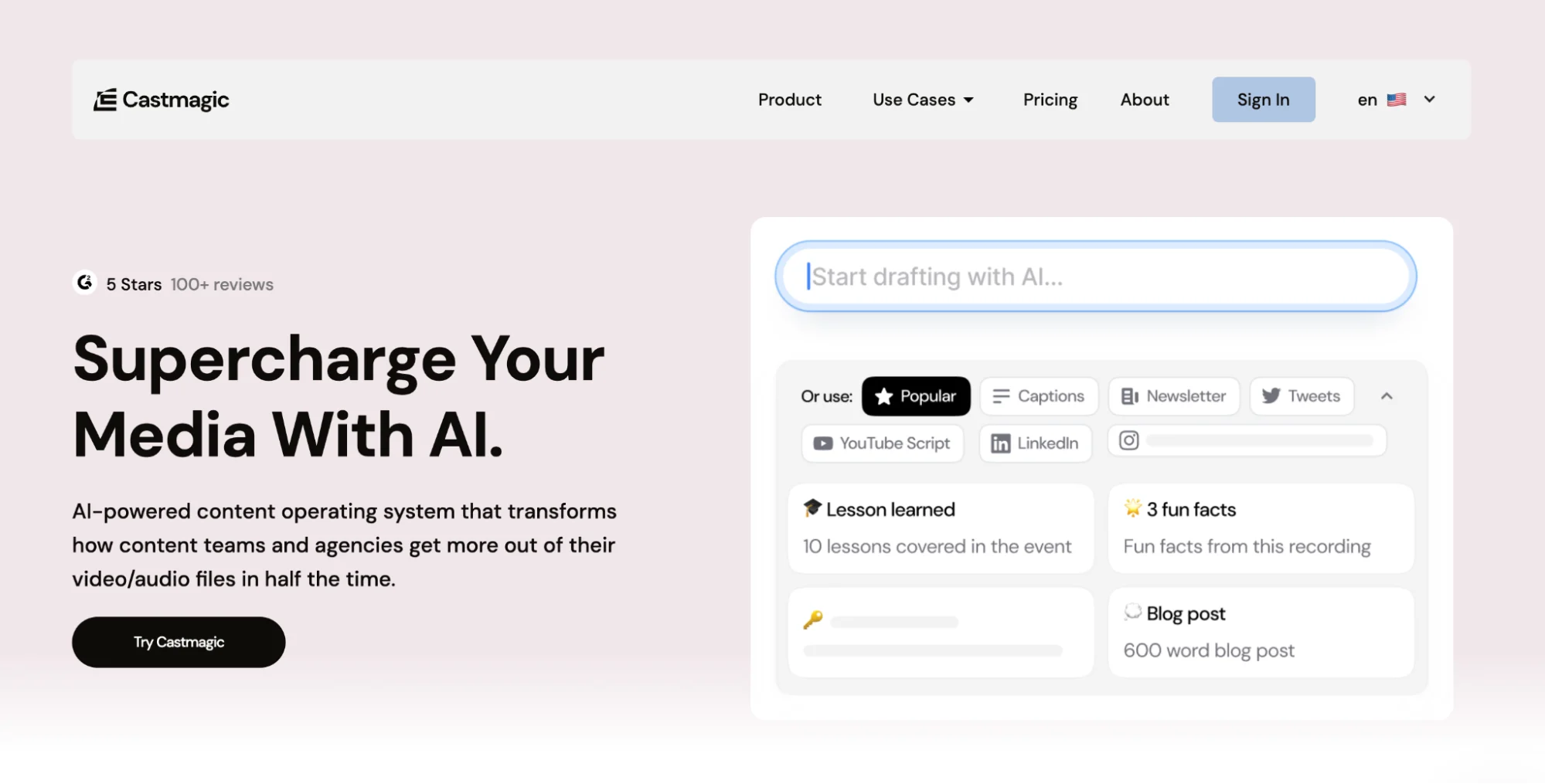 Castmagic is a solid pick when your best ideas live in podcast episodes or video content, but the follow-up work keeps getting pushed.
You upload podcast audio or a YouTube video, and it quickly turns that existing content into usable written content like transcripts, summaries, highlights, quotes, and social media posts.
Why it helps with content repurposing
- Finds key points fast: It pulls key moments and key points from long form content, so you are not rewatching or relistening just to write captions.
- Turns one recording into multiple formats: Helpful for creating social media snippets, social captions, and even a draft blog post or blog content you can polish for search engines.
- Cuts down manual effort: The workflow is built to save time and make repurposing content feel doable, even when you publish on multiple platforms and different social media platforms.
Best for: Creators and teams who want a straightforward repurposing tool for turning audio content and videos into different formats that keep the audience engaged across different platforms.
7. Lumen5
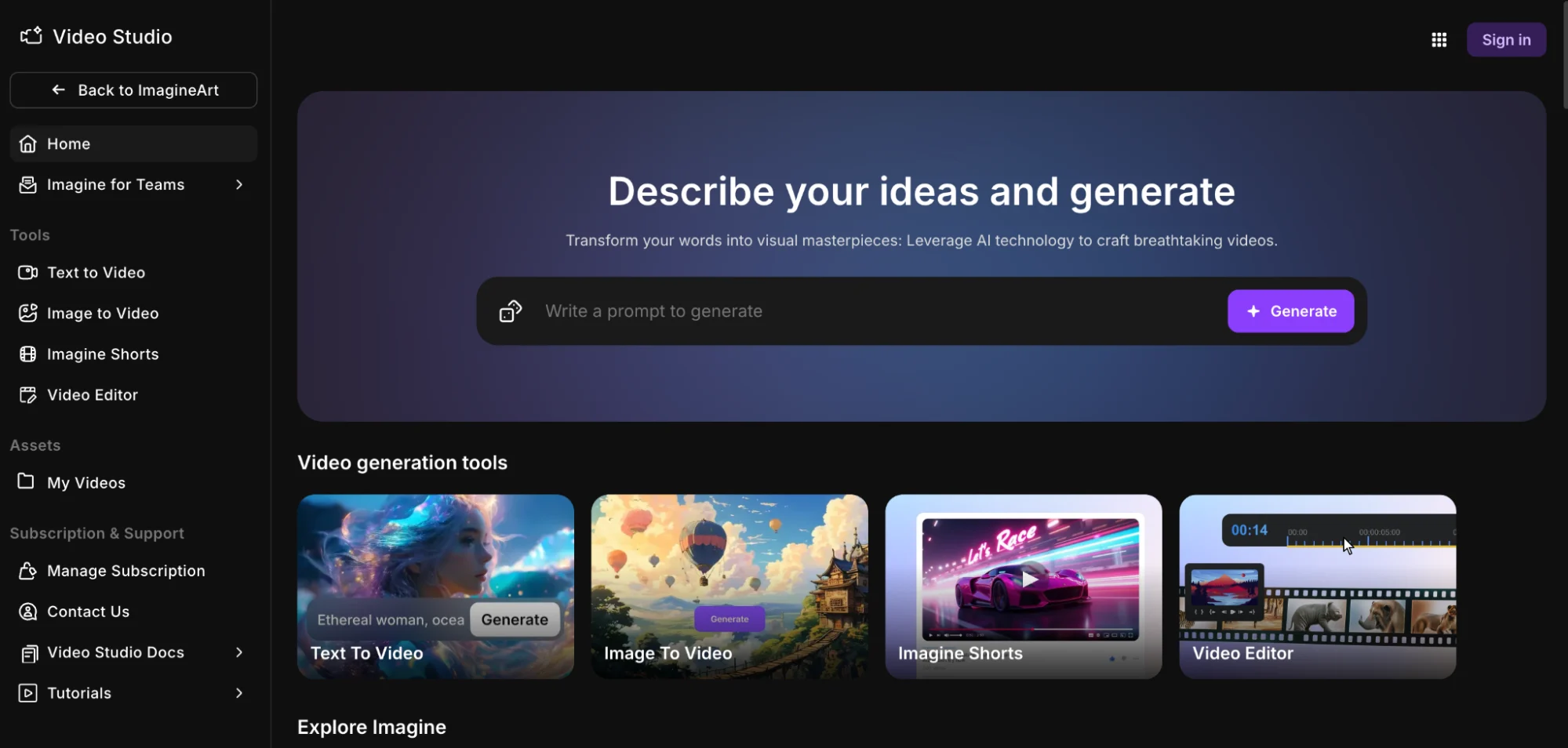
Lumen5 is for the days when you have a solid blog post, but you know your audience will actually notice it as video content.
You drop in your written content, and it uses artificial intelligence to pull the key points and build a video draft you can tweak and publish.
It is a simple way to repurpose content into short form content that fits social media platforms without turning your calendar into a full-time editing job.
Why it is useful for content repurposing
- Turns blog content into videos quickly: Helpful for turning blog posts into video content for different platforms quickly, with less manual effort.
- Makes the same content feel fresh: You can transform existing content into different formats, so one article can show up as a video in search results, social posts, and social media snippets.
- Built for content marketing teams: Great when you want to save time, stay consistent, and reach a broader audience across multiple platforms.
Best for: Marketers who want a repurposing tool that gives written content new life as video content, so you can stay visible on social media platforms while your long form content keeps working on search engines.
8. Headliner
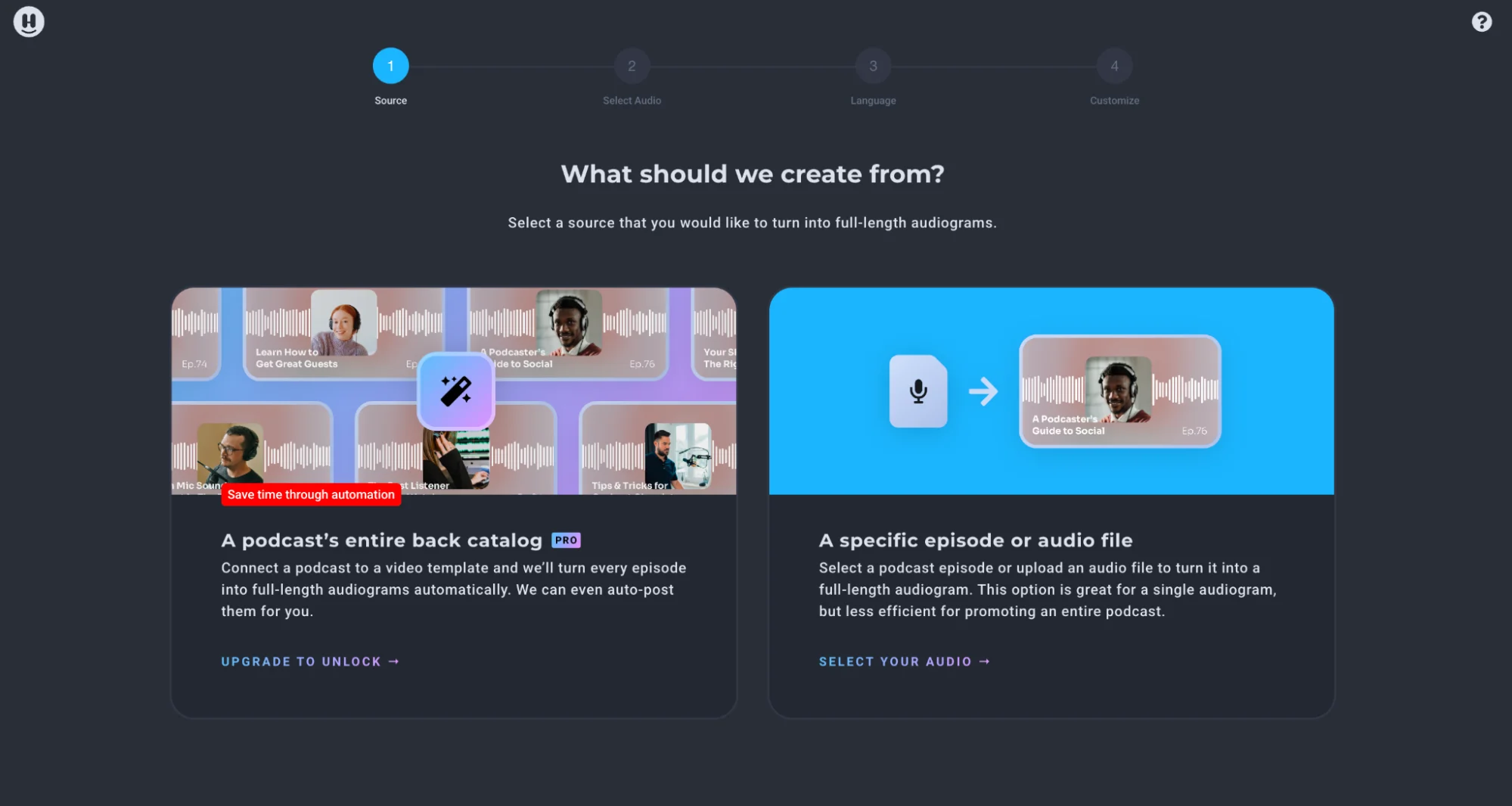
Headliner is a great niche repurposing tool when your starting point is podcast audio or other audio content, and you want it to play nicely on social media platforms.
It helps you turn podcast episodes into shareable videos like audiograms and podcast clips, which is an easy way to repurpose content for different social media platforms without needing full video production.
Why it is useful for content repurposing
- Turns audio into video content: Helpful when you want video content but your existing content is mostly podcast audio.
- Makes key moments easier to share: You can highlight key moments from long form content and publish short clips that keep the audience engaged.
- Built for platforms quickly: It is designed to help you move from one episode to multiple formats that work across different platforms.
Best for: Podcasters and marketers who want to transform existing content into short form content for social media, reach a wider audience, and keep content creation moving with less manual effort.
9. Rev
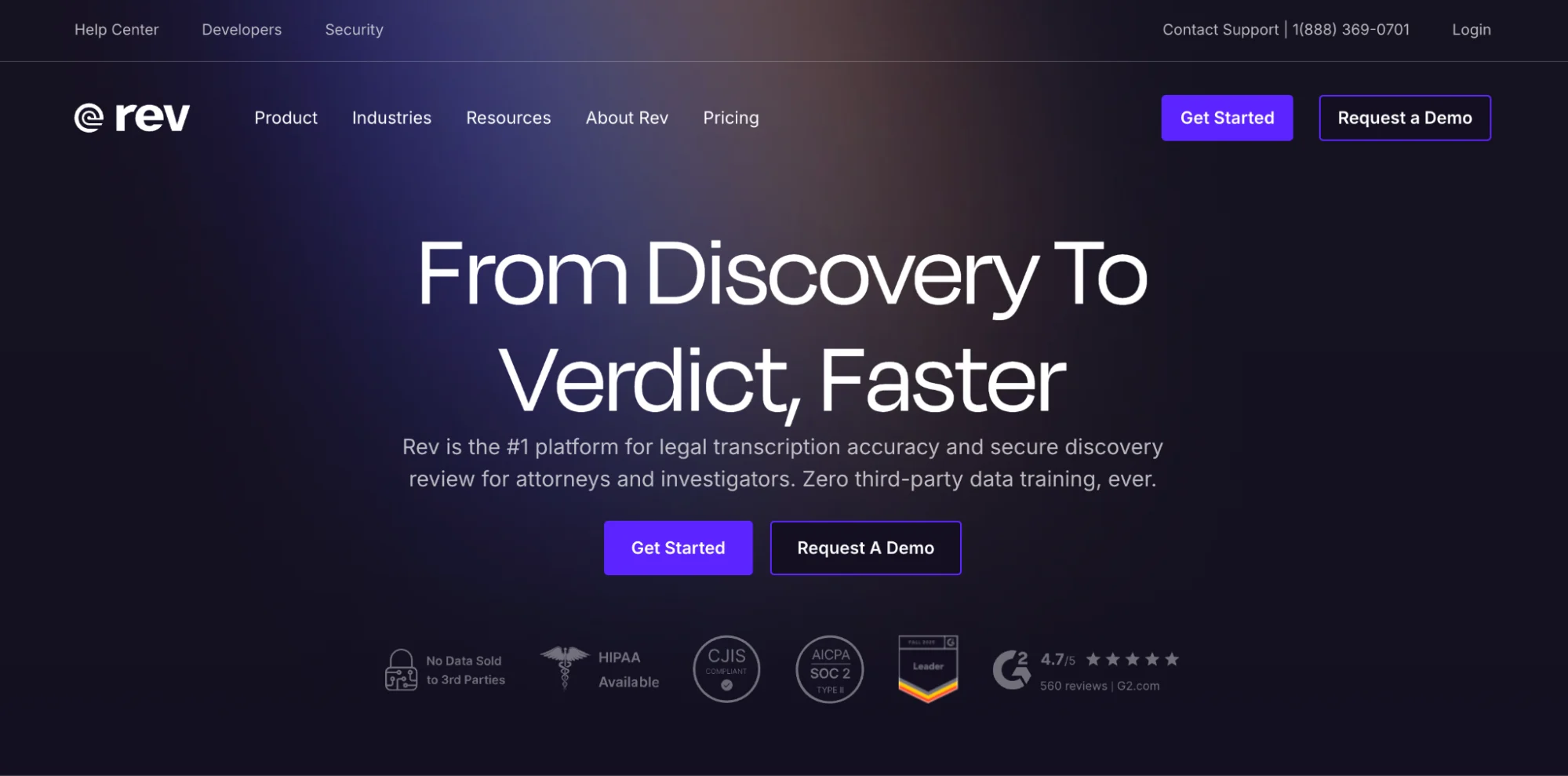
Rev is best known for turning audio content and video content into accurate written content, and it leans hard into use cases where precision and security matter, especially for legal teams doing discovery review.
For content repurposing, that means it can be a reliable way to get a transcript and captions when your source is a YouTube video or podcast audio.
Where it helps in repurposing content
- Creates a clean transcript you can reuse: Once you have text, it is easier to pull key points, spot key moments, and adapt content into social media snippets, social captions, and social media posts for different platforms.
- Captions for video clips: Helpful when you are publishing short form content on social media platforms where captions keep the audience engaged.
- Privacy controls exist, but check settings: Rev notes that customers can opt out of sharing data for training by contacting support, so teams should confirm the right setup for their needs.
Who is this for?
If you want, I’ll also tighten the keyword usage inside this section so it feels natural and not “stuffed,” while still hitting terms like content repurposing, existing content, multiple formats, search engines, and different platforms.
10. Piktochart
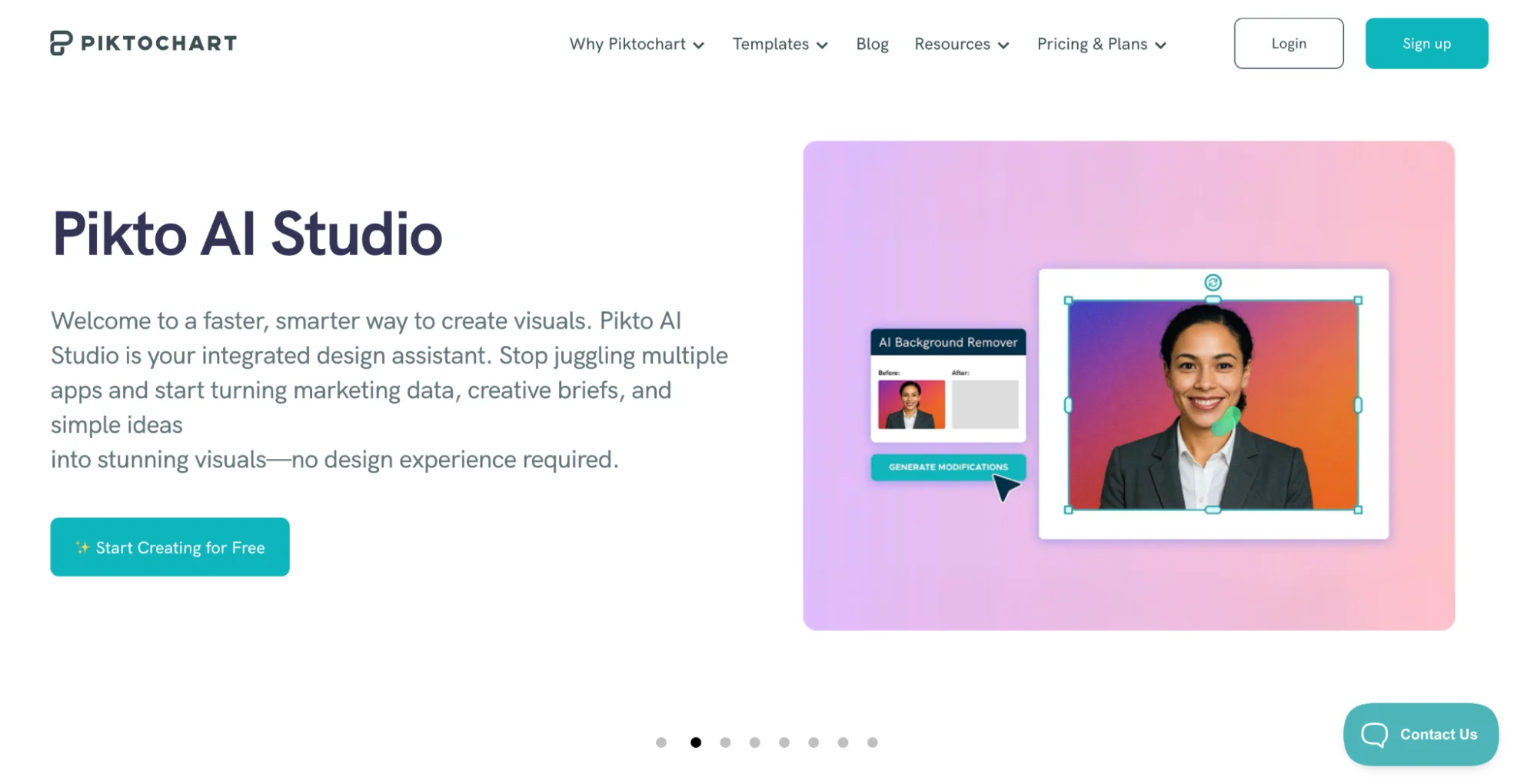
Piktochart is a strong choice when your existing content is packed with valuable insights, but your audience will never read it in a feed.
It helps you repurpose written content into eye-catching visuals like infographics and slide-style graphics that make the key points easier to understand at a glance.
You can paste text or upload a document, and Piktochart generates visuals in seconds, so you are not spending all day designing from scratch.
Why it works for content repurposing
- Turns long form content into skimmable assets: Great when you want to adapt content from long form articles into social-ready visuals that fit different platforms.
- Makes turning blog posts more shareable: Instead of squeezing a detailed blog post into social media posts, you can turn the best parts into a visual summary people actually save and share.
- Supports presentation style content formats: Useful for creating presentation slides or infographic-style assets from the same content, which helps you show up on multiple platforms without repeating the same content.
Best for: Content marketing teams who want a repurposing tool that helps transform existing content into different formats for different audiences, especially when social media platforms reward visuals more than paragraphs.
Content Repurposing Workflow to Save Time and Stay Consistent
1. Start with your most valuable content
Pick one strong piece of existing content that already has traction.
If it already brings in organic traffic or keeps your audience engaged, it is a better candidate than something that never performed.
2. Pull the key points and key moments
Before you create content in new formats, map the core message.
Write down the key points, the most useful examples, and the valuable insights.
If you are working with video content or podcast audio, identify key moments and clip-worthy sections so you can create video clips and short clips without watching the whole video begin to end.
3. Match formats to platforms
Different social media platforms reward different content formats.
- Turn written content into social media snippets and social captions for social media posts.
- Turn video content into short form content for different social media platforms.
- Turn long form content into presentation slides if your target audience likes skimmable summaries.

This is where content repurposing tools and AI tools save time, because you can adapt content without heavy manual effort.
4. Rewrite for context
When turning blog posts into social posts, do not shrink paragraphs and call it a day.
Rewrite content so it fits the platform. Use one clear idea per post. Add a hook, keep it tight, and make sure the call to action matches the audience and the channel.
5. Produce in batches across multiple formats
Batching is the game changer. Create content in multiple formats in one sitting so you stay consistent without burning out.
A single source can become social media posts, LinkedIn posts, video clips, and a refreshed blog post.
The right tools and automated workflows let you move across platforms quickly, with a few clicks instead of hours.
6. Schedule posts and track what performs
Once your assets are ready, schedule posts across social media platforms so you show up consistently.
Watch which formats drive clicks from search results, which social posts hold attention, and which ones reach a broader audience.
Then use that data to refine the next round of repurposing content.
If you want to keep this step simple, Distribution AI includes a built-in scheduler.
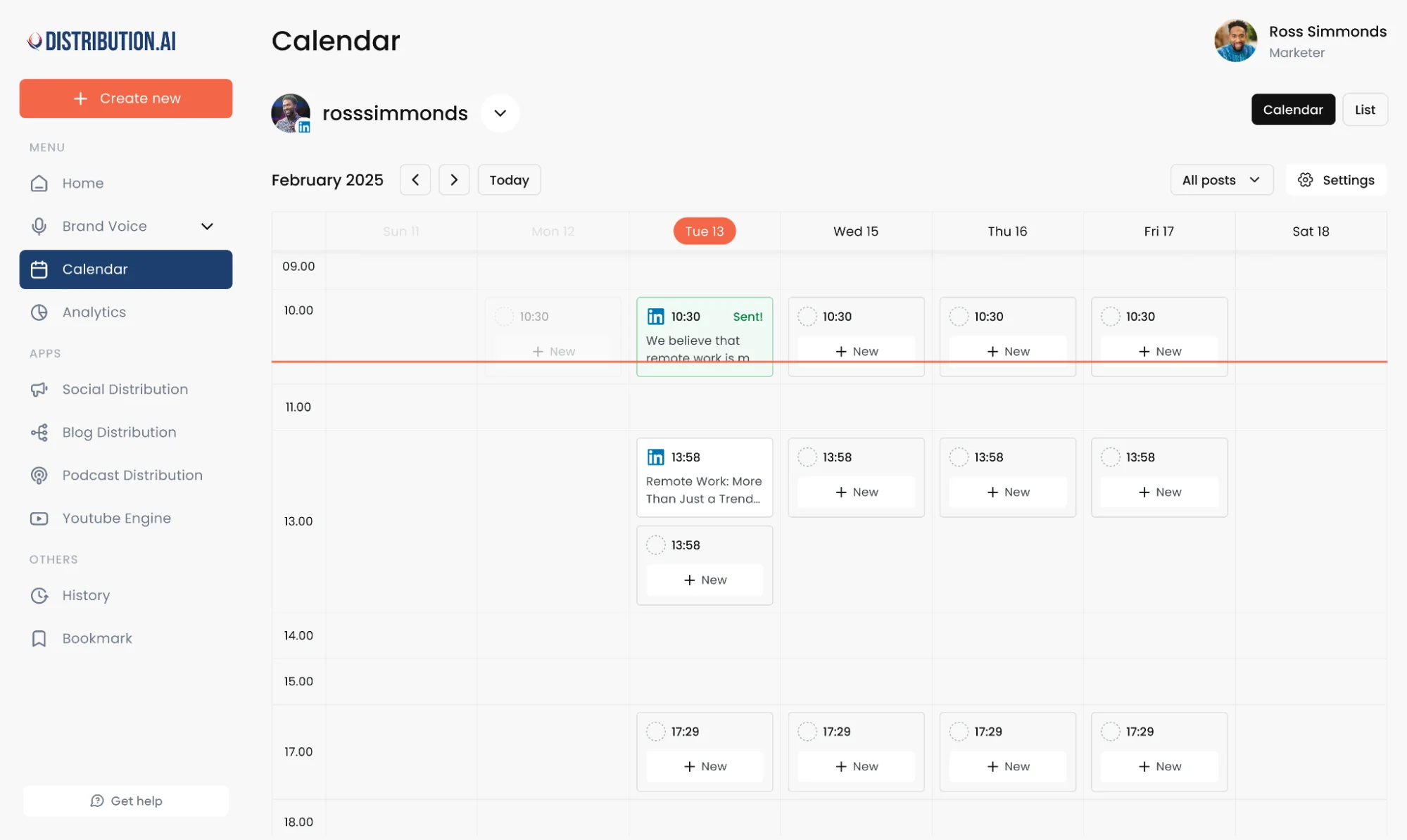
It is designed to plan, create, and schedule posts tailored to each platform from one place, then use performance insights to help you refine what you publish next.
How To Keep Your Brand Voice Consistent While Repurposing Content
The fastest way to lose trust is to sound like five different brands across five different platforms.
The fix is pretty simple. Set your voice once, then let your content repurposing tool follow it.
Start with a short brand voice checklist.
Tone, sentence length, “words we use,” and “words we never use.” Keep it tight. Then use that same reference every time you turn existing content into new formats.
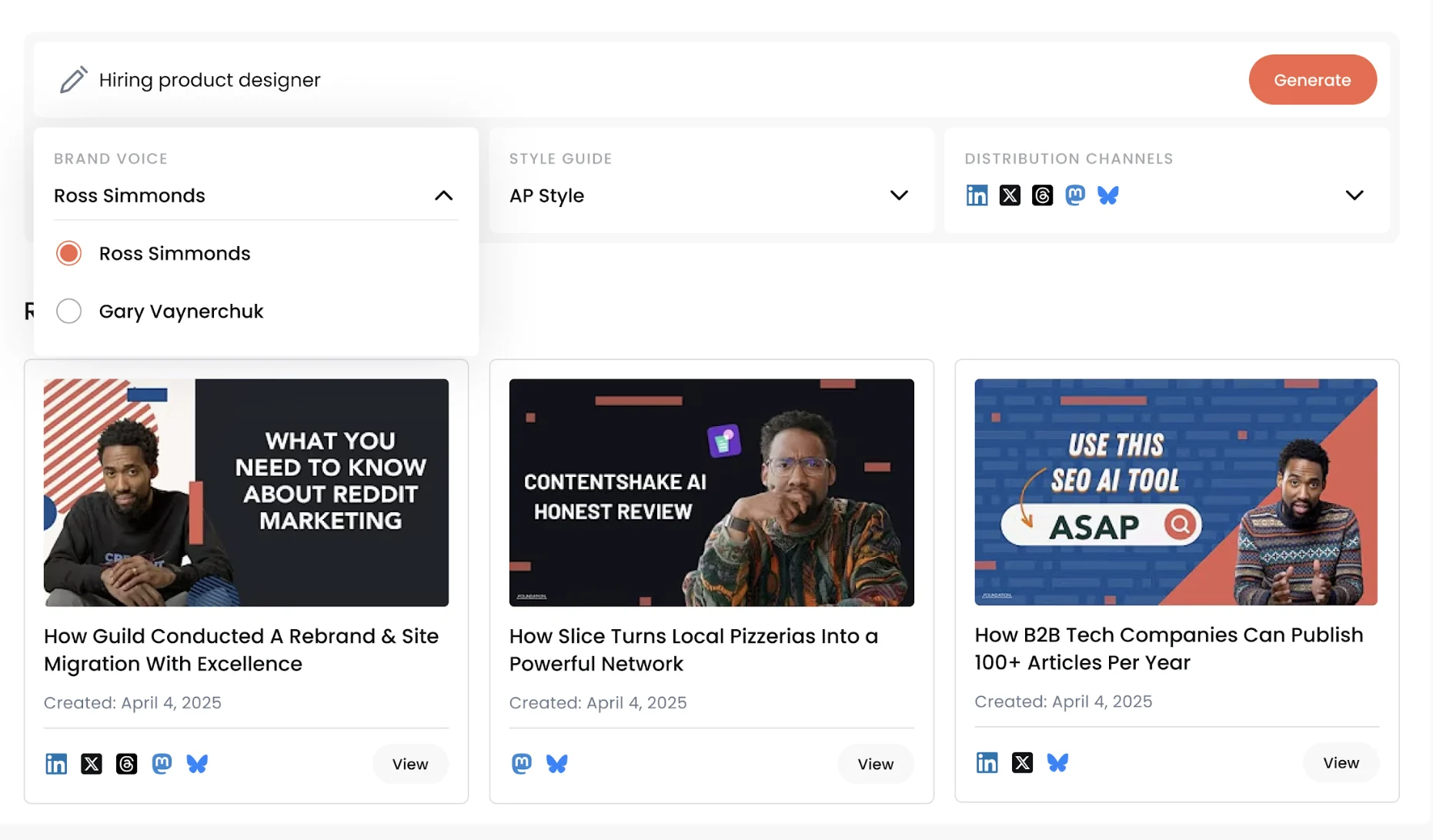
Good tools like Distribution.ai make this easier because they let you lock in rules early. You can create a custom brand voice and lock it in early, then distribute content consistently across channels.
Wrapping Up
If you want to publish more without increasing manual effort, content repurposing is the cleanest lever to pull.
Start with one strong asset, then shape it into the formats your audience actually consumes across different platforms, from social media posts and video clips to written content that supports search engines.
Once the system is in place, the work gets lighter and the output gets more consistent.

Promote, repurpose & distribute your content with AI
Write 10x faster, engage your audience, & never struggle with the blank page again.
Start 15-Day Free Trial
Frequently Asked Questions
Author

Promote, repurpose & distribute your content with AI
Start 15-Day Free Trial