7 Top Planoly Alternatives in 2026
Frustrated with Planoly’s bugs and support? Explore 7 top Planoly alternative tools for scheduling, analytics, and content repurposing in 2026.

Key TakeawaysDistribution.ai is best for teams sitting on a back catalog of videos, articles, or podcasts: RecurPost is best for agencies juggling many client accounts: Tailwind is best for Etsy sellers, DTC brands, and Pinterest-heavy creators: SocialBee is best for lean in-house teams: Buffer is best for solo creators and early-stage brands: Later is best for Instagram-first creators: Hootsuite is best for larger in-house teams: |
Brands and agencies need reliable social media publishing tools to repurpose their content quickly and get the most value out of their creative efforts.
Planoly helps do that by allowing you to schedule content for multiple channels like Instagram, TikTok, Facebook, Pinterest and LinkedIn. While praised for its visual drag-and-drop planning calendar, it has some limitations that can push users to look for better Planoly alternatives.
This article explores where exactly Planoly fails and what its top replacement options are to grow your brand on social media.
Why Look for a Planoly Alternative
Planoly is a popular social media planning and scheduling tool that also generates content ideas with AI. You can also automate comment replies and DMs to increase conversion rates.
However, it has a few limitations.
For starters, Planoly has bugs, which lead to frequent crashes. The connection to your different social channels breaks constantly and requires a desktop to reconnect.
Apart from the technical problems, a couple of social media managers have also reported billing issues.
One mentions that they’ve struggled to get a refund despite informing Planoly’s team and following up for a month. Another user reports that they’ve been unfairly charged for 6 years, despite not using it at all and explaining to their team the same. And there are a few reviews like this.
Another pain point for social media marketers and content teams is the lack of reliable customer support. Various Trustpilot reviews mention poor support due to the irresponsiveness of their team. Planoly’s team has responded to these complaints through generic, canned responses.
Besides the above issues, the tool lacks a comprehensive feature set. For instance, you can schedule posts across multiple social media platforms, but can’t track content performance.
The Idea Generator can’t produce full drafts that you can optimize. It also lacks customizability options to ensure you get personalized content ideas.
Unsurprisingly, these roadblocks can make Planoly a limiting social media management platform for many brands and agencies, necessitating a strong replacement.
How We Made This List of Planoly Alternatives
We started with editorial research to identify the social media scheduling and management tools that brands and agencies most commonly turn to when Planoly stops working for them.
From there, we visited each tool’s website to understand its core features, standout capabilities and current pricing.
To keep our take balanced, we pulled pros and cons from third-party review sites like G2, Capterra and Trustpilot, focusing on recurring themes that reflect real user experiences.
7 Best Planoly Alternatives You Can Consider in 2026
Here’s a snapshot of the seven Planoly alternatives we cover, followed by a detailed breakdown of each tool below.
| Planoly | Solo creators and small brands focused on Instagram | Visual calendar and Instagram grid preview | From $16/month |
| Distribution.ai | Repurposing long-form content into social posts | AI distribution agent that turns one link into multi-channel posts | From $53.90/month |
| RecurPost | Agencies managing multiple client profiles | Automated evergreen content recycling | From $9/month |
| Tailwind | Pinterest-first and e-commerce marketers | SmartSchedule for optimized Pinterest posting | Free plan; from $14.99/month |
| SocialBee | All-in-one social management for small teams | Category-based scheduling buckets | From $29/month |
| Buffer | Individuals and small brands starting out | Generous free plan with 11-channel support | Free plan; from $6/channel/month |
| Later | Creator-led, Instagram-focused brands | Visual drag-and-drop grid planner | From $25/month |
| Hootsuite | Enterprise teams needing social listening | Trend tracking and brand sentiment monitoring | From $99/month |
A side-by-side look at the seven Planoly alternatives covered in this guide, with each tool’s best-fit use case, standout feature and starting price as of July 2026.
Disclaimer: The tools below are listed in no particular ranking order.
1. Distribution.ai
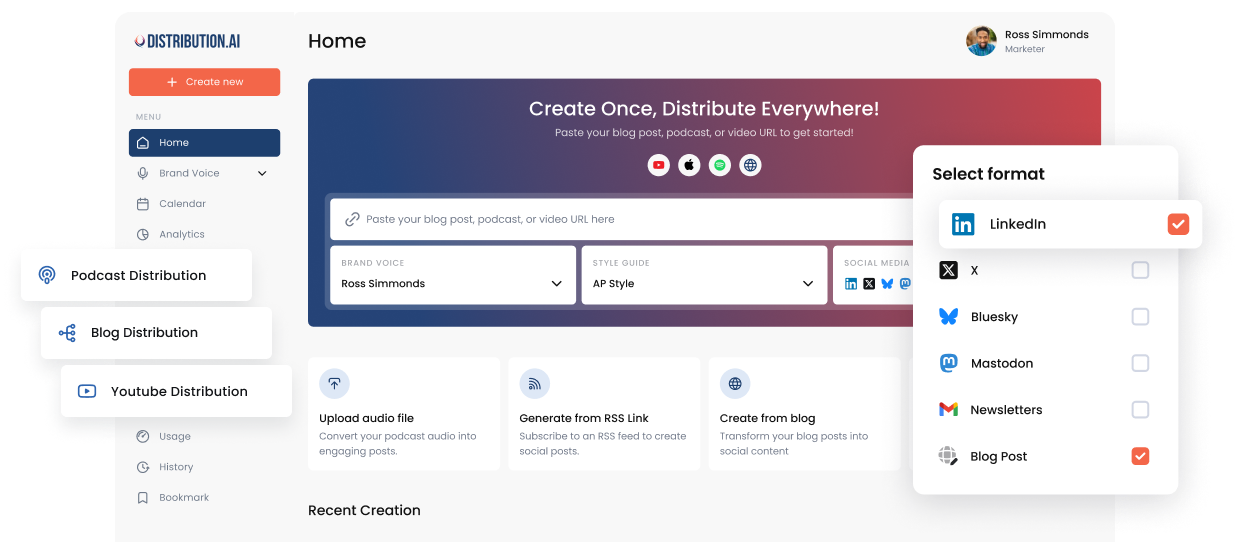
Distribution.ai is best for: Content teams that want to turn one long-form asset like a YouTube video or blog post into weeks of channel-native social copy without starting from scratch.
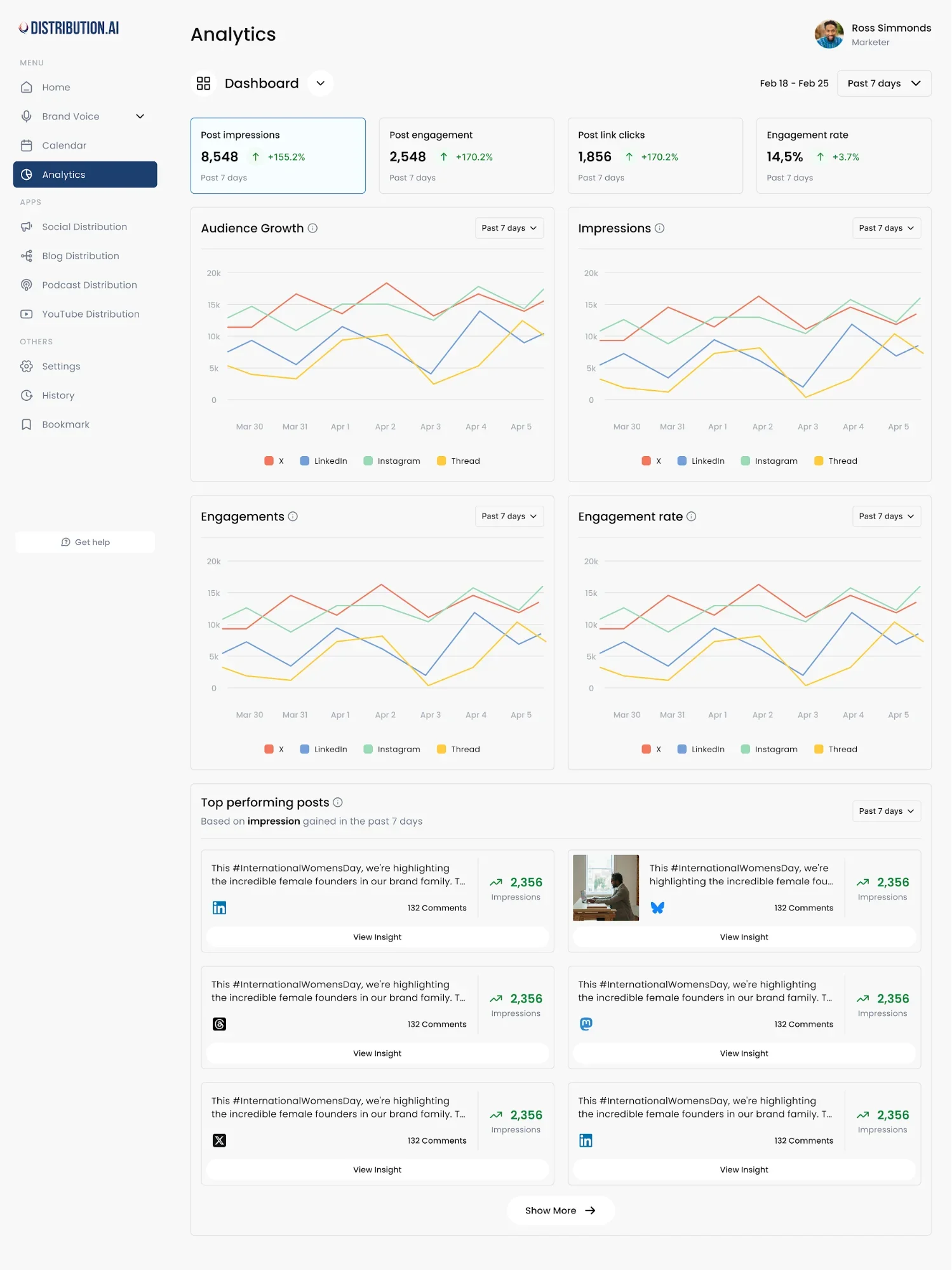
Distribution.ai is a content repurposing solution that turns your existing long-form assets like YouTube videos and how-to guides into multiple social media posts. You just need to paste the link to the published piece, and the AI-powered distribution agent will create several short-form posts and captions for all the major social media platforms.
Why Distribution.ai Over Planoly
- Turns existing long-form content into ready-to-publish social posts, while Planoly’s Idea Generator only offers prompts
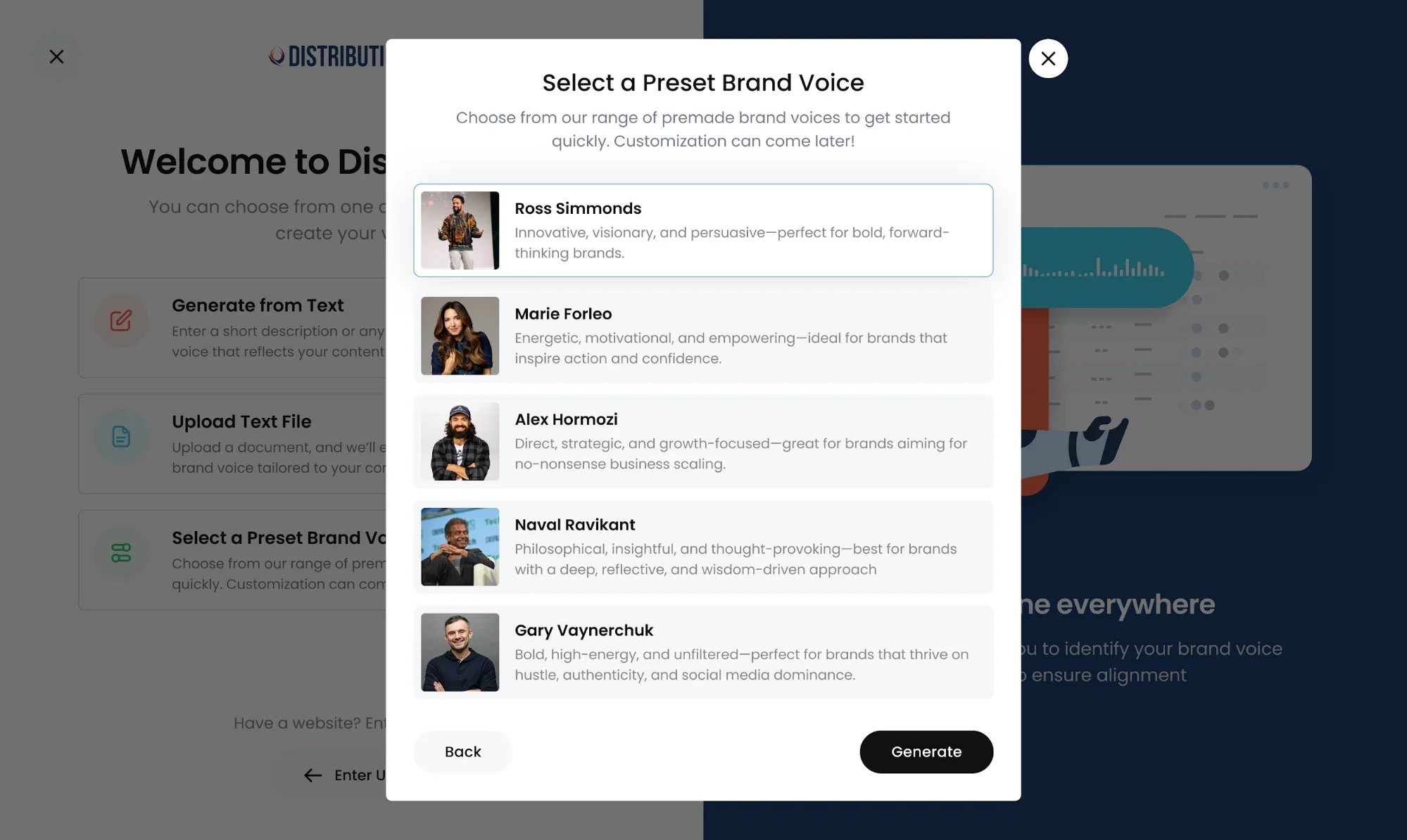
- Writes in your brand’s tone and style, unlike basic AI tools
- Combines creation, scheduling and performance tracking in one dashboard
- Reduces the tool sprawl Planoly users work around by bundling create, edit, schedule and track
- Pricing scales with the format of your source content rather than the number of social profiles
Distribution.ai’s Key Features
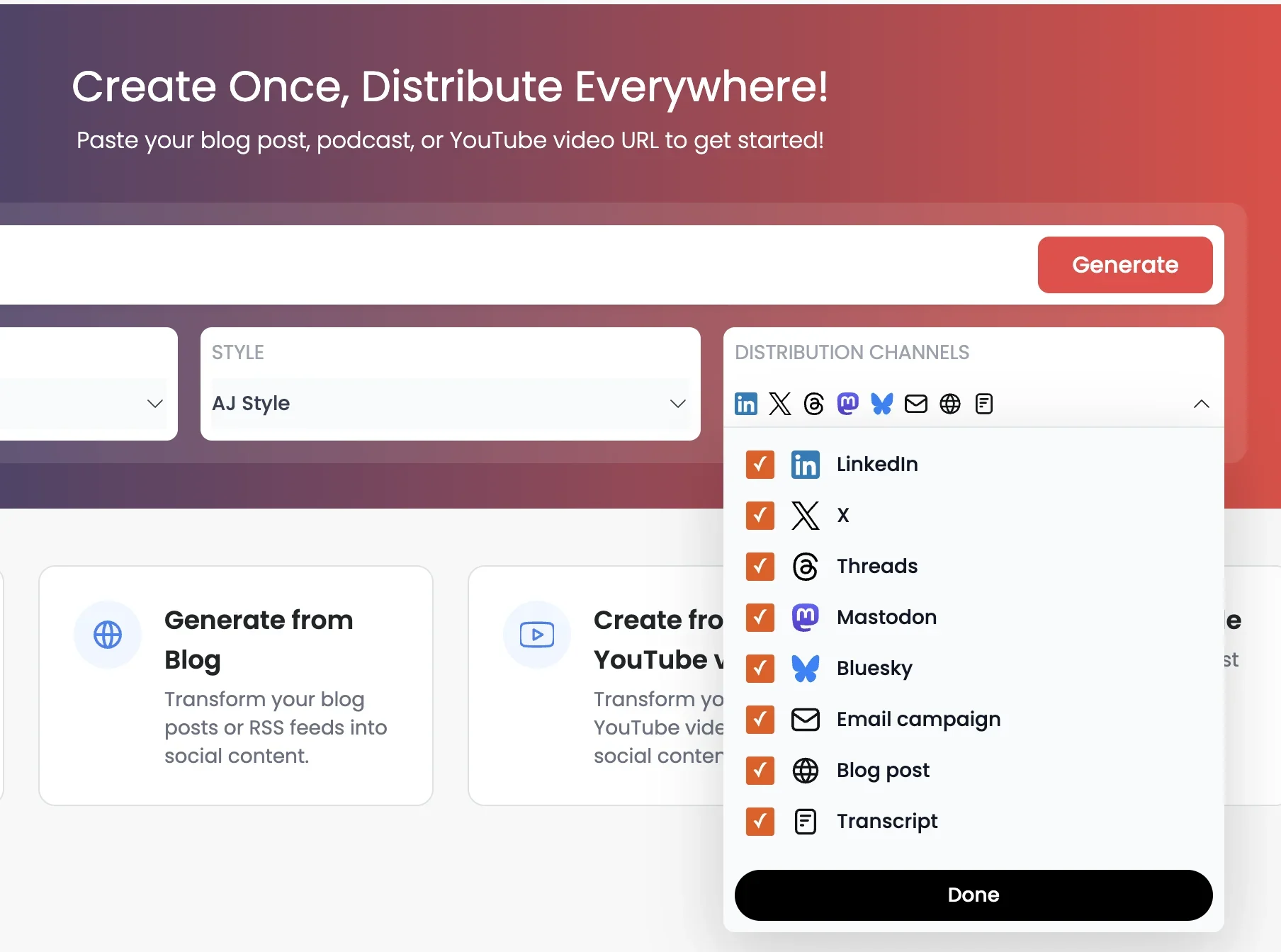
- Auto-generates multiple channel-native social media posts, threads, captions and newsletters
- Creates content based on your brand’s tone and style guidelines
- Enables collaboration through team member invites and approval workflows
- Allows you to schedule and publish content in multiple channels like LinkedIn, X, Instagram and Mastodon
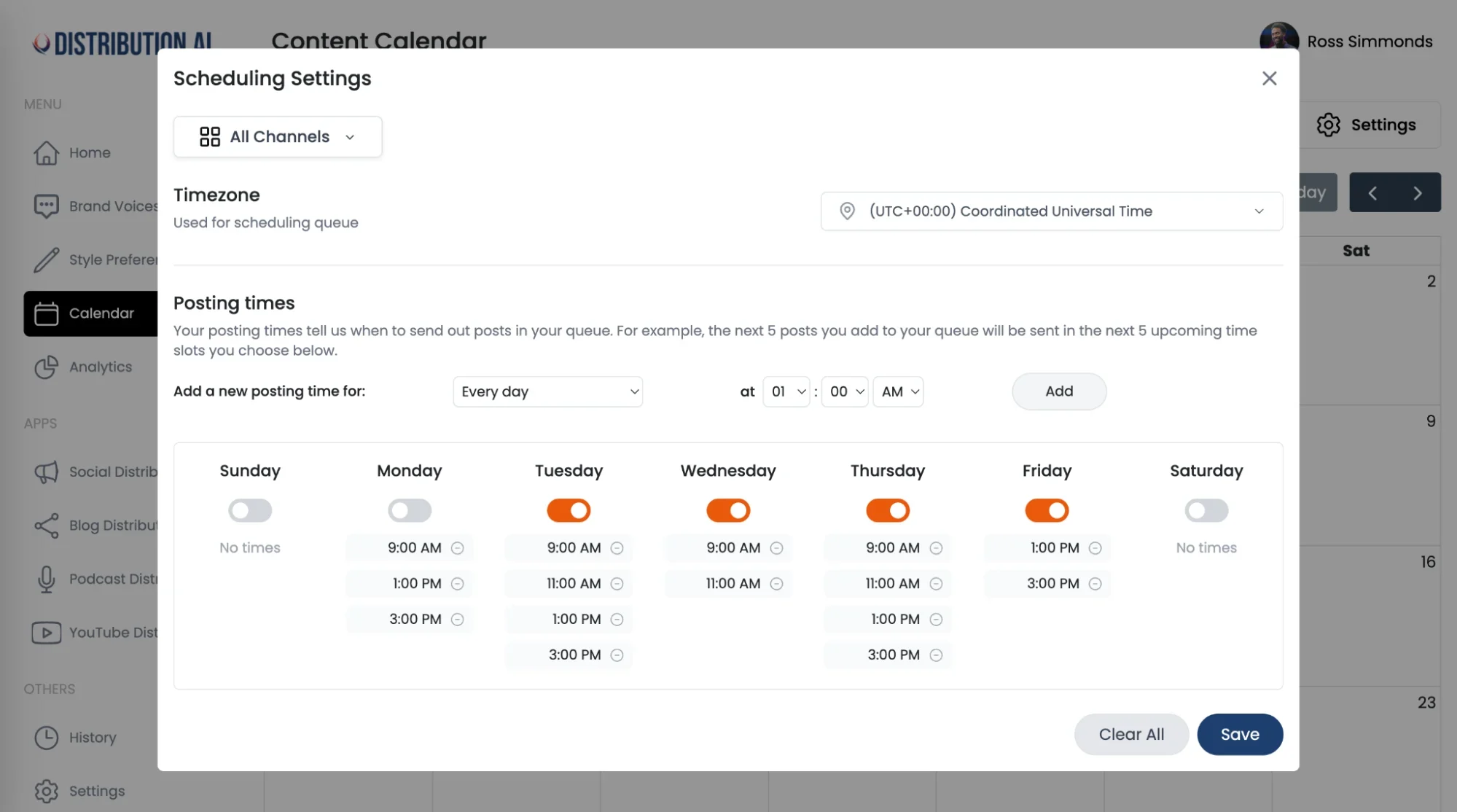
- Tracks how each post performs for each channel in one comprehensive dashboard
Distribution.ai’s Pros
- Makes it easy for busy teams to produce extra content without much rework
- Writes in your style so that the first AI-generated draft is closer to what you’d say
- Reduces tool sprawl by combining multiple capabilities (create, edit, schedule and social media analytics)
- Has pricing plans based on the format of your source content (YouTube, podcasts, website, etc.) to optimize cost
Distribution.ai’s Cons
- Suited for teams who already have a library of long-form assets
- Can only generate content in text format
Distribution.ai’s Pricing
- Free trial for 15 days
- Paid plans split into individual marketers and teams/agencies
- For individuals, the YouTube, blog and podcast distribution bundle starts at $53.90 per month
- For organizations, the same tier offers higher usage limits and can be used by up to five members, priced at $109.90/month
- Pricing scales with the format of your source content (YouTube, podcasts, website, etc.)
Distribution.ai vs Planoly: Final Takeaway
The table below will help you quickly understand how much more Distribution.ai offers to help your social media strategy:
| Content creation | Turns a single long-form URL into full, ready-to-publish social media assets | Generates content ideas and prompts |
| Brand voice | Writes in your defined tone and style guidelines | Produces content in a generic style |
| Workflow scope | Create, edit, schedule and track performance | Plan and schedule across channels |
| Analytics | Per-post, per-channel performance tracking built in | Scheduling-focused |
| Pricing model | Scales with the format of your source content (video, blog, podcast) | Scales with the number of social profiles |
A side-by-side look at how Distribution.ai compares to Planoly across content creation, brand voice, workflow scope, analytics and pricing.
2. RecurPost
RecurPost is best for: Agencies and multi-brand marketers who want to squeeze more mileage from evergreen content across many client profiles.
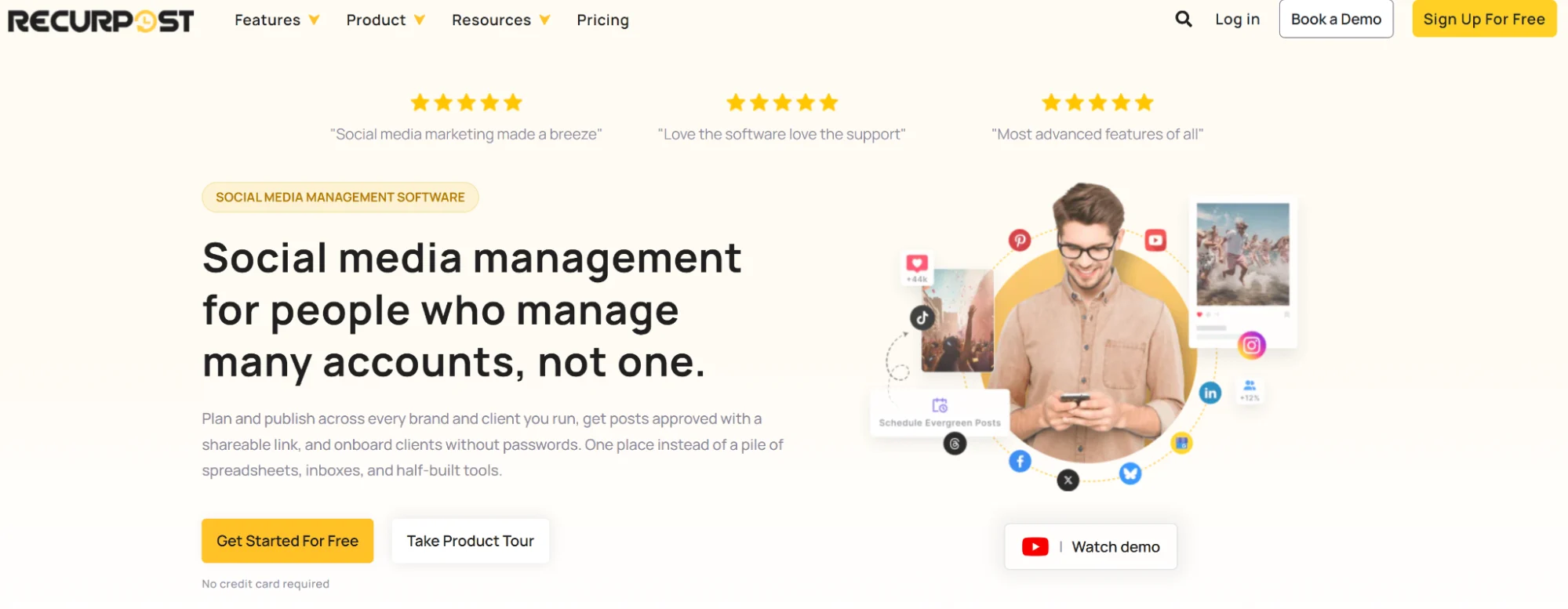
RecurPost is a social media tool for brands managing multiple profiles and agencies managing several clients. Its Workspaces make it easier for marketers to collaborate and publish content across channels, making it a good fit for marketing agencies managing multiple brands.
Why RecurPost Over Planoly
- Automatically recycles evergreen posts so the queue rebuilds itself
- Dedicated workspaces and approval workflows are built for agency and multi-client setups
- Bulk CSV and spreadsheet uploads speed up publishing across many accounts at once
- White-label reporting supports agency handoffs that Planoly doesn’t fully cover
RecurPost’s Key Features
- Recycles evergreen posts automatically after you upload them into the library
- Supports all key social networks like LinkedIn, Instagram, Google Business Profile and X
- Bulk upload via CSV or spreadsheets with white label reporting for agencies
- Dedicated collaborative features like team role management and approval workflows
RecurPost’s Pros
- Content recycling libraries maximize the ROI of each evergreen asset
- Good customer support during onboarding to help with adoption
- Intuitive interface, making it easier for anyone to get up to speed quickly
RecurPost’s Cons
- Dashboard could be more modern, and some menu paths could be shortened
- Despite the onboarding help and intuitive interface, the learning curve can still feel steep
RecurPost’s Pricing
- 14-day free trial to explore the features
- Four tiers that vary based on the number of social profiles and daily posts per social profile (billed monthly):
- Starter: $9/month for 2 social profiles and 10 daily posts
- Personal: $25/month for 5 social profiles and 20 daily posts
- Agency: $79/month for 20 social profiles and 80 daily posts
- Enterprise: custom pricing for at least 100 social profiles
- You can add an extra social profile for $4
3. Tailwind
Tailwind is best for: Pinterest-first marketers and e-commerce brands that need smart scheduling paired with built-in design tools.
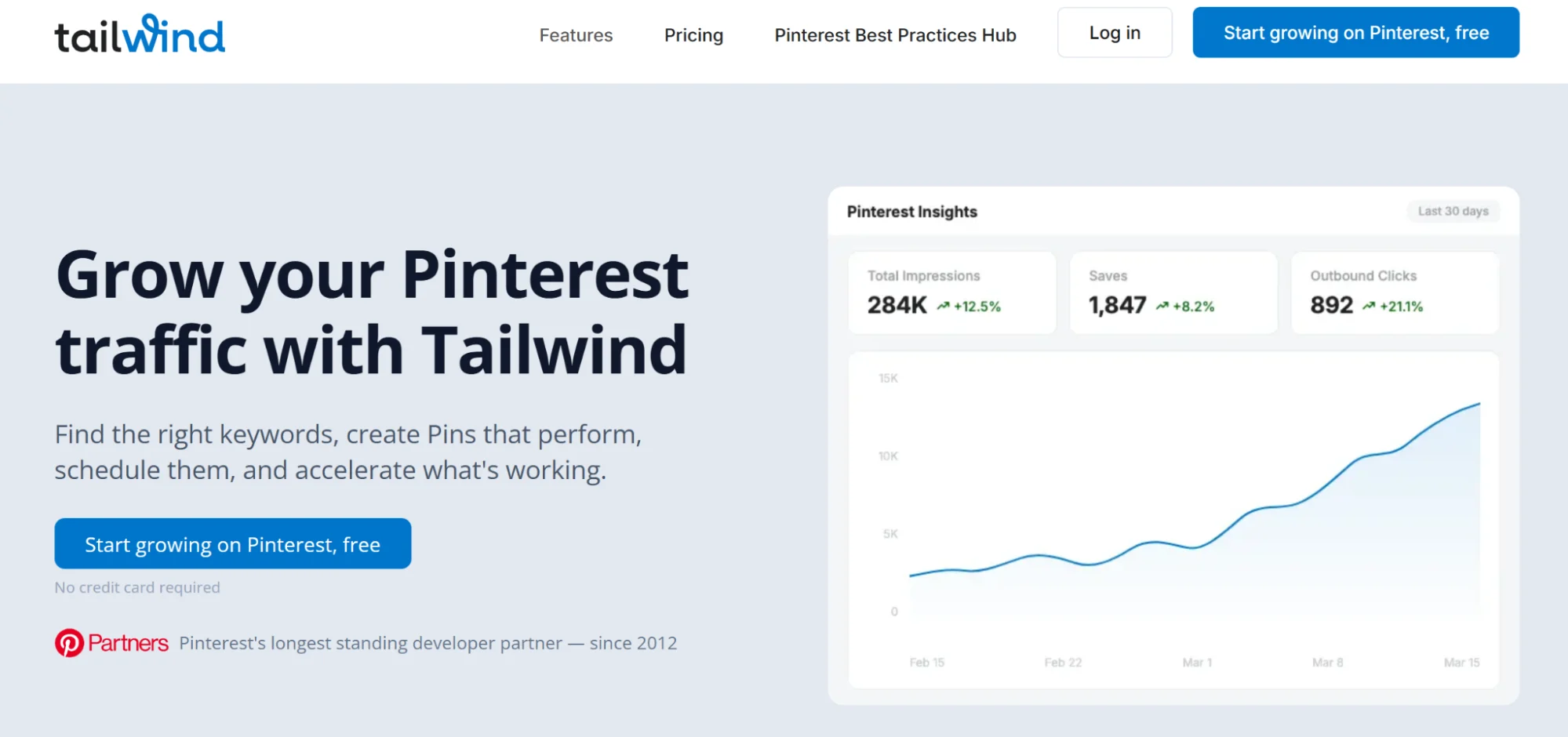
Tailwind is a Pinterest-focused social media scheduler that also supports Instagram and Facebook. It stands out with its design tools and AI ghostwriter that help you write engaging social posts quickly.
Why Tailwind Over Planoly
- SmartSchedule picks optimal posting times automatically to maximize reach
- Built-in design tools generate on-brand graphics
- Deeper Pinterest support, including auto-generated pin descriptions and titles
- Free-forever plan lets you validate the fit before paying anything
Tailwind’s Key Features
- Best Pinterest scheduling tool with SmartSchedule that publishes posts during optimized times
- Visual drag-and-drop calendar for Instagram and Facebook with 9-grid view
- Design and content creation tools to generate on-brand graphics and copy quickly
- Basic analytics helps track profile performance and generates weekly summaries
Tailwind’s Pros
- SmartSchedule posts your content at the right time to maximize reach
- Saves time by auto-generating pin descriptions and titles
- Intuitive UI that saves time for busy e-commerce marketers
Tailwind’s Cons
- One user reports that the templates are redundant
- Tailwind can feel cluttered due to a lot of options
Tailwind’s Pricing
- Free-forever plan, useful for individuals with limited needs
- Priced based on the features you select
- Monthly prices for three core offerings:
- Pin scheduling & creation: $29.99
- Pinterest SEO: $14.99
- Pinterest engagement: $14.99
4. SocialBee
SocialBee is best for: Solo marketers and small teams who want end-to-end social media management, from strategy to engagement, in one reasonably priced subscription.
SocialBee brings five core capabilities to help you grow on social media: content creation, scheduling & publishing, analytics, engagement and collaboration. This end-to-end capability makes it one of the most effective Planoly alternatives on this list.
Why SocialBee Over Planoly
- Category-based scheduling organizes content into buckets running on independent schedules
- AI Copilot generates full social strategies and drafts
- Unified inbox consolidates DMs and comments for multiple social media accounts
- Includes design tools for graphics, infographics and brochures
SocialBee’s Key Features
- Category-based scheduling that organizes posts into buckets on independent schedules
- AI Copilot that helps generate a full social strategy and write content
- Supports a broad range of social channels, including TikTok, Pinterest, Bluesky and LinkedIn
- Unified social inbox to reply to DMs and comments from one place
SocialBee’s Pros
- Category-based bucketing and evergreen recycling helps maximize the ROI of each content piece
- Can create presentations, infographics, brochures and social media graphics in one place
- Users find the pricing reasonable for the features it offers
SocialBee’s Cons
- The editor can become a little slow when working on large projects
- One misconfigured post will pause the entire category
SocialBee’s Pricing
- 14-day free trial
- Three pricing tiers that differ based on the number of social profiles and workspaces (billed monthly):
- Bootstrap: $29/month for 5 social profiles and 1 workspace
- Accelerate: $49/month for 10 social profiles and 1 workspace
- Pro: $99/month for 25 social profiles and 5 workspaces
5. Buffer
Buffer is best for: Individuals and small brands looking for a simple, affordable scheduler with broad channel coverage.
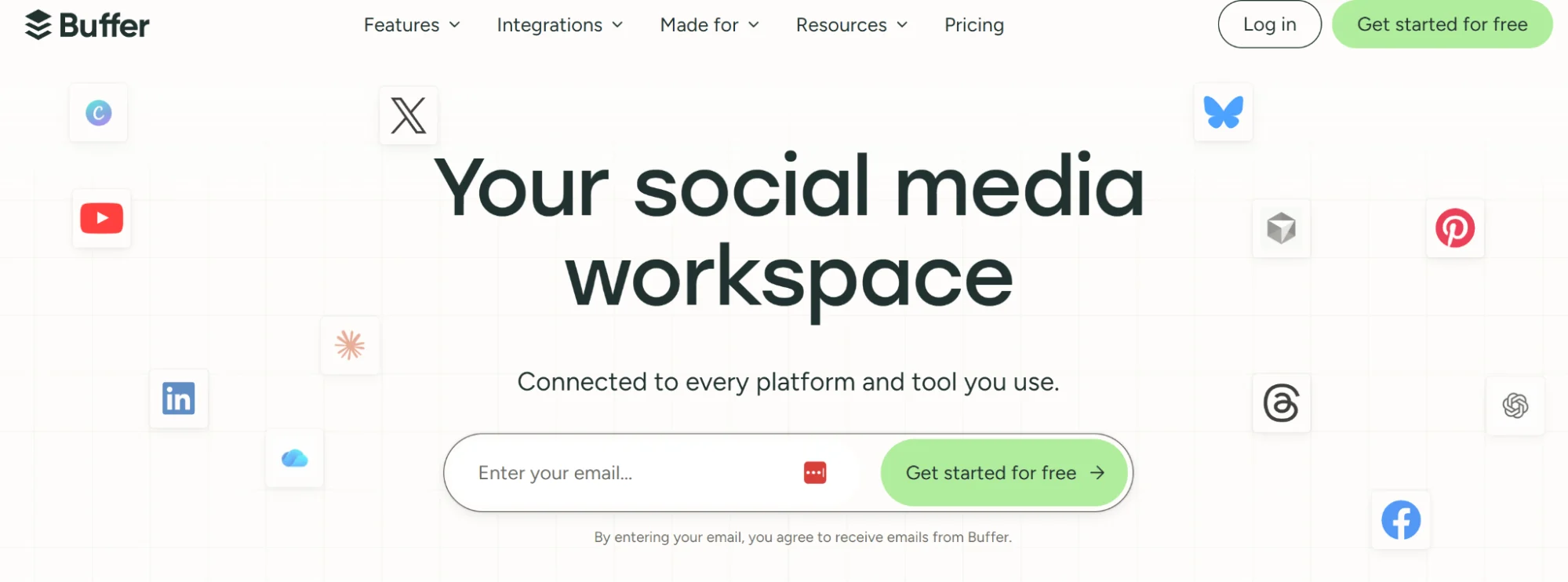
Buffer is one of the most popular social media management platforms, which is known for its wide channel support and affordability. Its straightforward scheduling tool makes it one of the easiest to adopt Planoly alternatives on this list.
Why Buffer Over Planoly
- 11 social media platforms supported, including Threads, Bluesky and Mastodon
- Free plan is generous enough for solo creators and early-stage brands
- First-comment scheduling for Instagram removes a common manual step
- Free AI assistant is included in every plan
Buffer’s Key Features
- Supports 11 channels, including Threads, Mastodon, Bluesky and Pinterest
- Allows first-comment scheduling for Instagram
- Free AI assistant in all plans speeds up content creation and optimization
- Common inbox and centralized analytics for social media reporting
Buffer’s Pros
- Good-enough free plan for individuals and small brands
- Users like it for its intuitive interface that allows them to schedule their first post in minutes
- Offers 50% off for non-profits
Buffer’s Cons
- Adding a new account costs $5, which can quickly get expensive if you are managing multiple accounts
- Its AI lacks nuance when generating content, requiring more rework
Buffer’s Pricing
- Powerful free plan that supports up to 3 channels with 10 scheduled posts per channel
- Paid plans (billed monthly):
- Essential: $6/channel/month
- Team: $12/channel/month
- Paid tiers offer more API keys and have higher request limits
6. Later
Later is best for: Creator-led brands and Instagram-focused teams that plan content visually and rely on grid previews.
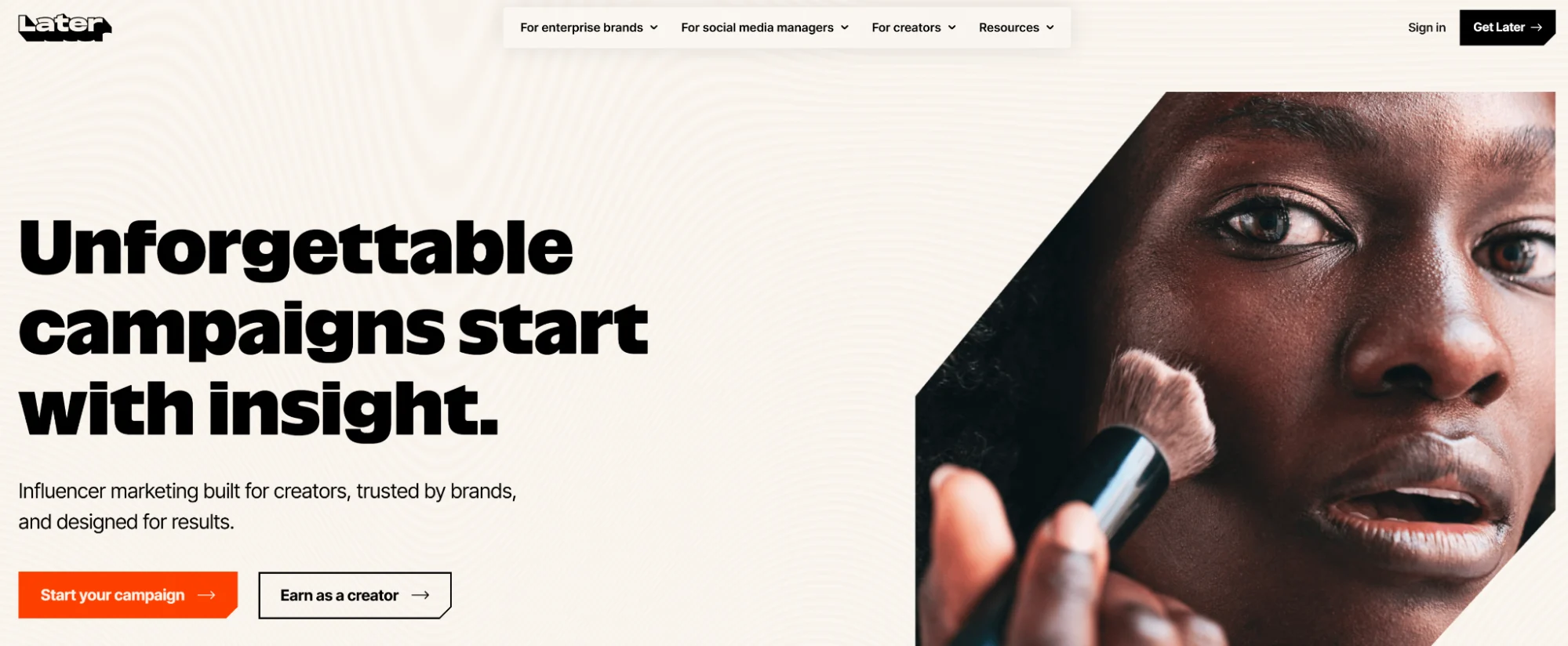
Later is an Instagram-focused influencer marketing tool, which also supports other social channels. It offers end-to-end social media management capabilities to schedule posts and track their performance.
Apart from helping you manage multiple Instagram accounts, its visual planning feature helps you see what the published post will look like in the Instagram grid.
Why Later Over Planoly
- Visual grid planner is more mature and better suited to creator-led Instagram content
- Link-in-bio landing pages are built in, removing the need for a separate tool
- Higher tiers include competitor benchmarking, which Planoly doesn’t offer
Later’s Key Features
- Visual Instagram planner with drag-and-drop grid preview (like that of Planoly)
- Supports eight social networks that are organized via “Social Sets”
- AI content generation, media library and link-in-bio landing page
- Analytics suggest the best time to post, and higher tiers have competitor benchmarking
Later’s Pros
- Visual planner helps plan creator-led Instagram content
- Teams can easily track analytics and keep all their media in one place
- Saves time by cross-posting the same content across channels
Later’s Cons
- Users have to create and upload multiple versions of the same content for compatibility
- Mobile app doesn’t have live analytics, and the Instagram analytics can be buggy
Later’s Pricing
- Free 14-day trial
- Premium tiers priced based on the number of “social sets”
- Three plans (billed monthly):
- Starter: $25/month for 1 social set and 1 user
- Growth: $50/month for 2 social sets and 2 users
- Scale: $110/month for 6 social sets and 4 users
- Extra social sets in the Growth and Scale plans: $15/set
7. Hootsuite
Hootsuite is best for: Enterprise social teams that need scheduling, social listening and deep analytics under one roof.
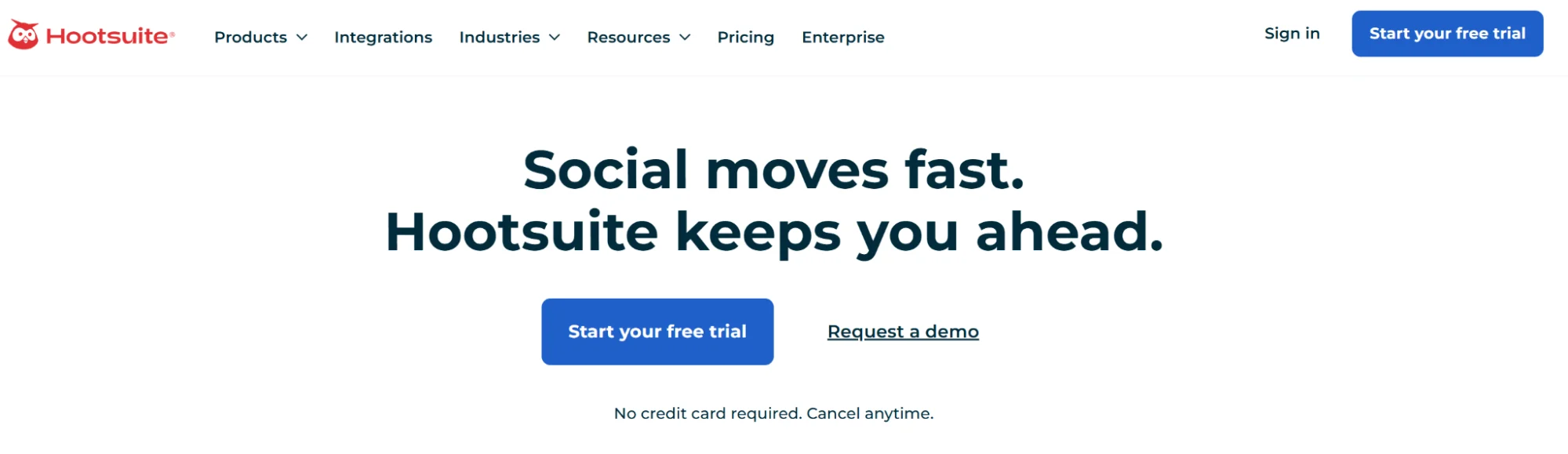
Hootsuite is an enterprise-grade social media management tool that excels at tracking trends and recommending what to do next. It can also help create new content, schedule it, track its performance and engage with your audience.
Why Hootsuite Over Planoly
- Social listening and brand sentiment tracking capabilities
- Bulk scheduling and integrations with Google Drive, Dropbox and Adobe Creative Cloud fit larger workflows
- Trend tracking recommends what to post next based on live signals
- Enterprise-grade support sidesteps the customer service issues Planoly users frequently mention
Hootsuite’s Key Features
- Manage content and schedule posts across all major social networks from one dashboard
- Bulk scheduling and AI caption writer for captions and posting time recommendations
- Social listening and brand sentiment monitoring capabilities
- Deep analytics and audience insights with social media collaboration features
Hootsuite’s Pros
- Comprehensive feature set that spans content creation, scheduling, performance tracking, social listening and audience engagement
- Unified dashboard and integrations with Google Drive, Dropbox, Adobe Creative Cloud, etc., keep the overall social media management workflow simple
- Fast bulk uploads save time for busy social media teams
Hootsuite’s Cons
- Subscriptions are expensive, especially for smaller brands
- Loading larger analytics reports can be slower, and the menu could be organized better
Hootsuite’s Pricing
- Free 14-day trial
- Each subscription tier varies based on the number of features (billed monthly):
- Standard: $99/month
- Professional: $199/month
- Advanced: $399/month
- Enterprise: custom
Grow Your Social Media Presence with Distribution.ai
Planoly can work if you need a scheduling tool with a visual calendar. However, most social media marketing teams need a steady stream of relevant content for different channels.
Distribution.ai closes that gap by repurposing your existing long-form assets like YouTube videos, podcasts, blog posts and whitepapers into social media posts.
You can add your tone and style guidelines to ensure the AI-repurposed content is closer to what you’d actually say to your audience. Then, you can directly schedule the posts and track their performance to iterate your social media strategy over time.
These capabilities make Distribution.ai the best Planoly alternative for brand marketers and content teams looking to get more mileage out of their existing assets and grow their visibility on social media.
To see how much more your existing content can do.
Promote, repurpose & distribute your content with AI
Write 10x faster, engage your audience, & never struggle with the blank page again.
Start 15-Day Free Trial
Frequently Asked Questions
Author

Promote, repurpose & distribute your content with AI
Start 15-Day Free Trial