


Best Video Distribution Platforms in 2026
Compare the best video distribution platforms in 2026. Find the right fit for your content, audience, and distribution goals.
You already know what your audience wants from your videos. They want something worth watching, something useful, and a reason to come back.
So you make the video. The harder part starts after it is ready.
A music video may need clean metadata before it reaches Vevo or Apple Music. A webinar may need clips, embeds, lead forms, and social posts before it supports a full campaign. A creator building a video library may care more about reach, revenue, or a branded viewing experience.
Each goal needs a different kind of platform. Pick the wrong one, and the video ends up doing less work than it could.
This guide breaks down the best video distribution platforms in 2026 by use case, so you can choose based on how your video needs to reach people after it goes live.
A Brief Overview Of The Best Video Distribution Platforms In 2026
Creators and businesses now publish video in very different ways. A music video, webinar, product demo, course lesson, and branded series all need a different route once the final file is ready.
So this list groups the strongest platforms by the work they handle best. Use the table below to match each tool with the kind of video workflow you need to support, from content repurposing and music video delivery to hosting, memberships, lead generation, and enterprise streaming.
| Category | Best Tool | What It's Used For | Best For | Pricing (As Of 2026) |
|---|---|---|---|---|
| Content Repurposing And Distribution | Distribution.ai | Turning videos, blogs, and podcasts into channel-ready social posts and distribution assets from one workflow | Creators, artists, and teams are trying to get more marketing output from existing video content | Plans start at $19/month for blog content and $29/month for YouTube or podcast content. A 15-day free trial is available. Bundle pricing saves up to 30% |
| Maximum Reach | YouTube | Long-form video hosting with ad revenue sharing, search visibility, and community features | Creators and businesses building a public video presence with organic reach | Free to use. Monetization requires eligibility for the YouTube Partner Program |
| Music Video Distribution | Symphonic | Distributing official music videos to Vevo, Spotify, Apple Music, TIDAL, XITE, and more | Independent artists and labels who want professional music video delivery to major platforms | Vevo-only and Spotify-only plans are at $25 per video. Full value plan at $95 per video. No annual fees |
| Professional Hosting | Vimeo | Branded video hosting with privacy controls, advanced analytics, and customizable player | Businesses and creators who want ad-free, professional video hosting with full player control | Free plan available with 1GB storage and 2 uploads per month. The creator plan starts at $10/month. Professional plan starts at $70/month |
| B2B Marketing And Lead Generation | Wistia | Video hosting with lead capture forms, engagement heatmaps, and CRM integrations | Marketing teams using video for lead generation, pipeline tracking, and audience engagement | Free plan available for up to 10 videos. Plus at $19/month. Pro at $79/month. Advanced at $319/month. Enterprise pricing is custom |
| Online Courses And Memberships | Uscreen | Building branded video membership platforms with subscriptions, live streaming, and community tools | Creators, coaches, and educators who want to monetize video content under their own branded platform | Starter at $49/month. Growth at $149/month billed annually plus $1.99 per active subscriber. App Essentials at $449/month billed annually plus $0.99 per active subscriber. Custom plan available |
| Enterprise Video Infrastructure | Brightcove | Large-scale video delivery with advanced security, monetization, and multi-CDN infrastructure | Enterprises and media companies that need reliable, scalable video streaming at a global level | Custom pricing only. Smaller deployments typically range from $20,000 to $60,000 annually. Larger media and OTT deployments regularly reach six figures |
Best Video Distribution Platforms In 2026 By Category, Primary Use Case, Best-Fit Audience, And Pricing Context
How We Evaluated The Best Video Distribution Platforms In 2026
We looked at each platform through the lens of regular video publishing, where the tool has to support real release work rather than sit as a nice extra in the stack.
The shortlist was shaped by use-case clarity, day-to-day value, pricing transparency, platform reach, royalty terms, content requirements, ease of use, and workflow fit.
We also reviewed official product pages, pricing pages, customer reviews, and community discussions to understand where each platform performs well, where it creates friction, and which type of creator or business gets the clearest value from it.
The 7 Best Video Distribution Platforms In 2026
The reviews below explain what each platform is built to handle in a real video workflow, so you can spot the ones suited to your release process.
1. Distribution.ai — Best For Content Repurposing And Distribution
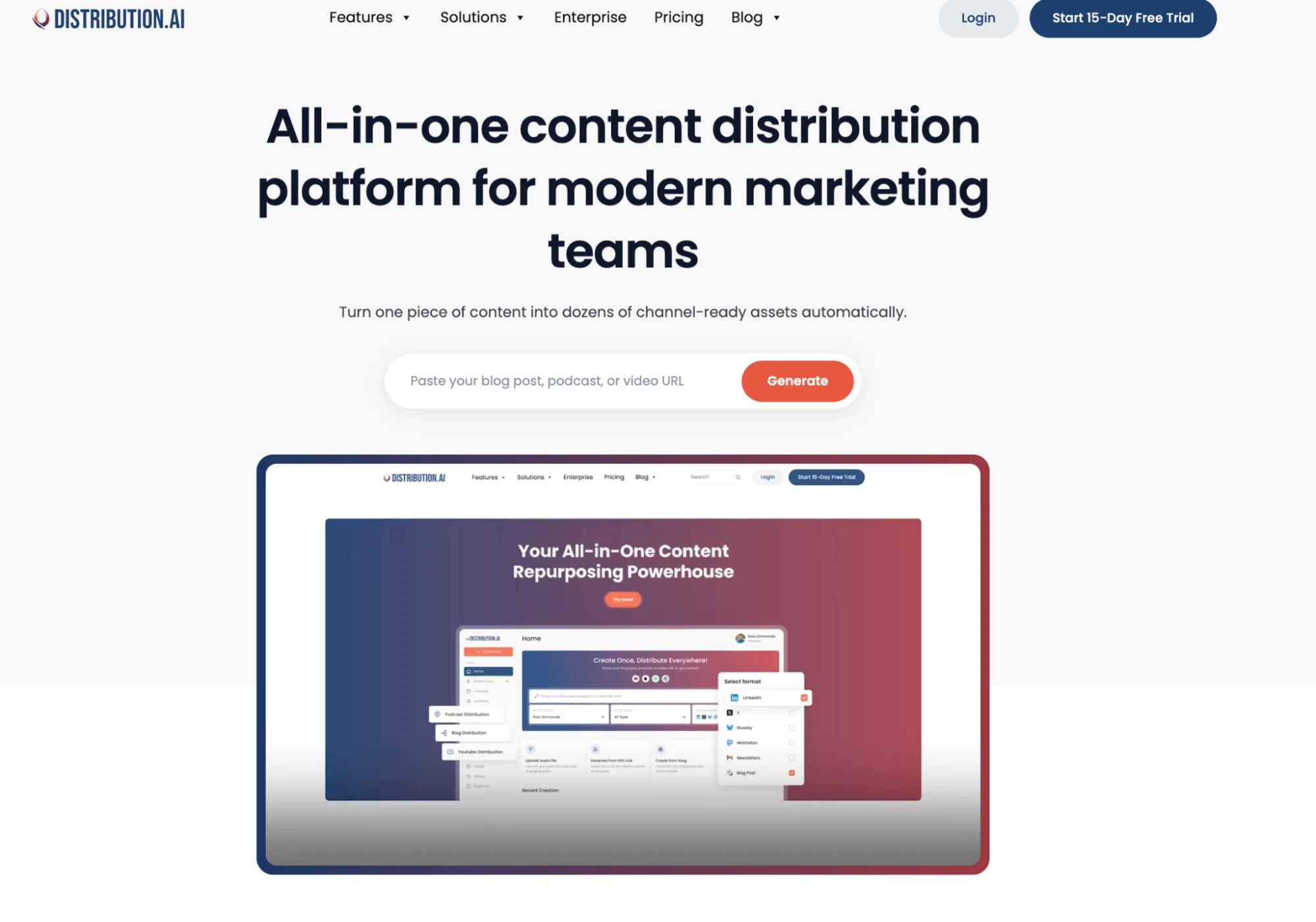
Distribution.ai helps you do more with the video after it is ready. Upload the source asset, choose the tone, and use it to create social posts shaped for different channels.
That is where it fits best in this list. Platforms like YouTube can help a video get discovered. Vimeo can give it a clean place to live on your site. But Distribution.ai helps the same video show up in more places by turning it into posts your team can schedule, publish, and track through its own built in dashboard.
Use it when one video needs to support more than one channel and your team wants to avoid the boring tasks of rewriting captions and tracking output by hand.
Distribution.ai Is Best For
Creators, artists, and teams with an active content engine who want more mileage from YouTube videos, podcasts, blogs, and other long-form assets across social and distribution channels.
Distribution.ai’s Key Features
- AI repurposing tools for blog, video, and podcast workflows
- Tone and style customization for a consistent brand voice across channels
- Multi-channel scheduling and performance tracking in one workflow
- Channel-ready formatting for social posts and other distribution assets
- Content-type-specific workflows for teams managing more than one format
Distribution.ai’s Pros
- Turns one piece of video content into multiple channel-ready assets
- Keeps repurposing, scheduling, distribution, and analytics in one place
- Creates a steadier content distribution rhythm with significantly less effort
- Clear path from source content to measurable distribution output
Distribution.ai’s Cons
- Brings the most value to creators already producing content worth repurposing
- Less suited to anyone looking only for a simple design or writing tool
Distribution.ai’s Pricing
- Blog content plans start at $19/month
- YouTube and Podcast plans start at $29/month
- Bundle pricing saves up to 30%
- A 15-day free trial is available
2. YouTube — Best For Maximum Reach And Discoverability
YouTube is still the first place many creators and businesses think of when they want a video to be found.
The platform has almost 2.7 billion logged-in users across 100 countries, and a search habit people already trust when they want to watch something new.
The platform gives creators several ways to earn from their work. Ad revenue is the familiar one, while YouTube Shopping, Super Chat, channel memberships, and brand partnerships give creators more ways to build income around the audience they grow there.
It is a strong home for the main video. The extra work begins when your team wants the idea to travel outside YouTube too. That is where Distribution.ai can support the workflow by turning the same video into posts for social channels, so the content has more chances to reach people after the upload goes live.
YouTube Is Best For
Creators and businesses building a long-term public video presence who want organic discoverability, ad revenue sharing, and access to a global audience from one platform.
YouTube’s Key Features
- Long-form video hosting with global reach across 100-plus countries
- YouTube Shorts for short-form video distribution and fast-track monetization
- YouTube Studio for video management, analytics, scheduling, and audience insights
- Live streaming with Super Chat and fan funding tools
- YouTube Shopping for in-video product tagging and affiliate links
- Official Artist Channel support for musicians combining videos, releases, and subscriber base into one verified presence
- Veo-powered AI creation tools rolling out in 2026 for faster content production
YouTube’s Pros
- Largest video platform in the world with unmatched organic discoverability
- Multiple monetization paths beyond ads, including shopping, memberships, and fan funding
- Shorts views now count as a fast-track route to YouTube Partner Program eligibility
- Free to use with no hosting fees, regardless of video volume
- Strong analytics and audience insight tools inside YouTube Studio
YouTube’s Cons
- High content volume makes organic discoverability increasingly competitive
- YouTube takes a revenue share from ad earnings, channel memberships, and Super Chat
- Content policy violations can result in demonetization or channel removal

YouTube’s Pricing
- Free to upload and use
- Fan Funding features unlock at 500 subscribers and 3,000 watch hours
- Full ad monetization requires 1,000 subscribers and 4,000 watch hours or 10 million Shorts views in 90 days
- YouTube pays creators between $3 and $5 per 1,000 views on average, varying by niche and audience
3. Symphonic — Best For Established Artists And Labels
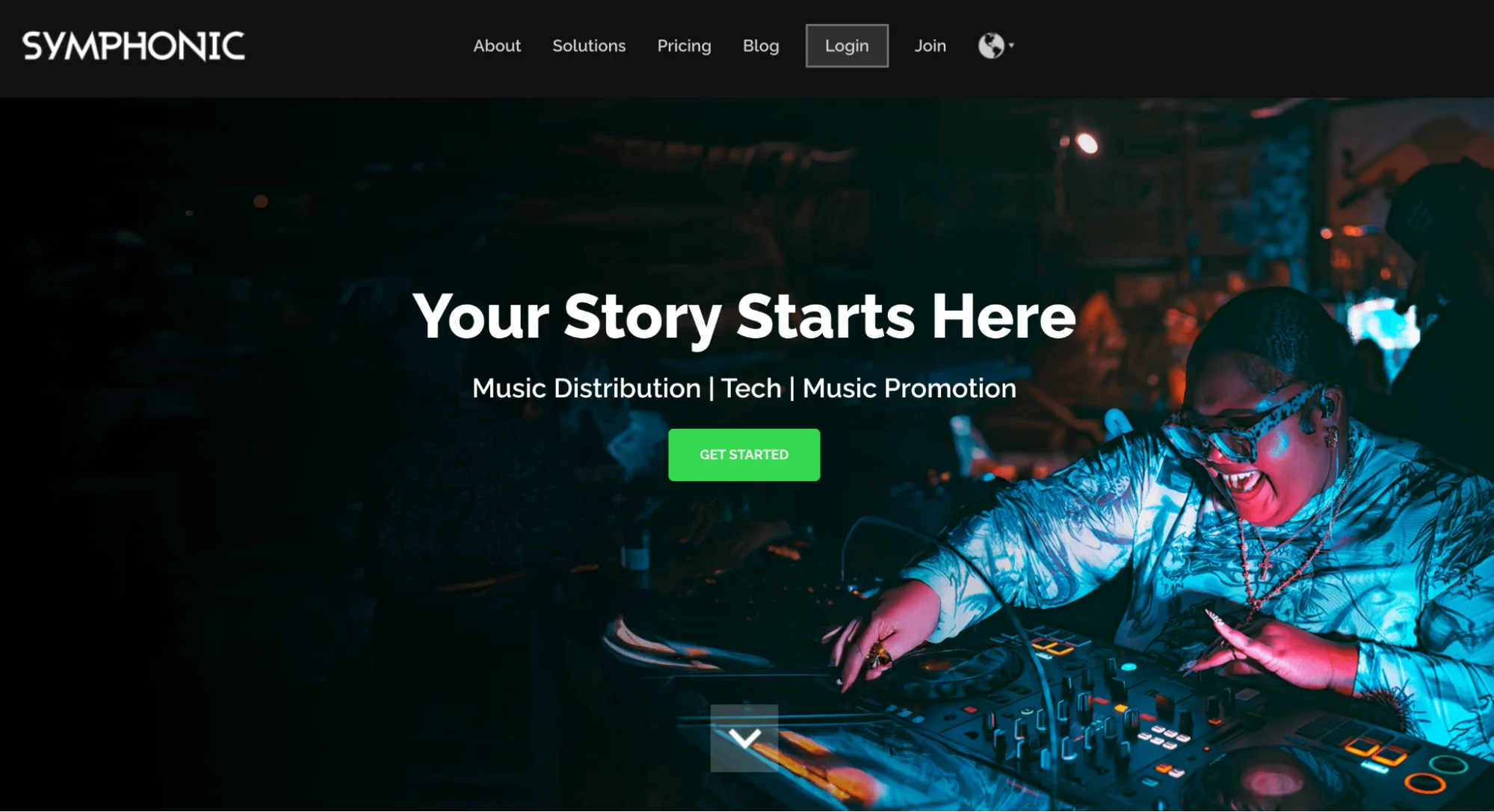
Symphonic is a practical pick for artists and labels who want their official music videos handled through a proper release workflow instead of a loose upload process.
The platform delivers videos to partners such as Spotify, Apple Music, TIDAL, Vimeo, XITE, and Promo Only. Its 3-week processing window also gives the team time to review the submission and pitch the video for feature placement, which is useful if the release has a fixed rollout plan behind it.
Symphonic Is Best For
Independent artists and labels who want professional music video delivery to major platforms with no annual fees and an optional Vevo channel creation included.
Symphonic’s Key Features
- Delivery to Spotify, Apple Music, TIDAL, Vimeo, XITE, and Promo Only
- Official Artist Channel setup on YouTube, combining videos, releases, and subscriber base into one verified presence
- Back-catalog music video distribution is supported alongside new releases
- Option to select specific partners during submission rather than delivering to every platform
Symphonic’s Pros
- Covers all major video platforms in one submission
- Marketing team pitches videos for feature placement during the 3-week processing window
- Supports both new releases and back catalog music videos
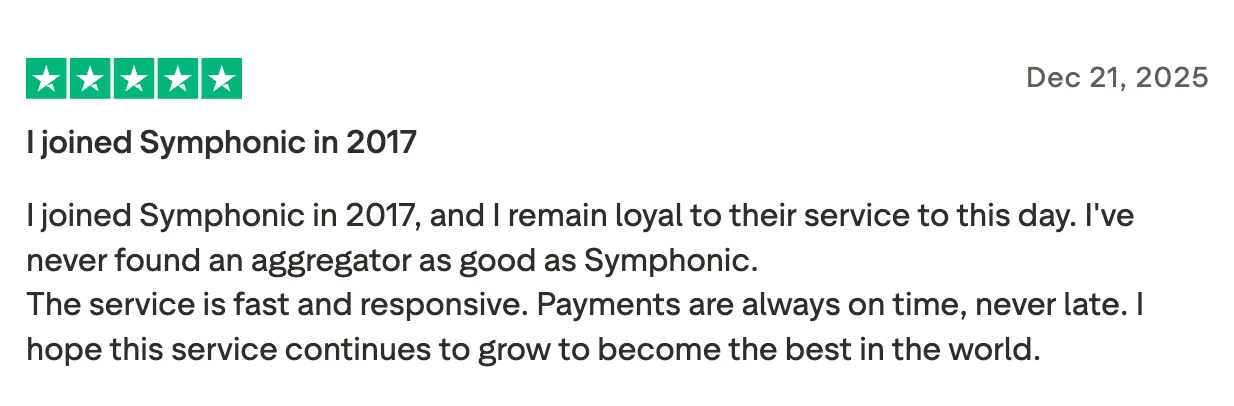
- Responsive customer support with a 1 business day email turnaround
- Strong store network for EDM and electronic music genres
Symphonic’s Cons
- Artists receive 70% of net royalties, not 100%
- Spotify only accepts official music videos, lyric videos, visualizers, and live content are not supported
- Most additional services, like marketing and publishing, are separate from the base video distribution offering
- Promo Only placement is curated, and acceptance is not guaranteed. Refunds are not issued if a video is not selected
Symphonic’s Pricing
- Vevo-only plan: $25 per video
- Spotify-only plan: $25 per video
- Value plan: $95 per video covering Vevo, Spotify, Apple Music, TIDAL, Vimeo, XITE, and Promo Only
- Optional $15 rush fee for previously distributed videos being sent to Spotify only
- No annual fees
4. Vimeo — Best For Professional Hosting And Branded Embeds
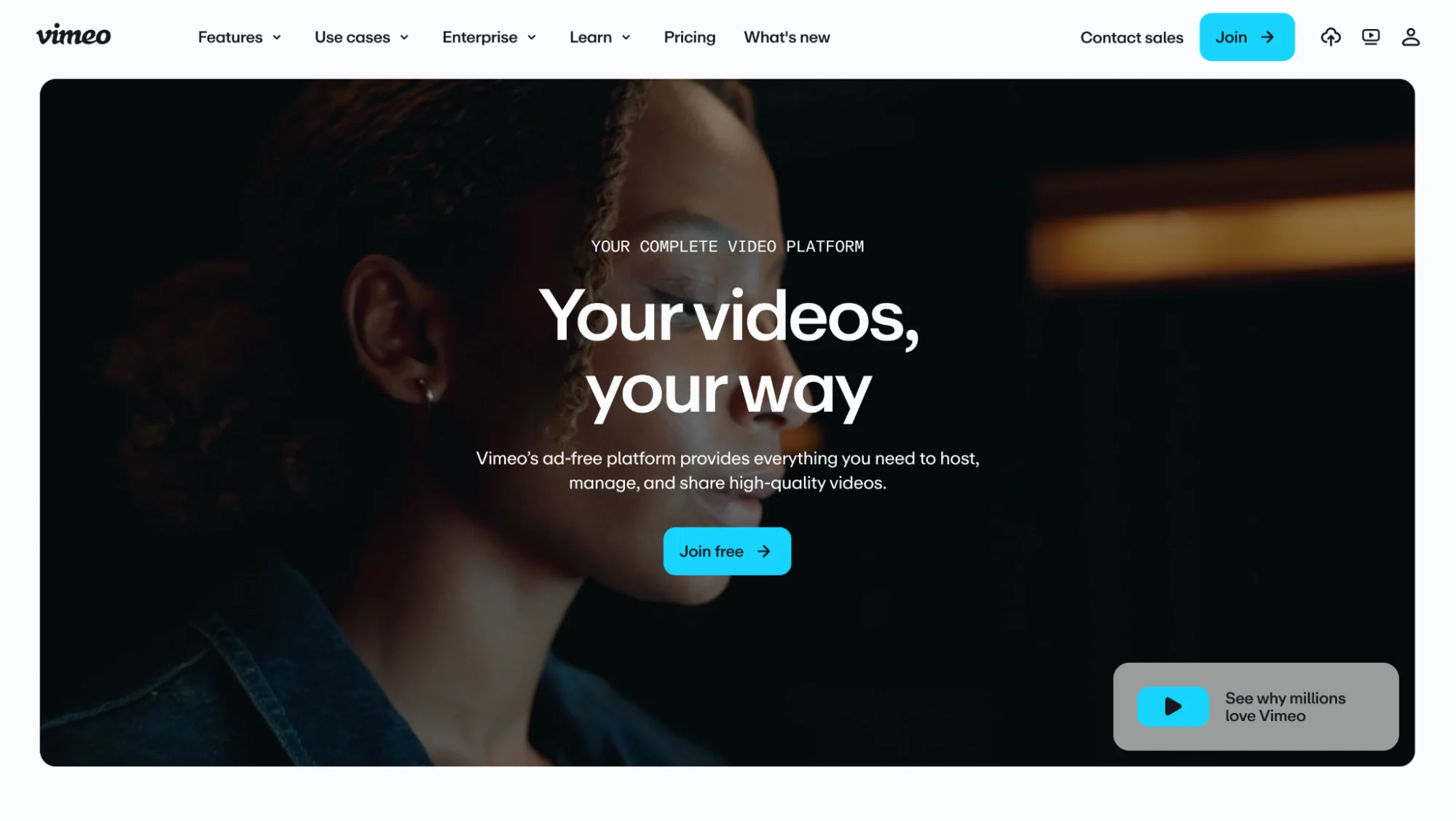
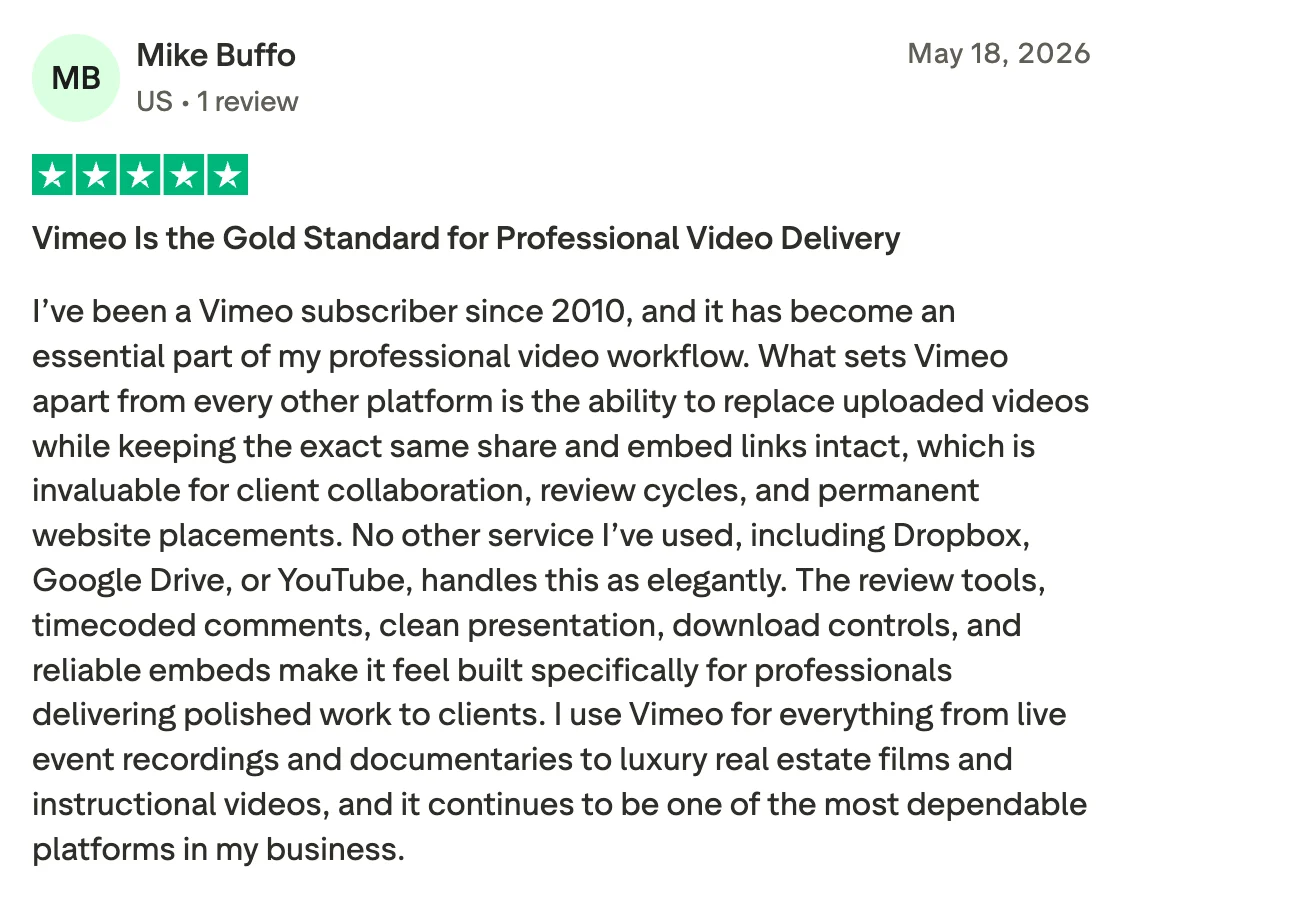
Vimeo is built for presentation. It gives teams a clean player, privacy controls, custom branding, detailed analytics, and playback support up to 8K HDR. That makes it useful for website embeds, client pages, portfolios, and polished brand videos.
Distribution.ai is stronger when the goal is social output around the video. Vimeo helps the finished video look good in one controlled place. DAI helps turn the source asset into posts for different channels, so the video can support distribution beyond the page where it lives.
Vimeo Is Best For
Businesses, filmmakers, and creators who need polished video hosting for websites, portfolios, client reviews, and marketing pages.
Vimeo’s Key Features
- Ad-free video hosting with a fully customizable player including logos, colors, and fonts
- Video playback supports up to 8K HDR with adaptive bitrate delivery for smooth playback
- Advanced privacy controls, including password protection, private links, and domain-level restrictions
- Live streaming with real-time analytics and audience engagement tools
- AI-powered video creation and editing tools for faster content production
- Detailed viewer analytics tracking engagement, drop-off rates, and audience demographics
- Video review and collaboration tools for teams working across projects
Vimeo’s Pros
- An ad-free environment keeps the viewing experience clean and professional
- Fully customizable player maintains consistent branding across every embed
- Strong privacy controls make it a reliable choice for client-facing and internal content
- High video quality with 4K and up to 8K HDR playback support
- Easy to set up and use with no technical expertise required
Vimeo’s Cons
- The free plan is limited to 1GB of storage and 2 uploads per month
- Some advanced features, including live streaming and higher resolution exports, require paid plans
- No built-in audience discovery like YouTube, content relies on direct sharing or embeds
- Vimeo has undergone pricing restructuring in 2026, with some users reporting higher costs on renewal
Vimeo’s Pricing
- Free plan available with 1GB storage and 2 uploads per month
- Creator plan starts at $10/month
- Professional plan starts at $70/month
- Advanced and Enterprise plans available with custom pricing
- Annual billing provides approximately 40% savings compared to monthly rates
5. Wistia — Best For B2B Marketing And Lead Generation
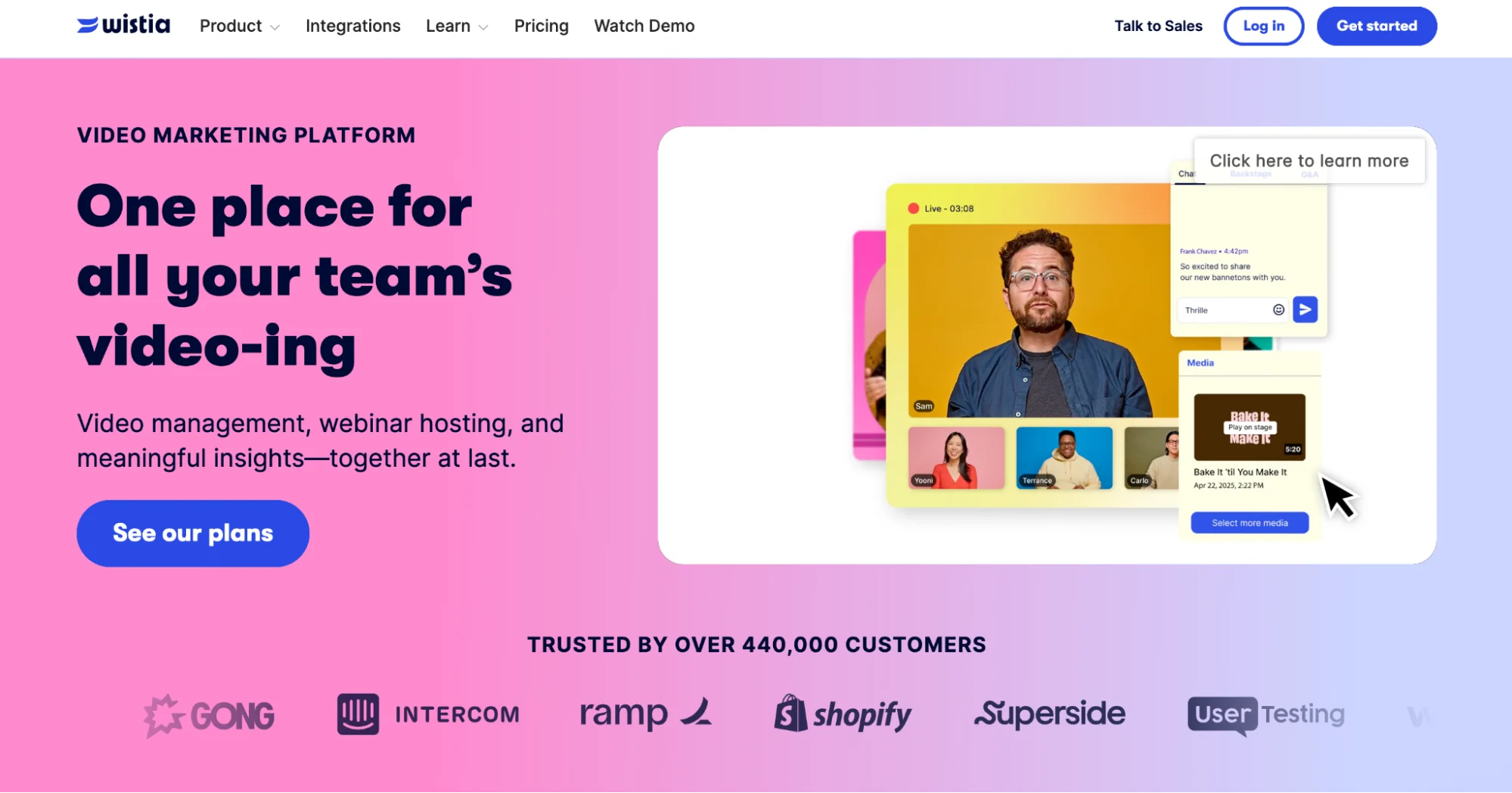
Wistia is built for marketing teams that use video inside the sales journey. A demo, webinar, or customer story should show more than total plays.
It should help the team understand which accounts are paying attention and which videos are pushing people closer to a decision.
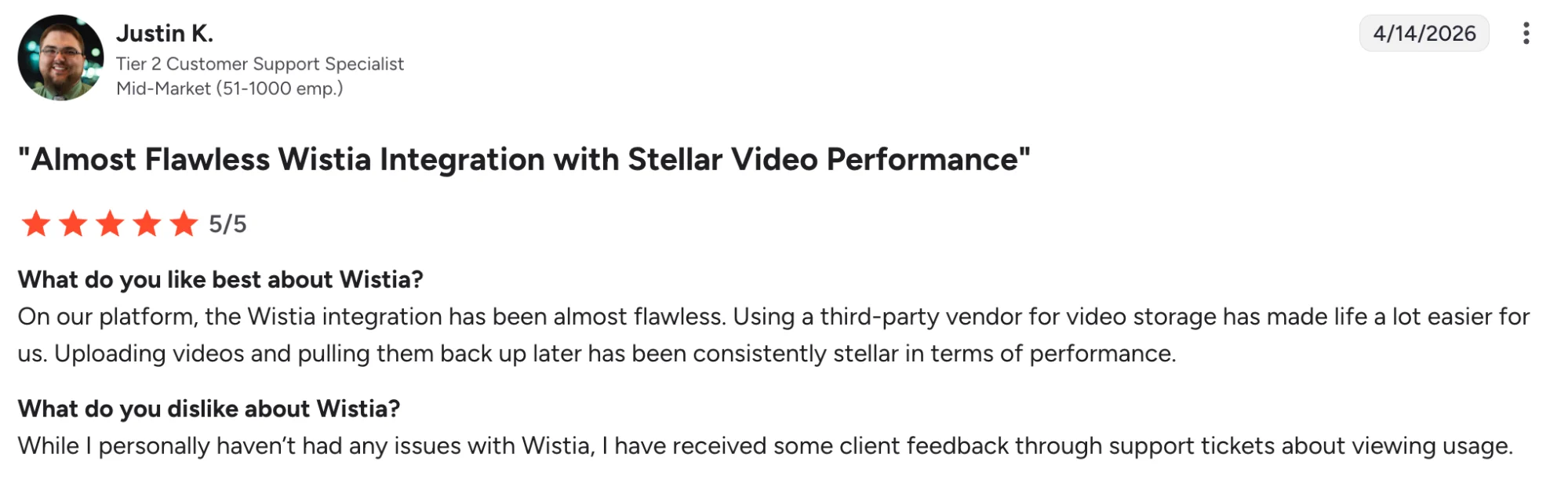
The platform gives marketers viewer-level engagement data, in-video email capture, heatmaps, and CRM connections with tools like HubSpot and Marketo. This makes it easier to turn video from a passive content asset into something sales and marketing can act on.
Wistia Is Best For
B2B marketing and sales teams that want video to function as a lead generation and pipeline tool, not just a hosting service.
Wistia’s Key Features
- Turnstile email capture forms embedded directly inside videos
- Engagement heatmaps track where viewers watch, rewatch, and drop off
- Video-Qualified Lead thresholds that trigger automated CRM outreach based on viewer engagement
- A/B testing for thumbnails and Turnstile placement
- HubSpot and Marketo integrations out of the box
- Branded video channels hosted on your own website
Wistia’s Pros
- Connects video engagement data directly to CRM and marketing automation workflows
- Clean ad-free player keeps viewers focused without competing recommendations
- Lightweight player that loads under 50KB, avoiding Core Web Vitals penalties
- Responsive support with strong documentation and training materials
Wistia’s Cons
- Videos do not surface in YouTube search or Google video tab, limiting public discoverability
- Extra charges apply once you exceed your video allowance on paid plans
- The jump from Pro at $79/month to Advanced at $319/month is steep for growing teams
- Not suited for creators looking to build a public audience
Wistia’s Pricing
- Free plan available for up to 10 videos
- Plus at $19/month
- Pro at $79/month
- Advanced at $319/month
- Enterprise pricing is custom
6. Uscreen — Best For Online Courses And Memberships
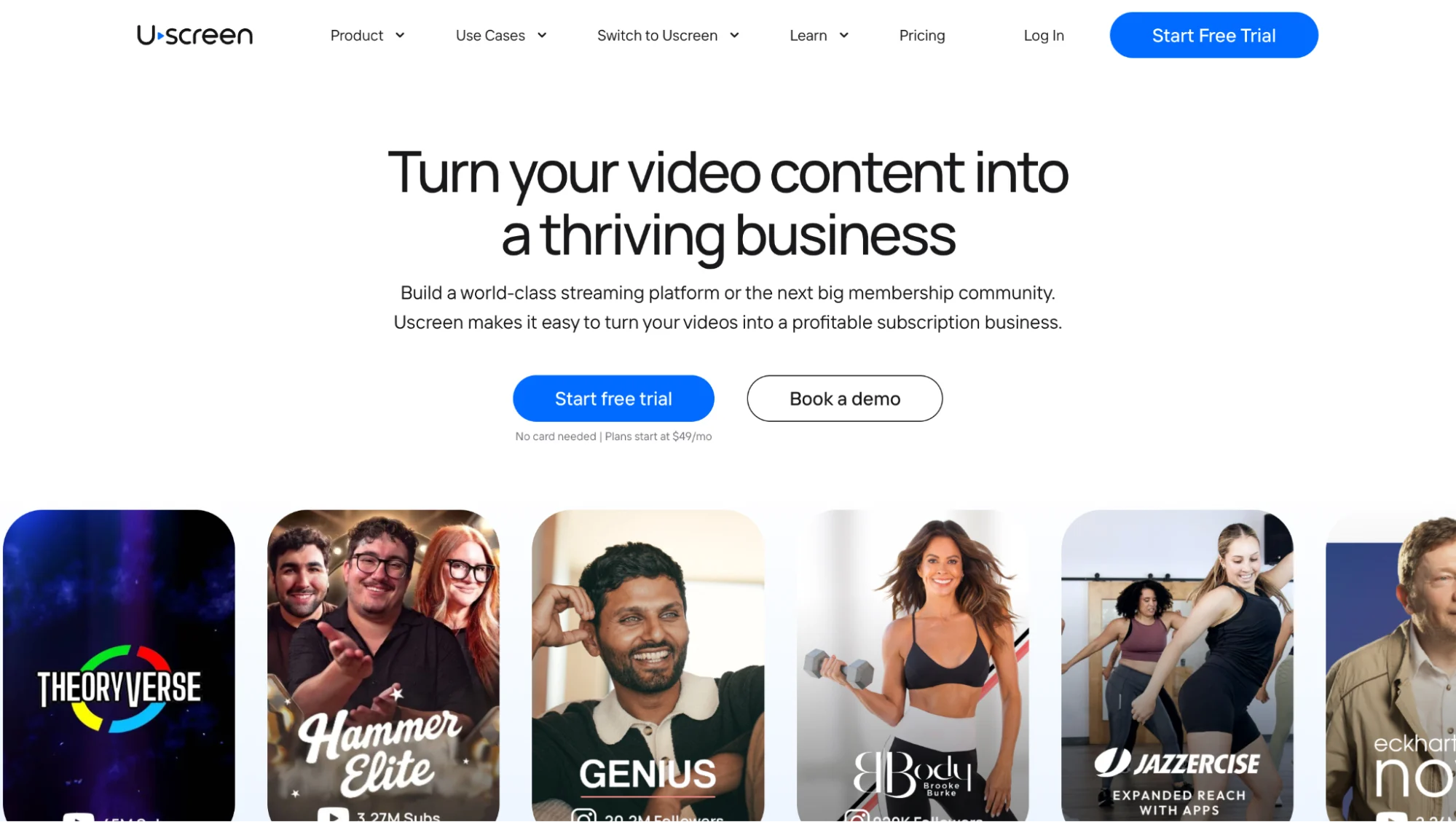
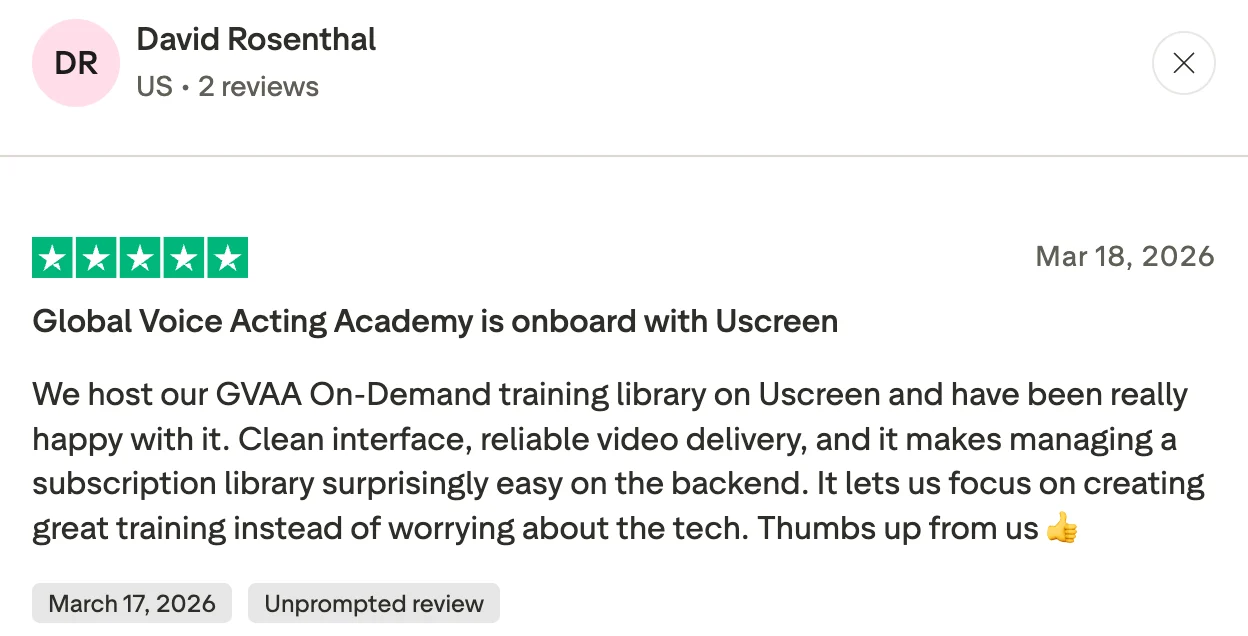
Posting a video on YouTube or Vimeo builds an audience on someone else’s platform. Uscreen is built for creators, coaches, and educators who want to own their entire audience. It provides video creators with a branded streaming platform, membership tools, live streaming capabilities, and OTT apps all under one roof, eliminating the need to stitch together separate tools.
Trusted by over 25,000 creators, including Yoga with Adrienne, Filmmakers Academy, and Abundance+, Uscreen has helped creators earn over $150 million annually, reaching more than 9.7 million end-users across branded websites, mobile apps, and connected TV.
Uscreen Is Best For
Creators, coaches, and educators who want to turn their video library into a paid membership business with a branded platform, OTT apps, and full ownership of their audience and revenue.
Uscreen’s Key Features
- Netflix-style on-demand video catalog with native live streaming on all paid plans
- Branded website with custom domain on Growth and above
- iOS and Android mobile apps included on App Essentials and above
- Flexible monetization, including subscriptions, one-time purchases, and rentals
- Smart analytics covering revenue, subscriber engagement, and video performance
- Marketing and automation tools are included across all plans
- Community features, including DMs, Challenges, Calendar, Streaks, and Badges on the Custom plan
Uscreen’s Pros
- Gives creators full ownership of their audience and revenue without platform dependency
- Branded mobile and TV apps extend content reach beyond the web
- Easy to set up and manage with an intuitive interface
- Responsive customer support is consistently highlighted across G2 and Capterra
- Flexible monetization with 0% subscriber fee on the Starter plan
Uscreen’s Cons
- The starter plan is capped at 100 subscribers and available on monthly billing only
- Growth plan adds a $1.99 per active subscriber fee, which compounds as the audience scales
- Community features like DMs, Challenges, and Calendar are only available on the Custom plan
- One-time sales incur a 10% platform fee on Starter and 5% on higher plans on top of payment processing fees
- TV apps are only available on the Custom plan
Uscreen’s Pricing
- Starter: $49/month, monthly billing only, 100 subscriber limit, 10% fee on one-time sales
- Growth: $149/month billed annually or $199/month on monthly billing, plus $1.99 per active subscriber, 5% fee on one-time sales
- App Essentials: $449/month billed annually or $499/month on monthly billing, plus $0.99 per active subscriber
- Custom: Contact for pricing, includes TV apps, community tools, API access, and whitelabeling
7. Brightcove — Best For Enterprise Video Infrastructure
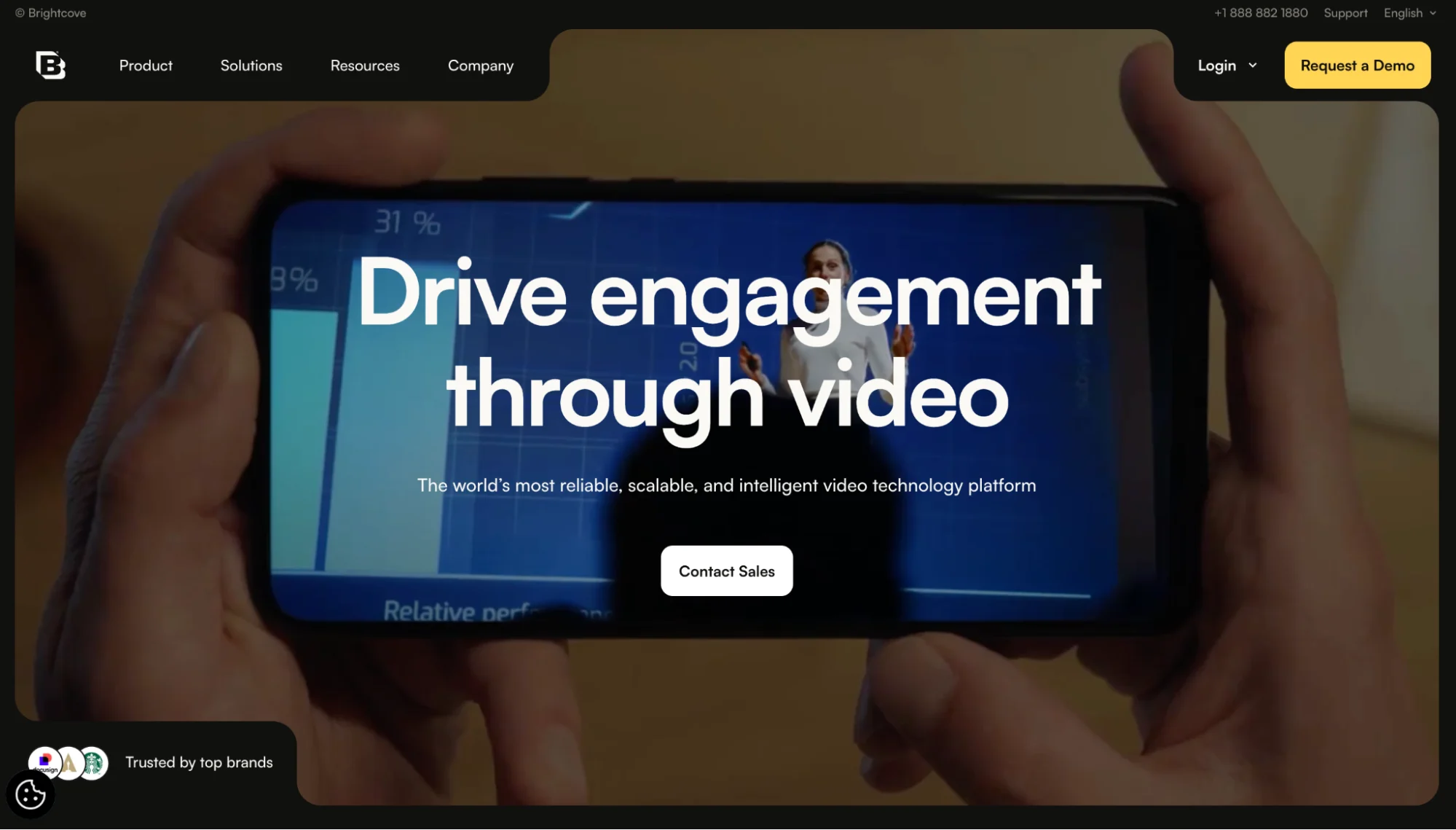
When video is a core part of how a business operates at scale, the infrastructure behind it matters as much as the content itself.
Brightcove was made for enterprises and media companies that need reliable, high-performance video delivery across global audiences without compromising on security, analytics, or monetization control.
Operating in more than 80 countries and holding two Technology and Engineering Emmy Awards for innovation,
Brightcove serves organizations that need video as a backend service rather than a packaged front-end product. Its APIs and SDKs let engineering teams embed video into proprietary applications and automate publishing pipelines from one platform.
Brightcove Is Best For
Enterprises, media companies, and brands running large video libraries or frequent live events that need scalable, secure video delivery with deep analytics and monetization control.
Brightcove’s Key Features
- Live streaming with support for multiple concurrent streams and real-time audience management
- AI-powered captions and localization in 90-plus languages
- Contextual advertising and server-side ad insertion for hybrid monetization
- Detailed video analytics covering viewer engagement, reach, and performance metrics
- Native social publishing to TikTok, Instagram, and Facebook Reels via Brightcove Social
Brightcove’s Pros
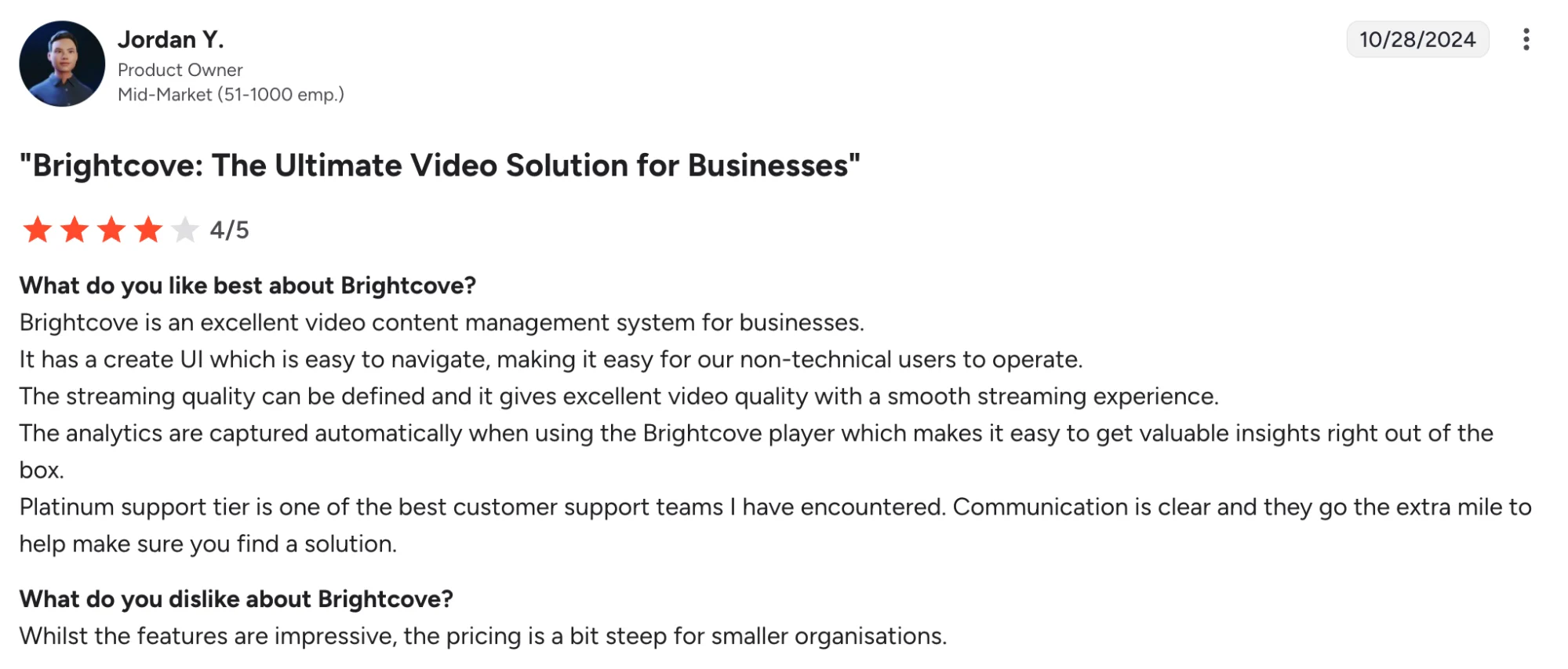
- Reliable platform stability with consistent video delivery across all devices and browsers
- Excellent customer support with responsive account managers and knowledgeable technical support
- Easy to upload, embed, and manage videos without heavy technical expertise
- Automatically captures analytics when using the Brightcove player with no extra setup required
Brightcove’s Cons
- Pricing is steep and a significant barrier for smaller organizations
- Navigation and folder structure become cumbersome as video libraries scale
- The analytics interface is not intuitive, with multiple reviewers flagging difficulty pulling reports
- Steep learning curve requiring internal documentation for new users
Brightcove’s Pricing
- Brightcove does not publish fixed public pricing
- Pricing is custom and usage-based, driven by bandwidth, storage, number of plays, and product tier
- Smaller deployments for marketing teams typically range from $20,000 to $60,000 annually, based on Vendr contract data
- Larger media and OTT deployments regularly reach six figures annually
- Contact Brightcove sales directly for a tailored quote
How To Choose The Right Video Distribution Platform For Your Business
By now, you have seen how wide this category gets. The easier way to choose is to stop scanning features and look at the next step your video needs to take.
1. Start With The Kind Of Video You Publish
The format usually narrows the choice fast. An official music video belongs with a distributor such as Symphonic, since the release has to pass through partner requirements. A polished brand film or portfolio piece fits better with Vimeo, where the viewing experience can stay clean and controlled.
If your team publishes webinars, YouTube videos, interviews, or podcasts and then needs more social output from each one, Distribution.ai is the better place to start.
The value comes from turning one source asset into channel-ready posts instead of asking the team to rebuild everything for other platforms manually.
2. Choose Based On Where The Video Needs To Be Watched
A public audience needs a different path from a private customer, sales prospect, or paid subscriber. YouTube works well when discovery is the priority and you want people to find the video through search or recommendations.
Vimeo and Wistia are better for videos watched on your own site. Vimeo keeps the presentation clean, while Wistia adds viewer insights for marketing and sales teams.
Distribution.ai fits when the audience is spread across social channels and the video needs supporting posts to travel beyond the original upload.
3. Match The Tool To The Outcome You Want
If the goal is more output from existing video content, Distribution.ai should be high on the list.
Other outcomes point elsewhere. Paid access belongs with Uscreen.
Music video monetization and royalties point to Symphonic. Lead capture and sales follow-up point to Wistia. Large-scale streaming infrastructure points to Brightcove.
4. Look At The Work Your Team Wants To Remove
The best clue is the task your team keeps postponing. If people keep saying they will “turn this into posts later,” Distribution.ai solves a real workflow problem. It moves the repurposing step closer to the source asset, before the idea goes cold or gets buried under the next release.
If the pain is hosting quality, Vimeo is the cleaner choice. If the pain is sales visibility from video, Wistia earns the conversation.
5. Check The Cost Against Real Usage
Price makes more sense when you compare it with your publishing plans. Symphonic works well for planned releases with per-video costs.
Uscreen needs enough paid subscribers to support the monthly spend. Brightcove fits larger teams treating video as core infrastructure. Distribution.ai is easier to justify when repurposing is regular work, not a one-off task.
Pick the plan that matches how often your team will use it.
Which Video Distribution Platform Would You Choose?
Distribution works best when the idea inside a video has more than one route to the audience.
Distribution.ai helps with that route. A YouTube video, podcast episode, or blog can become posts your team can use across social channels, with scheduling and tracking kept close to the same workflow.
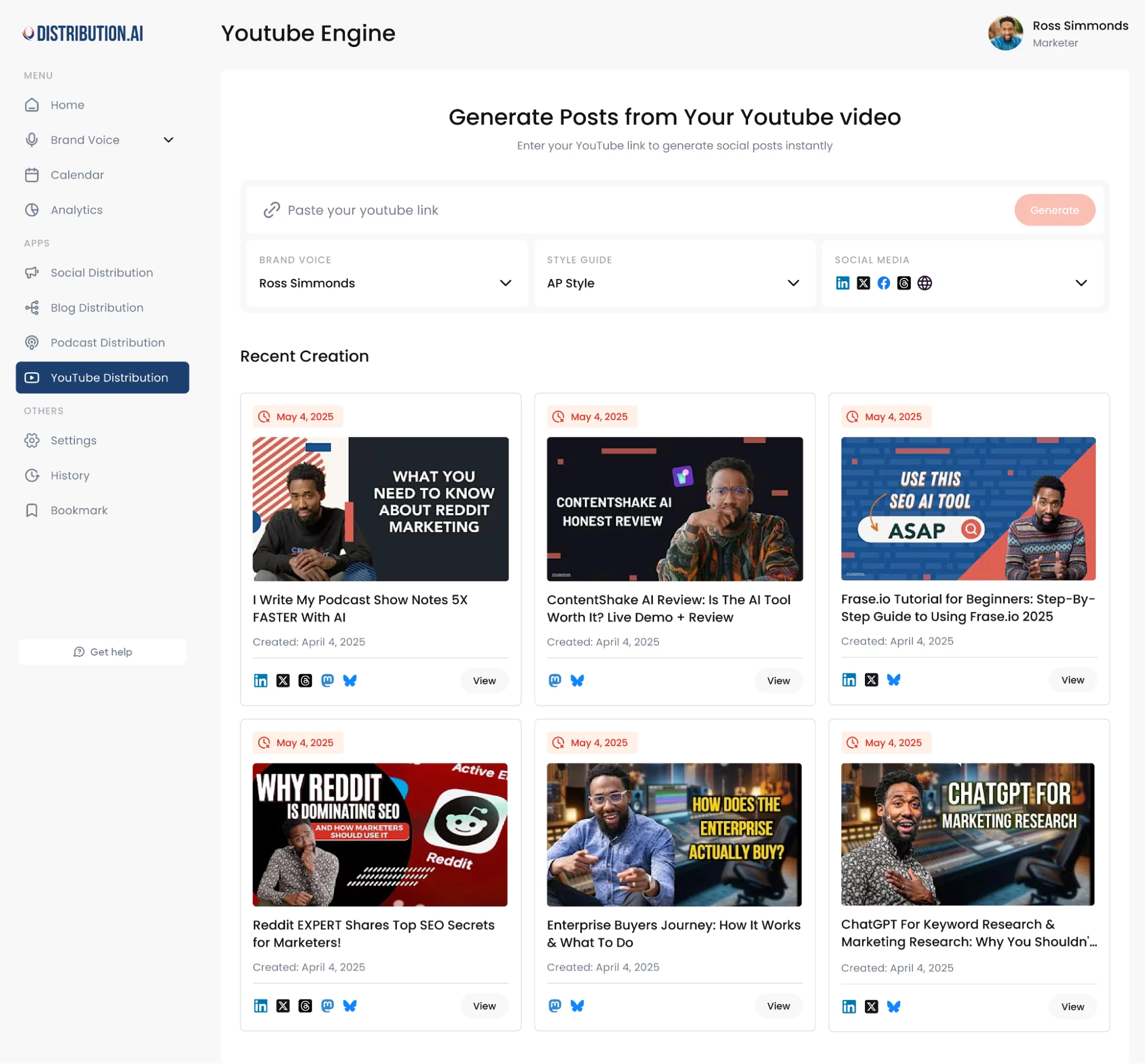
This is useful when your team keeps making strong content and wants it to show up in more places between bigger launches. One good source can keep your calendar moving and make each new piece feel less like a one-and-done effort.
If you already have a video, podcast, or blog sitting around, try it inside Distribution.ai and see how much useful content you can pull from it.
Frequently Asked Questions
1. What is adaptive bitrate streaming
Adaptive bitrate streaming keeps playback smooth when a viewer’s connection changes.
The player reads connection speed and device performance in real time, then adjusts video quality so the stream keeps moving with fewer stalls.
2. What content requirements do music video distribution platforms have?
Music video platforms usually ask for original audio, cleared publishing rights, and mainly original visuals. Stock footage should stay under the distributor’s allowed limit and work as support footage. Spotify focuses on official music videos, so artists should check partner rules before submitting.
3. How long does music video distribution take?
Plan at least 3 weeks for music video distribution. This gives the distributor time to review the submission and prepare delivery. It also leaves room for platform ingestion and feature pitching when the distributor offers it.
A new Vevo channel can add extra lead time, so artists should plan the release calendar early.
4. What percentage of royalties do artists keep from music video distribution?
Royalty splits vary by distributor and plan. Some music video distributors pay around 70% of net royalties. Flat subscription platforms may let artists keep 100% after the plan fee, so the agreement is worth reading before release day.
5. Can artists choose which platforms their music videos are delivered to?
Many distributors let artists choose delivery partners during submission. This helps shape the release around the audience, territory, and platform strategy.
An artist may send one video broadly or focus on selected partners when a tighter rollout works better.

Promote, repurpose & distribute your content with AI
Write 10x faster, engage your audience, & never struggle with the blank page again.
Start 15-Day Free Trial
Frequently Asked Questions
Author

Promote, repurpose & distribute your content with AI
Start 15-Day Free Trial