


Top 9 Buffer Alternatives You Should Try in 2026
Looking for a better Buffer alternative? Compare the top 9 Buffer alternatives for scheduling, analytics, and AI-powered content repurposing.

Buffer is still one of the most popular social media scheduling tools for creators and small teams, especially because it offers a free plan, simple publishing workflows, and support for a wide range of social platforms. But it’s not the right fit for everyone.
As your workflow grows, features like bulk scheduling, advanced analytics, team collaboration, and content repurposing can become more important in a social media management tool.
That’s why many social media managers start looking at other options. In this guide, we compare the best Buffer alternatives based on key features, pricing, use cases, and overall fit, so you can find the right social media management platform for your workflow.
Key Takeaways
Best for simple social media scheduling:
Buffer works well for basic scheduling, but it can feel limiting for teams that need stronger collaboration, deeper analytics, better workflow management, or more ways to create content from one asset.
Best alternatives for different use cases:
There is a strong alternative for each need. SocialPilot fits small businesses and agencies, Hootsuite and Sprout Social suit larger teams that need analytics and listening, and tools like Vista Social, Agorapulse, and Sendible work well for collaboration-heavy workflows.
Best options by pricing level:
Pricing varies widely across Buffer alternatives. Lower-cost options like Metricool, SocialBee, and SocialPilot appeal to leaner teams, while Hootsuite and Sprout Social are better suited to companies that can justify more advanced social media management features.
Best way to choose the right Buffer alternative:
The best choice depends on your biggest bottleneck, whether that is content creation, approvals, collaboration, reporting, engagement, or managing multiple brands and channels more efficiently.
Best for content repurposing and distribution in one workflow:
Distribution.ai stands out for marketers, creators, and agencies that want to turn blogs, videos, and podcasts into platform-ready social posts, then schedule, distribute, and track performance in one place.
Quick Summary: The Best Buffer Alternatives
| Starting Price (As of April 2026) | ||
|---|---|---|
| Buffer | Straightforward social media scheduling for creators and small teams | Plans start at $5/month for 1 channel |
| Distribution AI | AI-powered content repurposing and social media scheduling | $38/month |
| SocialPilot | Small businesses and agencies managing multiple social media accounts | $30/month |
| Hootsuite | Advanced social media management, social listening, and analytics | $99/month |
| Sprout Social | Marketing teams that need advanced analytics and collaboration | $199/month |
| Vista Social | Unified social inbox, engagement tools, and workflow management | $39/month |
| Agorapulse | Team collaboration, social inbox management, and reporting | $99/month |
| SocialBee | Content recycling and category-based scheduling | $29/month |
Table showing Buffer alternatives compared by use case and starting price (as of April 2026)
Why Do Users Look for Buffer Alternatives?
Buffer remains a scheduling-only tool at its core. It helps you plan and publish posts, but you still have to create all the content yourself.
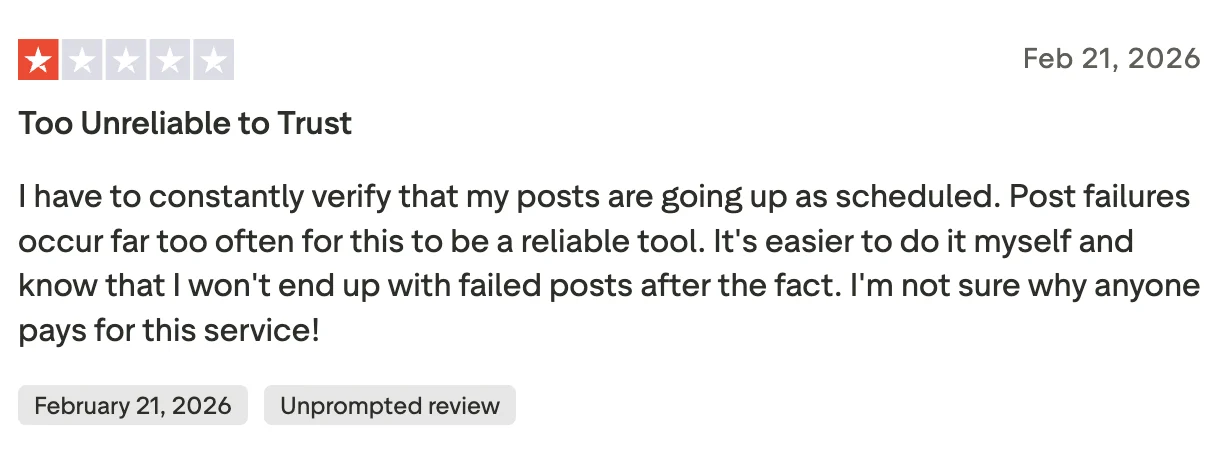
Users on Reddit and Trustpilot have flagged recurring issues with post failures and reliability, with one reviewer calling it “too unreliable to trust” and noting that scheduled posts frequently fail to publish.

 For agencies managing multiple accounts, the per-channel pricing adds up quickly while still only covering the scheduling piece of the workflow.
If you need a tool that distributes content and generates platform-ready assets from your existing videos, podcasts, and blogs, it’s worth looking beyond Buffer.
How Did We Compile Our List of the Best Buffer Alternatives?
To compile this list, we reviewed official product and pricing pages, user reviews, Google listings, community discussions, and trusted third-party comparison sites.
We compared platforms based on:
- Overall fit for solo users, small businesses, and agencies
- Reliability in bulk scheduling, queue management, and publishing
- The depth of reporting, analytics, and performance insights
- Support for collaboration, approvals, and daily workflow management
- Coverage across major social media platforms and channels
- Access to advanced capabilities like social listening, content recycling, and AI-powered workflows
We used those sources to compare each tool’s features, pricing, ideal use case, and common user complaints before narrowing down the final list.
The Best Buffer Alternatives in 2026
If you want to create, schedule, and distribute more content from one asset, distribution.ai stands out. SocialPilot is a strong choice for affordable multi-account management, while Hootsuite is better for teams that need deeper analytics and social listening.
The rest of the tools on this list cover needs like collaboration, reporting, evergreen scheduling, and client approvals.
1. Distribution.ai: Turns long-form content into scheduled social posts
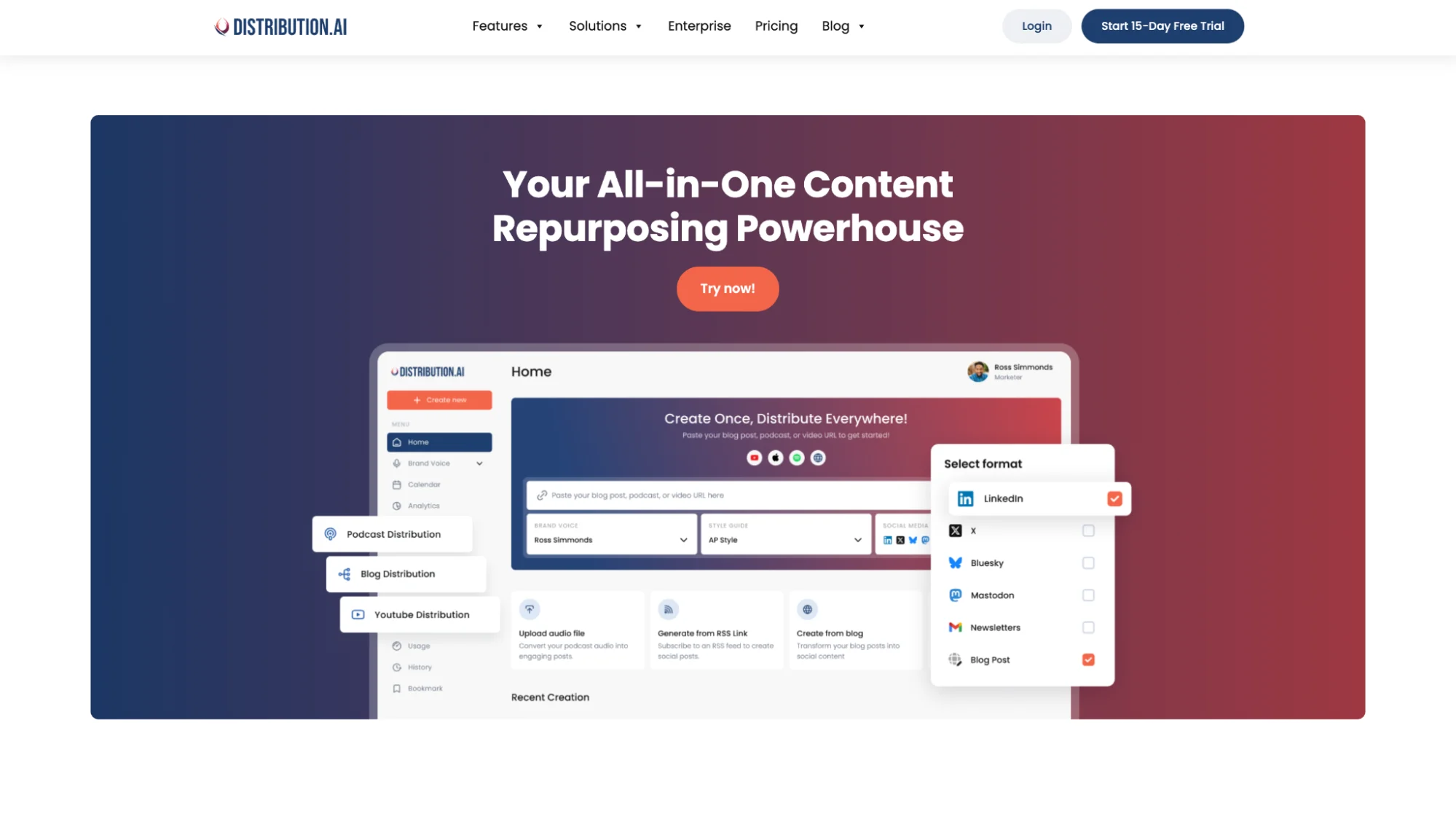
If Buffer feels too limited for teams that want both content creation and scheduling in one workflow, Distribution.ai is the strongest alternative to consider. It helps turn blogs, videos, and podcasts into multiple ready-to-publish social posts, then lets you schedule and distribute that content across multiple social media channels.
That is where it differs most from Buffer. Buffer is mainly built for publishing and scheduling, while Distribution.ai helps you create more social posts from one content asset and move them through scheduling and distribution more efficiently.
Why choose Distribution.ai over Buffer?
- Repurposes blogs, videos, and podcasts into social-ready content
- Lets you schedule and distribute posts from the same workflow
- Includes built-in analytics and reporting
- Helps teams maintain output across multiple social media channels
- Reduces the amount of manual rewriting needed for each platform
Distribution.ai is Best for
Lean marketing teams, creators, and agencies that want to get more value from every content asset they publish.
Distribution.ai’s Key Features
- AI repurposing tools for multiple formats, including blog, video, and podcast workflows
- Tone and style customization tools for brand-aligned content creation
- Multi-channel scheduling and performance tracking in one dashboard
- Social distribution support across seven platforms, including LinkedIn, X, Bluesky, and Mastodon
Distribution.ai’s Pros
- Combines repurposing, scheduling, and distribution in one tool
- Helps create and schedule more content with less manual work
- Strong fit for scaling across multiple social media channels
Distribution.ai’s Cons
- May be more than you need if you only want basic scheduling

Distribution. ai’s Pricing
Distribution.ai offers custom plans with monthly and annual pricing:
- Plans are priced by content type, YouTube, Podcast, and Blog, each with three tiers: Creator, Pro, and Business
- Individual agent plans start at $19/mo for Blog and $29/mo for YouTube or Podcast
- Bundle all three agents together and save 30%, starting at $53.90/mo (Creator tier)
- Organization Pro plan (all 3 agents) runs $91.58/mo on annual billing with 5 team members included
- Organization usage scales per member; additional members cost $55/mo each
- All plans support 6 social platforms: LinkedIn, X, Threads, Mastodon, Bluesky, and Instagram
- 15-day free trial available on all plans
2. Socialpilot: Handles Agency Workflows Without Enterprise Pricing

SocialPilot is a strong Buffer alternative for small businesses, agencies, and teams managing multiple social media accounts. It gives you more flexibility around bulk scheduling, approvals, collaboration, and reporting, while still staying relatively affordable.
That makes it a practical step up from Buffer for teams that need more structure without moving to a heavier enterprise tool. Its agency-friendly features, including client management, analytics, team workflows, and white-label options, are a big part of why it stands out.
SocialPilot is Best for
Small businesses, agencies, and marketing teams are managing multiple accounts and multiple brands.
SocialPilot’s Key Features
- Bulk scheduling tools with CSV import for high-volume publishing
- Client approval and team permission controls for multi-account workflows
- Content calendar and media management capabilities for organized planning
- Analytics and Google Business Profile support for reporting and local visibility
SocialPilot’s Pros
According to user reviews, SocialPilot is often praised for:
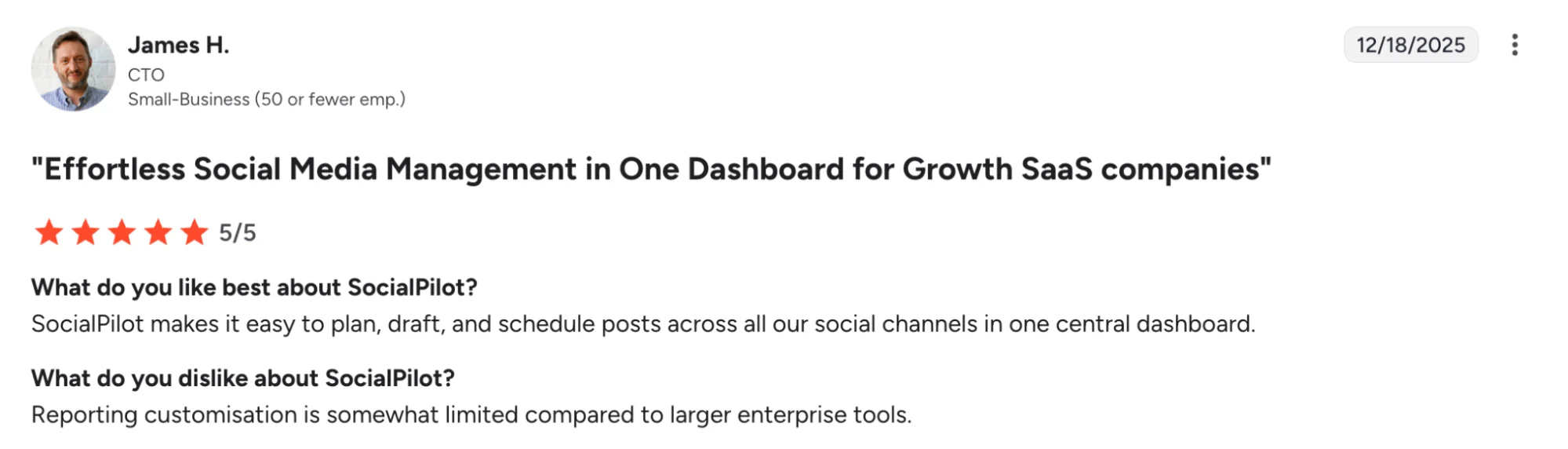
- Making it easier to manage multiple social media accounts from one place
- Offering solid value for small businesses, agencies, and growing teams
- Supporting bulk scheduling and day-to-day publishing workflows well
- Including collaboration and client management features that help agencies work faster
SocialPilot’s Cons
Several reviews on G2 say:
- Integration ability is not as good as some higher-end tools
- Some users mention occasional performance issues and a learning curve
- Account limits on plans have frustrated some reviewers
SocialPilot’s Pricing
- SocialPilot offers four main tiers with monthly and annual billing.
- SocialPilot offers Standard, Premium, Ultimate, and Enterprise plans
- Paid plans start at $30/month
- Higher tiers increase the number of social media accounts, users, and collaboration features
- Premium and above add client approvals, analytics, and white-label reporting
- A 14-day free trial is available
3. Hootsuite: Brings Analytics, Listening, and Publishing Into One System

Hootsuite is designed for teams that require more depth than a lightweight scheduler can provide. It brings together publishing, analytics, engagement, and social listening, which makes it a stronger fit for brands managing larger social media efforts across multiple platforms.
The tool positions itself around scheduling, content creation, analytics, listening, and inbox management in one system.
That broader setup is what earns it a spot on this list. For in-house marketing teams, agencies, and larger brands, Hootsuite offers more structure around reporting, engagement, and team workflows than Buffer is typically known for.
Hootsuite is Best for
Larger marketing teams and brands that need advanced analytics, social listening, and structured collaboration.
Hootsuite’s Key Features
- Multi-channel scheduling and content publishing tools in one platform
- Social listening and brand monitoring capabilities for trend and sentiment tracking
- Unified inbox and engagement workflows for comments, messages, and assignments
- Analytics and reporting tools for measuring social media performance
Hootsuite’s Pros
Users frequently praise Hootsuite for:
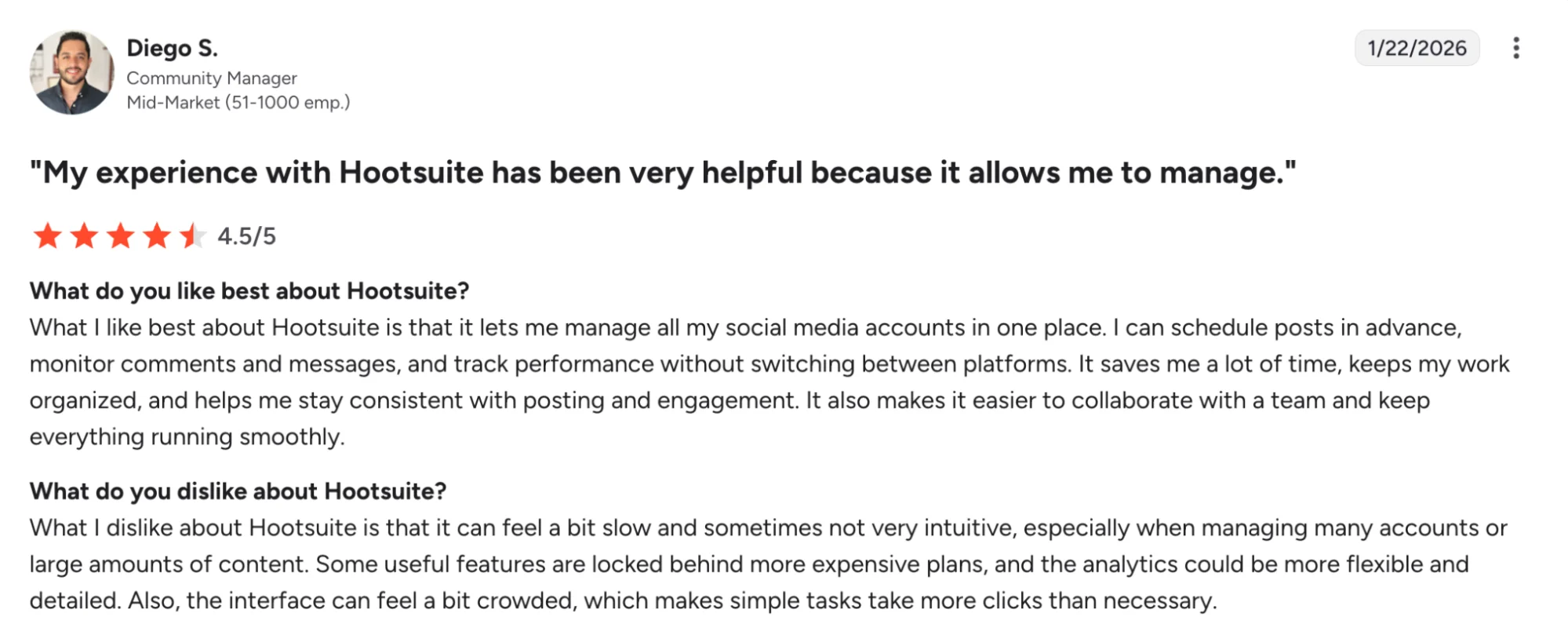
- Giving teams one dashboard to manage multiple social media accounts
- Offering strong analytics and reporting for tracking social media performance
- Making scheduling and day-to-day publishing easier to manage
- Adding useful listening and monitoring tools for trends and brand mentions
Hootsuite’s Cons
Reviewer feedback commonly points to these limitations:
- The platform can feel harder to learn for smaller teams or solo users
- Pricing is higher than that of many other social media management tools
- Some publishing limitations depend on the social platform or content type
- Extra functionality may require higher-tier plans or add-ons
Hootsuite’s Pricing
- Hootsuite offers Standard, Advanced, and Enterprise plans
- Paid plans start at $99/month
- Standard includes core publishing, analytics, inbox, and AI tools
- Advanced adds more analytics, listening, and collaboration features
- Enterprise is available through custom pricing
- A 30-day free trial is available
4. Sprout Social: Gives Larger Teams Deeper Reporting and Collaboration Tools
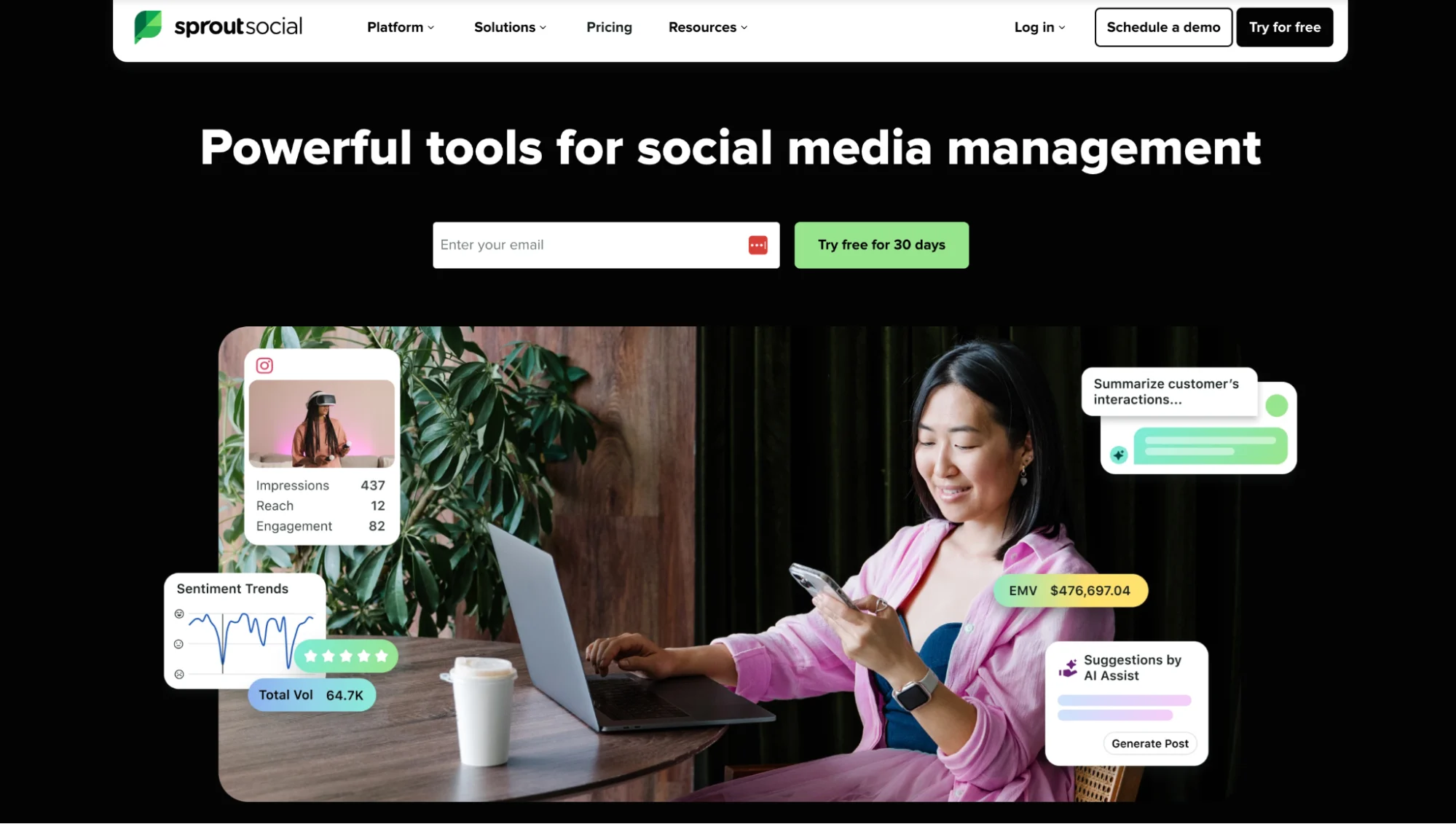
Sprout Social makes more sense for brands that need deeper reporting, stronger team workflows, and a fuller social media management platform. Along with publishing and engagement, it offers advanced analytics, social listening, influencer marketing, and tools designed to help teams measure social media ROI more clearly.
That is what sets it apart from Buffer. While Buffer works well for simple scheduling and publishing, Sprout Social is better suited to larger teams managing multiple social media accounts, more complex workflows, and higher-volume social media efforts.
Sprout Social is best for
Larger marketing teams and brands that need advanced analytics, collaboration, and social listening.
Sprout Social’s Key Features
- Advanced analytics and reporting tools for measuring social media ROI
- Unified social inbox capabilities for managing conversations across channels
- Social listening features for brand, trend, and audience intelligence
- Influencer marketing tools for discovery, planning, and performance tracking
Sprout Social’s Pros
Users often value Sprout Social for:
- Offering deeper analytics and reporting than simpler scheduling tools
- Making engagement easier with a unified social inbox
- Supporting social listening and trend monitoring
- Giving larger teams more structure around collaboration and workflows
Sprout Social’s Cons
Reviewer feedback often points to these drawbacks:
- Pricing can feel high for small businesses and lean teams
- The platform may be more than necessary for basic scheduling needs
- Some teams find the learning curve steeper than with lighter tools
- Advanced capabilities can be hard to justify if you do not need the full suite
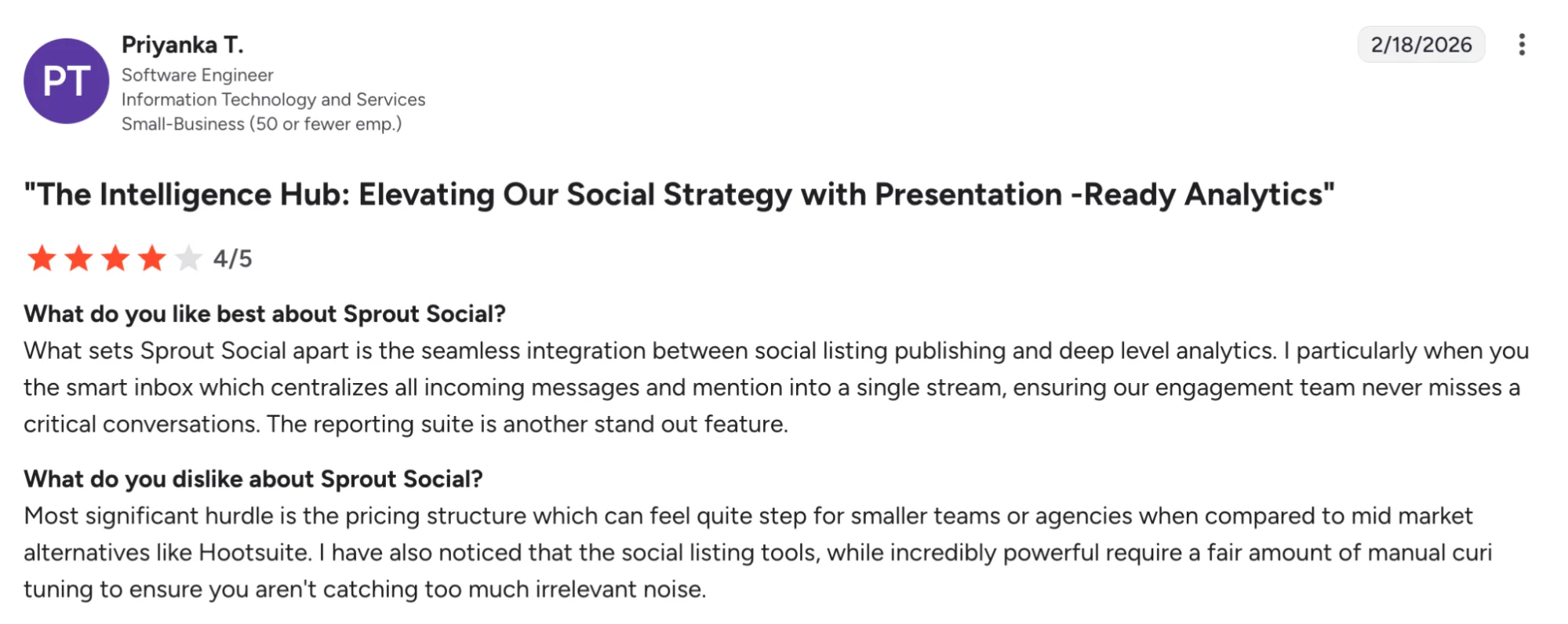
Sprout Social’s Pricing
- Sprout Social’s paid plans start at $199/month
- The platform offers a 30-day free trial
- Pricing increases based on the plan, users, profiles, and add-ons
- Higher tiers are built for teams that need advanced analytics, collaboration, and care tools
5. Vista Social: Combines Inbox Management, Engagement, and Publishing

Vista Social is a good fit for teams that want more than publishing and scheduling. It combines a unified inbox, review management, analytics, listening, and publishing tools in one platform, with pricing starting at $39/month and a 14-day free trial.
That wider feature set is what puts it ahead of Buffer for some teams. While Buffer is easier to keep lightweight, Vista Social is built for agencies and growing brands that need inbox management, collaboration, and broader social media management workflows across multiple accounts.
Vista Social is Best for
Agencies and growing teams that want scheduling, inbox management, reviews, and listening in one place.
Vista Social’s Key Features
- Unified inbox tools for managing messages, comments, mentions, and reviews
- Review management capabilities for monitoring and responding across review sites
- Social listening features for tracking keywords, conversations, and brand signals
- Analytics and publishing tools for multi-channel social media management
Vista Social’s Pros
Reviewers often praise Vista Social for:
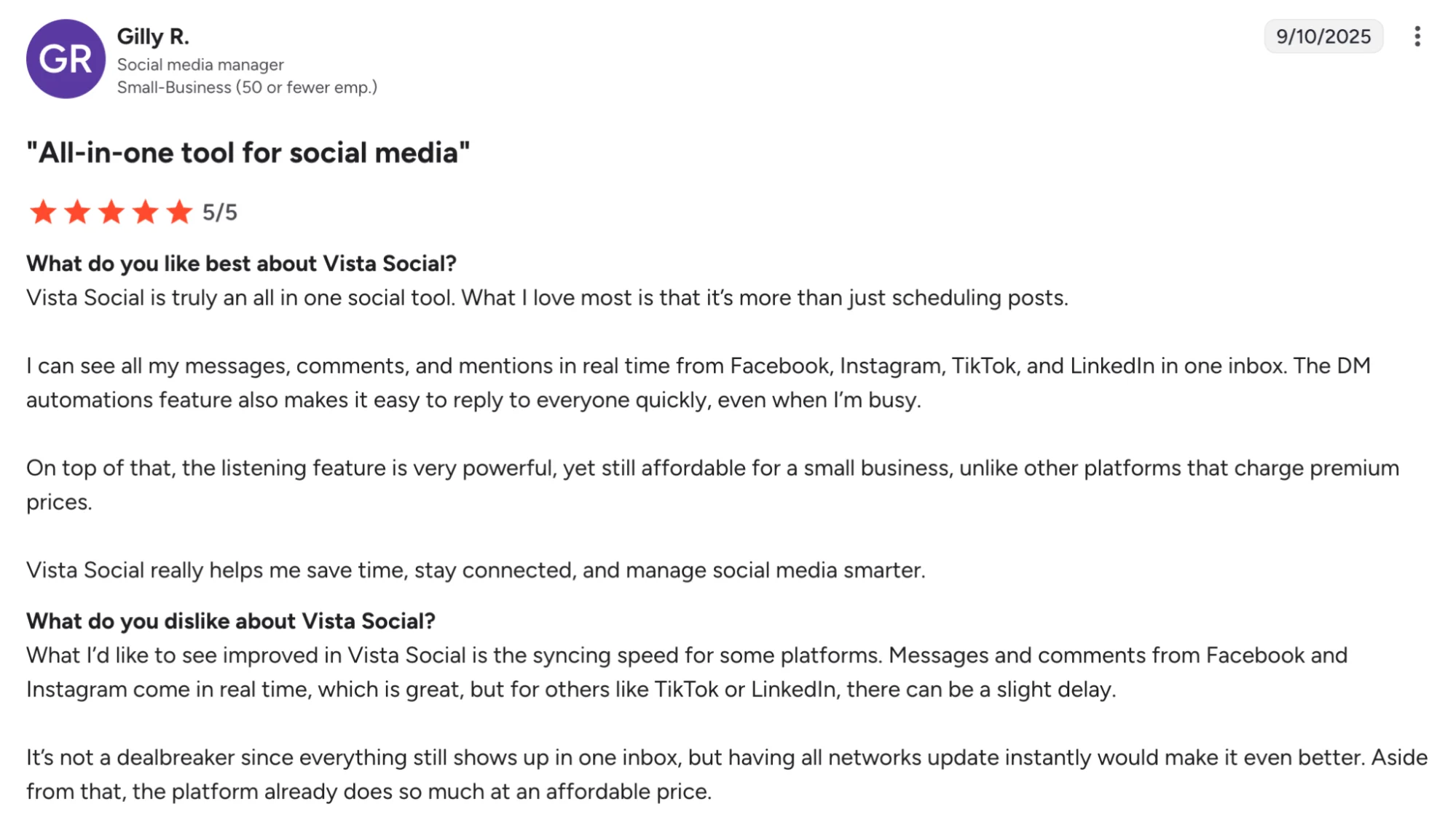
- Making social media management easier with an intuitive dashboard and streamlined workflow. G2 specifically highlights ease of use as a recurring strength.
- Bringing messages, comments, mentions, and reviews into one inbox, which reviewers say saves time across clients and platforms.
- Combining publishing, analytics, engagement, and automation in one platform, which many reviewers describe as strong multi-channel management.
- Offering solid value for money, with Capterra showing very high ratings for value and customer service.
Vista Social’s Cons
Reviewer feedback also points to a few limitations:
- Beginners may find it harder to catch small errors because there are many tools and moving parts.
- Some users want more flexibility in post scheduling and customization.
- There are reports of platform-specific issues, including a review describing problems getting photos to publish correctly to Google Business Profile.
Vista Social’s Pricing
- Vista Social’s paid plans start at $39/month
- The platform offers a 14-day free trial
- Advanced plans start at $120/month
- Scale plans start at $304/month
- Add-ons are priced separately, including Listening and Employee Advocacy
6. Agorapulse: Helps Teams Manage Conversations, Reporting, and Approvals

Agorapulse is a better fit for teams that care as much about engagement and reporting as they do about scheduling. It combines publishing, a unified inbox, monitoring, reporting, and collaboration in one platform, which makes it more useful than Buffer for agencies and growing brands with busier social media workflows.
Agorapulse’s official pricing page highlights inbox management, reporting, team assignments, ROI analysis, competitor benchmarking, and support for networks like Threads, Bluesky, and Google Business.
That wider feature set is why Agorapulse stands out here. It is a better fit for teams that need more structure around conversations, approvals, and performance reporting across multiple social media accounts.
Agorapulse is Best for
Agencies and growing teams that need stronger inbox management, reporting, and collaboration.
Agorapulse’s Key Features
- Social inbox tools for centralized engagement management
- Publishing and scheduling capabilities for multi-platform content workflows
- Reporting and social ROI analytics for performance measurement
- Team collaboration features for assignments, approvals, and shared workflows
Agorapulse’s Pros
Reviewers often praise Agorapulse for:
- Making scheduling more effective with strong analytics tools built into the workflow
- Helping teams stay aligned across multichannel social media projects
- Offering approval workflows and shared calendars for internal and external stakeholders
Agorapulse’s Cons
Across review sites, some common drawbacks include:
- Platform-specific edits can feel tedious when scheduling to multiple social media platforms at once
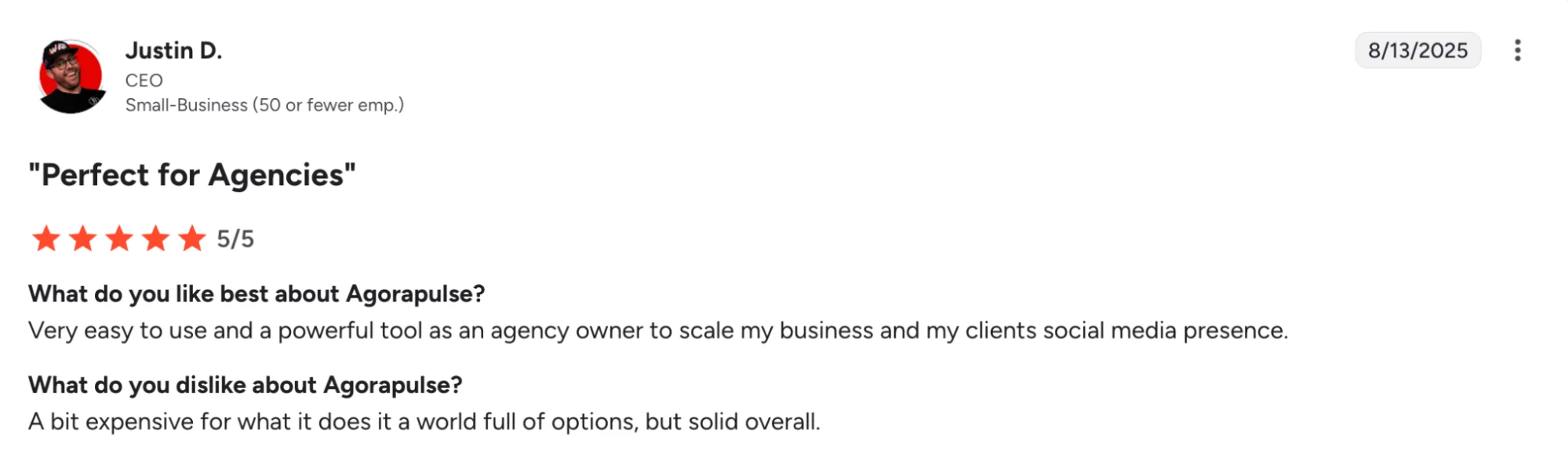
- Pricing can get expensive as you add users or profiles
- Some advanced reporting and workflow features sit on higher-tier plans
Agorapulse’s Pricing
- Agorapulse offers Standard, Professional, Advanced, and Custom plans
- Standard starts at $79 per user/month
- Professional starts at $119 per user/month
- Advanced starts at $149 per user/month
- Higher tiers add ROI reporting, automation, competitor benchmarking, and deeper workflow tools
- A 30-day free trial is available
7. Socialbee: Keeps Evergreen Content Organized and Recycling Smoothly
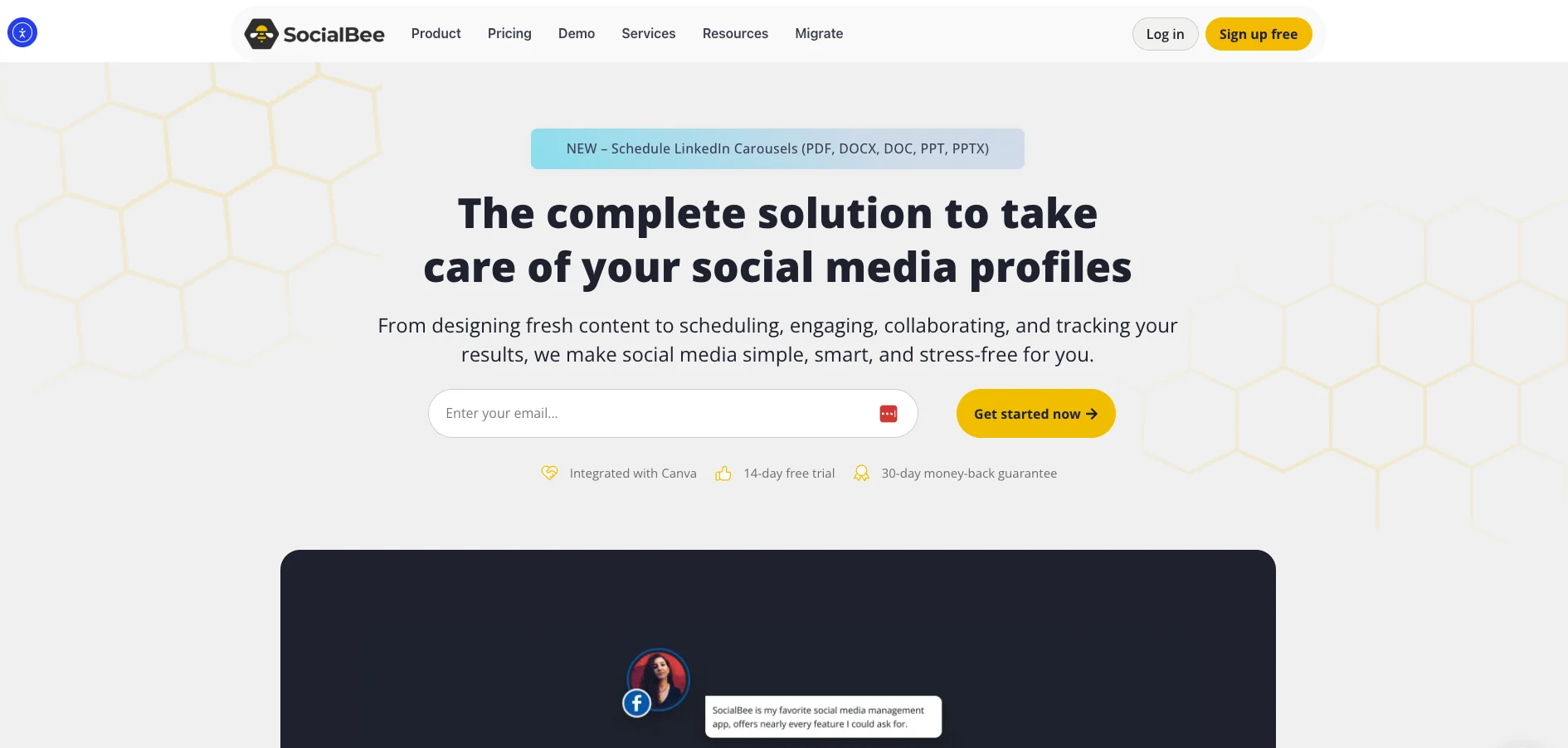
SocialBee is a smart Buffer alternative for teams that want more structure in how they plan and reuse content. Its biggest differentiator is category-based scheduling, which helps you organize posts by theme, keep a steady publishing rhythm, and recycle evergreen content more easily.
SocialBee’s official site highlights tailored posts for each profile, post variations, AI support, and multi-profile social media management, and its pricing starts at $29/month with a 14-day free trial.
That makes it a strong fit for small businesses, creators, and lean marketing teams that want more control than Buffer’s simpler setup offers.
It earns a place on this list because it blends scheduling, AI-assisted creation, and content recycling in a way that helps teams stay active across multiple social media channels without constantly starting from scratch.
SocialBee is Best for
Small businesses, creators, and lean teams that want organized scheduling and repeatable evergreen workflows.
SocialBee’s Key Features
- Category-based scheduling tools for structured content planning
- Evergreen content recycling capabilities for repeatable publishing workflows
- AI-assisted content creation and post variation tools for channel customization
- Analytics and engagement features for tracking performance and managing interactions
SocialBee’s Pros
Users often praise SocialBee for:
- Making it easy to organize posts and keep a balanced content calendar with categories
- Offering a robust analytics dashboard for tracking post performance in real time
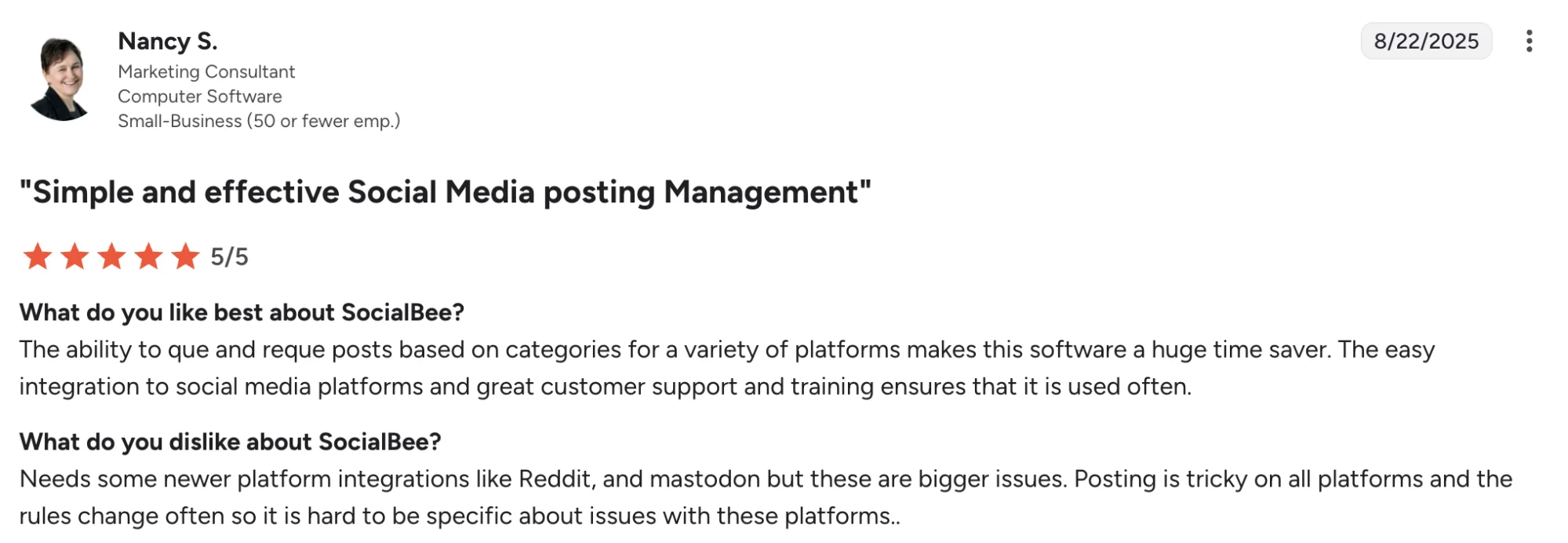
- Providing strong customer support and onboarding help
- Helping teams customize content for different profiles and maintain evergreen workflows
SocialBee’s Cons
Reviewer feedback commonly points to these drawbacks:
- Pricing can feel high for some small businesses
- AI content can become repetitive in some workflows
- Lack of features and glitchy at times
- The platform can feel a bit more setup-heavy when you want advanced configuration
SocialBee’s Pricing
- SocialBee offers Bootstrap, Accelerate, and Pro plans
- Paid plans start at $29/month
- Higher tiers increase workspace limits and advanced publishing features
- Annual billing reduces the monthly cost
- A 14-day free trial is available
- SocialBee also offers a 30-day money-back guarantee
8. Metricool: Analytics-First Marketers on a Budget
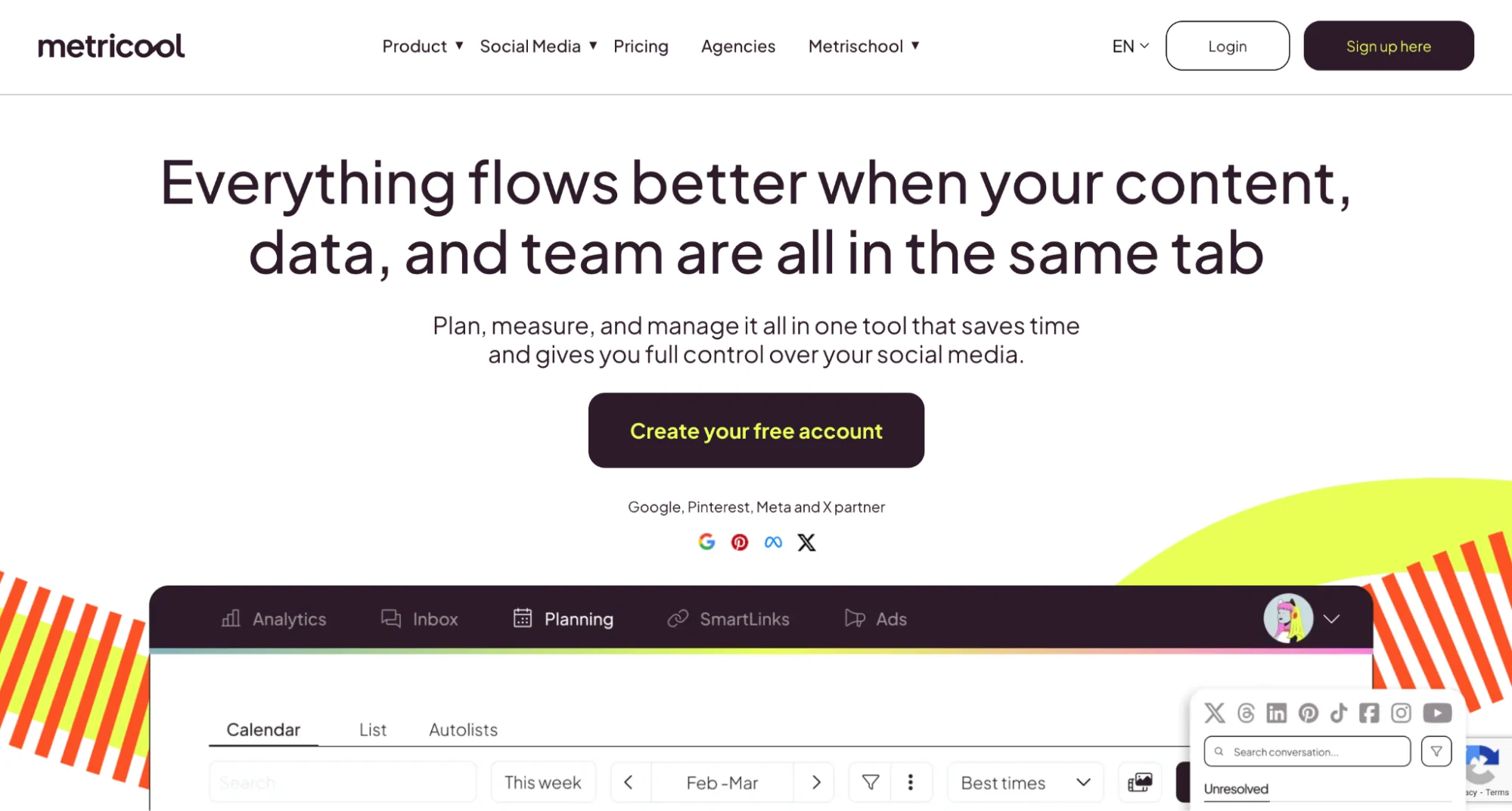
Metricool is a good Buffer alternative for teams that care more about analytics and performance tracking than just scheduling. It combines publishing, reporting, competitor tracking, ad tracking, and link-in-bio tools in one platform, which makes it especially useful for small businesses, agencies, and marketers who want more visibility into what is actually working. Metricool’s official pricing page includes a free plan, and paid plans start at $18 per month.
That mix of scheduling and analytics is why it makes this list. Buffer keeps things simple, while Metricool gives you more depth around social media performance, ad reporting, and cross-channel analysis without pushing you straight into enterprise pricing.
Capterra also describes Metricool as a platform for analyzing, scheduling, and managing social networks, with features like competitor monitoring, real-time analytics, reporting, and social listening.
Metricool is Best for
Small businesses, agencies, and marketers who want affordable scheduling with stronger analytics and reporting.
Metricool’s Key Features
- Social media analytics and reporting tools for cross-channel performance tracking
- Multi-platform scheduling capabilities with planning and publishing workflows
- Competitor monitoring features for benchmarking public social profiles
- SmartLinks and ad tracking tools for traffic and campaign visibility
Metricool’s Pros
Users often praise Metricool for:
- Making scheduling and day-to-day social media management easy to handle
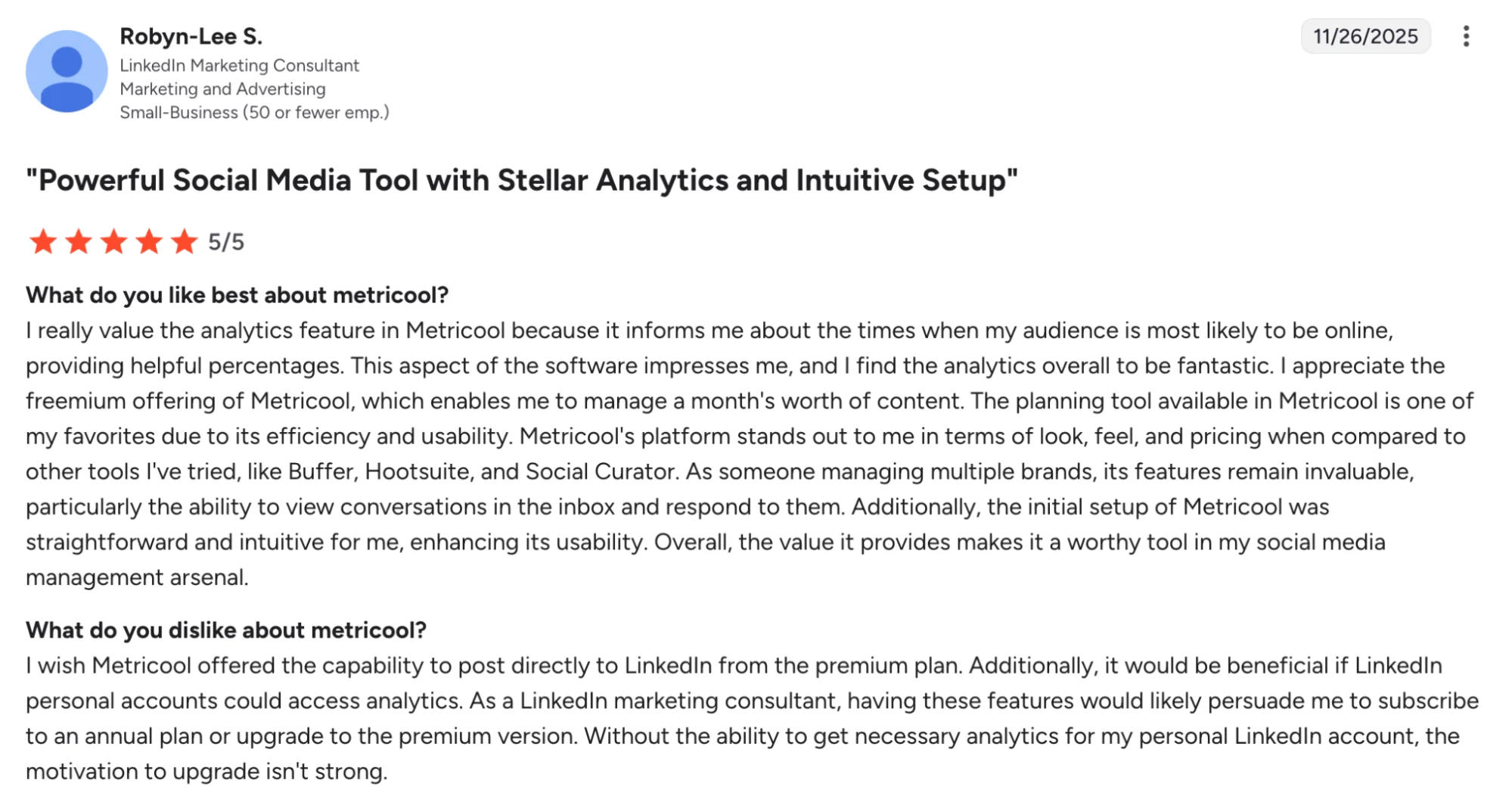
- Offering strong analytics and deeper visibility into post and ad performance
- Delivering solid value for money compared with more expensive social media management tools
- Helping teams manage comments and interactions from one place
Metricool’s Cons
There are a few drawbacks users mention with Metricool:
- Some publishing features depend on platform-level limitations
- Lower-tier plans offer less room for collaboration and approvals
- Poor support experience and rigid billing policies
Metricool’s Pricing
- Metricool offers a Free plan
- Paid plans start at $22/month
- Pricing scales based on the number of brands you manage
- Higher tiers add approvals, team and client management, custom reports, and API access
- Custom pricing is available for larger teams
9. Sendible: Supports Client Work, Approvals, and Multi-Brand Management

Sendible is a good fit for agencies that need more client-friendly workflows than Buffer typically offers. Along with scheduling and publishing, it is built around collaboration, approvals, content libraries, and white-label options, which makes it useful for teams managing multiple brands and client accounts.
That agency’s focus is what earns it a place on this list. While Buffer is easier to keep simple, Sendible gives teams more room to handle approvals, content organization, and client work in one system.
Sendible is Best for
Agencies and teams managing multiple brands, clients, and approval workflows.
Sendible’s Key Features
- Multi-platform scheduling tools with smart queues and centralized publishing
- Approval workflow and user permission controls for team-based collaboration
- Content library and media integration capabilities for asset management
- White-label features for agency reporting and client-facing workflows
Sendible’s Pros
According to user reviews, Sendible is often appreciated for:
- Being easy to use for scheduling and day-to-day social media management
- Helping teams stay aligned with shared visibility into planned content
Sendible’s Cons
Common complaints about Sendible include:
- Pricing can feel high for some smaller businesses
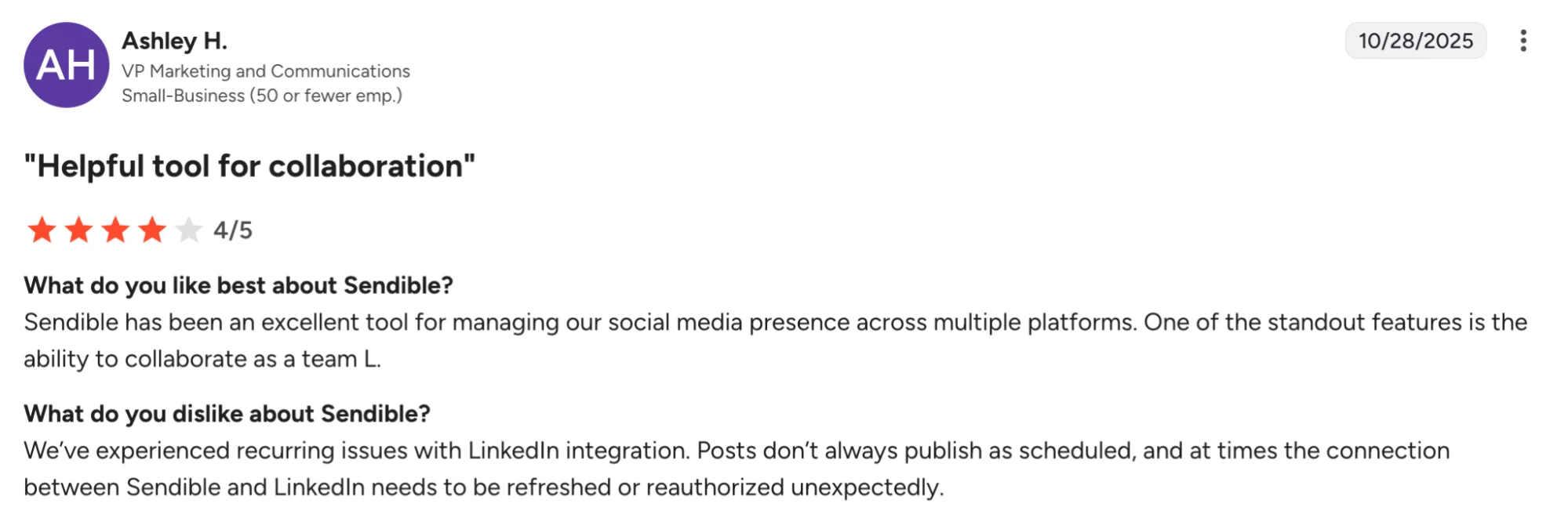
- Integration issues with platforms like Instagram & LinkedIn
- It lacks some advanced features for teams that want deeper social media management in one place
Sendible’s Pricing
- Sendible offers Creator, Traction, Scale, and Advanced plans
- Paid plans start at $29/month
- Traction starts at $89/month
- Scale starts at $199/month
- Advanced starts at $299/month
- Higher tiers add more users, profiles, approvals, and reporting tools
- A 14-day free trial is available. Annual billing saves 15%
How to Choose the Right Buffer Alternative
With so many social media management tools out there, the best choice comes down to what your team needs most.
Here’s a simple way to think about it:
- If you want to turn blogs, videos, and podcasts into social posts faster → Distribution.ai
- If you need affordable multi-account management for clients and teams → SocialPilot
- If deeper analytics and social listening matter most → Hootsuite
- If your team needs stronger reporting and collaboration → Sprout Social
- If inbox management and engagement are a bigger priority → Vista Social
- If approvals, reporting, and team workflows matter most → Agorapulse
- If you want more structure for evergreen scheduling → SocialBee
- If analytics matter more than advanced workflow tools → Metricool
- If your focus is client work and multi-brand approvals → Sendible
If your biggest bottleneck is not just scheduling, but creating and distributing more content from one asset, Distribution.ai is the strongest choice on this list.
Why Distribution.ai is the Better Buffer Alternative
Buffer is a solid choice for basic scheduling, but it can feel limiting once your team needs to create more content, manage multiple channels, and get more value from every asset.
That is where Distribution.ai stands out. It helps you turn blogs, videos, and podcasts into platform-ready social posts, then schedule, distribute, and track them from one workflow.
Also, while Buffer’s Team plan may appear cheaper on the surface at $10/mo per channel, it only handles scheduling and publishing; you still need to create the content yourself. Distribution.ai’s pricing includes AI-powered content repurposing across YouTube, podcasts, and blogs, meaning you’re paying for both content creation and distribution in a single tool.
For teams producing multi-format content, Distribution.ai eliminates the need for separate repurposing tools or manual effort, making it a more cost-effective all-in-one solution despite the higher sticker price.
If your goal is not just to publish, but to get more reach from the content you already create, Distribution.ai is the strongest Buffer alternative on this list.
Frequently Asked Questions
What is SMM software?
SMM software, or social media management software, helps businesses plan, create, schedule, publish, and track content across multiple social media platforms. Many tools also include analytics, collaboration features, engagement tools, and workflow management to simplify day-to-day social media tasks.
What is the best Buffer alternative for small businesses?
For small businesses that want help creating and scheduling more content, distribution.ai is a strong Buffer alternative. SocialPilot is also worth Considering for affordable multi-account management, especially if your focus is more on scheduling and collaboration than content repurposing.
Which Buffer alternative is best for agencies?
For agencies that need to create, schedule, and distribute more content with less manual work, distribution.ai is a strong option. SocialPilot, Vista Social, and Sendible are also good fits for agencies that need approvals, client workflows, and support for multiple brands.
Which Buffer alternative has the best analytics?
If analytics are your top priority, distribution.ai is a useful option for tracking content performance alongside scheduling and distribution. For deeper reporting and more advanced analytics, Sprout Social, Hootsuite, and Metricool are among the strongest Buffer alternatives.
Is Buffer enough for growing marketing teams?
Buffer works well for simple scheduling, but growing teams often outgrow it once they need stronger collaboration, deeper reporting, or more advanced workflows. That is usually when alternatives like distribution.ai, Sprout Social, or Hootsuite become more practical.

Promote, repurpose & distribute your content with AI
Write 10x faster, engage your audience, & never struggle with the blank page again.
Start 15-Day Free Trial
Frequently Asked Questions
Author

Promote, repurpose & distribute your content with AI
Start 15-Day Free Trial